Hello everyone. I am Dr. Furkan Gözükara. PhD Computer Engineer. SECourses is a dedicated YouTube channel for the following topics : Tech, AI, News, Science, Robotics, Singularity, ComfyUI, SwarmUI, ML, Artificial Intelligence, Humanoid Robots, Wan 2.2, FLUX, Krea, Qwen Image, VLMs, Stable Diffusion
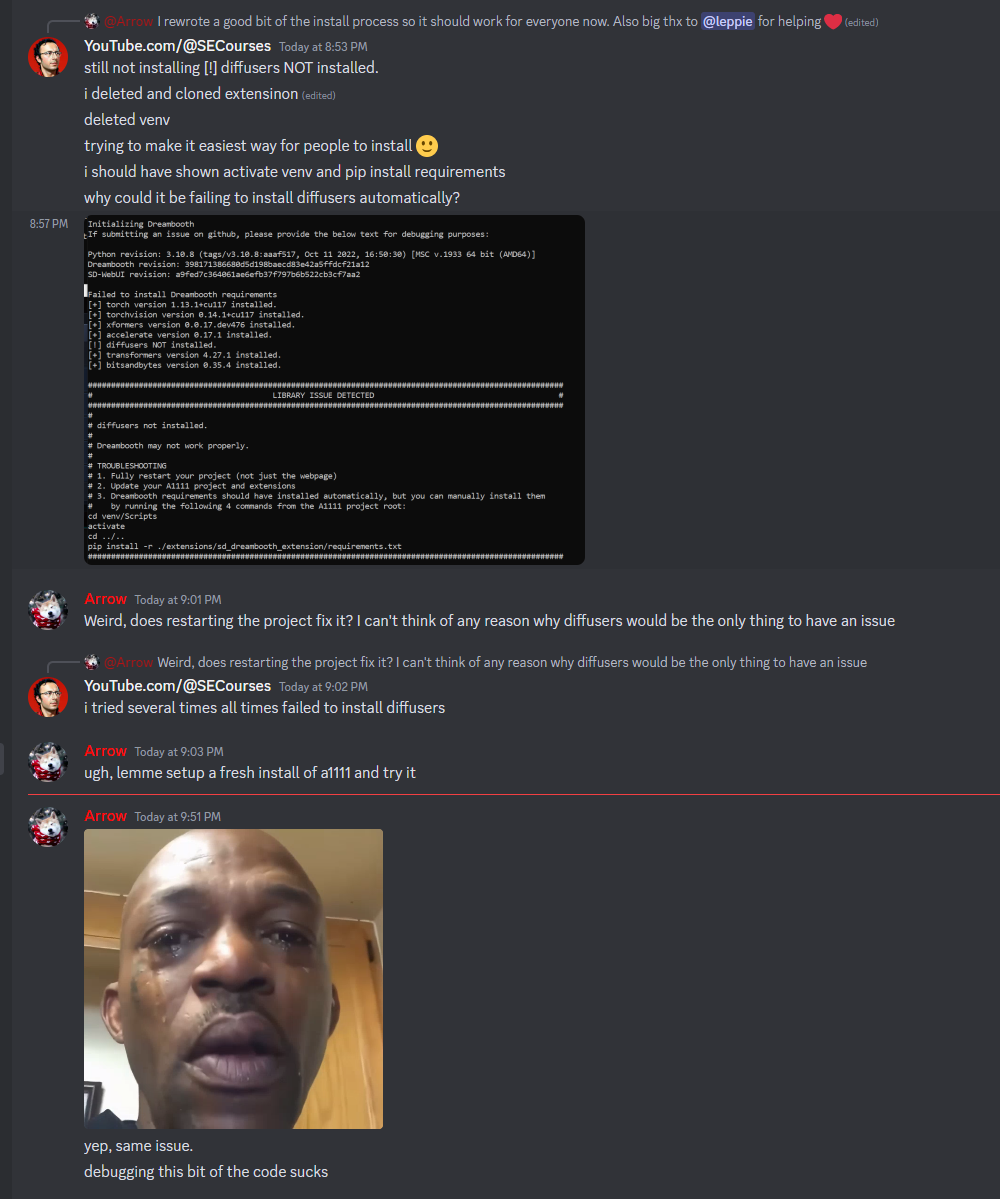
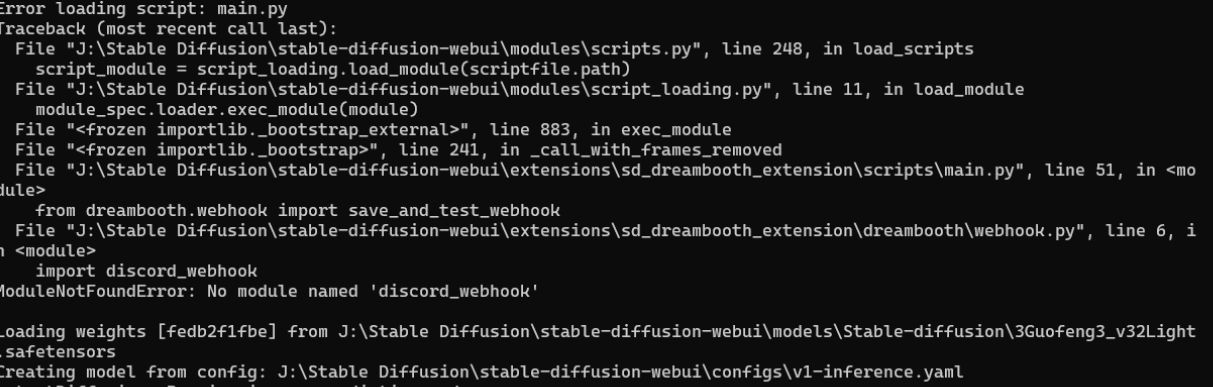
I would start again. Delete venv and Dreambooth extension folder. Use git clone to download Dreambooth extension fresh. Don’t bother doing it through the gui
I suggest you to do fresh installation of web ui. just install web ui as usual start it. then clone dreambooth and install dependencies manually like in gif. currently developer is working for a solution
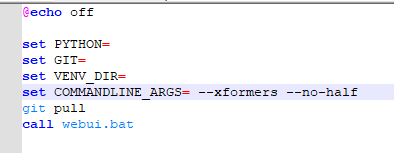
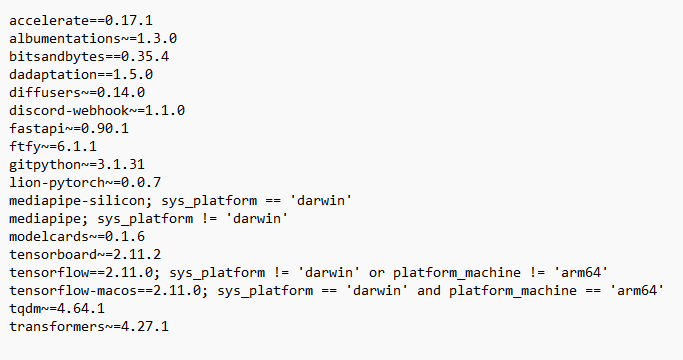
No dice! I must be doing something wrong. I have restarted, deleted vnev, uninstalled and reinstalled the extension multiple times (both ways) and made my requirements match. I am at a loss. Thank you for helping me!
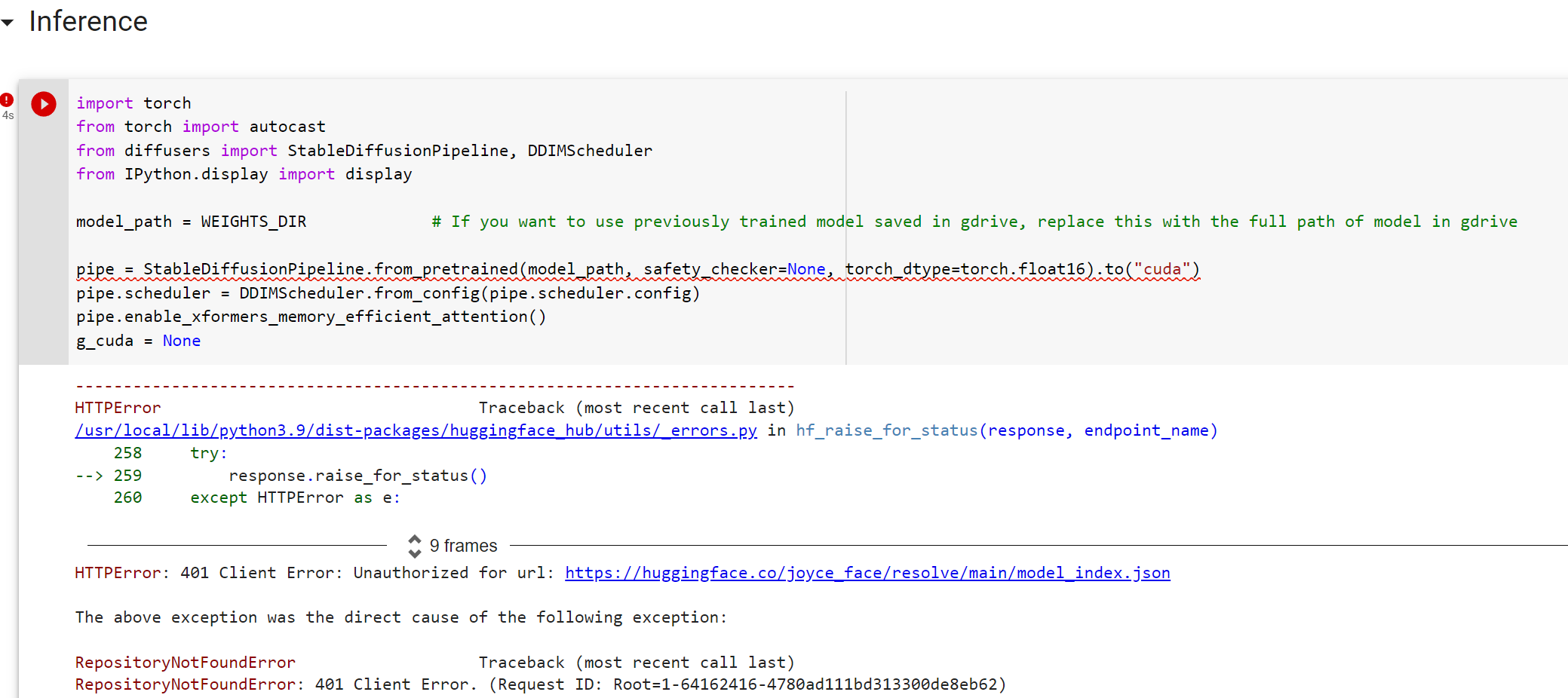
also i tried to use that colab method to generate with a different google account from the very beginning and following the steps from both of your video very carefully, however, it still showing errors I didnt use huggingface at all this time it still show the hugging face error

 F
F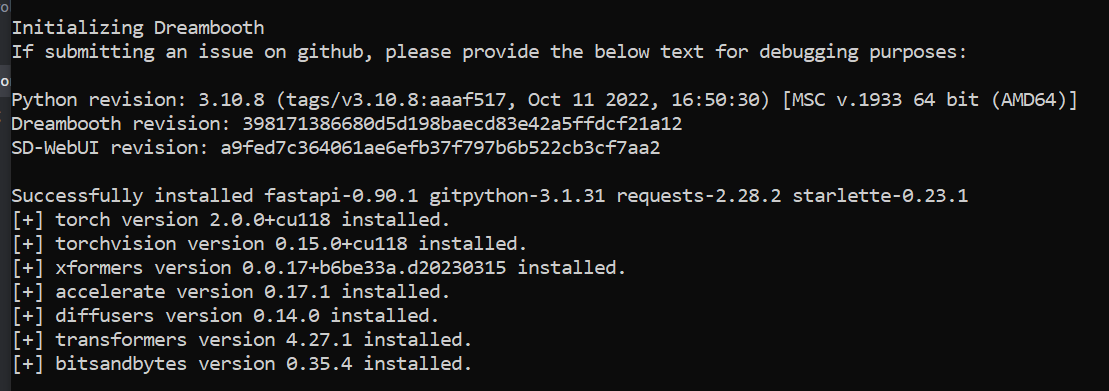
 M
M
 S
S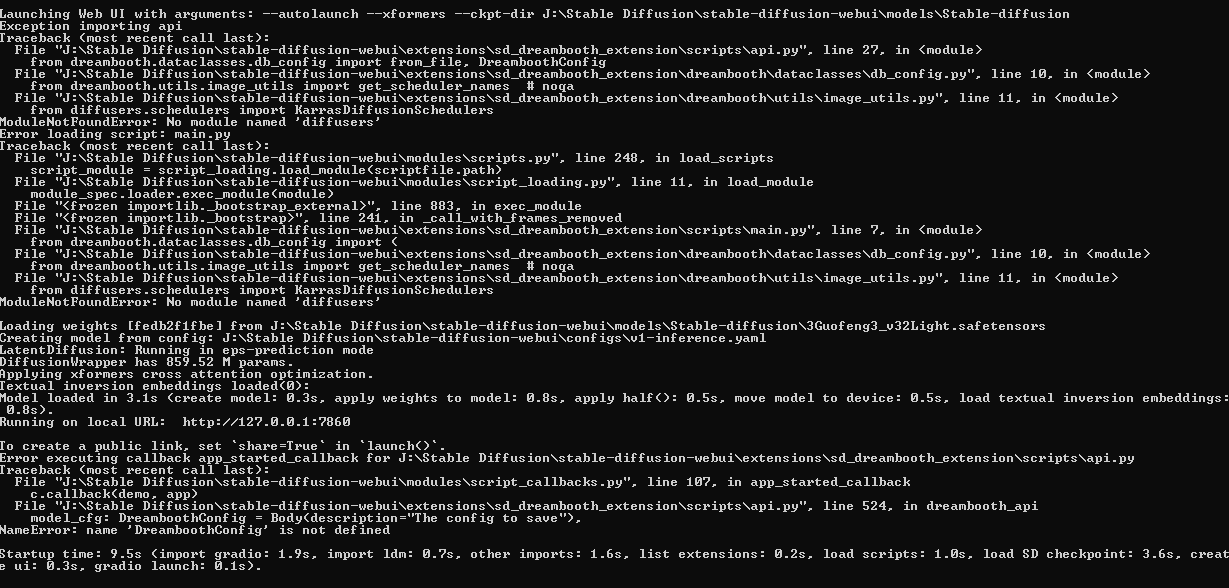

 https://www.patreon.com/SECourses
 S
S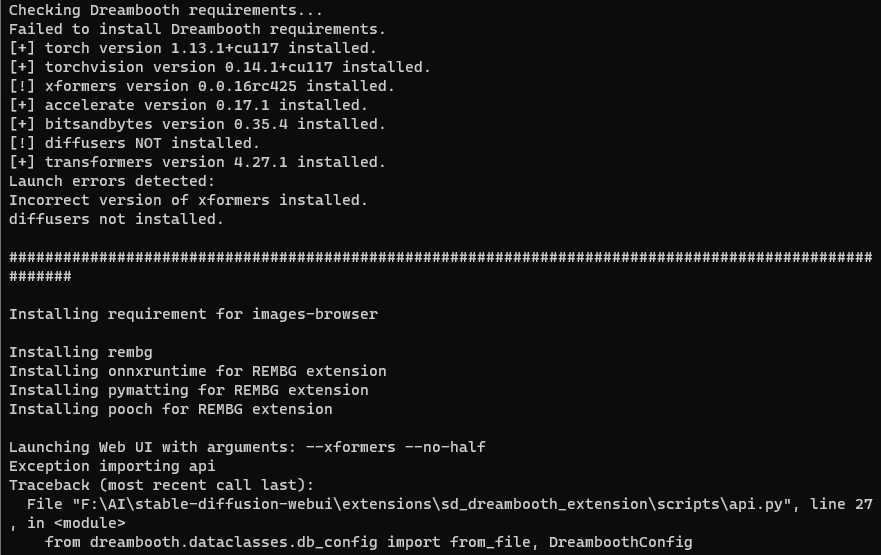
 A
A