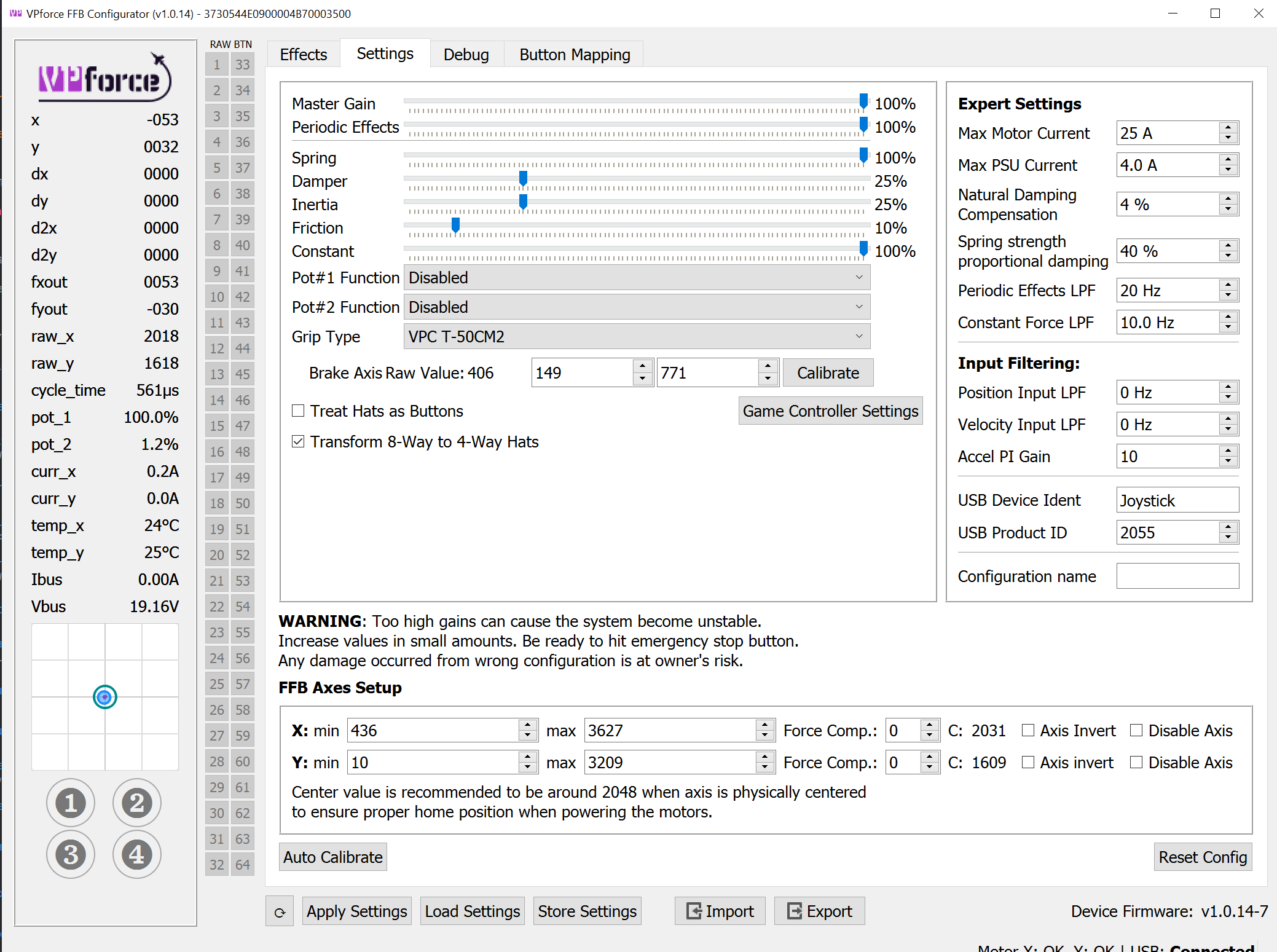
If I put a motor on a belt driven axis for a yoke that requires ~20 turns of the motor for full travel, could the VPForce software handle that during calibration? I know you'd need to always start on the same revolution or you'd need to do a limit switch find. Essentially, I would like to do a 3D Printer type belt driven linear rail.
whats the stroke length? why not keep it simple and make it so stroke = 1 rotation? it would be very hard to find that perfect 1/20th spot for recentering. for 200mm travel youd only need a ~65mm pulley diameter.
right but what's the radius of a 16t pulley? pretty small, so 1.6Nm / radius in meters is the force youre going to be pushing. and its going to be significant
don't get carried away with 20:1.... I can make that gear any size I want but 1:1 isn't reasonable. I'll worry with the mechanics, I'm asking about the software's capability of doing multiple turns.
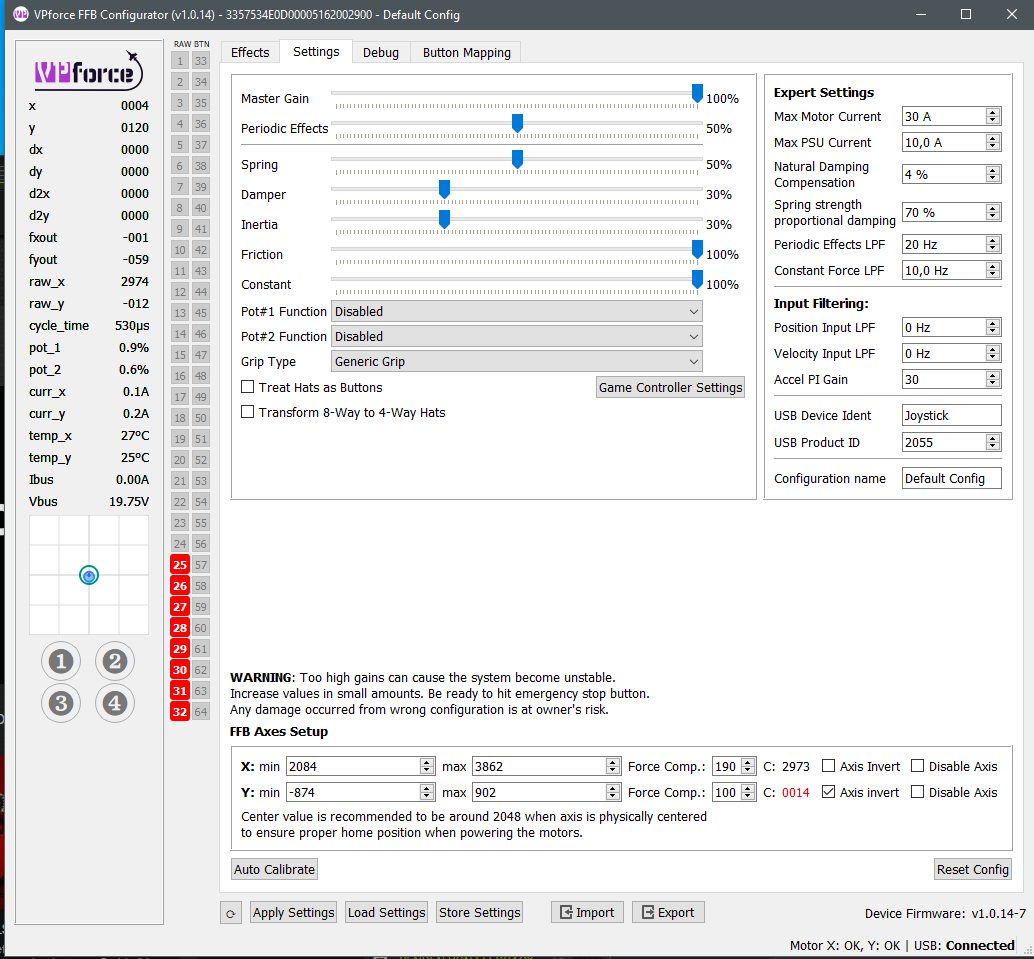
as far as i know, i have gone beyond the 1 rotation and its worked fine. my endpoint numbers were in the 6000 range. i haven done 20x though. do you have the motors already? put in some numbers manually in the limits like +/-40000 and see if it works
Ah! I didn't remember that being in the video. I just ordered a 2nd set of motors and am too lazy to squeeze under the chair, take off the belt, and reinstall to try it on my working stick. Thanks! I'd guess if it can do 2, it could do as many as needed so long as I home it before turning it on.
Well, I only remember it because I asked him a bunch of questions, which he answered. And then later watched the video and realized it would have answered the questions I had if I had watched it first
Works a little, but hard to make it feel good. Wants to "run away". I'll be using a slightly longer extension, so that will help some. Is there any more adjustment in the system for dampening compensation ? That makes the biggest difference by a large amount.
he doesnt have such an option available (i assume ur asking "if i pay x amount can i cut in line to the front") but could see if any existing owner is willing to sell or something
idk the outcome but thats what was discussed between a couple of people in the past
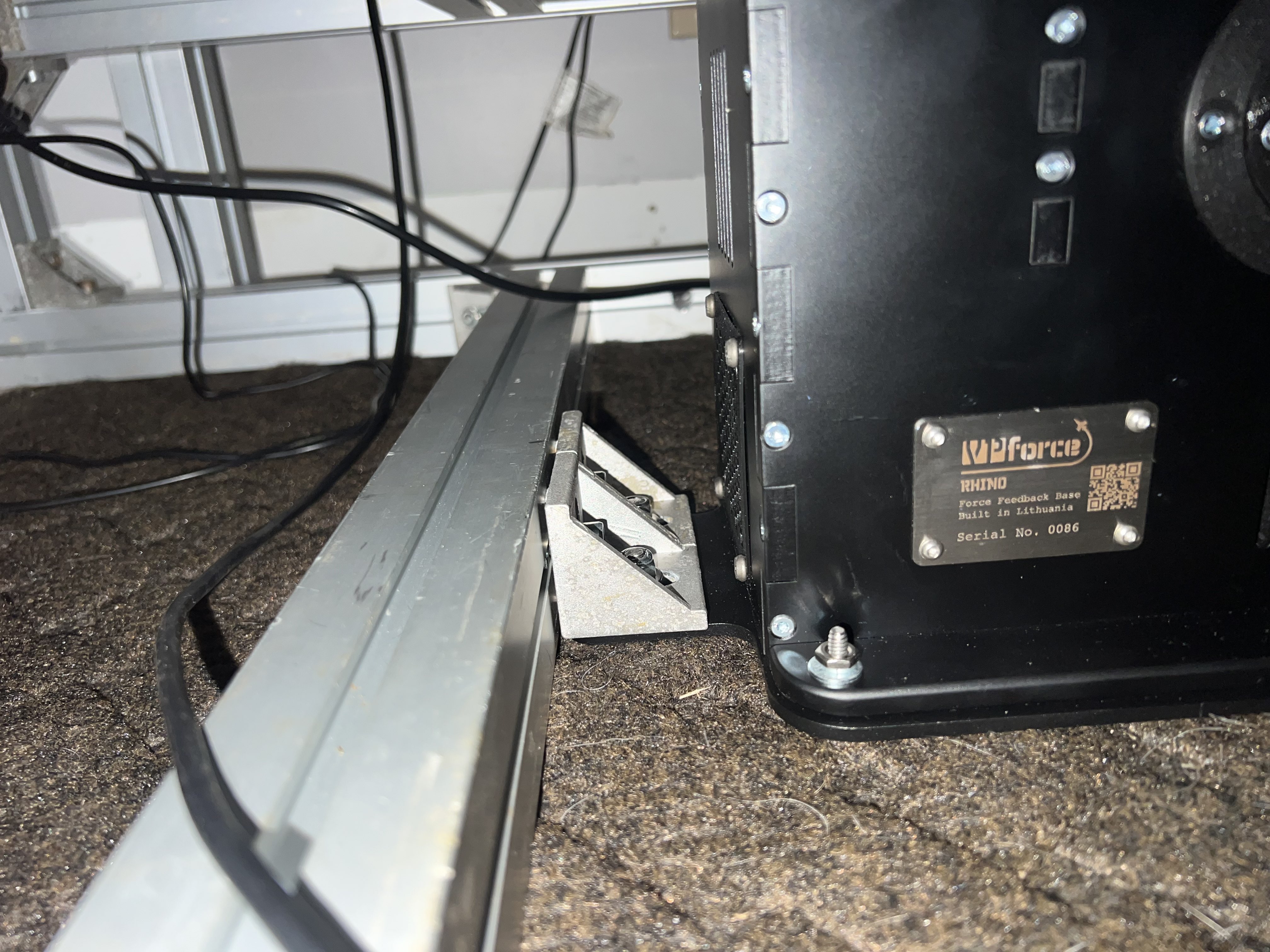
The base has 4 holes in it. You can use those if you can bolt/screw into your flat surface. Or you can do as @reed showed and use the monstertech plate to secure to some structure of your simpit. I mounted mine on aluminum extrusion via the 4 holes in the base.
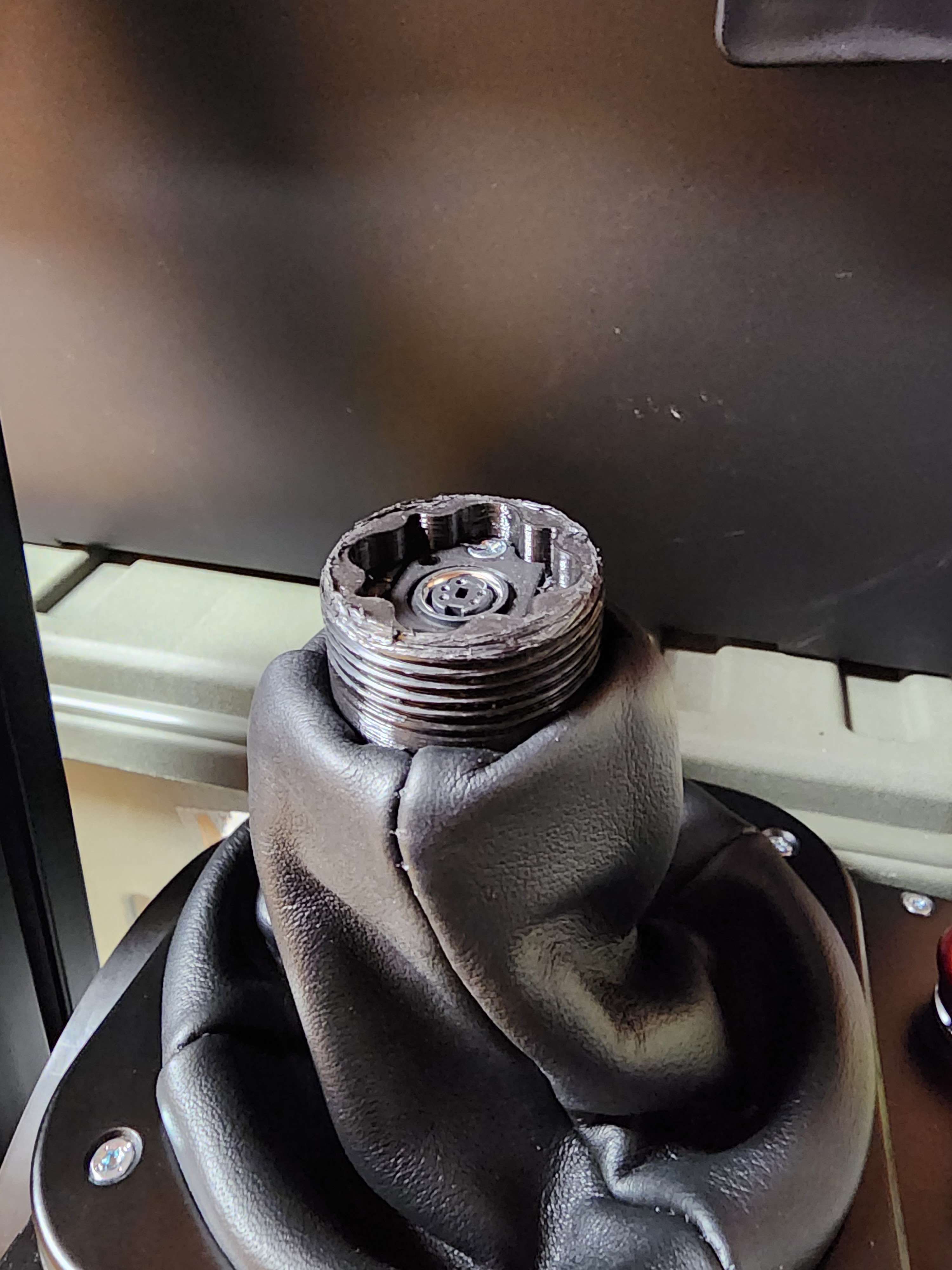
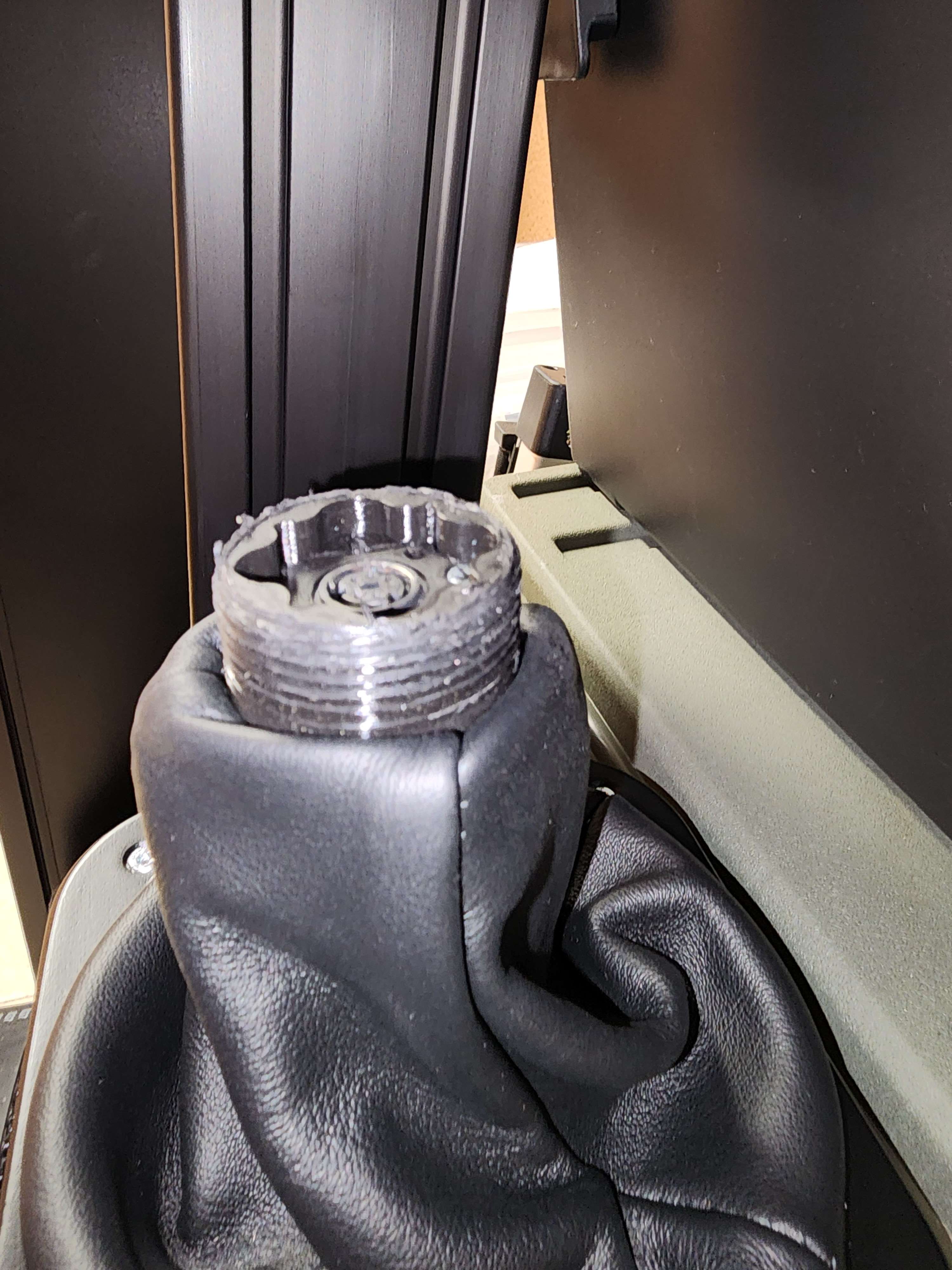
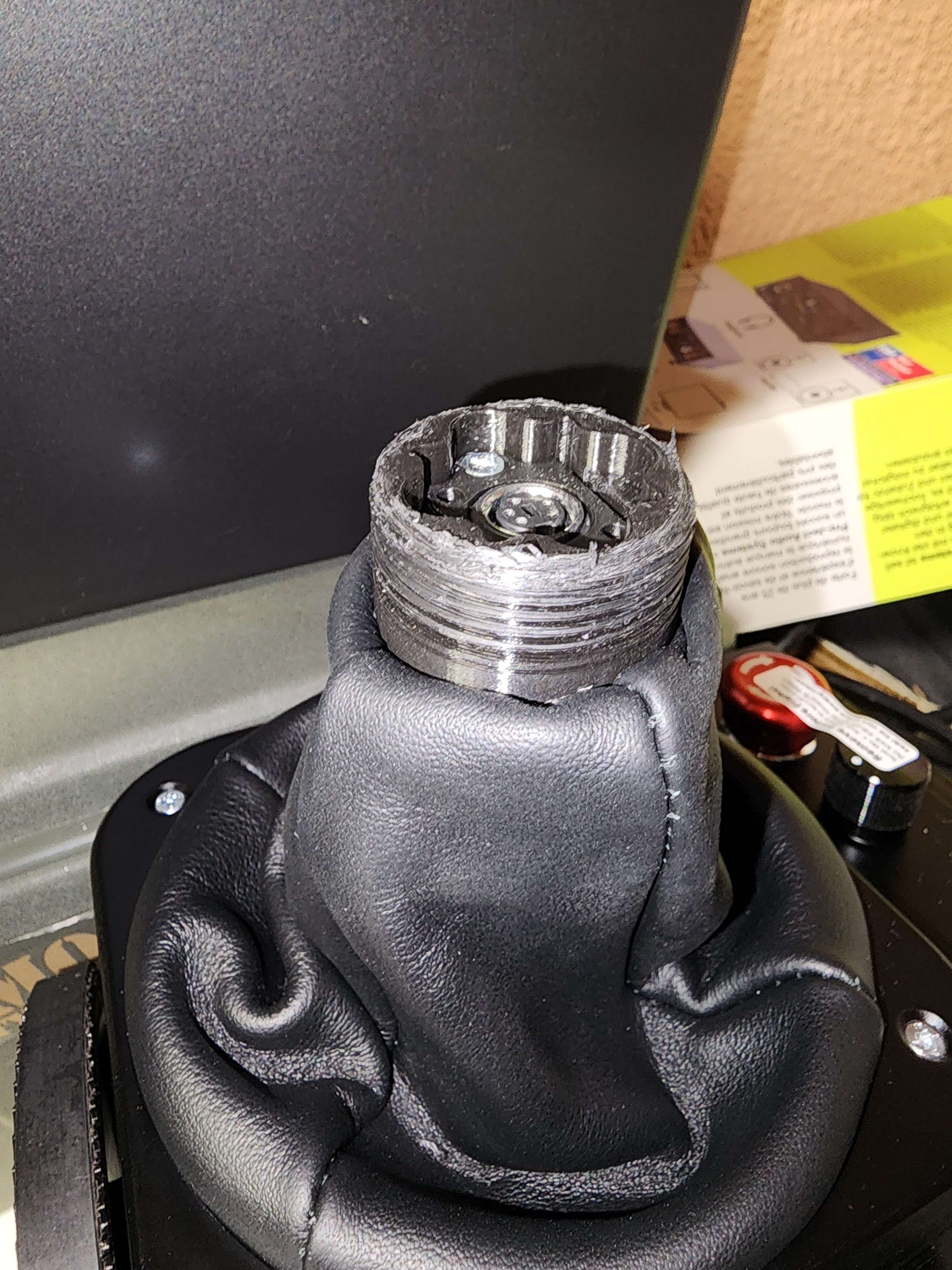
Hi @walmis, thank you for the Rhino. Mounted it on the monstertech with the adapter, very easy, installed the limiters very easy. When attaching the virpil 200mm extension I can't get it properly seated, is there a specific trick to accomplish this? It should be simple but after several tries I believe the treading on the rhino could be worned out after all tries
the Rhino is functionally equivalent on both axis'. You could turn the base 90 degrees and use roll as pitch and pitch as roll like you said. As long as it's bound properly in the sim.
Just if you need to invert an axis because of the orientation of the base, do it in the base configuration software, not in the sim. Some modules (in DCS) don't respect the in-sim invert axis and the FFB effects would be opposite.
@walmis - as I have been moving apartments the last two + weeks, don't know whether it was me buying a new 200mm extension from Virpil, or downloading the new firmware, but now I have no errant buttons on my T-50CM2, which is good, but now need to remap DCS, which is not so good. Many thanks.
Have you got the metal tubular extensions? - I made that mistake going straight to the 200mm extension, and then used a tubular extension to bed in the male screw threads, but a little too late. Nonetheless, worth doing if you have them - as always with 3d printing they err on the side of too big...