
 W
Wwhat site are you hitting this on?
WHmm, I'm not able to repro
W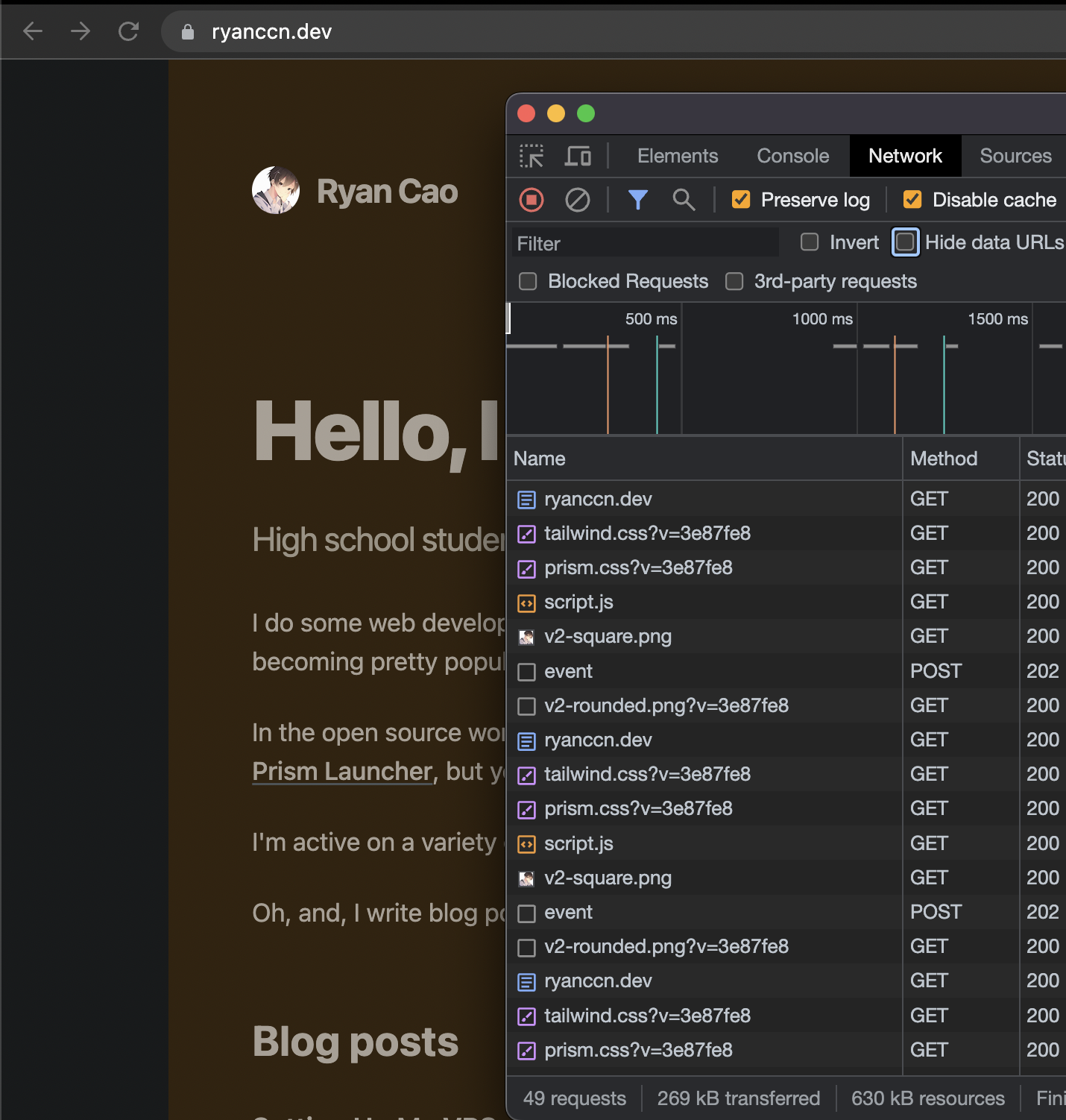 W
WOk I see the errors, we're looking
Wyou can do it through the API
 S
SHas anyone successfully linked a Pages app on a custom domain with Ezoic Ads?
Wah yes i was grabbing that then got pulled in another direction
 C
CI think you want
npx wrangler pages dev -- npm run dev A
AIs anyone elses' builds suddenly failing with pnpm?
Aoh, i see. my project changed back to build system 1 for some reason. odd.
 E
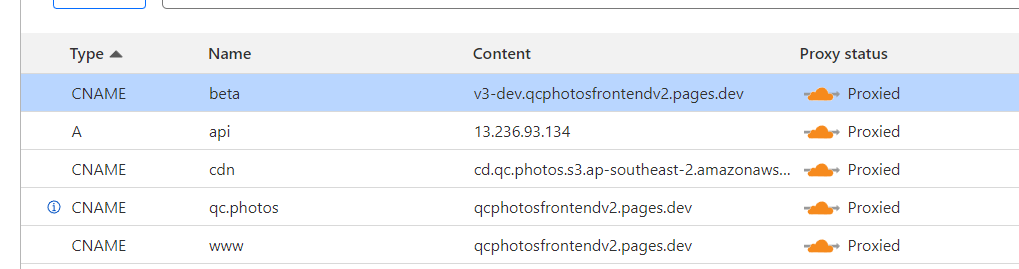
Ejust a quick question is there any reason why this shouldn't work
 EE
EE R
RSometimes, cloudflare pages + next.js turns out to be quite bad.
I am using clerk authenication and have a signout button.
On click of signout, it should redirect to signin page, but cloudflare get stucked without any errors.
On vercel same thing works fine.
Happy to share minimal reproducible code if anyone want to test out
I am using clerk authenication and have a signout button.
On click of signout, it should redirect to signin page, but cloudflare get stucked without any errors.
On vercel same thing works fine.
Happy to share minimal reproducible code if anyone want to test out
EI'm getting a 522
 E
Efigured out the issue, need to add it the cloudflare page using the custom domains section first, then change it to point to the branch you want in dns settings
 B
BCan I also upload a dynamic website with SQLite database? Does cloudflare offer something like website hosting for dynamic pages?
 C
CThe only way to use a dynmaic site is using functions
https://developers.cloudflare.com/pages/platform/functions/
https://developers.cloudflare.com/pages/platform/functions/
WD1 uses SQLite too
Wso using Functions + D1 would probably be what you're looking for
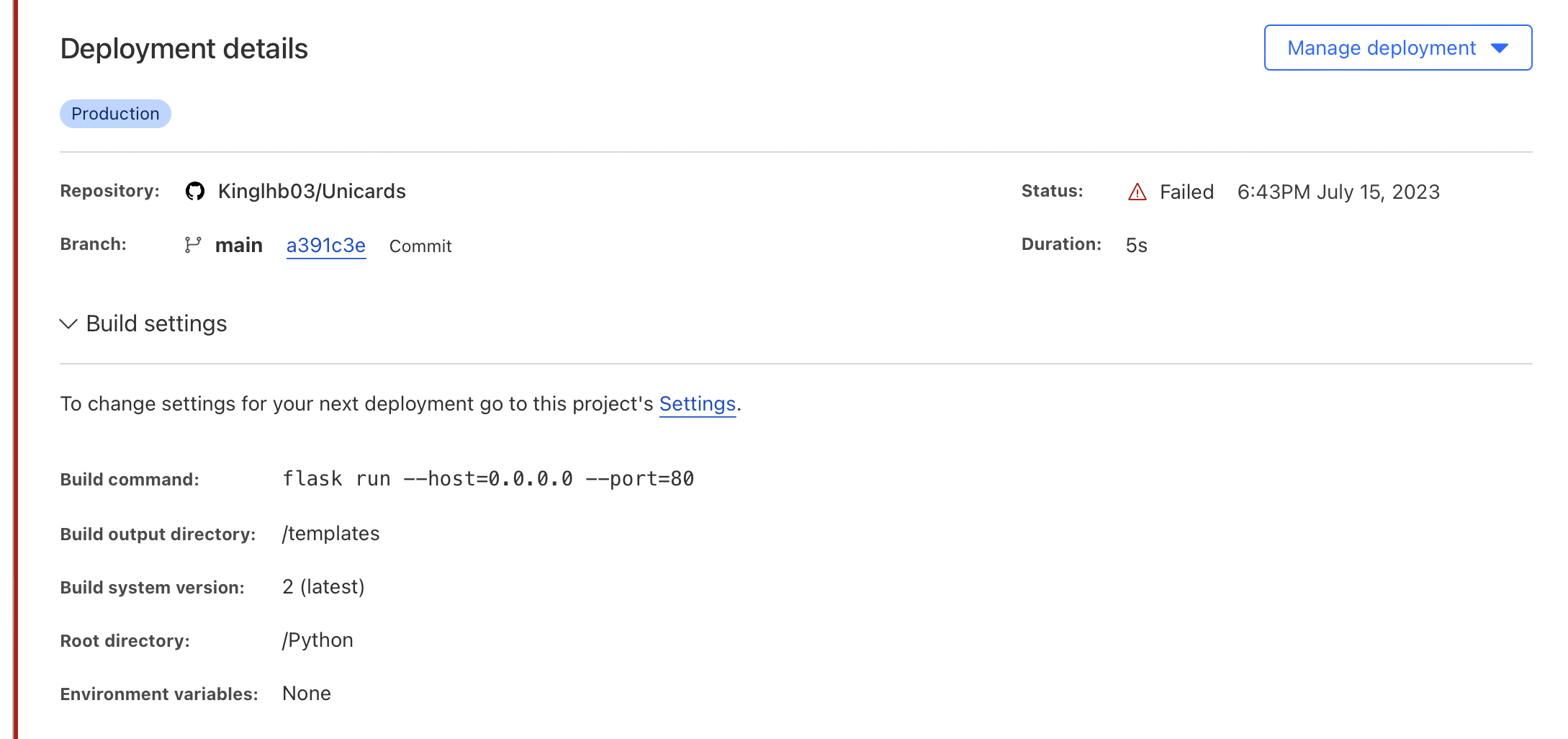
BSo I can upload my GitHub reps directly to pages? But there I run into the problem that I can’t select „Flask“ for running the server, because I have front and backend in one server
CYou can't run flask on pages. You would need to rewrite whatever you are doing in Flask to use functions
BWhy does this not work? What could be wrong here?
 E
E?pages-webserver
 F
FCloudflare Pages is for static content (HTML, CSS, JS, images and other such files). It will not run a webserver such as Express, Koa or the likes. If you're using those to serve static content then you can just remove that part and use Pages!
If you're doing more dynamic content you can use Functions (https://developers.cloudflare.com/pages/platform/functions). It will run code on request (so still not a webserver in the conventional sense). This would allow for more dynamic content though especially with KV (Key Value storage) and Durable Objects (transactional data storage). Functions are natively integrated with Pages so are super easy to get up and running along your website.
Otherwise, a good old VPS or dedicated server from one of the many hosts out there is for you.
BSo I need to upload my whole code first to workes?
 A
AGracias

 T
T W
WHey Claudio!

 Z
ZI don't understand the question. Can you elaborate what you mean?
ZWhat do you mean by
can i add in few files and foldersAdd a few files and folders where? What do you want them to do?
