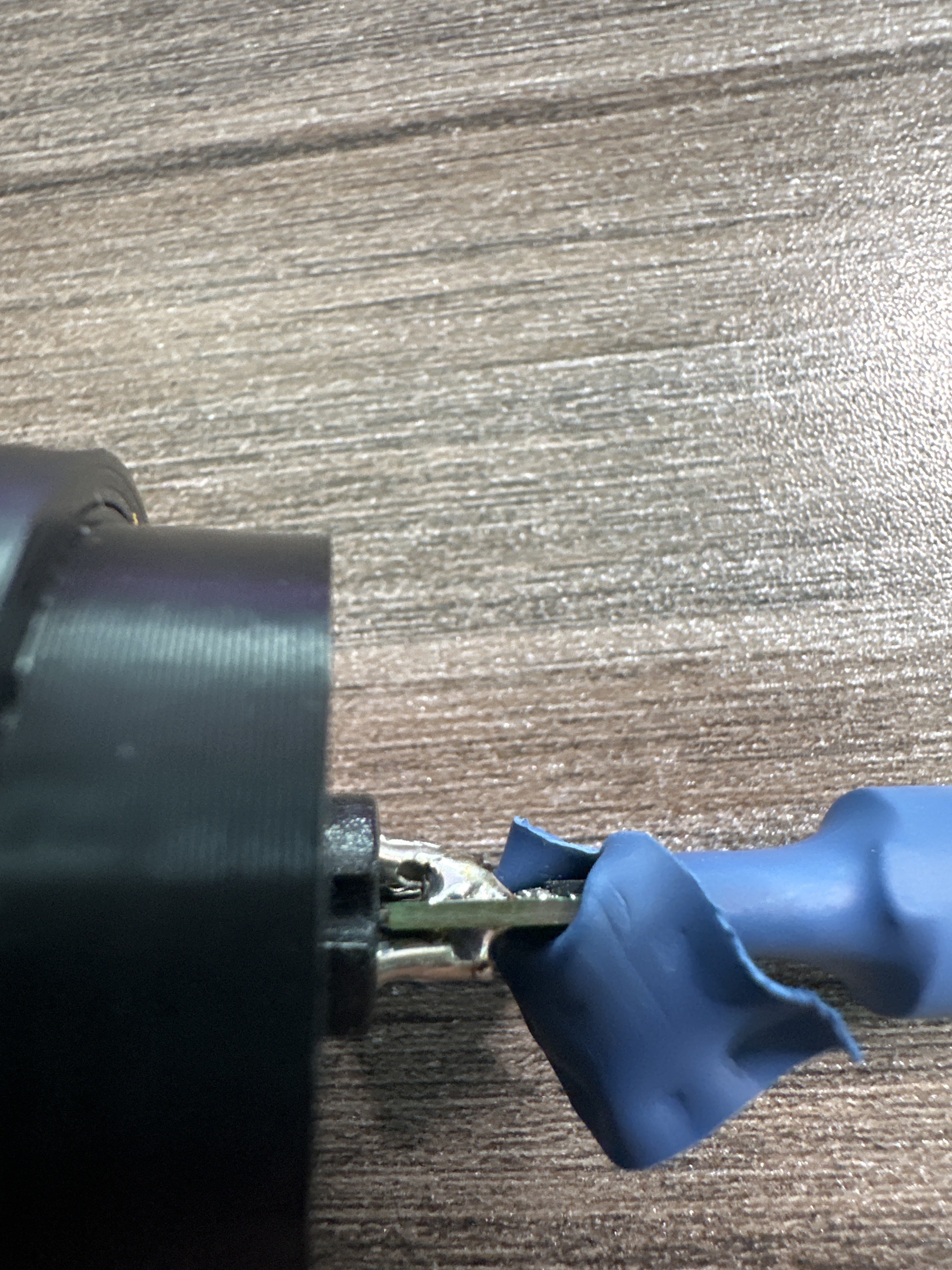
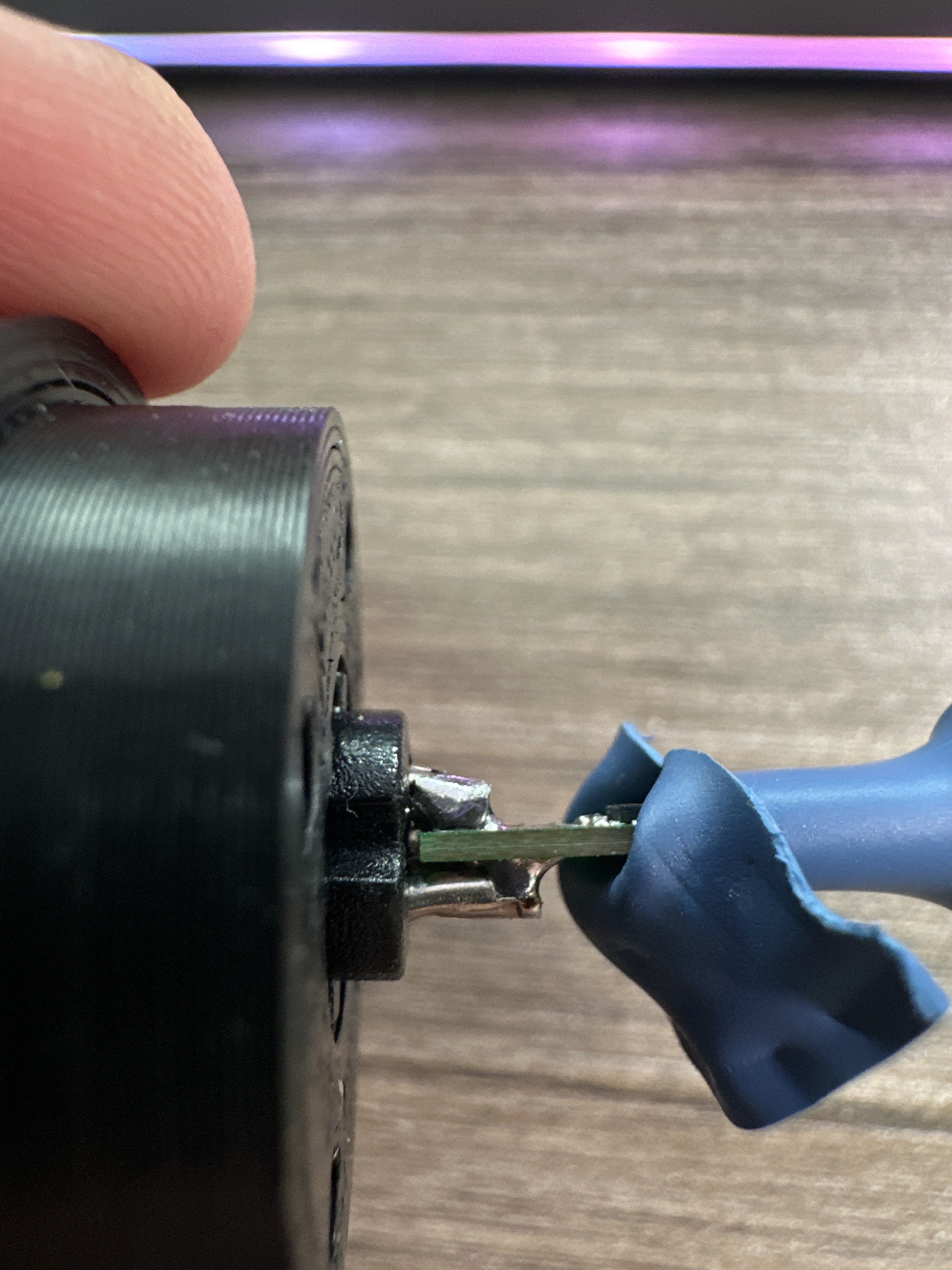
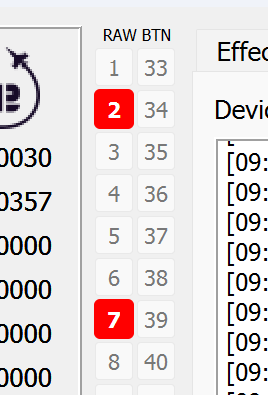
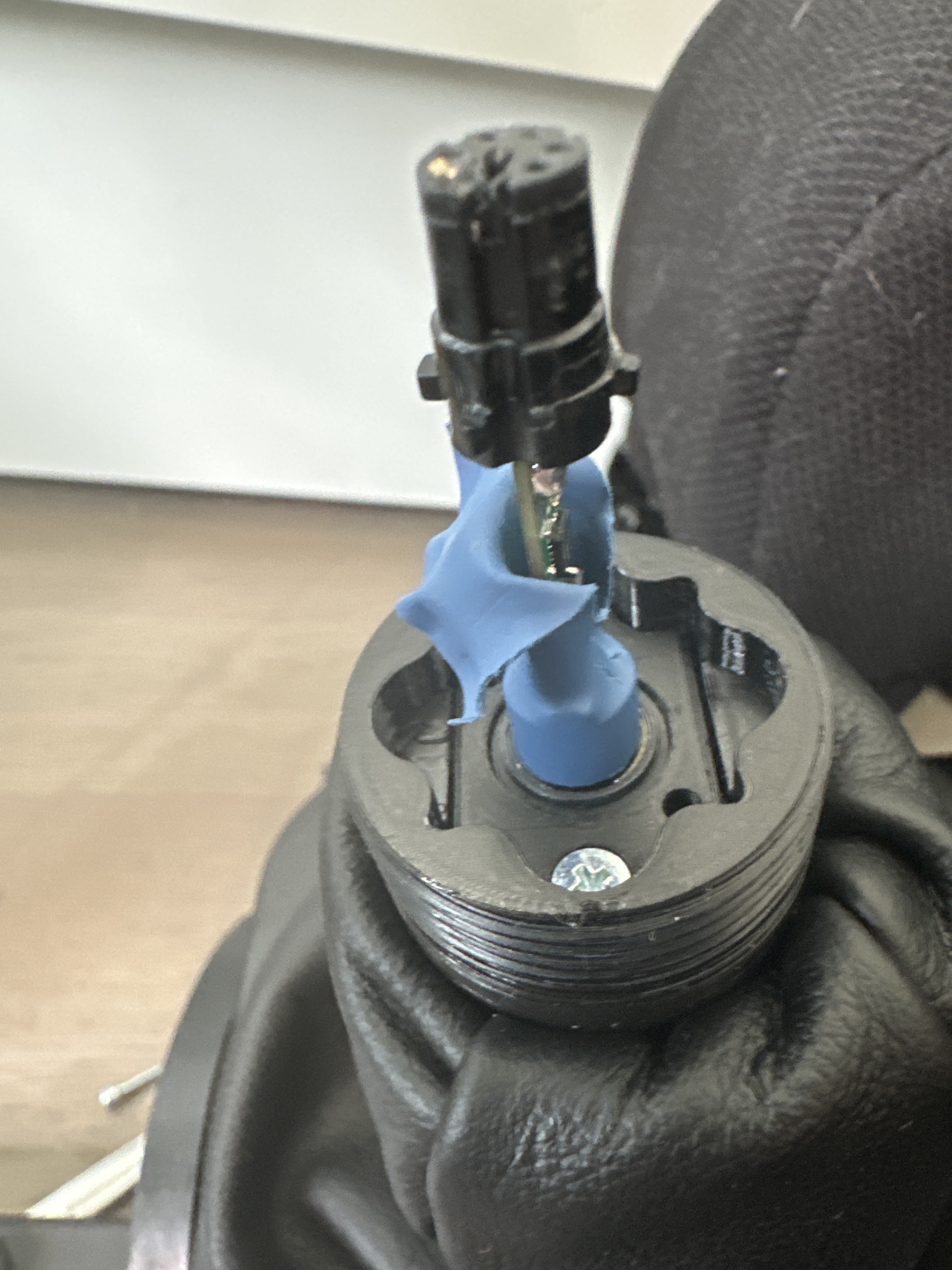
@walmis is it still possible to get a replacement part? i noticed teh connection is quite unstable... it's very easy for the buttons to disappear if i move the stick
I had 2 adapters because I goofed and snapped a pin in half on my first (Adapter A)
I got a new one yesterday (Adapter B) and had the issue above
I tried the fix on Adapter B and it didn't work. I think I might have created a solder bridge so I removed the solder with some solder wick and couldn't find my excess solder so I figured I'd try the fix on Adapter A even with one pin being about half length and missing that middle stabilizing plastic piece.
I did a much better job with pushing the pins without messing up the solder on this one, however, when I put it all back together and tried it I had to get just enough force on the Rhino -> Adapter port for it to register. I'm worried if I move it too much it will likely disconnect one day.
So I'm waiting on some new solder for Adapter B to see if I can salvage that one
But pushing up the pins, did seem to have the desired effect for now.
I see this in the manual. What does it mean? Does it mean that my Virpil Alpha Prime grip won't work without an extension? "Note that rotating Thrustmaster grips requires the use of an extension. "
Thrustmaster grips dont have the din connector on a cable, they have a fixed orientation when mounting.
That's not necessarily the more ergonomic solution especially for center mount so they need an extension with an intermediary cable to allow for rotation of the grip so the grip points in the same direction as your arm when in your lap.
Every virpil grip that ive seen has a little cable coming out of the grip so they can simply be angle mounted directly.
Although there are many other reasons to want an extension as well.
I have two 100mm extensions but am not sure I have vertical room for them, at least w.r.t. how I plan to mount the Rhino (using the MT adapter plate, which appears to be a 1:1 replacement for the Virpil plate that I have my CM3 base mounted on). Thanks for your reply, btw.
Is there a way to implement a dead zone? I'm having trouble in a non-sim game where the Rhino is causing a constant scrolling in menus. Of course, I could disconnect it's USB but the cable is routed under my desk and it's a pain to get at.
This is the way. HIDhide was built to solve this problem exactly. Works great. I use it to hide the rhino and my custom sim controls when playing βnormalβ games like cyberpunk and diablo which have an embarrassingly limited control customization.
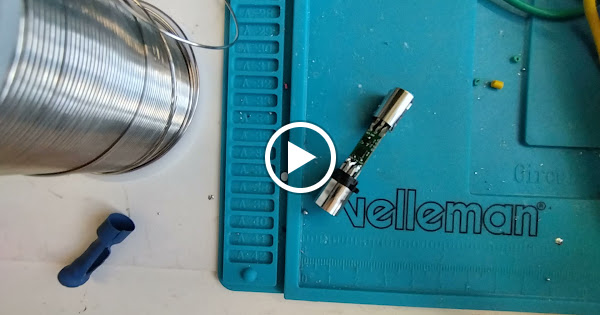
I've had the same issue with my adaptor. You're missing the metallic shield on the lower mini din connector which helps the connection. I replaced my din Mini 6 with one from Jaycar but accidentally caused the pads to lift. I now have a couple of new PCBs and have soldered mine directly to the rhino board for my DIY kit.
If mounting the base to a motion rig, what would be the effective weight of the unit (i.e., the base itself in the absence of a power supply or anything that could effectively be on the floor and connected by wiring alone)?
Settings question: if the game is taking over the centering force instead of it being the spring force in the settings, is that considered a periodic effect?