
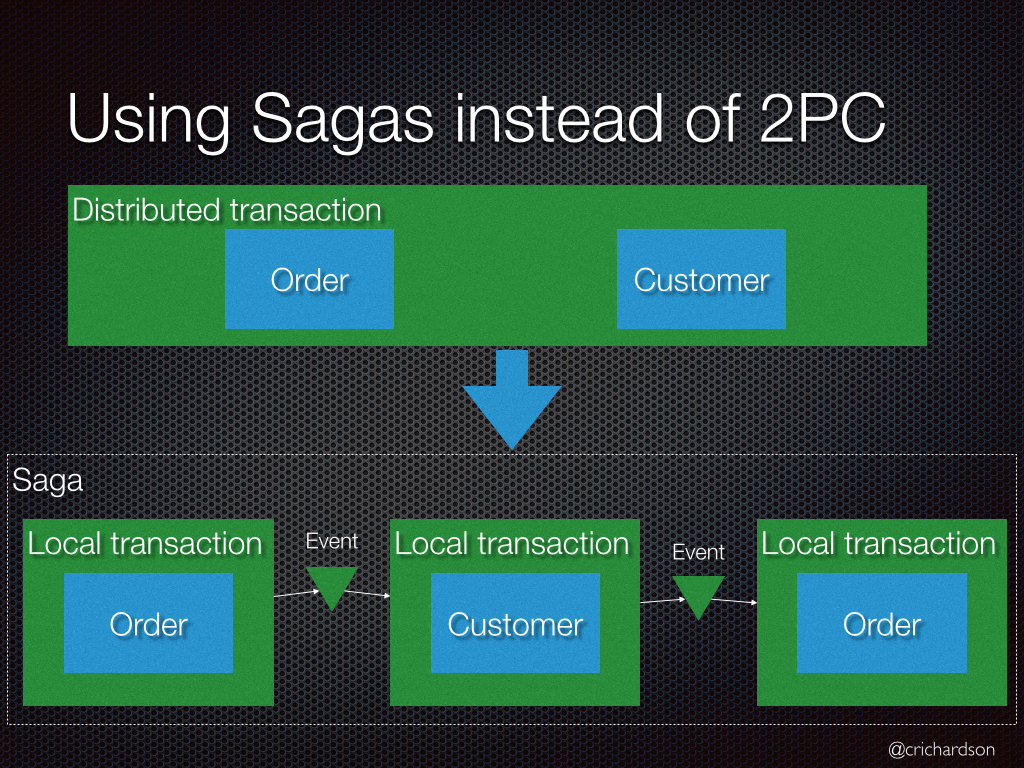
you can use batch statements in your case, considering you generate the ID client side
you can use batch statements in your case, considering you generate the ID client side

 V
V BVVBVB
 BV
BV E
E A
A B
Bcompile functionV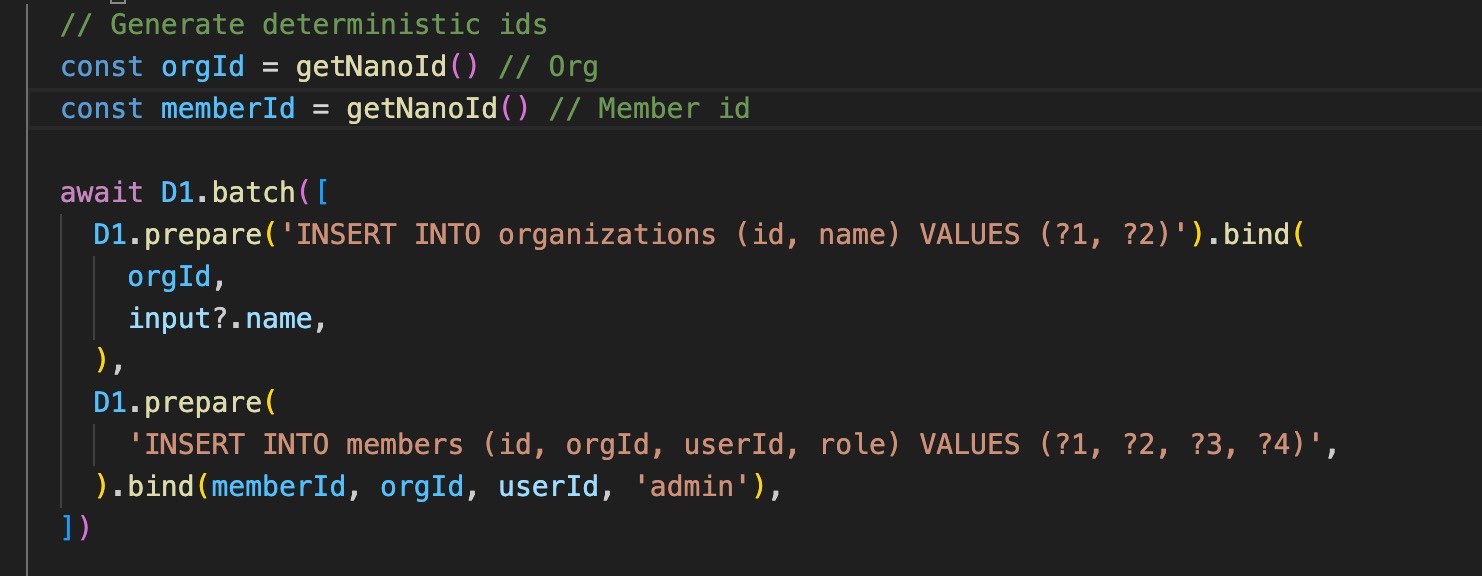 V
V T
TD1Database available anywhere?T@cloudflare/workers-types C
Cemailuser M
M
 G
G--experimental-backend as mentioned in the docs C
C DD
DD LLLL
LLLL BLLDDCM
 SSMMG
SSMMG[mf:err] TypeError: head is not a functionGwrangler dev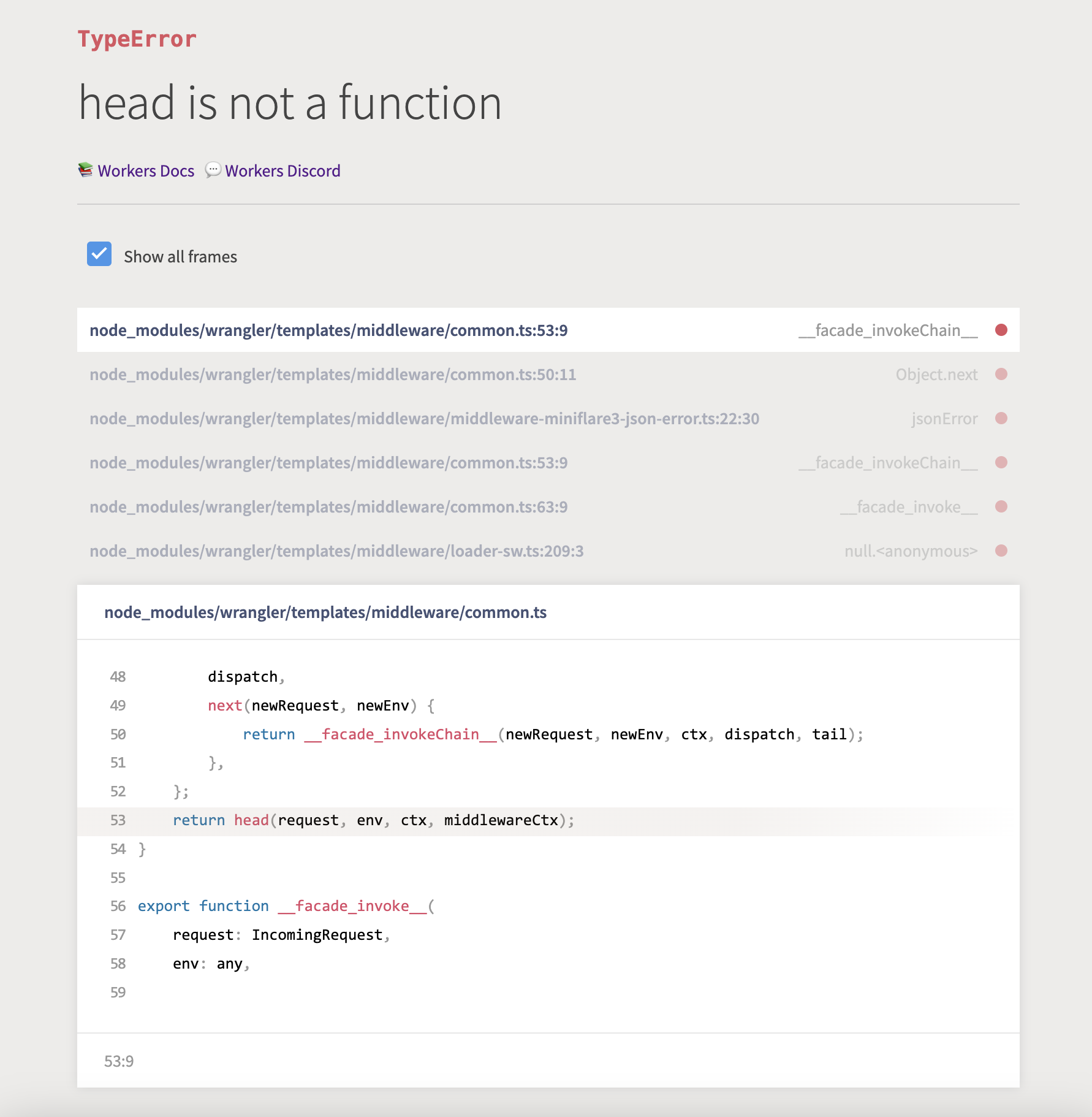
 CDDRCDDD
compileD1Database@cloudflare/workers-typesuser--experimental-backend/*update your wrangler first*/
>> wrangler update
npm install -g wrangler
>> create new db with beta engine
wrangler d1 create dbname
/*you can use your sqlite3 if you want I had xampp already so*/
make sure to run as admin
C:\xampp\MercuryMail\sqlite3.exe "backup-file-from-cf.sqlite3"
>> sqlite
.output c:/backup.sql
.dump
.exit
>> wrangler
wrangler d1 execute dbname --file="c:\backup.sql"[mf:err] TypeError: head is not a functionexport function batch(d1: D1Database, statements: InsertQueryBuilder<DB, any, any>[]) {
return d1.batch(
statements.map((s) => {
const compiled = s.compile()
return d1.prepare(compiled.sql).bind(...compiled.parameters)
})
)
}[[d1_databases]]
binding = "DB"
database_name = "<DATABASE_NAME>"
database_id = "<unique-ID-for-your-database>"


