If you add a custom domain to an R2 bucket in your settings, you have the full Cloudflare CDN and all of the cache rules, security tools, etc available to your bucket
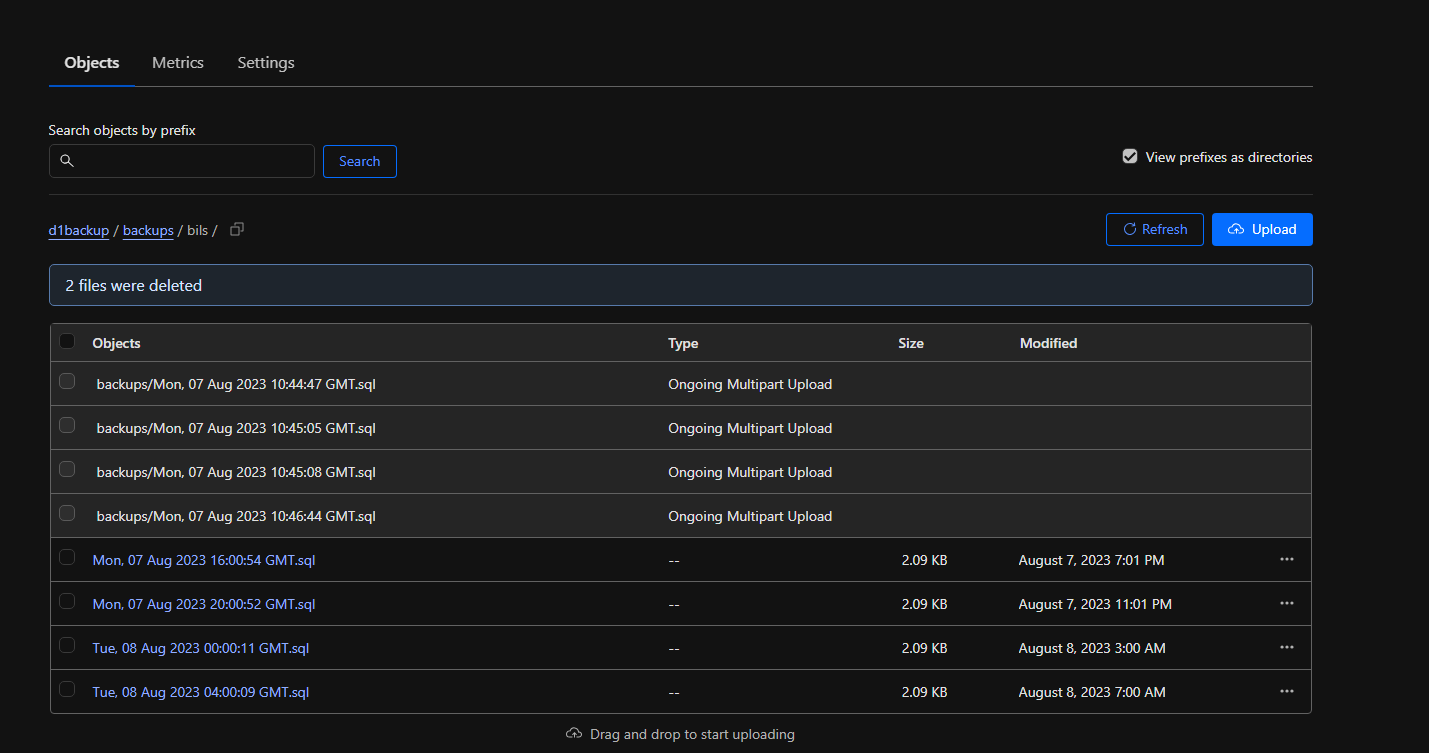
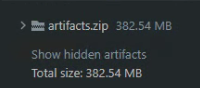
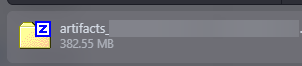
Can anyone explain to me why the difference? (First image from TeamCity, second image from Cloudflare R2 dashboard, third image the downloaded file directly from R2 dashboard)
Hi I was looking at R2 data storage locations and learned that we can set a hint, eg, West European region. However, I could not find where exactly it would store the data, i.e., in which country within the West Europe region. Does anyone know where I can get more granular information about storage locations?
The Workers binding and S3-compatible API don't cache anything. Custom Domains abide by the Default Cache Behaviour and can be customised with Cache Rules to cache more or less
I haven't gotten an answer about this issue, it's eating unnecessary space (cloudflare reports the file is over 400MB when, it is in fact, around 380MB. In this cases, it is basically inflating 20MB+ on each file...
Windows reports the same file as the CI tool, downloading the file directly from R2 also reports the same size, but, the UI, for some reason reports extra space...
Hi, are you sure this isn't the difference between MiB and MB units? Windows shows MB when it actually means MiB, so the other places may be showing real MB causing a small difference. (MB is 1,000,000 bytes while MiB is 1,048,576 bytes)
I would like to use the S3 PHP API to get the results from Cloudflare logpush. I can successfully list the objects with $client->listObjects(...). However if I want to get the content of an object with $client->getObject([ 'Bucket' => self::BUCKET_NAME, 'Key' => $object['Key'] ]); I get as Body an empy GuzzleHttp\Psr7\Stream instance. How can I get the real content of that gzip-ed object?
You are correct, didn't think about that, the file is 401229880 bytes, which is 382MiB and 401MB. Maybe cloudflare could maybe also show in MiB, would be great, TeamCity, Windows and browsers use MB for MiB apparently, this way would have some consistency.
Hi, does anyone know if expired R2 tokens just vanish from the dashboard, or are they listed as "expired"? I have a key which stopped working and I am unable to see which Cloudflare account it was located at, maybe it just disappeared from the account.