const cacheKey = new Request(url.toString(), req)
let res: Response | undefined
if (!env.IS_TEST) {
res = await cache.match(cacheKey)
const cacheKey = new Request(url.toString(), req)
let res: Response | undefined
if (!env.IS_TEST) {
res = await cache.match(cacheKey)
For our cloudflare cache in our worker, do we need to take into account the "Accept-Encoding" header of the request? Our worker passes on the "Accept-Encoding" header, to any requests that it makes, and then streams the body back to the original request, while caching it.
If we return something that is gzip or brotli compressed, that means it's being cached in that form right, so we'd need to ensure that "Accept-Encoding" header is part of the caching key? Is that correct?
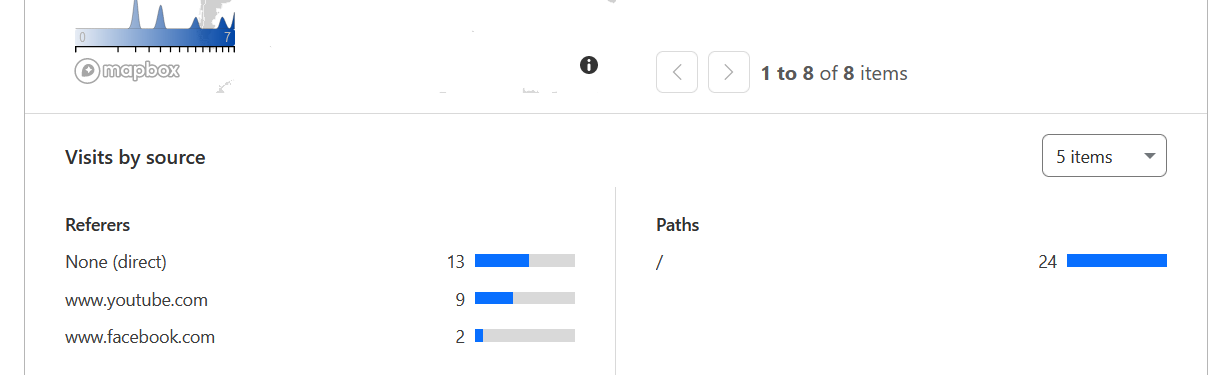
Hello brilliant people, I need some help. What does the none(direct) visit means ? Is it like they have manually typed the URL or has clicked from untrackable sources. (I only have shared my website link on facebook, youtube and upwork)
It could also mean that the site they came from had the “noreferrer” flag set on the link, so the browser omitted the referer header - these can’t always be tracked
In this guide, you will learn how to use Pages Functions for A/B testing in your Pages projects. A/B testing is a user experience research methodology …
I could remove the page project and add it again, but think I would lose the env vars and all my other settings. Also don't want to do that every time to deploy @Unknown user any ideas?
That's also true. But again that's more suppressing the symptoms rather than the cause, that being there's no manual deployment button in the UI OR the fact that there is some issue with the automatic deployments preventing it from running
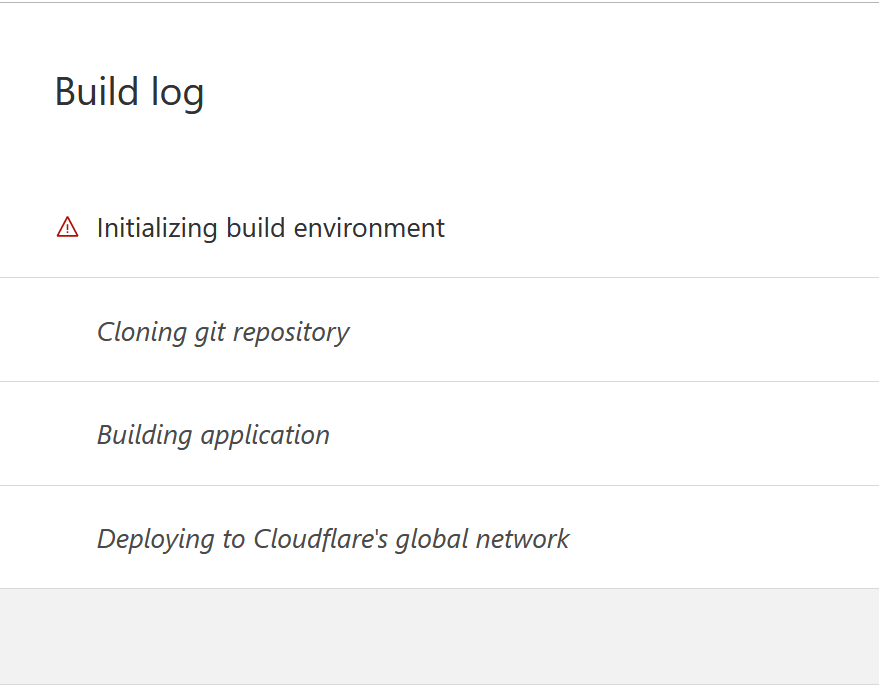
That's the details of the build log. Where could I see the error details? I usually would check it in the build log, but doesn't seem to be anything there