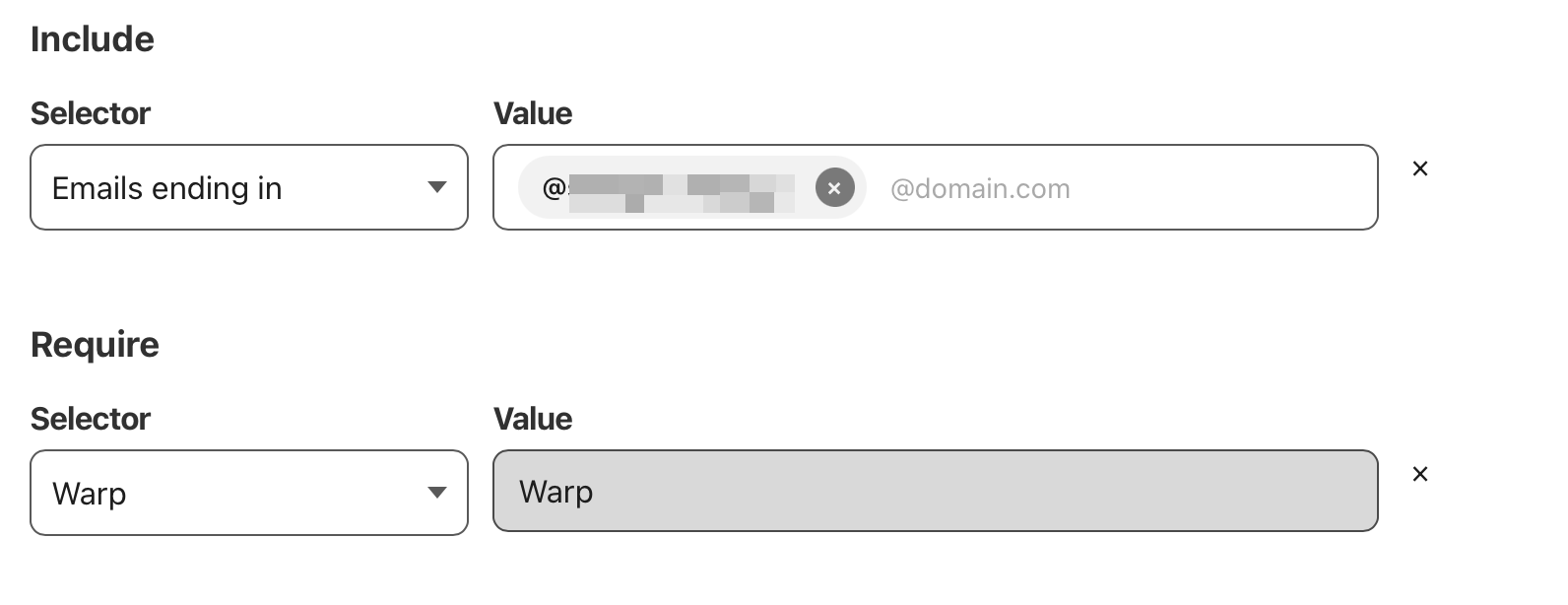
Keep in mind that one includes the consumer app as well (without logging in), I would strongly suggest selecting "Gateway" instead which will only accept ZT clients logged into your org
yeah i tried gateway but it seems to only work with the proxy feature enabled which then messes with my local network stuff such as spotify connect etc so I had to disable it
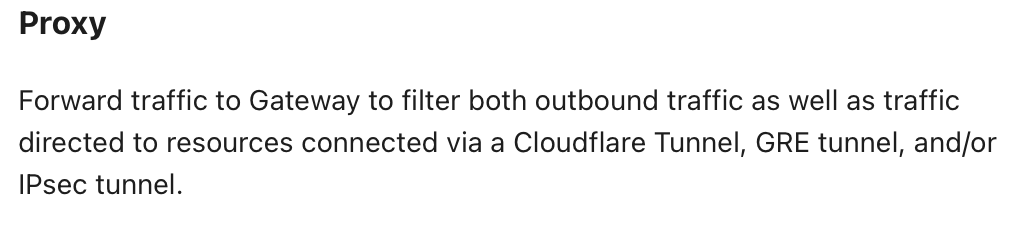
Confused with the wording a bit but does enabling proxy mean traffic directed to resources connected via a Cloudflare Tunnel, GRE tunnel, and/or IPsec tunnel is included when enabling it but outbound traffic is anyways filtered regardless of proxy being enabled
Im currently not able to upload more than 1mb to my own server when using cloudflare. When I try upload without Cloudflare im able to upload 100mb. But thought Cloudflare DNS its reduced to 1mb. Can anyone please help me solve this?
From the frontside of the page I get just a custom error for our site, I have not access to the logs to see those, its a NFT marketplace and it works with files below 1mb. It stops in the moment when the wallet is supposed to verify the minting. Instead of opening the already connected wallet it gives an error.
That sounds suspiciously like an issue with your origin server, however I understand you said it doesn't happen without Cloudflare. Do you have steps for anyone to be able to reproduce?
If I return a png image with this header: 'cache-control': 'public,max-age=31536000,immutable''cache-control': 'public,max-age=31536000,immutable' Within the max-age time, will it ever miss the cache?
There are always a chance that things, such as e.g. images, will be evicted from the cache before the max-age has elapsed, such as for example due to inactivity.
I wouldn't personally be expecting to be able to keep an image in cache for a full year, with only one single request to the origin during (the start of) that full year, no matter if we're talking about Cloudflare or any other CDN providers out there.
not only can it evict it at any time, but cache by default is colo (CF Datacenter) specific, and with so many locations you're bound to have a handful of miss's. You can enable Tiered Caching to try to reduce that (the free version selects a colo closest to your origin to check for cache if not in colo, before contacting origin), or Cache Reserve (paid, might be slower then your origin in some cases, it's backed by R2 in a single location)
You have a worker doing it, I assume? If each image variant is reused a lot, it would make sense to push it back to R2 and serve it from there If you do very dynamic resizing, the extra storage costs might not make sense
Then depending on exactly what you're doing, it might make sense to do it even ahead of time and store the few different variants in R2, and serve the image direct. If you can do it via an R2 Custom Domain (not through a worker), you'd be saving on Worker Invocation costs as well, and benefit from cache still
Also worth noting neither the Cache API, or R2 Custom Domains, can use Tiered Caching or Cache Reserve, you're restricted to just normal cache for both
I was able to find the issue, but in the process I deleted the setup I had on Cloudflare with a subscription, how can I reinstate that subscription? I have the same setup as I had.
If it's a page on a site proxied by Cloudflare, it depends on default cache behavior: https://developers.cloudflare.com/cache/concepts/default-cache-behavior/(or if you overrride it to cache everything with a cache/page rule). If it's some other site you're fetching frorm your proxied site, no
I don't understand how the browser fetching it comes into that, but regardless those are usually fruitless endeavors because cache is per colo (and there's some 300+), it'll just cache itself on next request. Unless your origin server is really slow, not worth it to try to force it to cache right away
I think it is just about the distinction. For example, not all Websites on Cloudflare are Zones(Pages, workers.dev, etc.). And a Zone can be a subdomain, not just a domain.
make sure to fill out feedback survey eitherway, imo zones makes more sense because how flexible zones are these days. Also internally they've always been zones, through API, and sometimes in docs. It's also just more clear when helping someone to say "navigate to your zone" vs "navigate to your cf website", and with the fact that you can use CF for SaaS to route multiple websites through your website, and the other reasons HardAtWork mentioned