
you should be, what does "not working" mean, error message?
you should be, what does "not working" mean, error message?

 M
MCLOUDFLARE_ACCOUNT_ID=1234 CLOUDFLARE_API_TOKEN=4321 wrangler whoamiM I
I MM
MM RM
RMCLOUDFLARE_ACCOUNT_ID=1234 CLOUDFLARE_API_TOKEN=4321 wrangler d1 execute test-database --command="SELECT * FROM Customers" needs to be run from a linux-like environmentMCLOUDFLARE_ACCOUNT_ID and CLOUDFLARE_API_TOKEN to your windows system env varsRMM JM
JM M
M A
A S
S
 KKK
KKK S
S S
S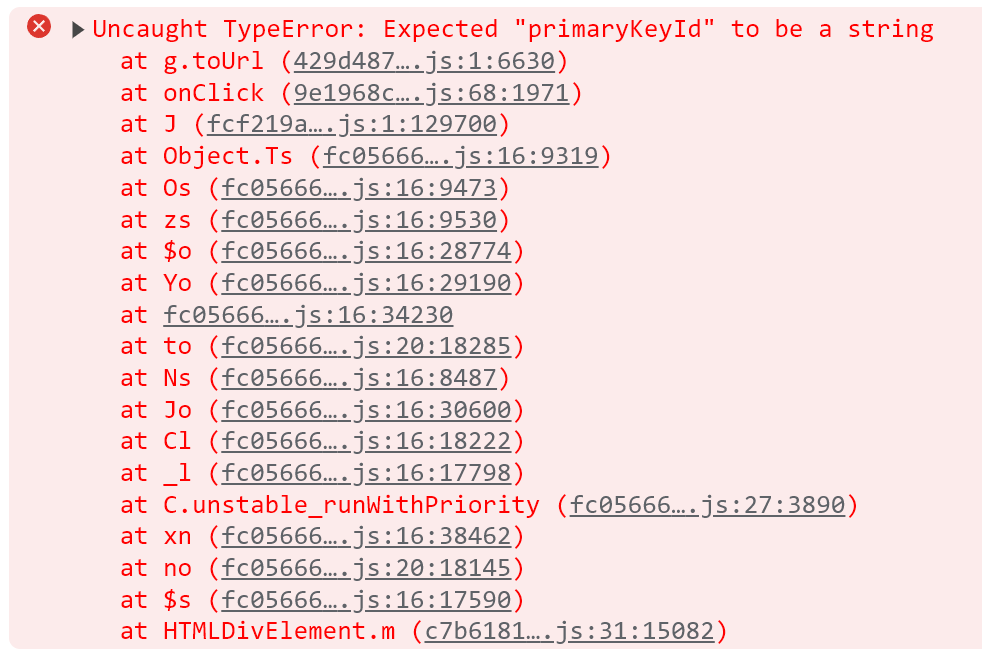 RM
RMwrangler d1 info <DBNAME> MMM
MMM GKK
GKK WGG
WGG EK
EKwrangler d1 migrations apply krypton --env productionE M
M
 TT
TT C
Cwrangler dev —env staging work?T CMT
CMTCLOUDFLARE_ACCOUNT_ID=1234 CLOUDFLARE_API_TOKEN=4321 wrangler whoamiCLOUDFLARE_ACCOUNT_ID=1234 CLOUDFLARE_API_TOKEN=4321 wrangler d1 execute test-database --command="SELECT * FROM Customers" CLOUDFLARE_ACCOUNT_IDCLOUDFLARE_API_TOKENwrangler d1 info <DBNAME>[env.production]
name = "krypton"
logpush = true
workers_dev = true
d1_databases = [
{ binding = "DB", database_name = "krypton", database_id = "<123>" },
]wrangler d1 migrations apply kryptonCan't find a DB with name/binding 'krypton' in local config. Check info in wrangler.toml...wrangler d1 migrations apply krypton --env productionexport type Bindings = {
DB: D1Database;
ACCESS_TOKEN_SECRET: string;
};app.get('/', async (c) => {
const res1 = await c.env.DB.prepare('SELECT * from testTable;').all();
return c.json({ status: 'success', message: res1 });
});wrangler dev —env stagingINSERT INTO test (id) VALUES (1), (2), (3), (4), (5){
"params": [
1,
2,
3,
4,
5
],
"sql": "INSERT INTO test (id) VALUES (?), (?), (?), (?), (?)"
}


