
you can use batch method. check d1 api docs
you can use batch method. check d1 api docs

 M
M A
A P
P SS
SS M
M MSSMSSM
 M
M
 CC
CC/query/batch.batch PS
PS I
I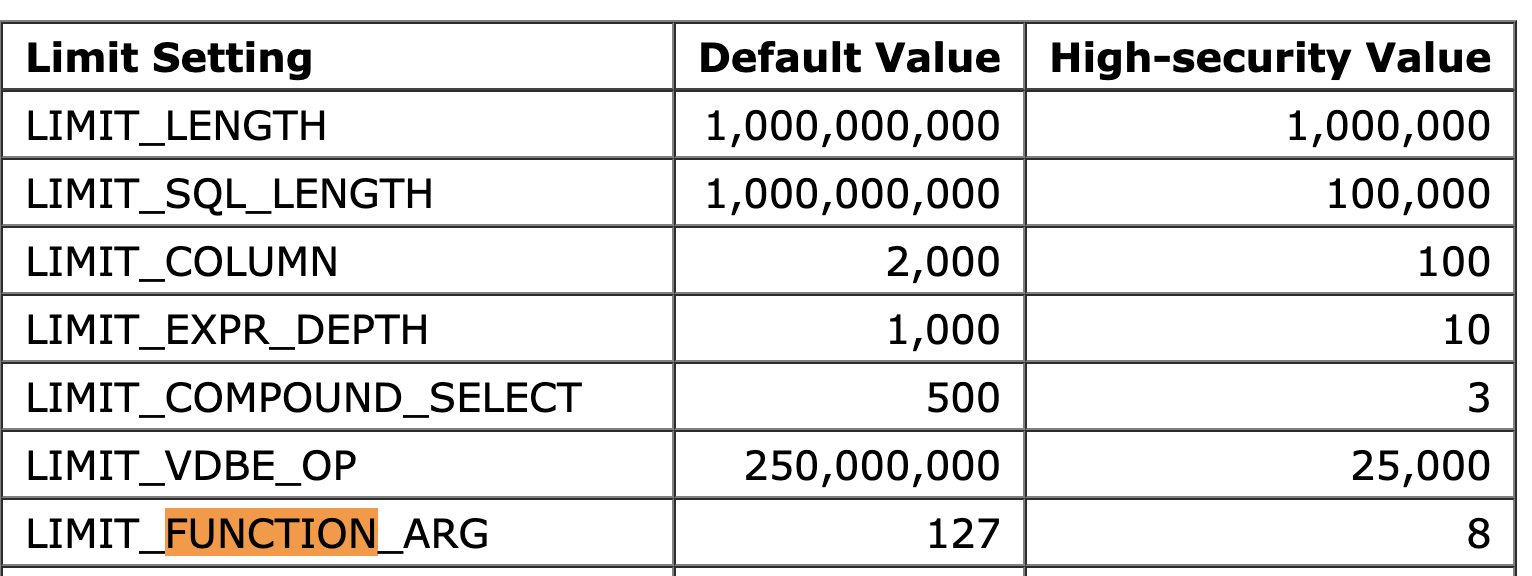
 MS
MS U
UD1_DUMP_ERROR: Status + 404 SSPM
SSPM MMSSCSSC
 KSSKCP
 Y
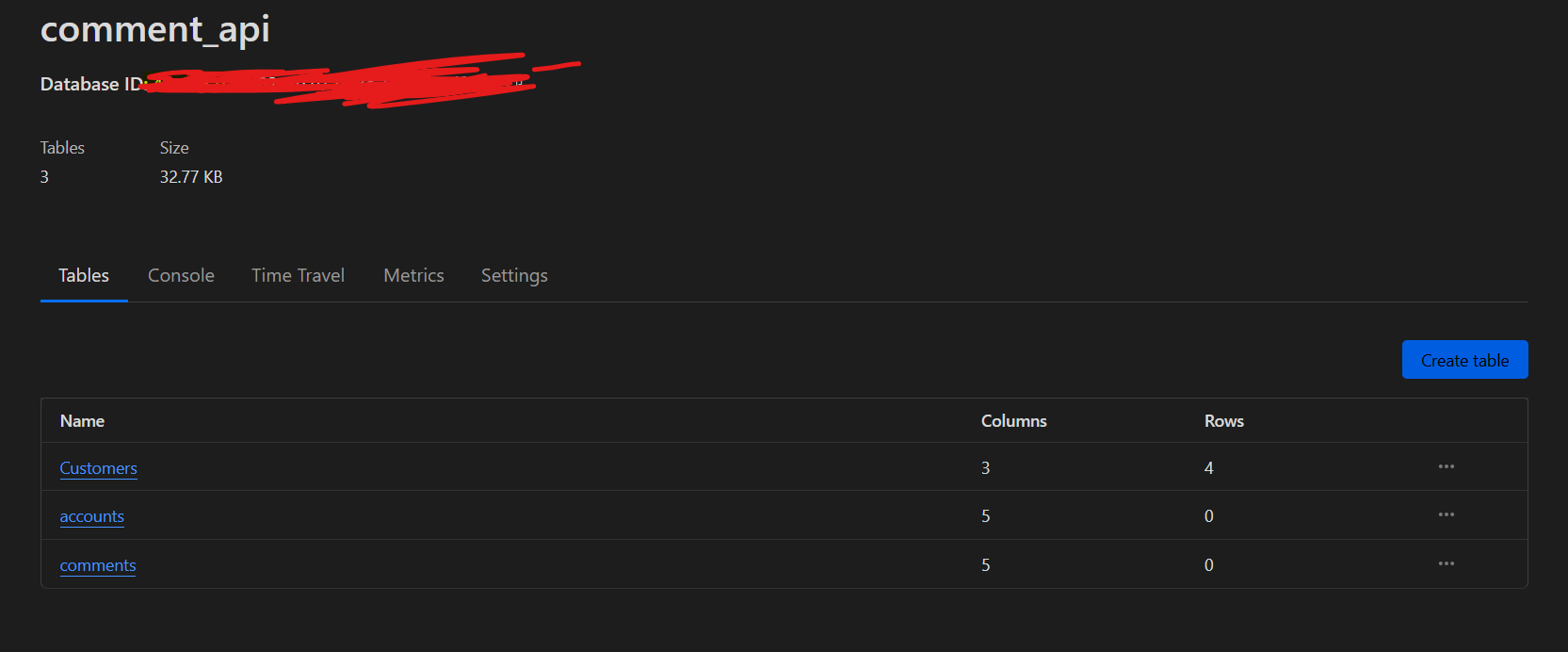
Y . I need help accessing tables in databases. I have created a database and binded it to my worker through workers.toml file. But when I make a search in a particular table, it gives "no such table" error. Here is an image of tables in my database, "Customers" is just for test purposes.
 Y
Yapp.get('/posts/:lang/:slug/comments', async c => {
const { results } = await c.env.comDB.prepare();
return c.text(results, 200);
}Y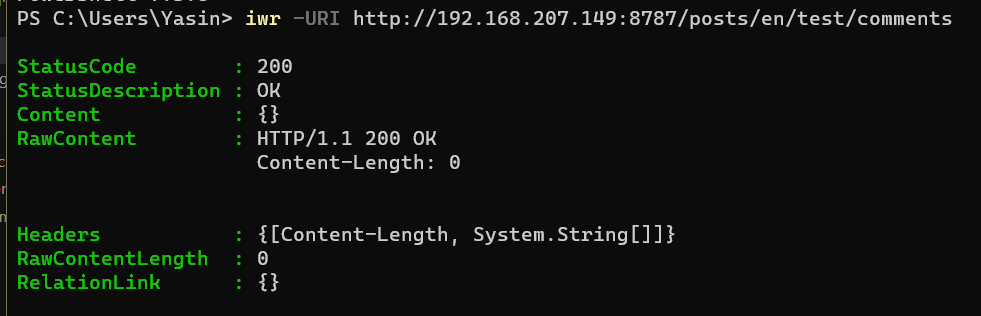 Y
YINSERT INTO table (channel, title, start_time, end_time, description) VALUES (?, ?, ?, ?, ?), (?, ?, ?, ?, ?), (?, ?, ?, ?, ?);INSERT INTO table (channel, title, start_time, end_time, description) VALUES (?, ?, ?, ?, ?);
INSERT INTO table (channel, title, start_time, end_time, description) VALUES (?, ?, ?, ?, ?);
INSERT INTO table (channel, title, start_time, end_time, description) VALUES (?, ?, ?, ?, ?); --data '{
"params": [
"a",
"b",
"c",
"d",
"e",
"a2",
"b2",
"c2",
"d2",
"e2"
],
"sql": "INSERT INTO myTable (f1, f2, f3, f4, f5) VALUES (?, ?, ?, ?, ?), (?, ?, ?, ?, ?);"
}'const dump = await c.env.DB.dump();
return new Response(dump, {
status: 200,
headers: {
'Content-Type': 'application/octet-stream',
'Content-Disposition': 'attachment; filename="sqlite.db"',
}
});INSERT INTO 'tablename' ('column1', 'column2') VALUES
('data1', 'data2'),
('data3', 'data4'),
('data5', 'data6'),
('data7', 'data8');`app.get('/posts/:lang/:slug/comments', async c => {
const { results } = await c.env.comDB.prepare();
return c.text(results, 200);
}





