Hello everyone. I am Dr. Furkan Gözükara. PhD Computer Engineer. SECourses is a dedicated YouTube channel for the following topics : Tech, AI, News, Science, Robotics, Singularity, ComfyUI, SwarmUI, ML, Artificial Intelligence, Humanoid Robots, Wan 2.2, FLUX, Krea, Qwen Image, VLMs, Stable Diffusion
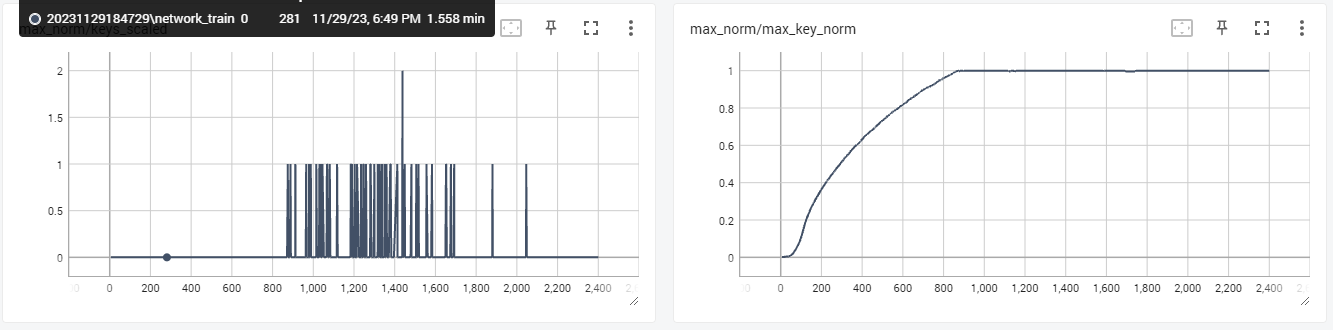
These graphs are only displayed when normalization is enabled for Lora (it is not enabled for DB). Based on the developer's description, I watch these two values to see if the maximum normalization reaches 1 (it is supposed to be good then) or not over normalizing, so how much it deviates from the original model, how much Lora needs to be improved. And from my observations, for cosine type training, these two graphs give very useful results under Prodigy.
This PR adds Dropout and Max Norm Regularization [Paper] to train_network.py Dropout randomly removes some weights/neurons from calculation on both the forward and backward passes, effectively trai...
That's what I was looking for in DreamBooth training, because it helps a lot to make a good model, and since I use it with cosine under Prodigy, I get absolutely good results when I watch the graph. I can see at a glance how good or bad Lora will be (see above), and tests have confirmed this.
Hi everyone, I'm having serious problem with dreambooth, I always get terrible results and for the good ones, the face is not the same per dataset. I'm training everything on epicPhotogasm.
Of course it's my fault, this is my setup (apart from the A100 80G): 20 pictures of the same person (always portrait shot, not fullbody) in 1024x1024 2000 train steps 100 class images lr 1e-6 100 validation steps (please let me know if you need more details on the settings, but everything else is set as default)
Do you suggest to use 100/200 pictures and increase both train steps and class images? Or if you have better suggestions I'm open to everything!
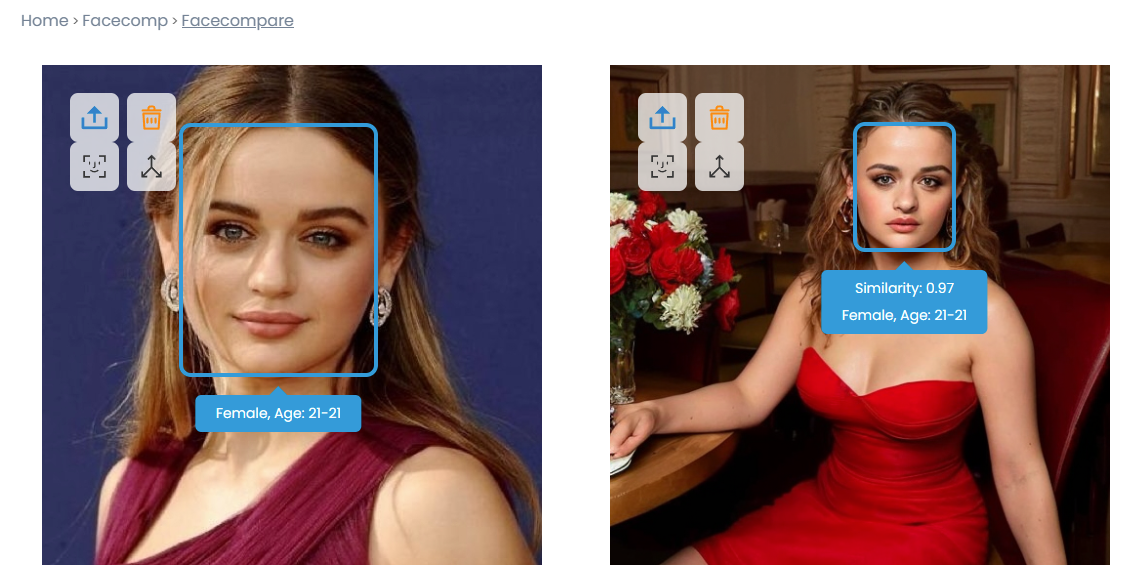
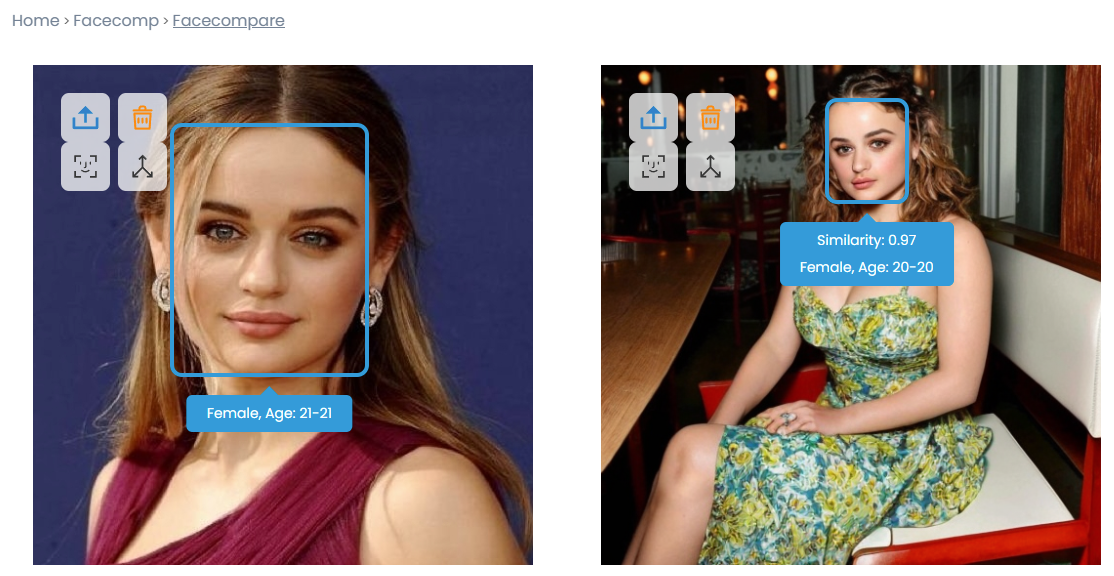
And here's the graph of the winning Lora, with d_coef=0.6 and 23 images. While I like to train it a bit stronger, I also let the Hires Fix work, which I used to boost the initial face to 0.96 for the very first generation. You can see in the image that I achieved normalization 1 on the right graph (yellow color), so it made a good model and only adjusted the normalization a few times.
RuntimeError: Error(s) in loading state_dict for UNet2DConditionModel: size mismatch for down_blocks.0.attentions.0.proj_in.weight: copying a param with shape torch.Size([320, 320]) from checkpoint, the shape in current model is torch.Size([320, 320, 1, 1]) my model: stable-diffusion-2-1-768v resolution = 768 can u help m? thanks
SDXL Turbo is a new text-to-image mode based on a novel distillation technique called Adversarial Diffusion Distillation (ADD), enabling the model to create image outputs in a single step and generate real-time text-to-image outputs while maintaining high sampling fidelity.
wondering whats an estimate fine tune training time i can expect for using Nvidia 2070 Super for training a face with 5200 512x512 regularisation images and 40 training images with 40 repeats. using RealisticVision5.1 is it normal for 1 epoch to take 7 hours according to my tqdm? im also already using AdamW8bit
Here are some more pictures from an actress and a Tensorboard diagram. I trained with 30 images this time, and here again d_coef=0.75 was enough, absolutely perfect Lora was taken, and there doesn't even have to be a close face in the generated images. I generated 512x512 images without Hires Fix, ReActor or Adetailer. I love it!
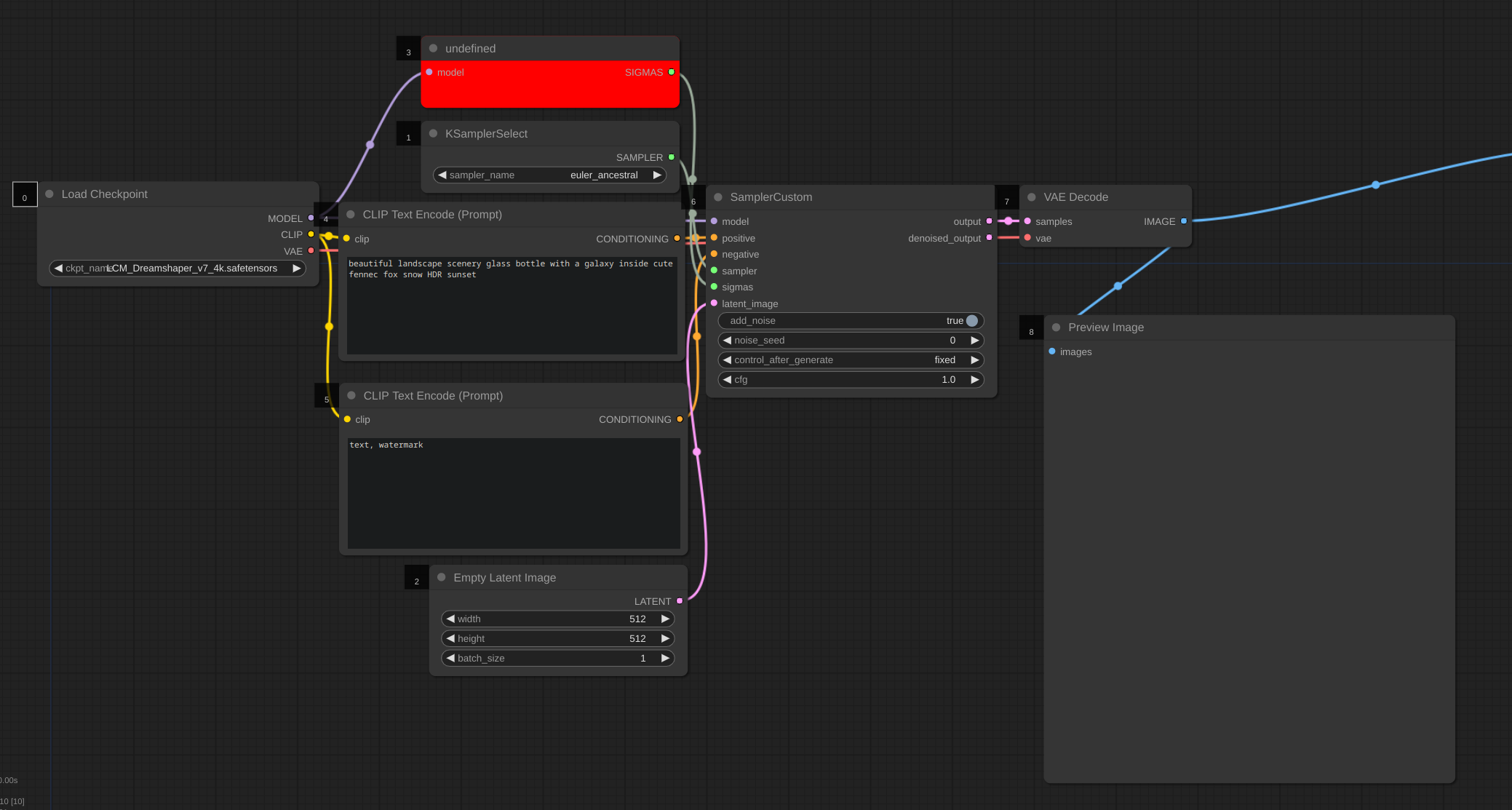
how come i keep getting these undefined boxes in comfyui, but nothing shows under missing modules, already updated my comfyui, restarted and refreshed the web page