Hello everyone. I am Dr. Furkan Gözükara. PhD Computer Engineer. SECourses is a dedicated YouTube channel for the following topics : Tech, AI, News, Science, Robotics, Singularity, ComfyUI, SwarmUI, ML, Artificial Intelligence, Humanoid Robots, Wan 2.2, FLUX, Krea, Qwen Image, VLMs, Stable Diffusion
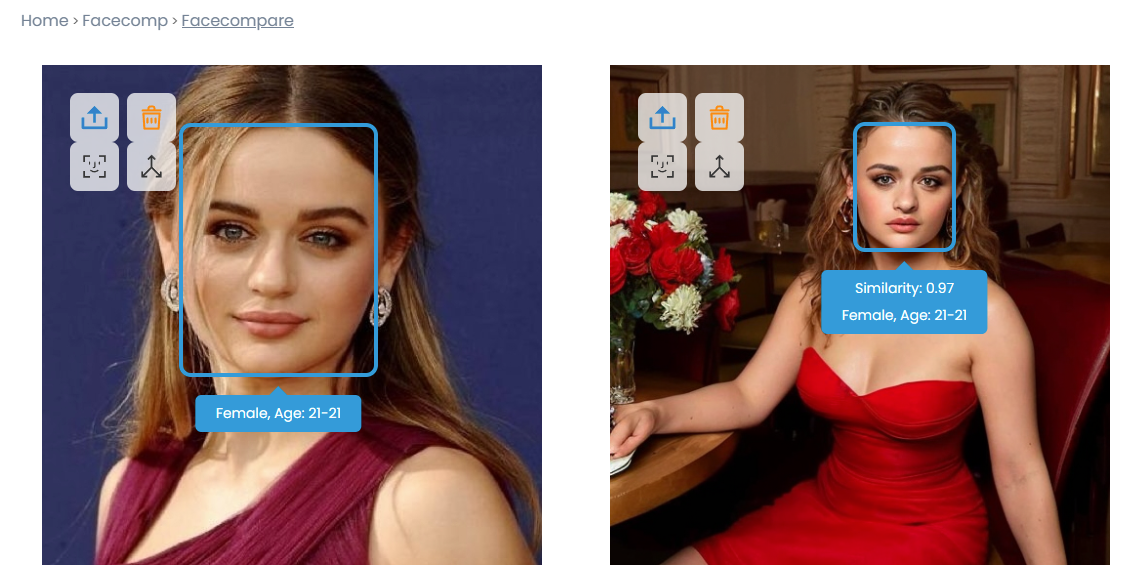
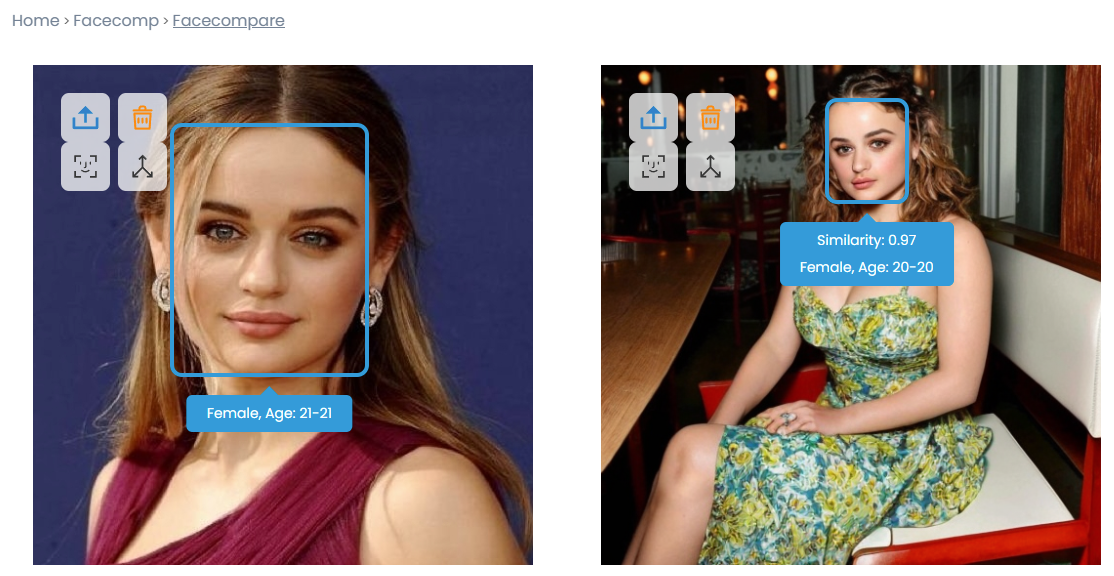
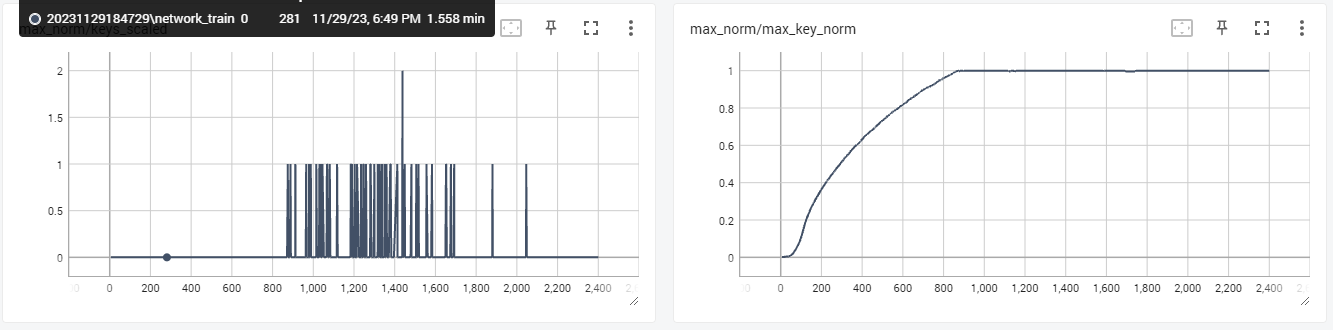
Here are some more pictures from an actress and a Tensorboard diagram. I trained with 30 images this time, and here again d_coef=0.75 was enough, absolutely perfect Lora was taken, and there doesn't even have to be a close face in the generated images. I generated 512x512 images without Hires Fix, ReActor or Adetailer. I love it!
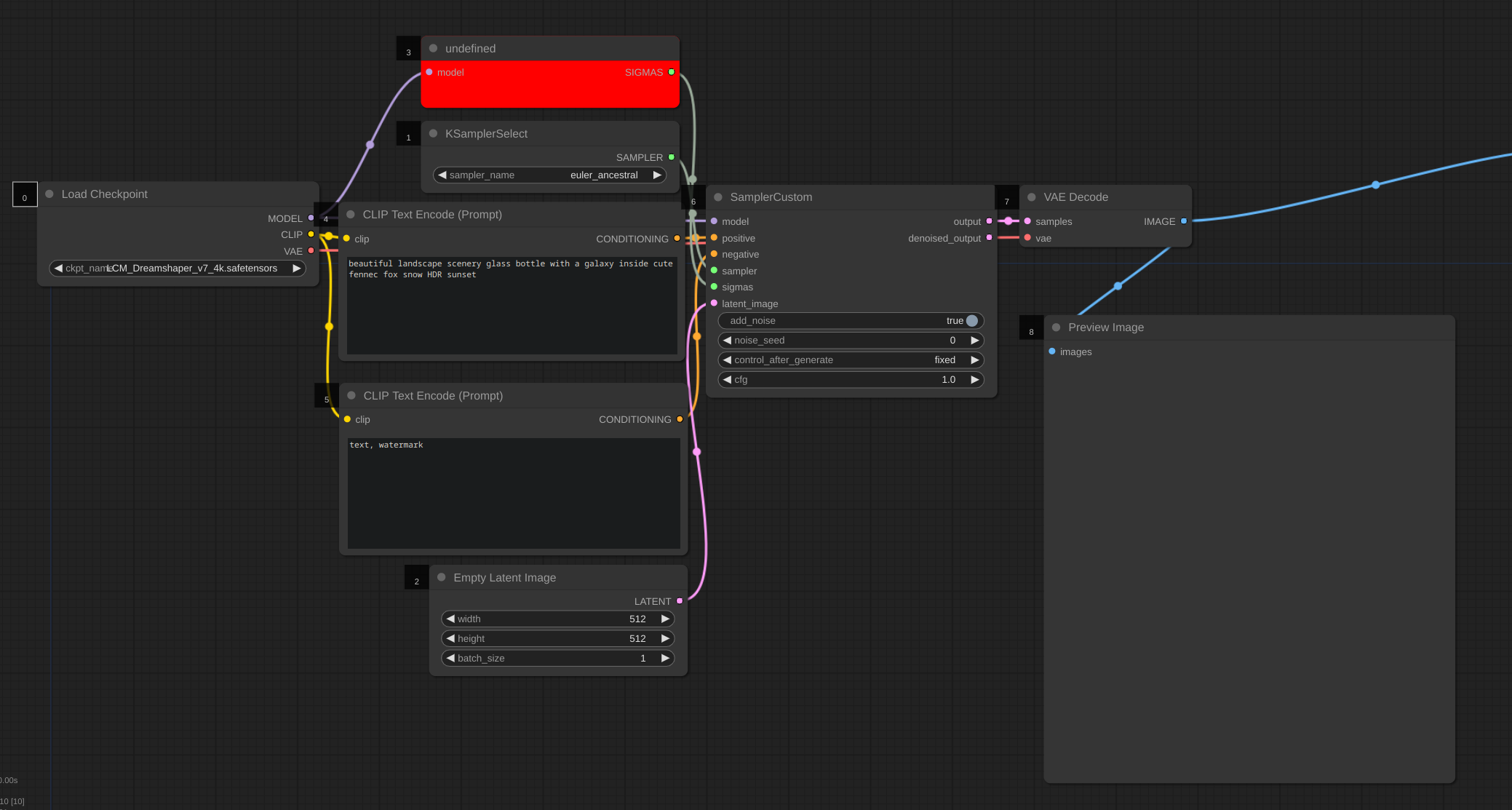
how come i keep getting these undefined boxes in comfyui, but nothing shows under missing modules, already updated my comfyui, restarted and refreshed the web page
It's not the best graphically, but you can cycle through prompts and styles and see exactly what the prompts do, then you can use fooocus or auto1111 or comfyui with high step scheduler and get exactly what you want
So, I don't think CUDA is working with Automatic1111, but it does work with ComfyUI which I took the liberty of installing on my own and followed a img2img tutorial to try it out. However, I am not sure how to get ControlNet working with ComfyUI, but I can see you can do it.
I haven't gotten that far in the class. EDIT: I spent the day experimenting and found a Reddit post that had a dupilicate on CivitAI which I was able to follow. I haven't completed it, but I do have Vid2Vid and Txt2Vid installed and proper workflows downloaded. I will work some more on it tomorrow. For now, I'm calling it a night.
Very much a novice -- I was watching your comprehensive tutorial on setting up ComfyUI on RunPod. There is now a template for: RunPod SD Comfy UI. To follow your tutorials, do I need to do anything other than save the checkpoints to the proper folder in the workspace?