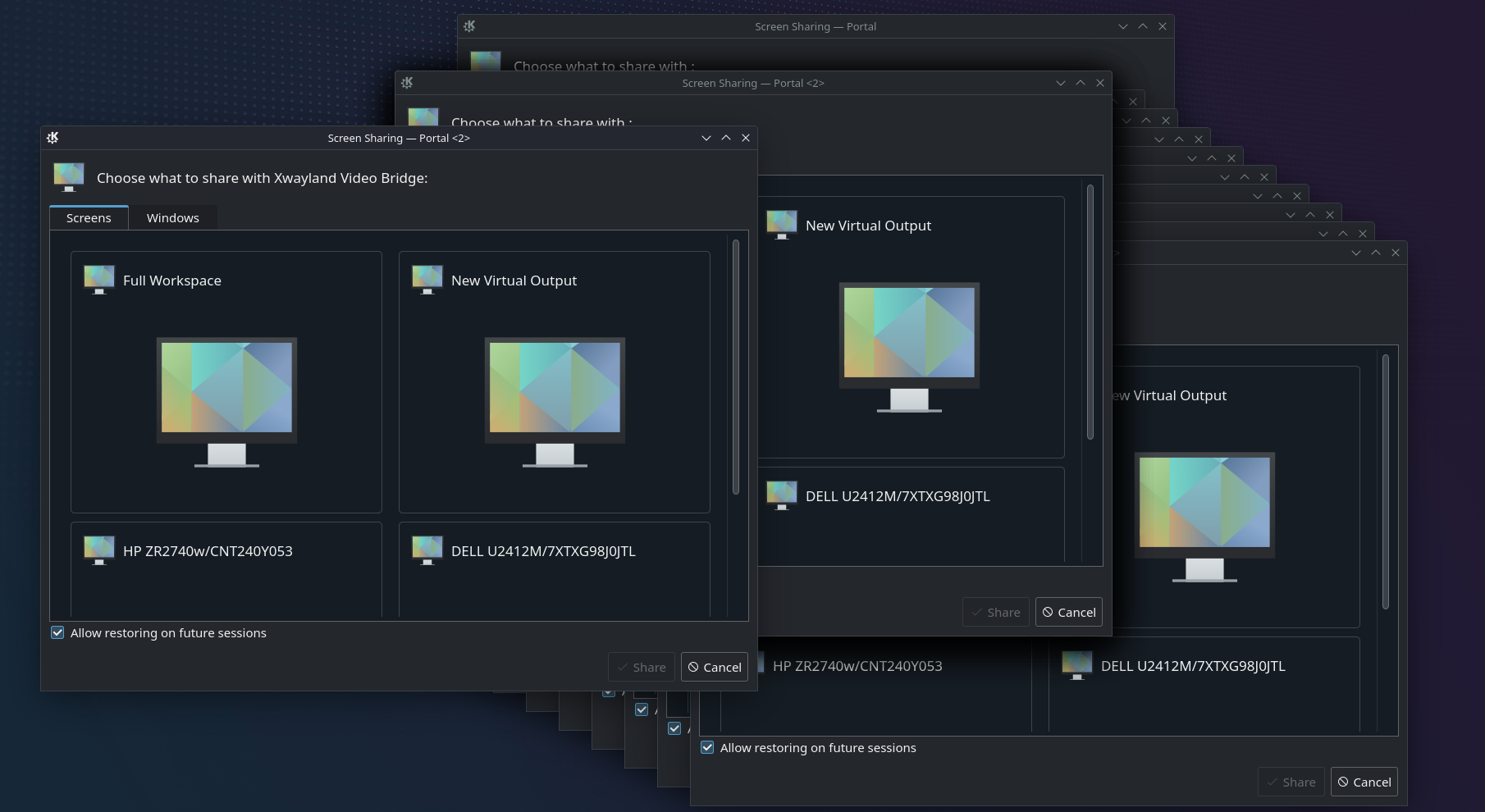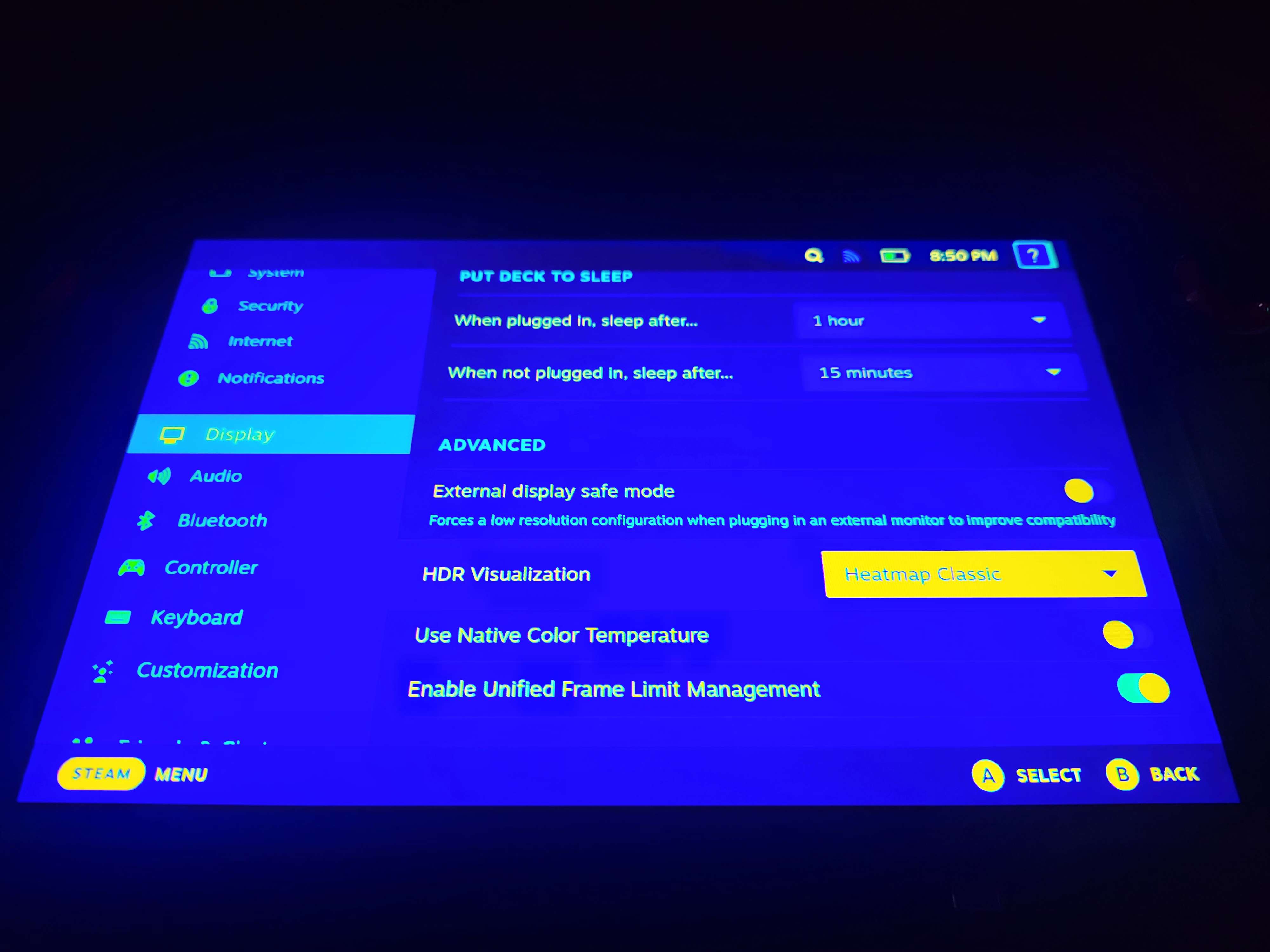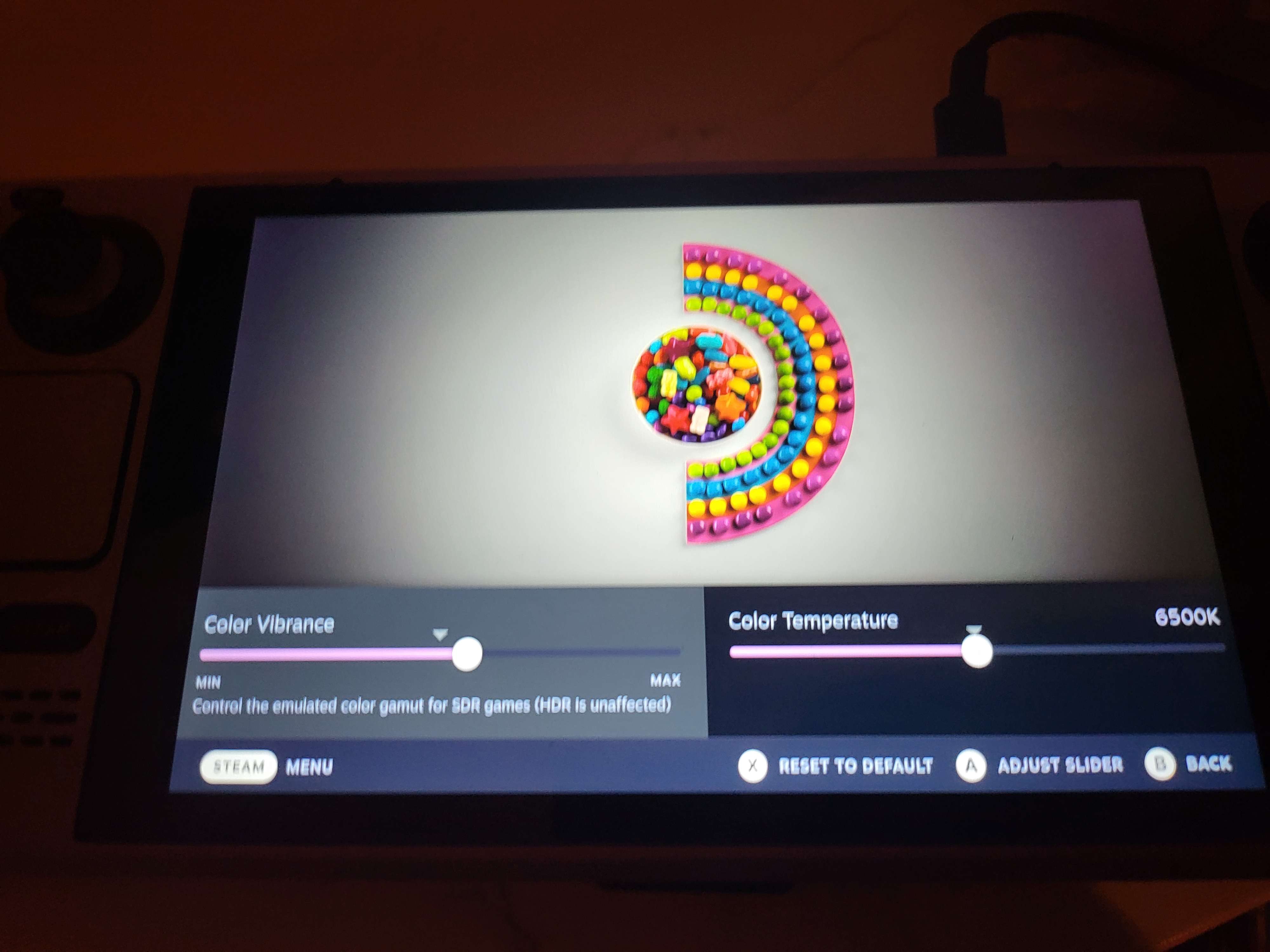
(I would assume Color Management in System Settings, but I haven't found any actual controls there, and icc profile import doesn't seem to get along with the immutable system yet. Failing that I would assume in Display Configuration, but I also don't see any color options there)
Well, seems to be different than on 38 - Import works now, or seems to (after removing the file formerly placed manually in
/usr/local/share/color/icc/colord
), but even though it seems to be imported (It won't let it import again) it doesn't show up in the profile list, and the display it is for still shows no profile assigned. (It's a hp zr2740w, which has no OSD) And assign profile/remove profile are disabled regardless of what is selected.
Is there somewhere I can get more information/logs/errors for that? I appreciate the help with the basics, I've messed with linux enough over the years to run servers, but never had enough success running games to daily it yet.
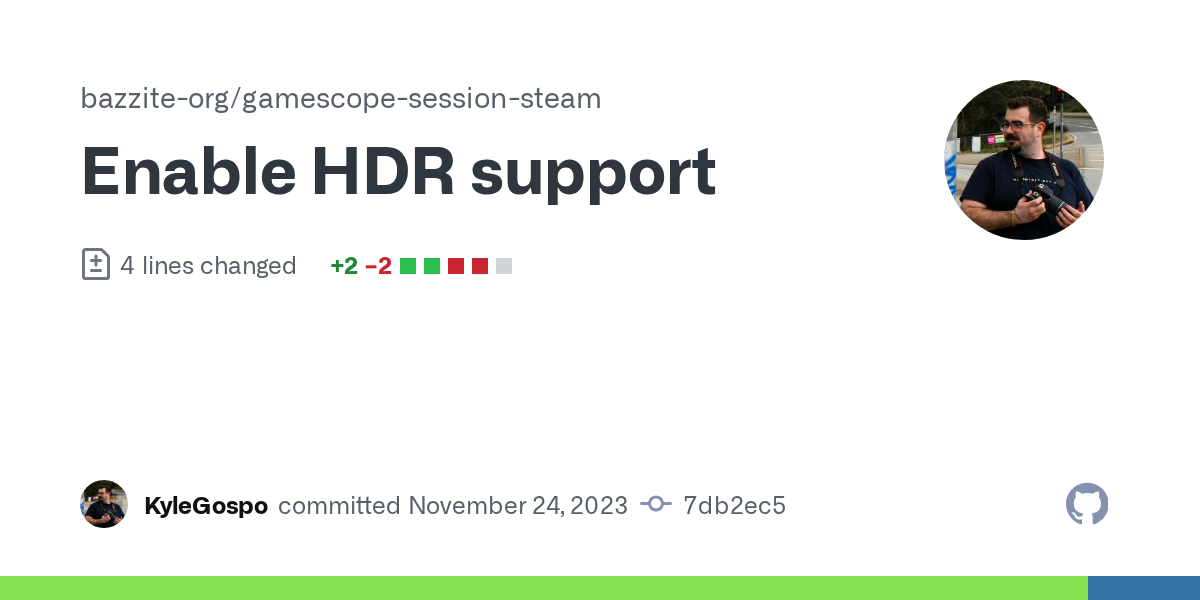
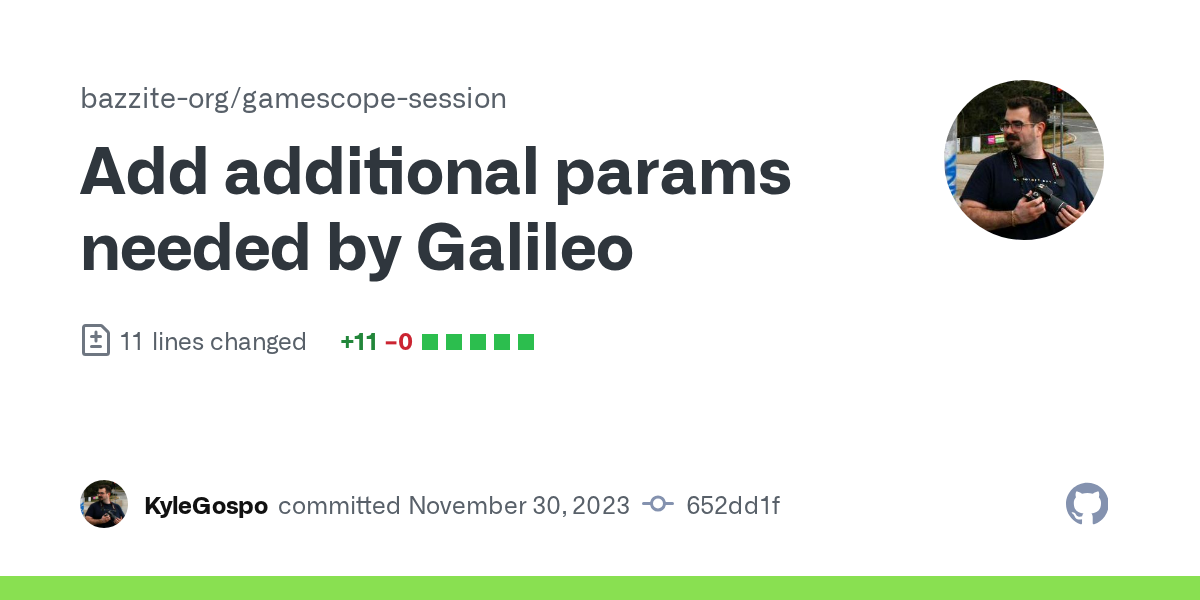
@KyleGospo what changes did you have to make beside the kernel patches and gamescope variables? I'm still missing something on the chimera side. Can you point me to the changes you made?
@.bouhaa So you covered most of it, kernel patches for things like the audio failing to come back when resuming from sleep, kernel patches for the audio configs, AMD_PRIVATE_COLOR patches so gamescope can do color management