
Is there a way for me to export my entire D1 to a file/something so I can put it into reporting tool
Is there a way for me to export my entire D1 to a file/something so I can put it into reporting tools like PowerBI etc?
 A
Awrangler d1 backup create xxx gives me the error Experimental DBs do not support backups yet B
B
 C
C M
M K
Kmetawrangler d1 info <database_name>) - if it's in a different region to you, and you're making multiple calls, it'll be pretty slow due to the network round-trip time. V
V G
G M
M M
M
 R
RSELECT datetime('now', 'utc') with and without --local
 SMS
SMS CSSCSSSC
wrangler.toml RRRCRA
 IIIA
IIIA S
Spackage.json "pages:dev": "npx wrangler pages dev .vercel/output/static --compatibility-date=2023-12-06 --compatibility-flag=nodejs_compat" 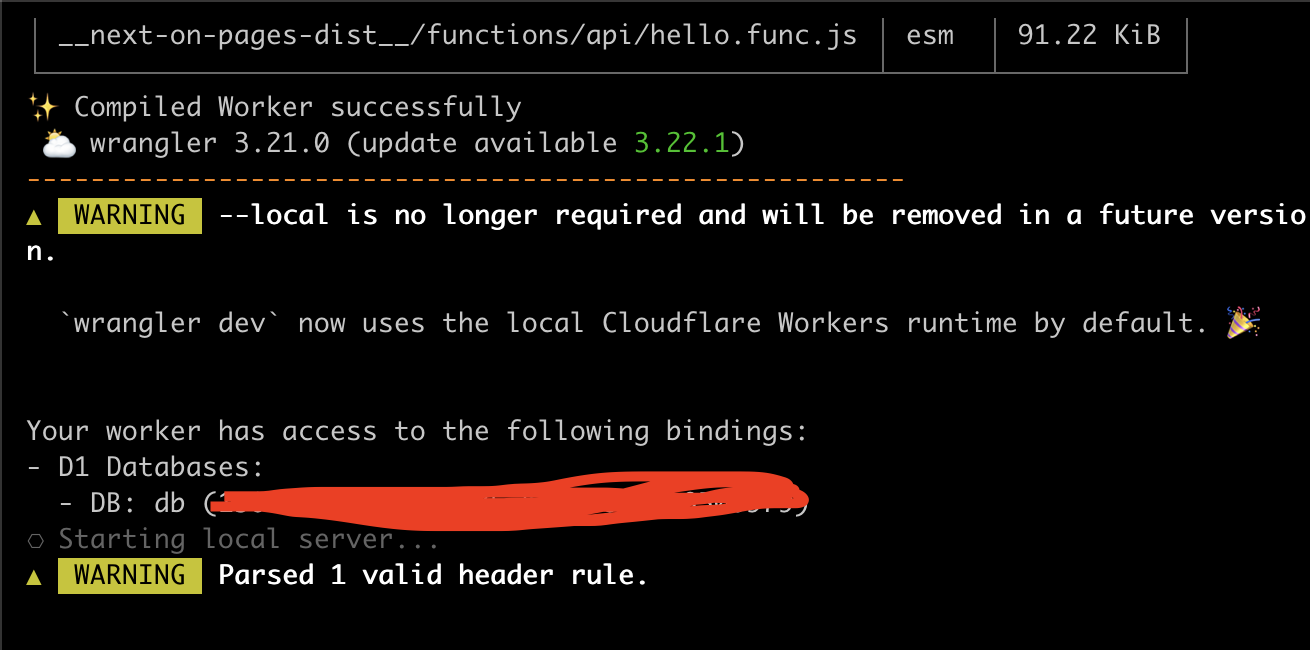
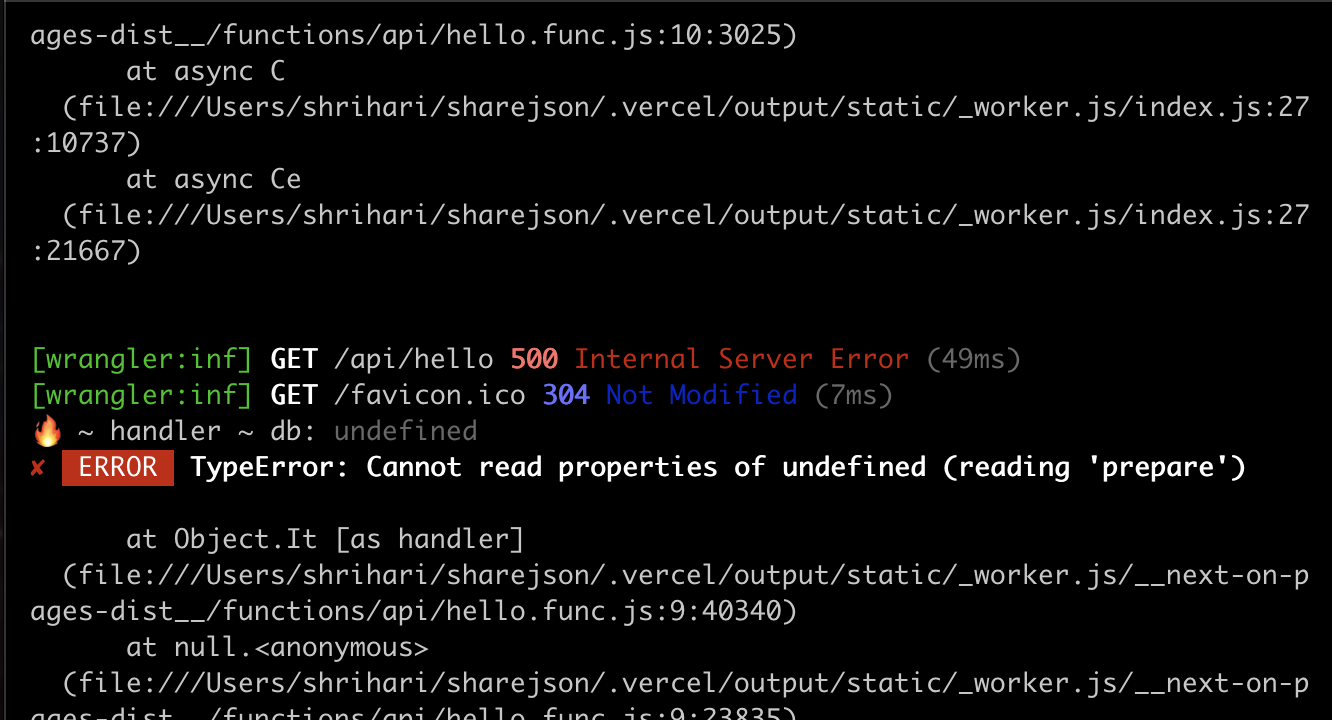 MMS
MMS A
Awrangler.tomlwrangler.tomlmy-preview-db with ID 123my-production-db with ID 456, run the migration again, or is there a better way?preview_database_idDB )IIII
)IIIIwrangler d1 backup create xxxExperimental DBs do not support backups yetwrangler d1 info <database_name>SELECT datetime('now', 'utc') "pages:dev": "npx wrangler pages dev .vercel/output/static --compatibility-date=2023-12-06 --compatibility-flag=nodejs_compat"my-preview-dbmy-production-db456


