Go to desktop mode click audio in task bar and select off for the wrong one then it worked fine for
Go to desktop mode click audio in task bar and select off for the wrong one then it worked fine for me
 E
E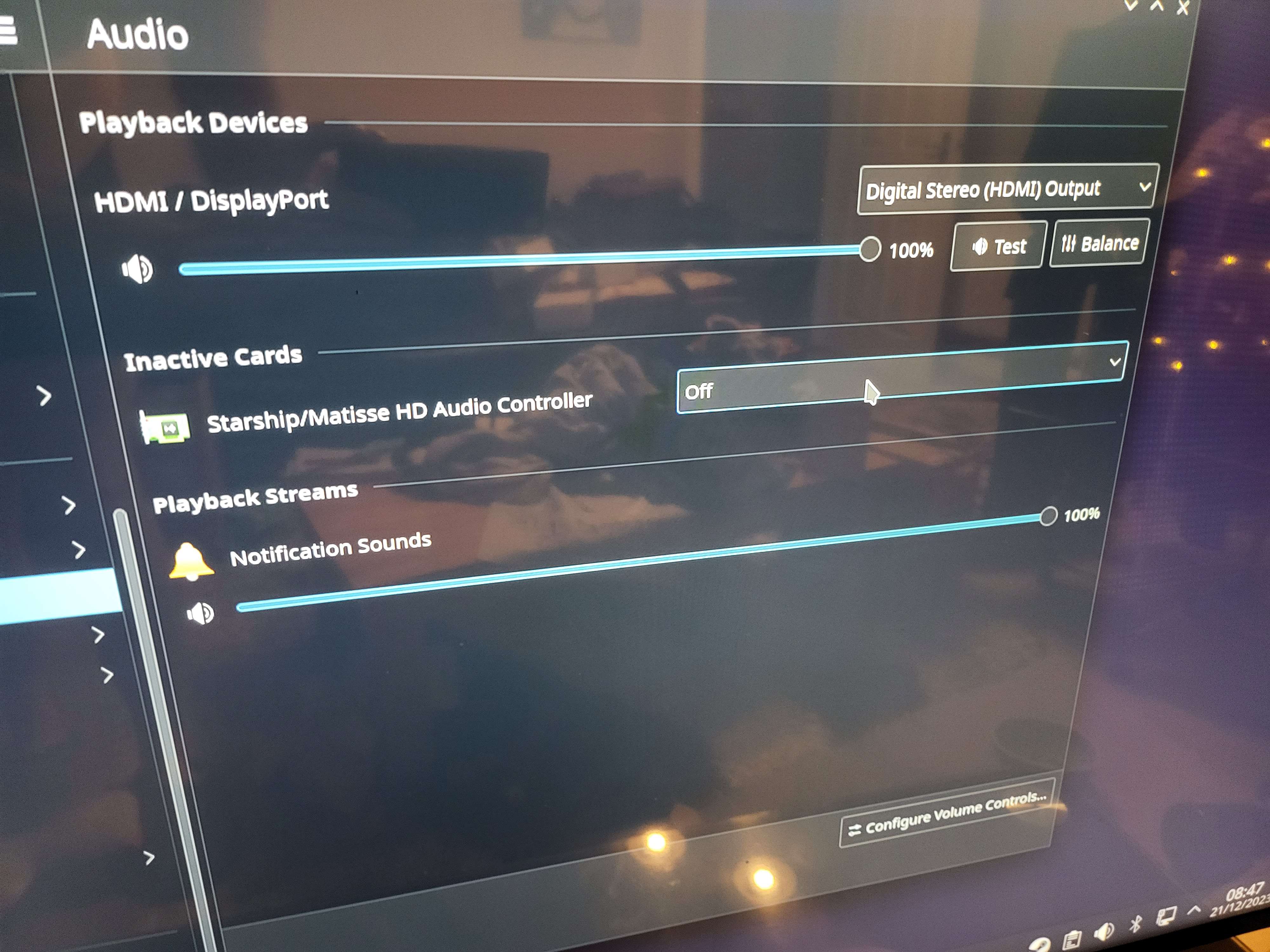 EE
EE K
K M
M X
X BB
BB H
H CH
CH VVV
VVV DC
DC RH
RH RRDRDRRRRDRRRRDRRRR
hid-generic 0005:046D:B33D.0009: input,hidraw4: BLUETOOTH HID v28.03 Keyboard [Keyboard K480] on  CCH
CCH PPKKKCC
[ 6539.432356] Bluetooth: HIDP (Human Interface Emulation) ver 1.2
[ 6539.432370] Bluetooth: HIDP socket layer initialized
[ 6673.460129] hid-generic 0005:046D:B33D.0006: unknown main item tag 0x0
[ 6673.460148] hid-generic 0005:046D:B33D.0006: item fetching failed at offset 271/272
[ 6673.460171] hid-generic: probe of 0005:046D:B33D.0006 failed with error -22
[ 6706.511559] hid-generic 0005:046D:B33D.0007: unknown main item tag 0x0
[ 6706.511586] hid-generic 0005:046D:B33D.0007: item fetching failed at offset 271/272
[ 6706.511625] hid-generic: probe of 0005:046D:B33D.0007 failed with error -22
[ 6741.248981] hid-generic 0005:046D:B33D.0008: unknown main item tag 0x0
[ 6741.248997] hid-generic 0005:046D:B33D.0008: item fetching failed at offset 271/272
[ 6741.249017] hid-generic: probe of 0005:046D:B33D.0008 failed with error -22 UBUniversal Blue / 🛟bazzite-helpUBUniversal Blue / 🛟bazzite-helpUBUniversal Blue / 🛟bazzite-helpUBUniversal Blue / 🛟bazzite-help