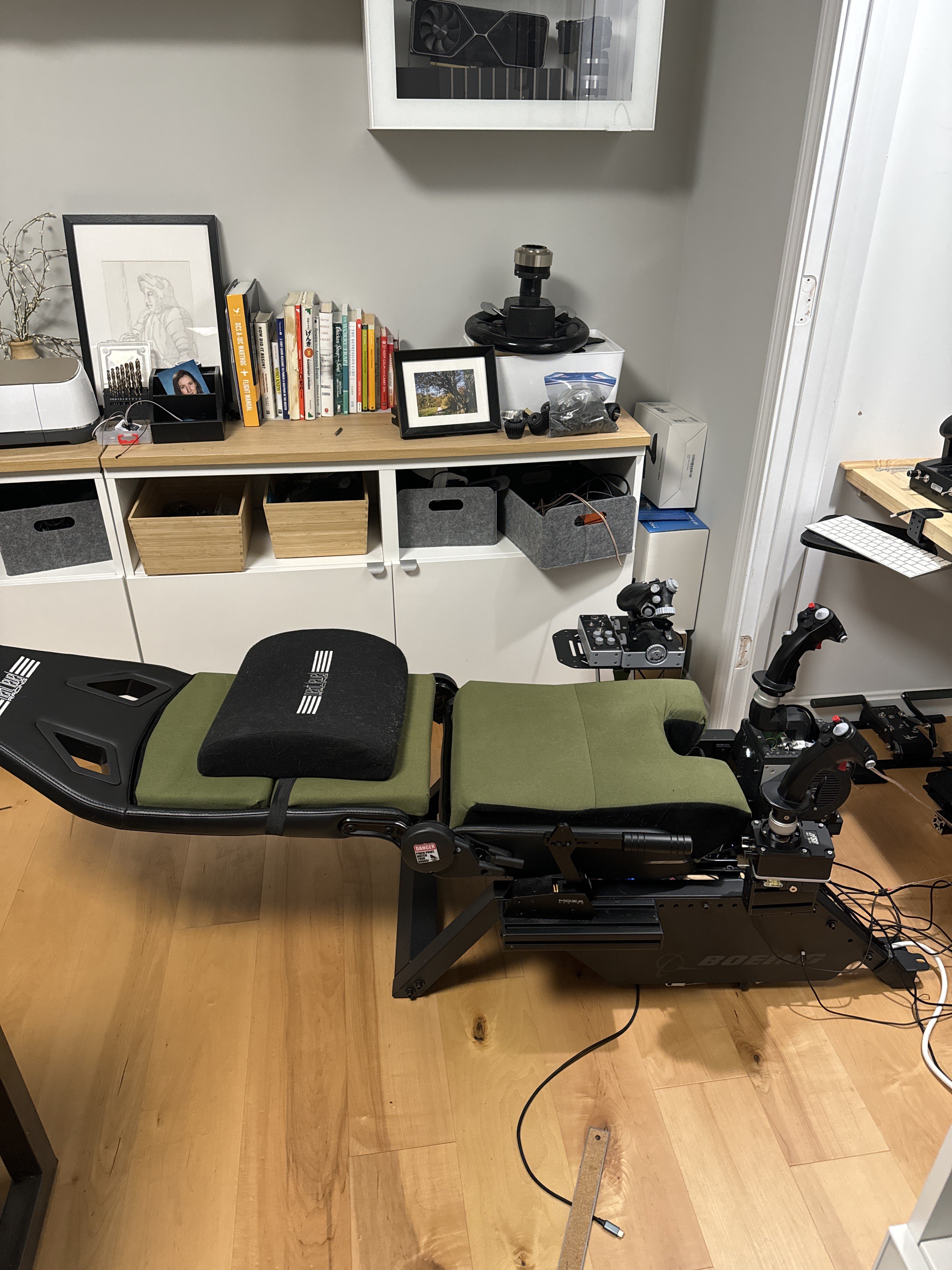
really considering taking the foam base to a foam & rubber shop & getting it cut for the hf8 & a gel/mem foam topper, I don't have any meat on my arse lol
oh yeah, just to make the cut out bigger I'll diy with a big bread knife, but I may go as far as the mem foam/hf8 cut out mod, I have heard ppl say the jetseat/hf8 can get a bit sore after a while
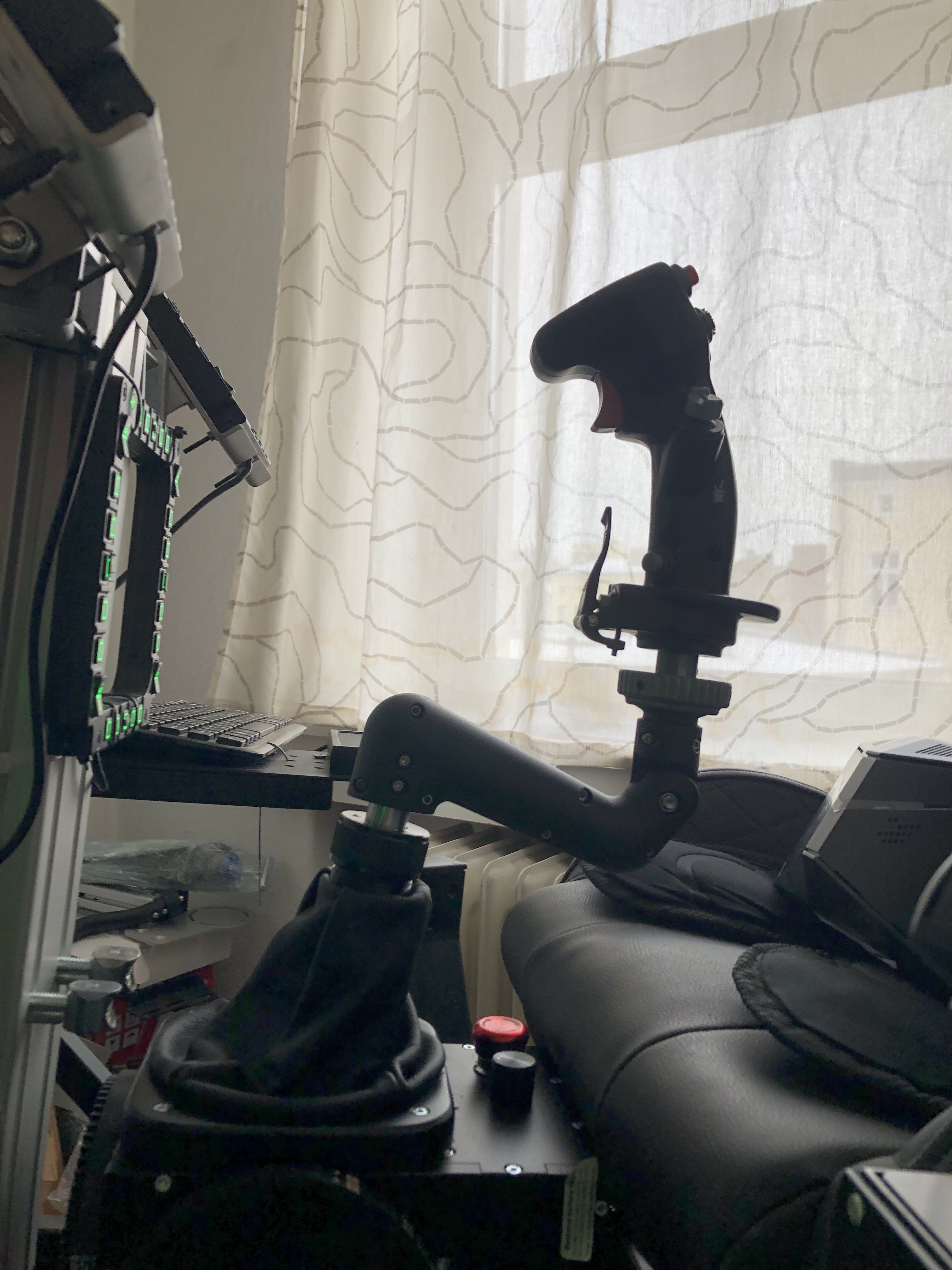
Is there a way to invert the trim hat when using DCS? I had to invert the installation of the box⦠the X and Y axis work just fine. The trim hat works, however it seems to trim in the opposite direction. When I trim nose up, the stick trims down and vice versa.
Hi everyone, sorry of this has been asked before, couldnβt find it.
Weirdly, I canβt get the stick to center (see images) and I bet itβs software related, so Iβm just too dumb to fix it. Can any of you guys help me out here how I can get it centered?
Iβve been needing to add huge deadzones to my dcs y axes so the aircraft donβt constantly pull up.
You can tune out the balance with balance spring + static force settings. It's a bit problematic since the TM is very heavy and the motors will have to constanly work. Likely heating up considerably. There was a recent discussion here: πgeneral
It does. The stick itself is working correctly. Because I had to install the base backwards, the stick axis had to be inverted, it works correctly. The trim hat, not only in button mode are they button pushes very vague (half the time when you push up in the trim switch it registers as a right push) on the hat switch, DCS is registering no effect in button mode. If I change the grip to a Virpil grip in the menu, a hat switch becomes available, but the switch appears inverted, meaning when I push nose down trim (hat switch up) the stick trims nose up.
I think so. With the TM F-18 grip, I do not seem to be able to get the stick to recognize the hat switch, it recognizes it as button pushes. If I change the grip in the setup menu to a Virpil grip, it sees the hat switch as a hat switch, but then inverts the effect of pushing the switch, even though in the VP program I see the 'arrows' correctly displaced.
roger that, can you list the hat buttons that light up in the VPforce configurator, I'll add those to the next firmware as hat switches. something like - "up:11, down:12" etc
Eureka moment! Okay, by selecting Virpil CM50 grip, it activated the hat switch, shows as Hat 1, then by reassigning the trim functions to Hat Viewpoint 4 in the controls page, it is working! It is making some of my other switches, notably the small Up-Down-Press switch that is not found on the real F-18 grip, but is added on the TM grip, appear to DCS as a hat switch. A little weird there, but definitely workable.
The only other thing I changed was inverting the Y axis in the DCS control software, and then checking the Inverted box in the Y axis for the VP Force config software.
Does the axis movement indicator correspond to actual axis movement in the VPforce config tool? If the axis is inverted, then there might be issues with wrong force direction.
If you have inverted the axis in VPForce config and it moves in correct direction in the indicator then you shouldnβt need to invert it in DCS also. Try to uncheck the invert FFB Y-axis in DCS if you have that on.
I am getting a lot of Motor X FAULT_ENCODER_MAGNET, I am getting a lot of Motor Y FAULT_ENCODER_MAGNET, messages... is this because I have the Gain too high? Seems to happen when I make sudden moves with the stick.
fwiw, was doing some experiments a while back and loaded up the default profile, and noticed it had a tendency to spin out into faults quite easily, and so reverted back to my profile