

 V
VTry rebooting after setting it
 S
SI just unmounted and remounted the drives again and it worked?
 H
HOh nice, one of those issues that solves itself
H S
SAlso why are all the BRTFS drives treated as SD cards?
HVisual issue in steam, most likely related to btrfs being good for ssds
HOnly the deck image makes steam think it's a steamdeck
SWait my 3tb drive is duplicated?
S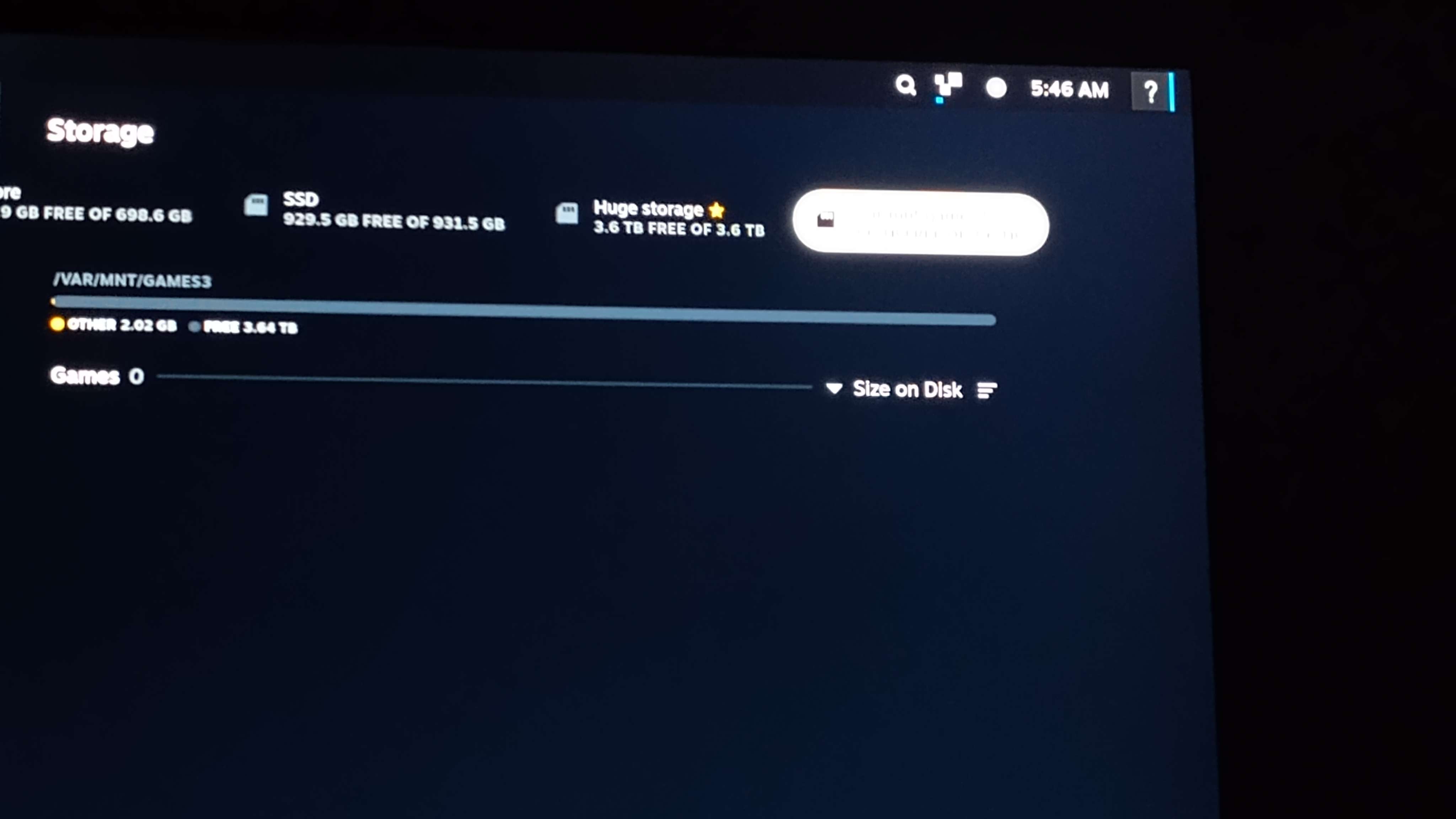 S
S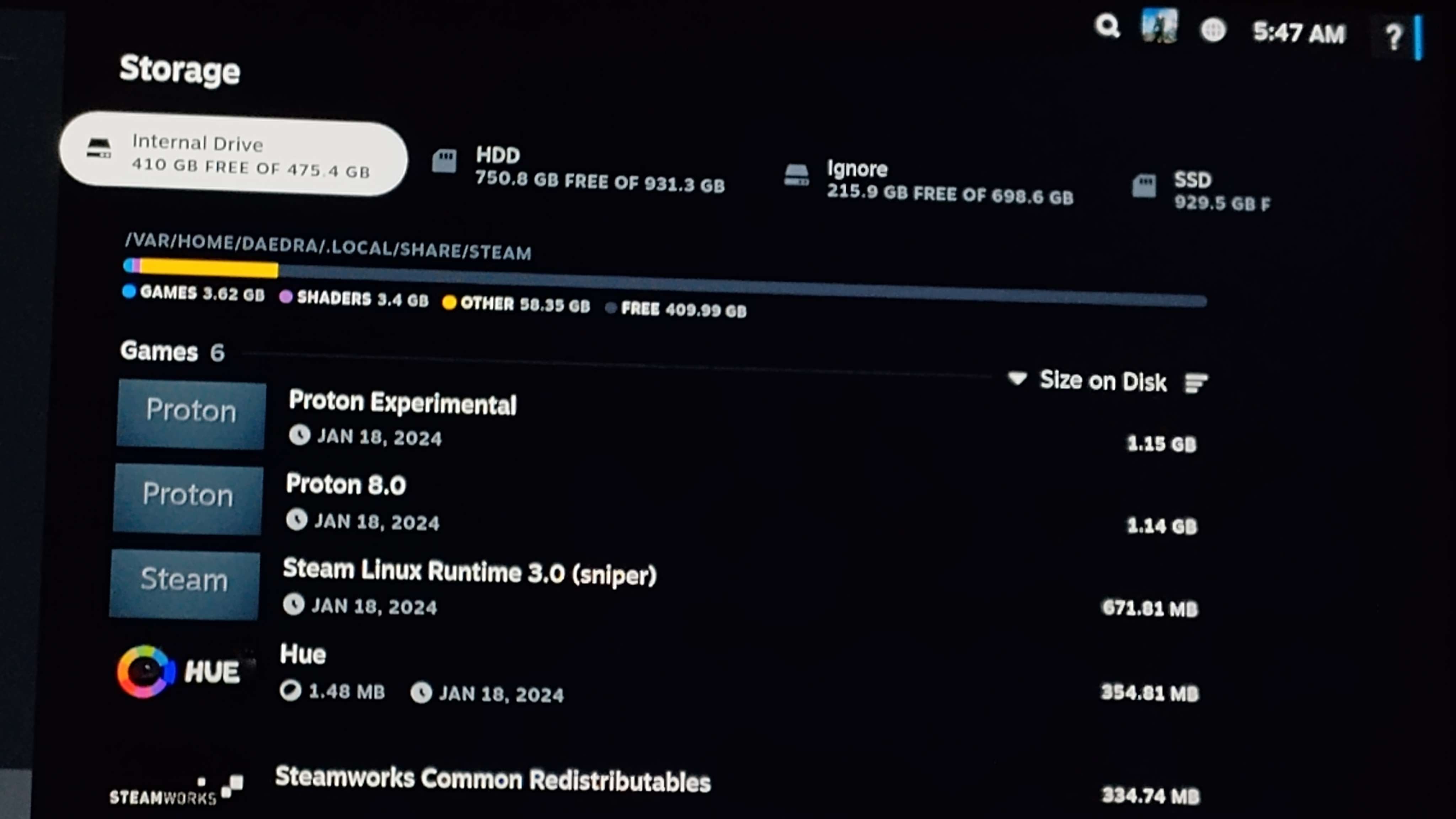 V
VDid you mount it in 2 places?
SNo?
SIs there a way I can make it so I can turn on my PC/wakeup my PC from sleep mode with a controller or no?
VMost likely not
HEnable wake on lan in bios and make sure computer is connected to network with Ethernet cable
 S
SIt already is connected to Ethernet but how does the controller turn the PC on just curious?
Hyou use your phone with a wake on lan app
just add the computers mac address then you get a button in the app to turn on the pc
just add the computers mac address then you get a button in the app to turn on the pc
Hwill not let you turn it off though
Hwake on lan had to be enabled in bios and in the OS
Hi forgot if i had to do anything in bazzite, but i can check that when i get home as my console pc has wake on lan
SYeah If ya want dm me a guide or something I gotta sleep

 F
FThis 2.2.0 is the stable for Lenovo Legion Go?
 D
DIt seems to slowly be running through the export process but I'd wait a bit (it's probably not fully done)
FBazzite have OTA Updates?
FFrom 2.1.0 to 2.2.0?
 J
Jhow do I disable automatic updates on bazzite?

 F
FOkey, i see the command rpm-ostree update dont see 2.2.0 update yet
 F
FI can update to 2.2.0 using command?
DNot out yet, hold ya horses
FOkey 
Jbecause I want to update when I want and look at whats going to be updated
Hwill do once i am back home in a couple of hours
Hujust toggle-updatesHthen you manually do
rpm-ostree update i believe, however you will lose out on your distroboxes and flatpaks being auto updated, you will have to do ujust updateJman, now there is just for everything, nice! thank you
Hits been there since before i joined the team 
 E
EI'll have a look at his ISO kick-starts and see
 R
R@Kyle Gospo I saw my ssd pegged at my max temperature and I thougth that tuned wanted to kill my charge controller /s
ROr it was some APST bug from Linux 6.6.11.
RLuckily it finally got back down as it was supposed to, probably some internal processes not visible from the host.
RGot quite scared for a moment, TBH XD
R(Since I could feel the heat coming out from the intake grille of the Deck)
RI'll probably implement this in PowerTools in decky, but this might be useful for other people to know here
RRYou might want to have a service to do this automatically like on mine.
R(I'm capping mine to 70/65 max for peace of mind)
RThis basically allows you to set a temperature before the SSD begin to throttle back to reenter a lower temperature.
RMore information about this here: