
like I said, your nearest DB is 200ms away
like I said, your nearest DB is 200ms away

 Ɽ
Ɽ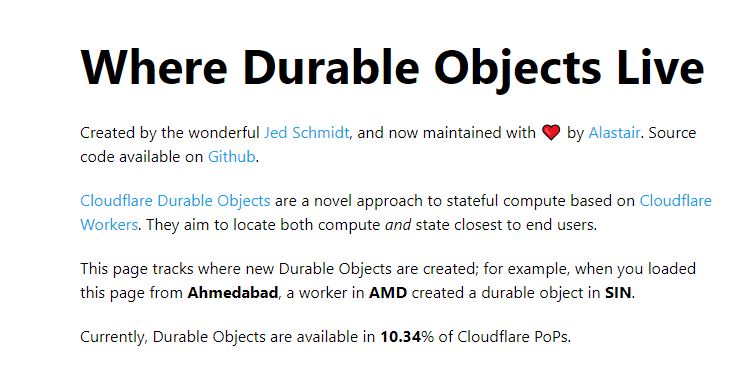
 MMⱤMⱤ
MMⱤMⱤ MM
MMwrangler d1 insights A
A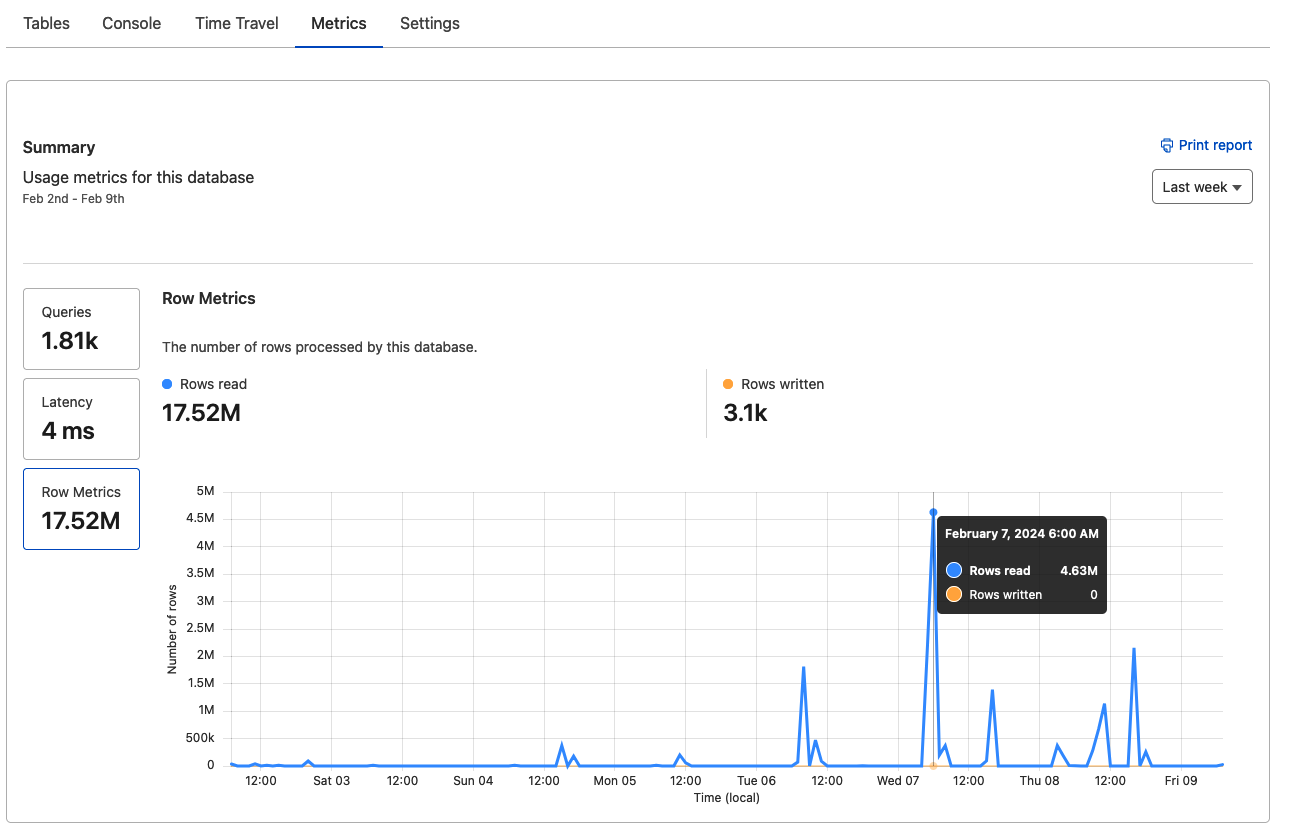 M
Mnpx wrangler@latest d1 insights <dbname> --sortBy reads --timePeriod 7d SSMMSM
wrangler d1 insights VVV
VVV T
T YYYYYM
 T
T
 A
A.sql C
C G
Gnpx wrangler --persist-to ../../../.wrangler d1 execute content --local --file sql/content.articles.sql
wrangler 3.28.1
-------------------Mapping SQL input into an array of statements
workerd/jsg/setup.c++:493: error: CODE_MOVED for unknown code block?
workerd/jsg/setup.c++:493: error: CODE_MOVED for unknown code block?
 DDD
DDD45332.058900462966 KMⱤCⱤ
KMⱤCⱤ
 IIⱤC
IIⱤC "avgRowsRead": 92284,
"totalRowsRead": 7659605,
"avgRowsWritten": 0,
"totalRowsWritten": 0,
"avgDurationMs": 26.3779313253012,
"totalDurationMs": 2189.3682999999996,
"numberOfTimesRun": 83INSERT INTO db VALUES (1), (2)const MS_PER_DAY = 24 * 60 * 60 * 1000;
const EPOCH_1900 = new Date('1899-12-30T00:00:00.000Z').getTime();
export function dateToExcelNumberWithTime(date: Date): number {
const gmtOffset = date.getTimezoneOffset();
const adjustment = (0 - gmtOffset) * 60 * 1000;
const finalDate = (date.getTime() - EPOCH_1900 + adjustment) / MS_PER_DAY;
return finalDate;
}


