You cannot, Always Online only has an on/off setting and no customisation
You cannot, Always Online only has an on/off setting and no customisation

 H
H EHHEEH
 HHH
HHHwrangler.toml
 A
A EEE
EEEdocker run -p 8888:8080-p 8080:8080--network host![Aiden [Switched to @aidendotgg]](https://cdn.discordapp.com/avatars/385642786013184000/32516402765184bffcf1ff4bf3efe0ba.webp?size=40) A
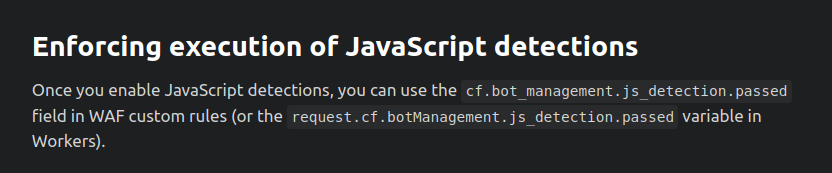
Anot entitled: the use of field cf.bot_management.js_detection.passed is not allowed, a Bot Management plan is requiredcf.bot_management.js_detection.passed S
S CSC
CSC U
U UCUUUUUUU
/etc/cloudflared/config.yml U
U V
V A
A