
Why doesnt it work with axiom then? It gave me an error that it required an enterprise plan @Blob |
Why doesnt it work with axiom then? It gave me an error that it required an enterprise plan @Blob | Rollback
 D
D BDDB
BDDB J
J HHJHH
HHJHH P
P CCCCCCCCCCCCCCCB
 OHO
OHO C
CError: Trace resource limit exceeded; subsequent exceptions not recorded.throwgraphql-request errors are very big somehow J
Jwrangler devwrangler dev --log-level debug also gives no outputJ J
Jnpm create cloudflare@latest?J B
B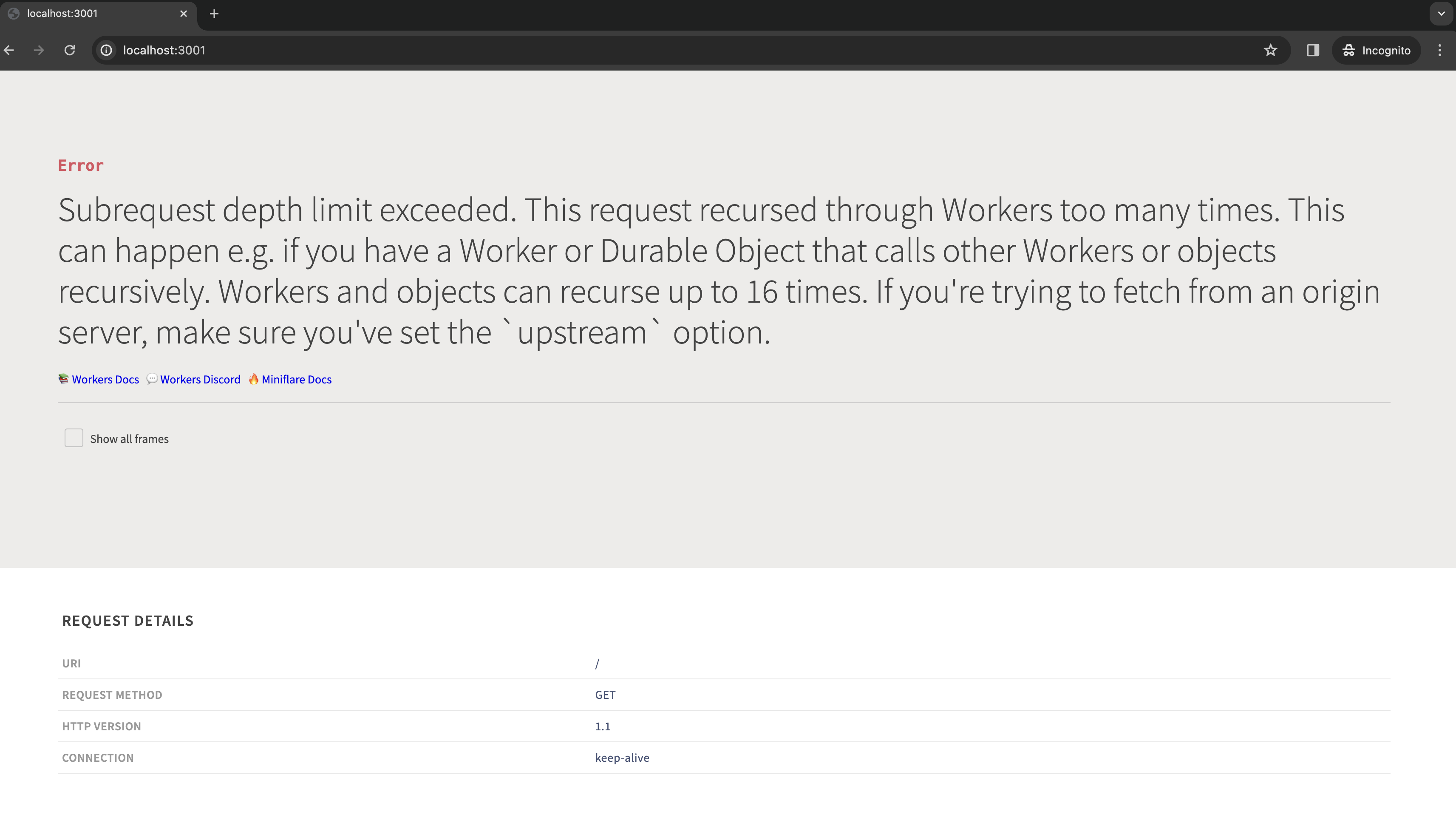 HBH
HBHhostwranglerwrangler.toml J
J.wrangler directory in the project and the environment still thinking it should be there?  JJ
JJ[[r2_buckets]]
binding = 'MY_BUCKET' # <~ valid JavaScript variable name
bucket_name = '<test_bucket>'
preview_bucket_name = '<test_bucket>'└────────────────────────────────────┴──────────────────────────────────┘
🔓 Token Permissions: If scopes are missing, you may need to logout and re-login.
Scope (Access)
- account (read)
- user (read)
- workers (write)
- workers_kv (write)
- workers_routes (write)
- workers_scripts (write)
- workers_tail (read)
- d1 (write)
- pages (write)
- zone (read)
- ssl_certs (write)
- constellation (write)
- ai (read)
- offline_access import { json } from "@remix-run/react";
export const loader: LoaderFunction = async ({ request, context, params }) => {
const url = new URL(request.url);
const cacheKey = new Request(url.toString(), request);
const cache = context.cloudflare.caches.default;
const cacheEntry = await cache.match(cacheKey);
let users = (await cacheEntry?.json())?.users;
if (!users) {
const query = url.searchParams.get("query");
const db = await context.db;
users = await db.query(query);
context.cloudflare.ctx.waitUntil(
cache.put(
cacheKey,
json(users, {
headers: {
Expires: new Date(
new Date().setFullYear(new Date().getFullYear() + 1),
).toUTCString(),
},
}),
),
);
}
...
}// So you can write this:
return json({ any: "thing" });
// Instead of this:
return new Response(JSON.stringify({ any: "thing" }), {
headers: {
"Content-Type": "application/json; charset=utf-8",
},
});graphql-requestwrangler dev --log-level debugnpm create cloudflare@latest.wrangler


