
and the contents of that file is now just this? ``` CREATE TABLE "User" ( "id" INTEGER NOT NULL
and the contents of that file is now just this?
CREATE TABLE "User" (
    "id" INTEGER NOT NULL PRIMARY KEY AUTOINCREMENT,
    "email" TEXT NOT NULL,
    "name" TEXT
);

CREATE UNIQUE INDEX "User_email_key" ON "User"("email"); LL
LL TL
TL II
II MIM
MIM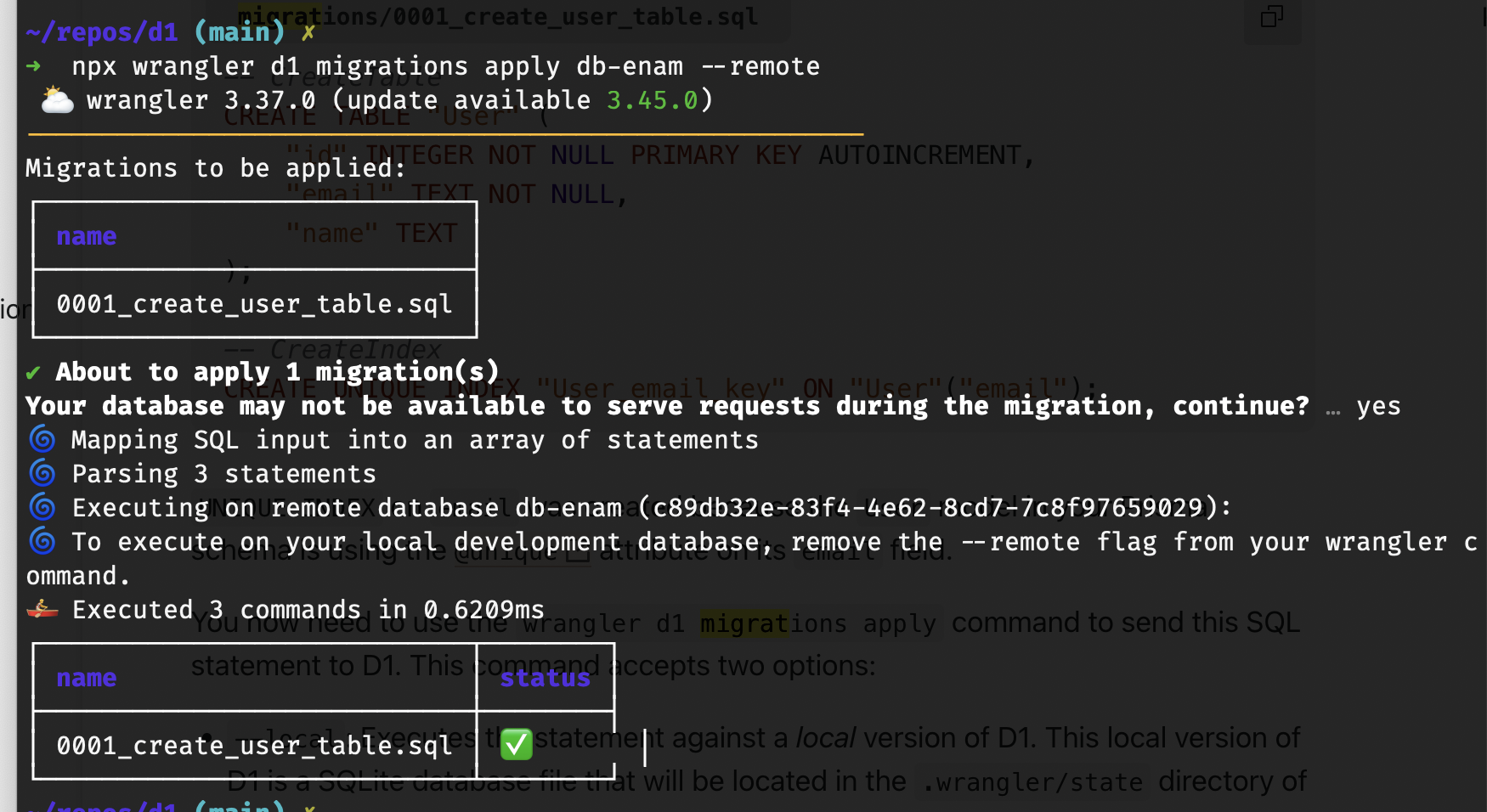
 KK
KKsqlite3_error_offset which indicates it's the first character of that given input, but since Wrangler splits the statements you don't really know which one it isIKKLL AA
AA M
Mseed.ts. Can't seem to find any example of this in the tutorials MAMM
MAMMwrangler d1 insights could tell you summary stats but it only shows the query string tooAMAMMMAAMAAA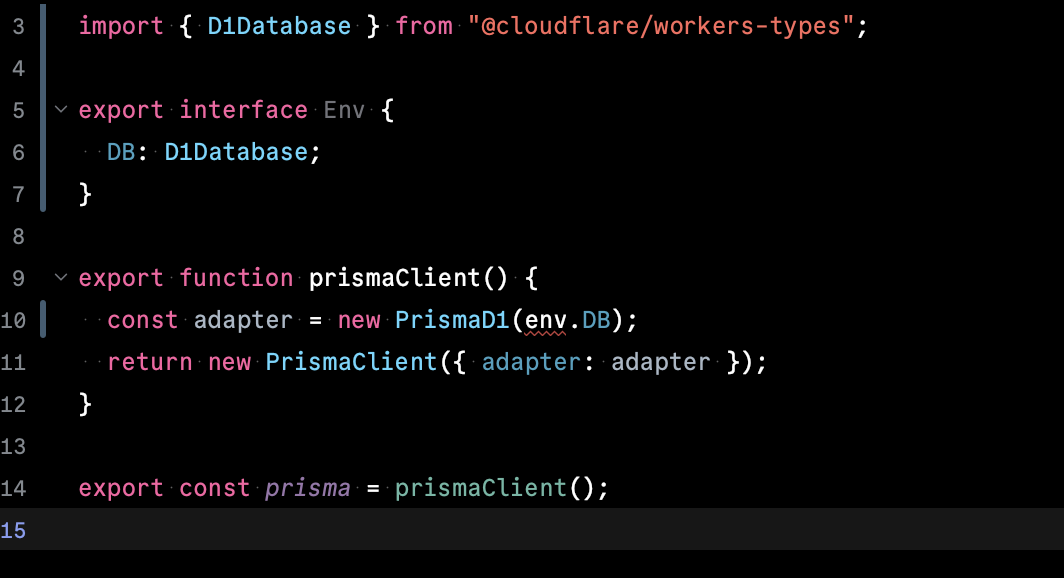 A
A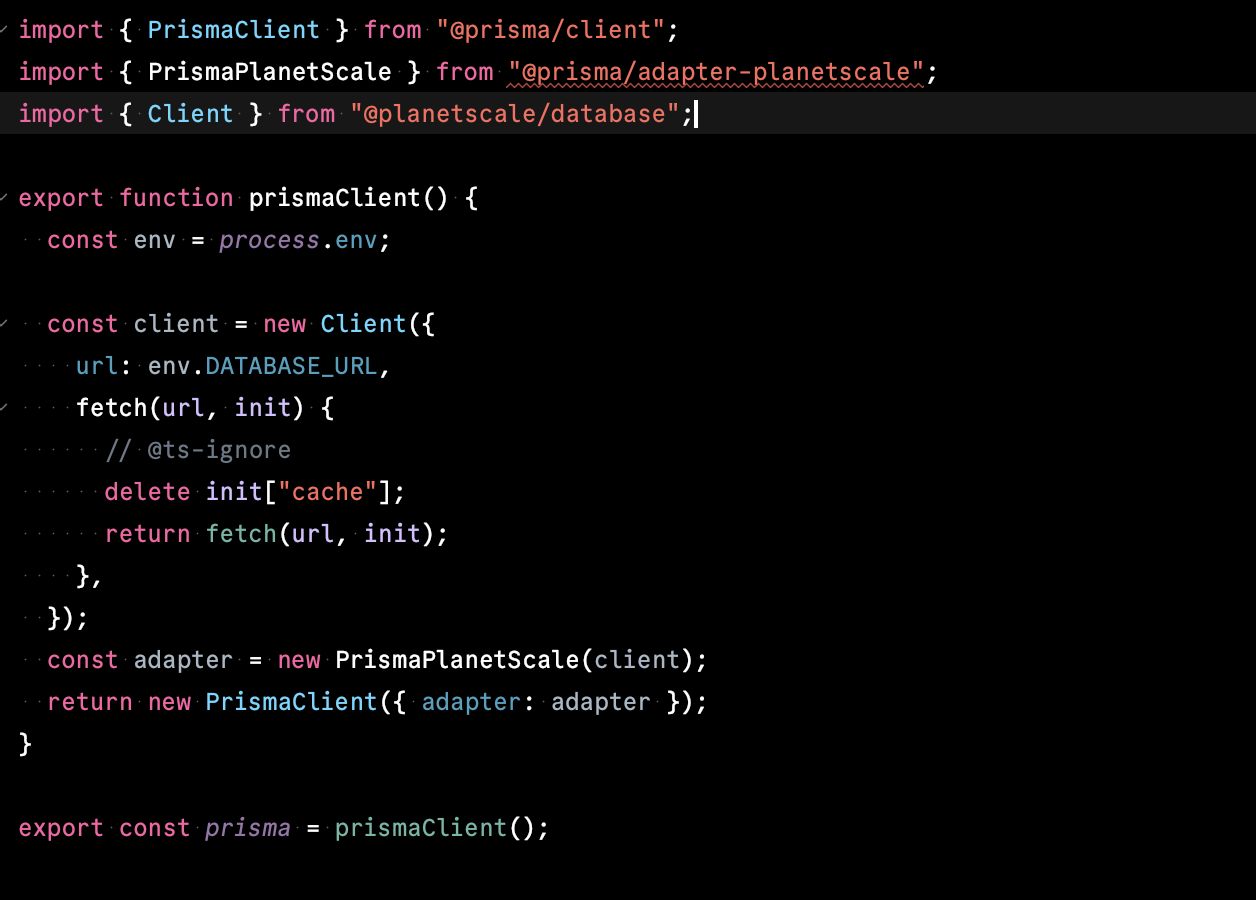
 TTTTM
TTTTMLooks like we still need to manually configure database IDs in a global wrangler file as there’s no programmatic way to manage a fleet of D1 instancesYeah, dynamic bindings hasn't shipped yet, there's an unofficial package to automate the HTTP API steps you'd need to do atm though https://github.com/nora-soderlund/cloudflare-dynamic-bindings
M HMMH
HMMHsqlite3_error_offsetseed.tswrangler d1 insights~/repos/d1 (main) ✗
➜ pbpaste > user_repro_20240404.sql
~/repos/d1 (main) ✗
➜ wrangler d1 execute db-enam --file=user_repro_20240404.sql
🌀 Mapping SQL input into an array of statements
🌀 Parsing 2 statements
🌀 Executing on db-enam (c89db32e-83f4-4e62-8cd7-7c8f97659029):
🚣 Executed 2 commands in 0.4695ms


