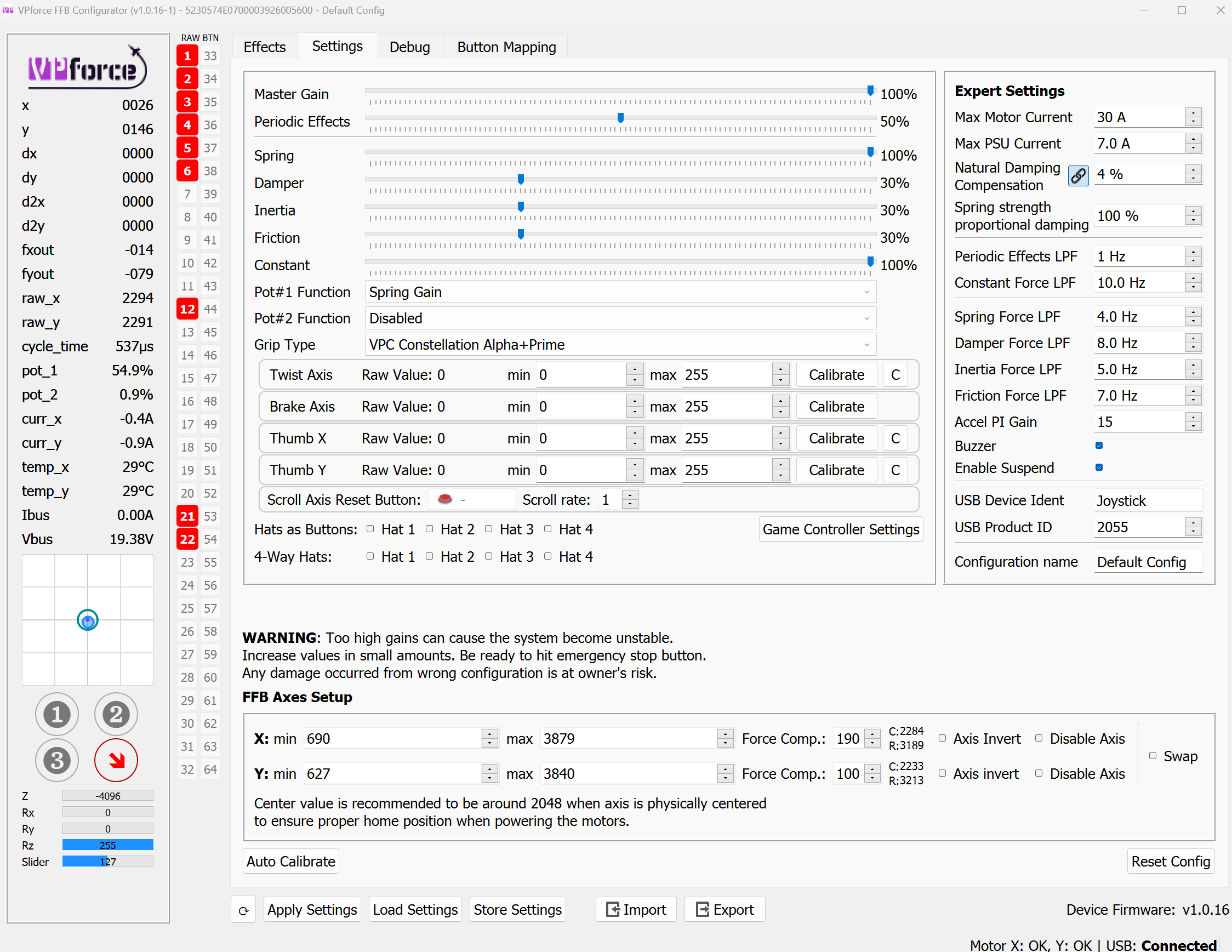
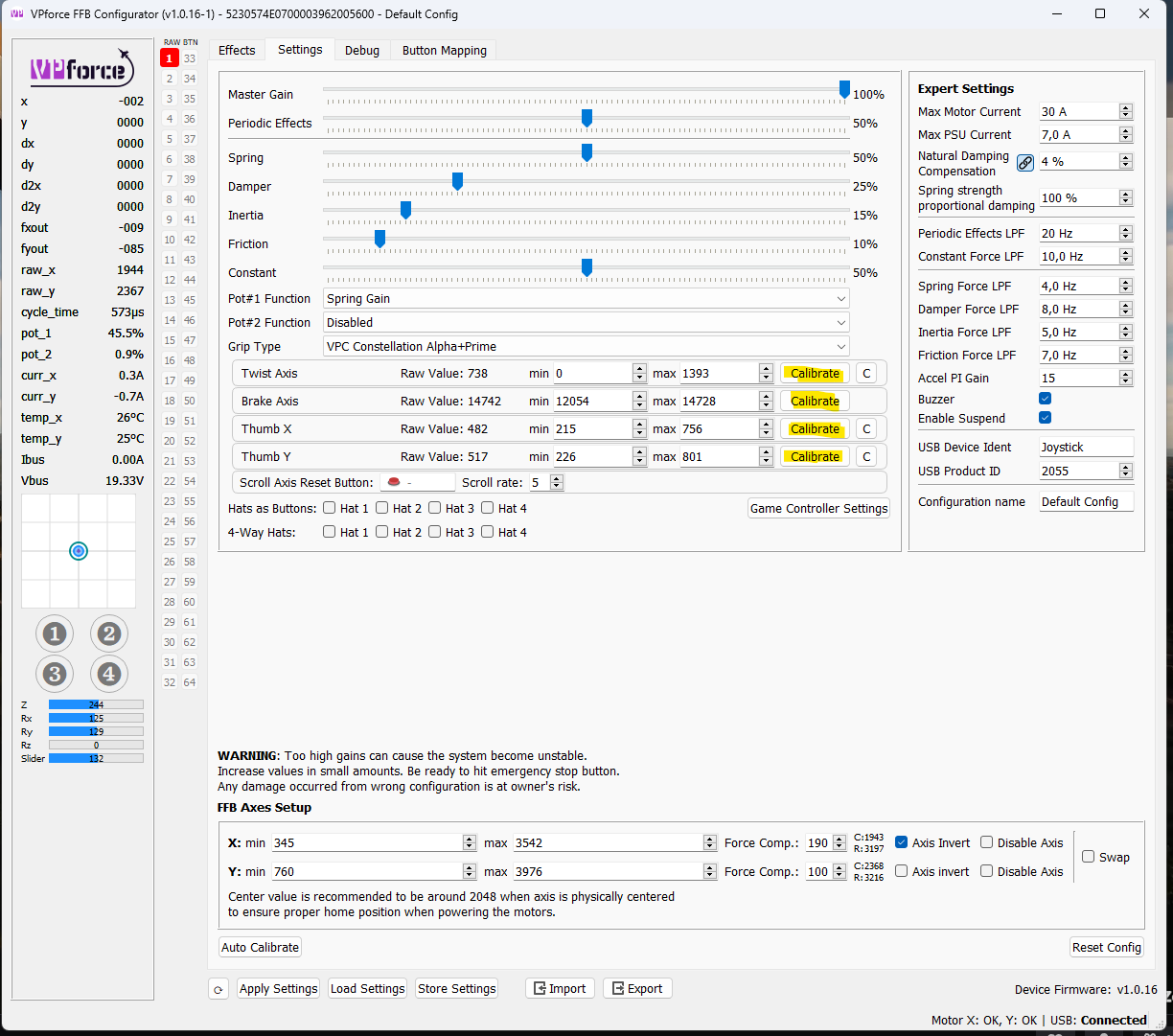
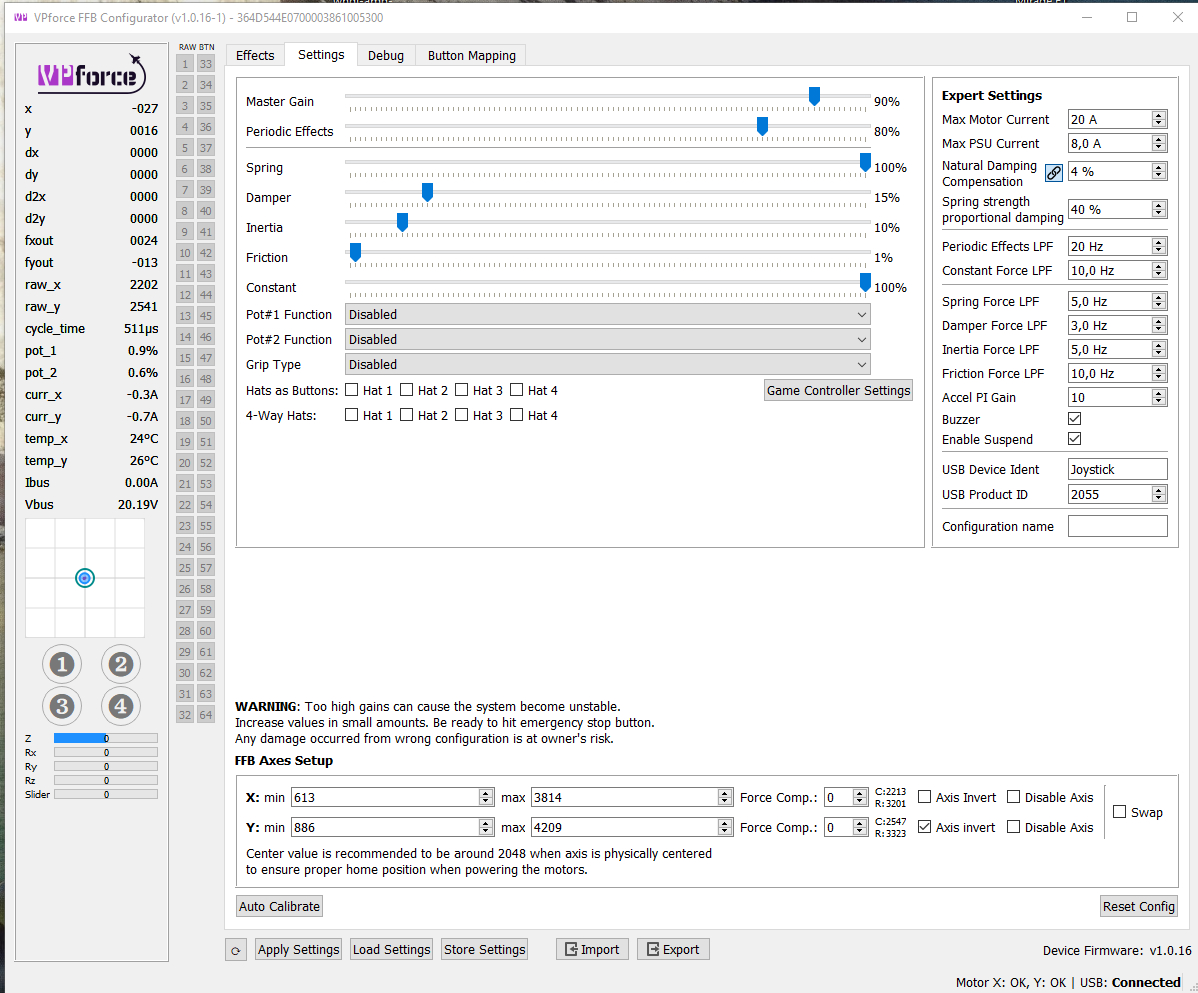
you need to calibrate the stick first. page 11 of the manual. basically pressing auto calibrate, moving all axes to all extremes etc. and release auto calibrate again. I can see that you haven't done that yet.
I don't know why your buttons are pressed though. you might have to check the connectors between grip and base. don't know. best to wait for Walmis's feedback on that.
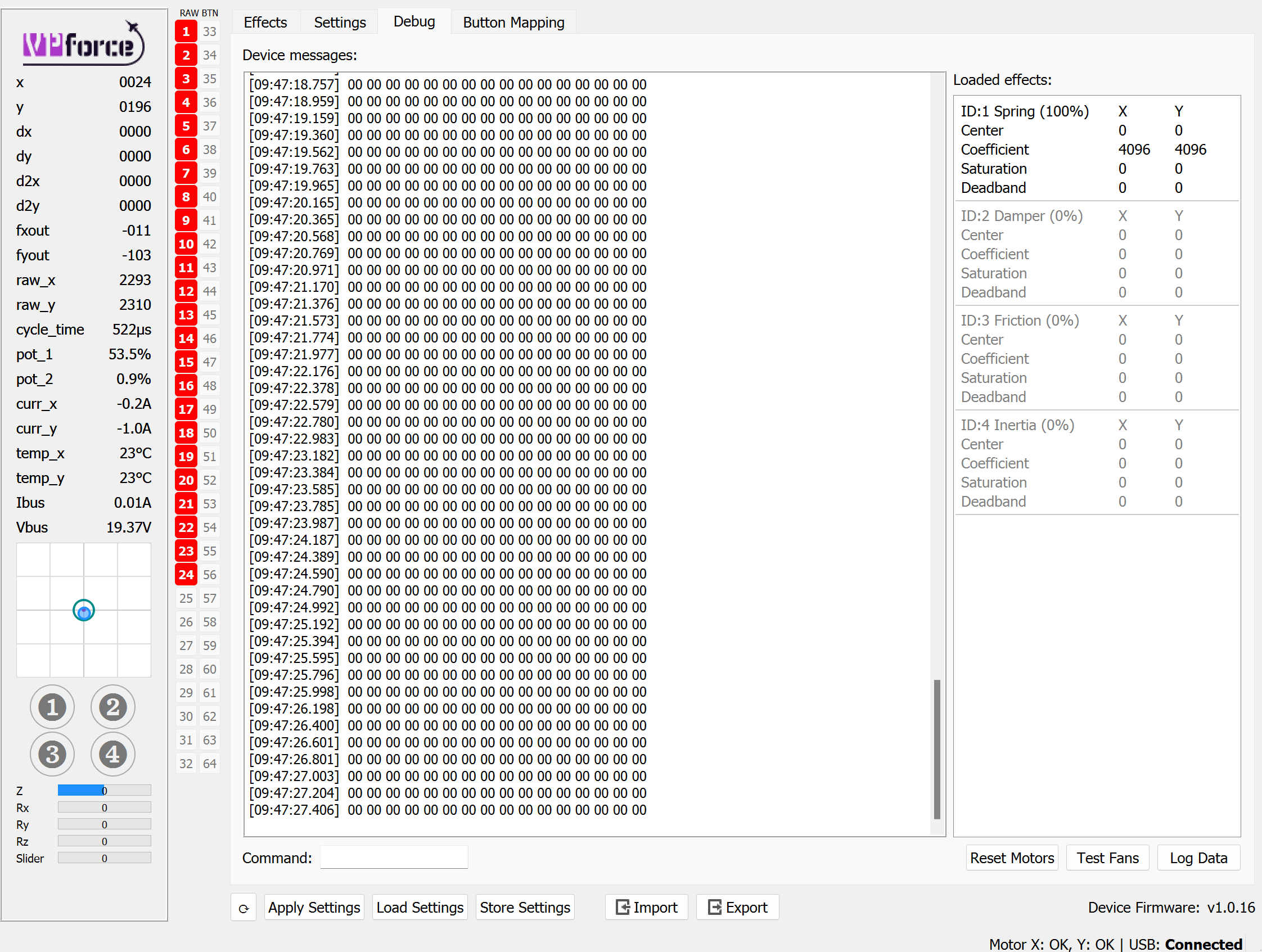
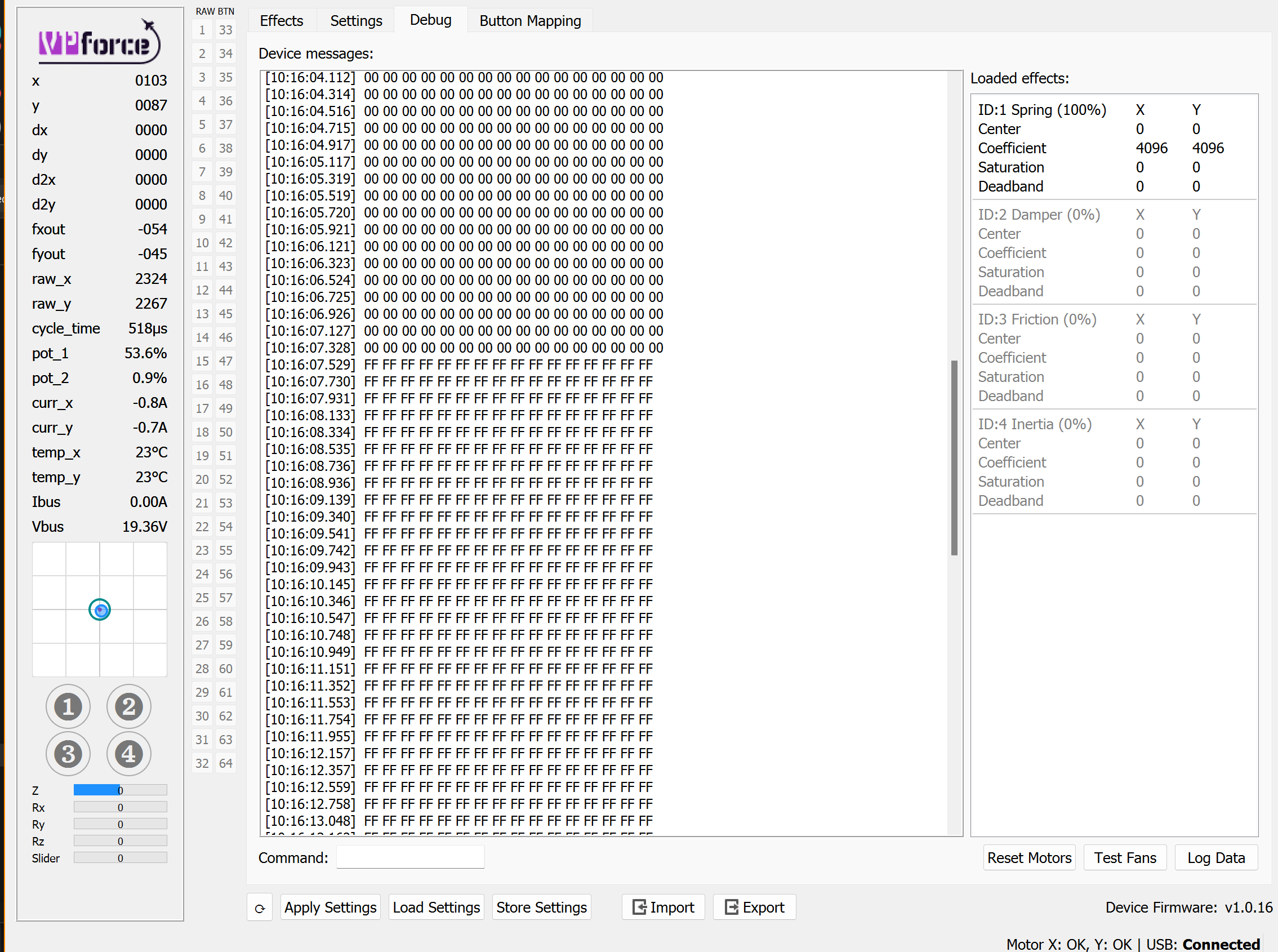
@walmis yea I’m at a loss. Appreciate it whenever you have time to work through this. Essentially when it is plugged into the warbrd virpil base, lights up (I now know it doesn’t on rhino. I usually just use that as an indicator that it is properly plugged in) and when I go to the game pad properties for windows I can press buttons and see it all working. When I plug it into the rhino the only thing working is the axis of the base but nothing from the stick. As also seen some of the buttons are showing pressed but that changes based on the selected grip. I’m the normal constellation alpha grip but going through other ones also doesn’t work. Lastly the debug only states the config applied or config stored. So ultimately yea just feel the stick is not connecting somehow. Again I appreciate it and can get you more details as you need but this sums it up and what I’ve tried.
Unless something broke (which is possible, but I’m not able to verify at the moment). Just hit the little arrow next to the row when it’s enabled to open the sub settings.
I have a problem with DCS. Although a Rhino's stict is stable a plane's stick move to Y-axis way. In the VP Conficugurator everything are stable when the stick is also stable. In the DCS this happened all planes but with CloD every thing works fine.
Thank's for your advice. I update my DIY Rhino and all at once I update also my cockpit. There are one multiple axis bound which cause the problem. I didn't note it.
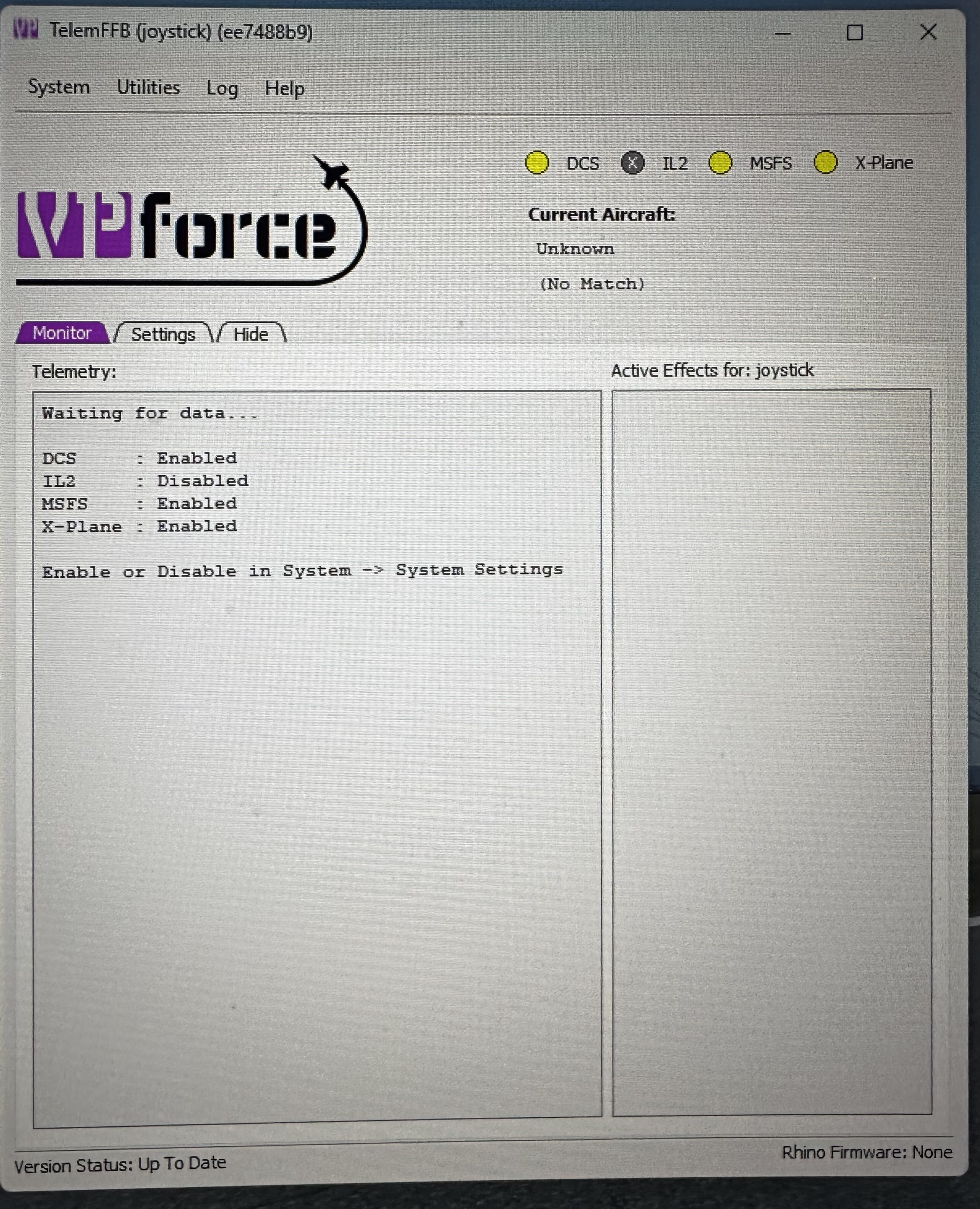
Anyone know how to fix it when the telem app isn’t picking up the loaded sim? It was working well in xplane yesterday, but when I tried it this morning it just said “waiting for data”.
You need to be siting in the plane, not in DCS menu. If that's not working, you need to check: "My Games\DCS\Scripts\Export.lua" if it has line added for telemffb
There’s nothing very dynamic about the plug-in for xplane. Either it should work or not. Unless there was an xplane update that broke something, there’s nothing that could change from run to run that would affect it.
You can check the loaded plugins in xplane from the menu after startup. If you see the TelemFFB plugin listed, it should be working.
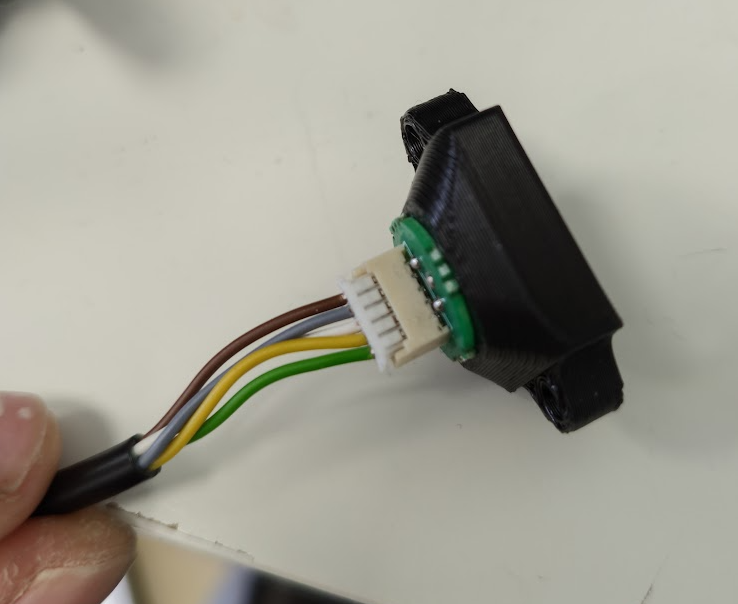
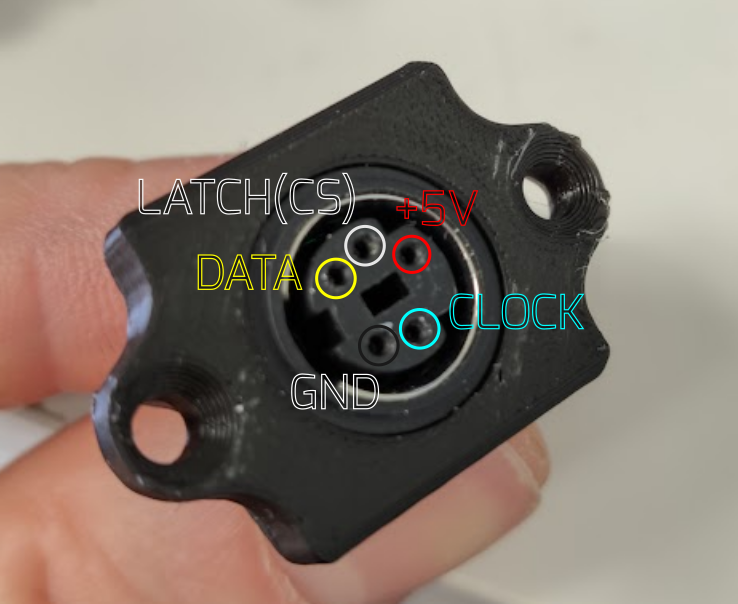
Yeah, I get the same behavior if I disconnect the +5V wire going to the grip. So it's either the mini DIN connector or the inside wire that's not making contact with the 5V power. Not exactly sure why it worked during testing and not working now. But If you're able to inspect the connector it might be a quick fix. Otherwise I'll need to send you a replacement.