Were you checking whether the config matched the deployment, or the project itself?
Were you checking whether the config matched the deployment, or the project itself?
 H
Hwrangler.toml V
V
 T
T JJ
JJ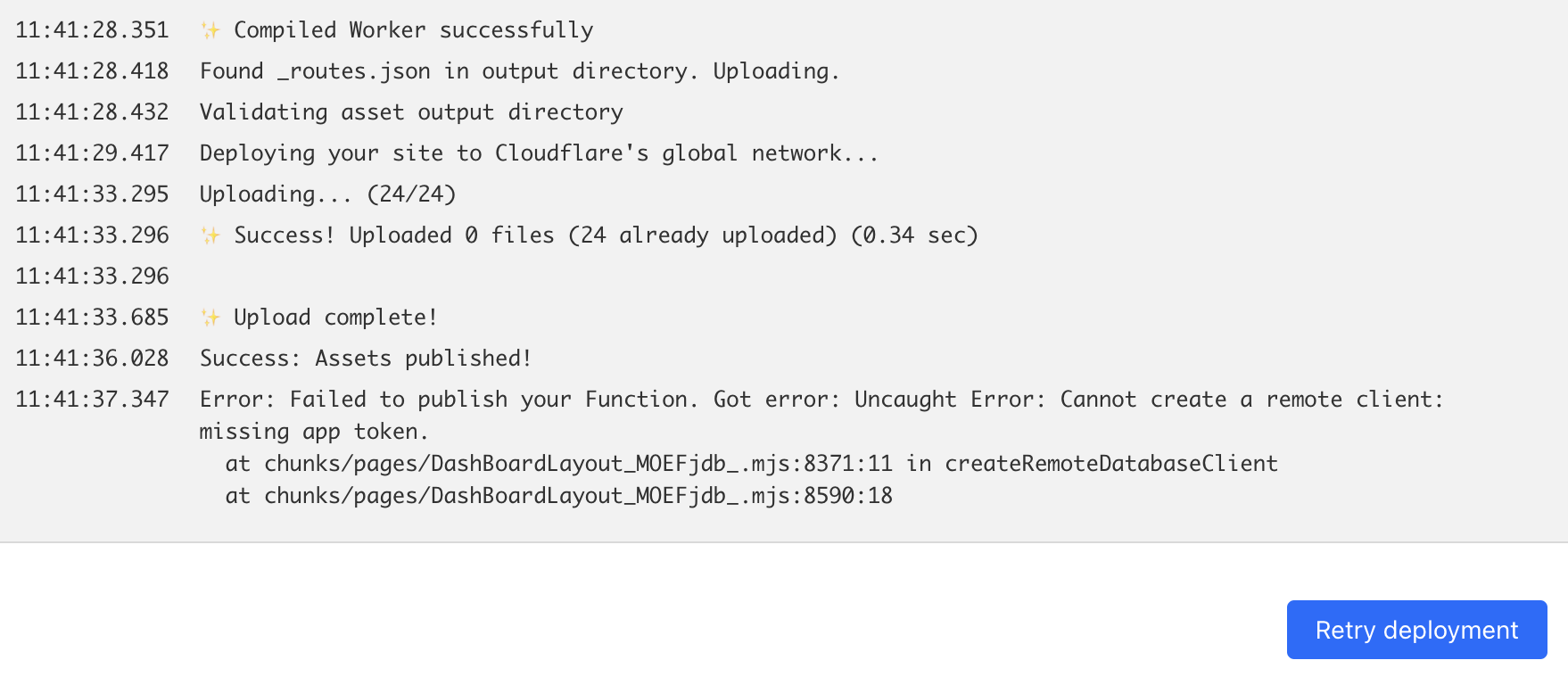
 WW
WWDashBoardLayout file doing? What is the createRemoteDatabaseClient doing? That's where the error is from NWWWWWWWWWWW
 D
D P
P IWWW
IWWW H
H T
T NN
NN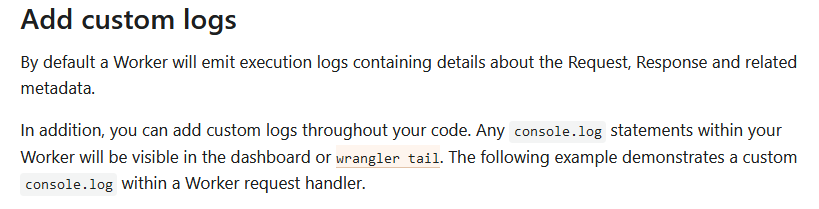
 D
Dwrangler.toml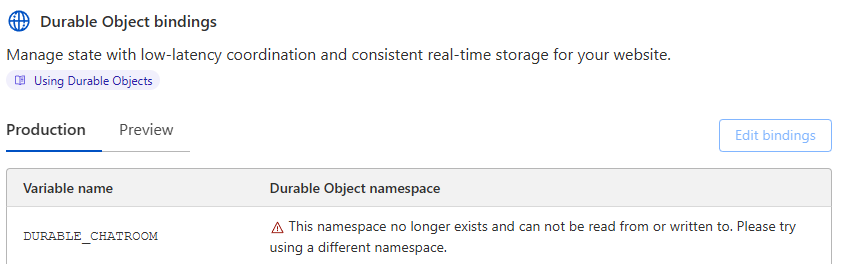
 B
Bnpm i @torchauth/vite-plugin-wrangler-spa. There are no other projects in the npm registry using @torchauth/vite-plugin-wrangler-spa. H
H[vars]
SERVICE_X_DATA = { URL = "service-x-api.dev.example", MY_ID = 123 }DashBoardLayoutcreateRemoteDatabaseClientnpm i @torchauth/vite-plugin-wrangler-spa // Setup CORS for the frontend'
.use('/trpc/*', async (c, next) => {
if (c.env.APP_NEXT_URL === undefined || c.env.APP_SPA_URL === undefined) {
console.log(
'APP_URL is not set. CORS errors may occur. Make sure the .dev.vars file is present at /packages/api/.dev.vars',
)
}
return await cors({
origin: (origin) => {
const appHost = new URL(c.env.APP_NEXT_URL).host
const spaHost = new URL(c.env.APP_SPA_URL).host
const preview = 'http://localhost:8788' // cloudflare pages preview
console.log('Origin: ', origin)
return origin.endsWith(appHost) || origin.endsWith(spaHost) || origin.endsWith(preview)
? origin
: c.env.APP_NEXT_URL
},
credentials: true, // https://trpc.io/docs/client/cors
allowMethods: ['GET', 'POST', 'OPTIONS'],
// https://hono.dev/middleware/builtin/cors#options
})(c, next)
})