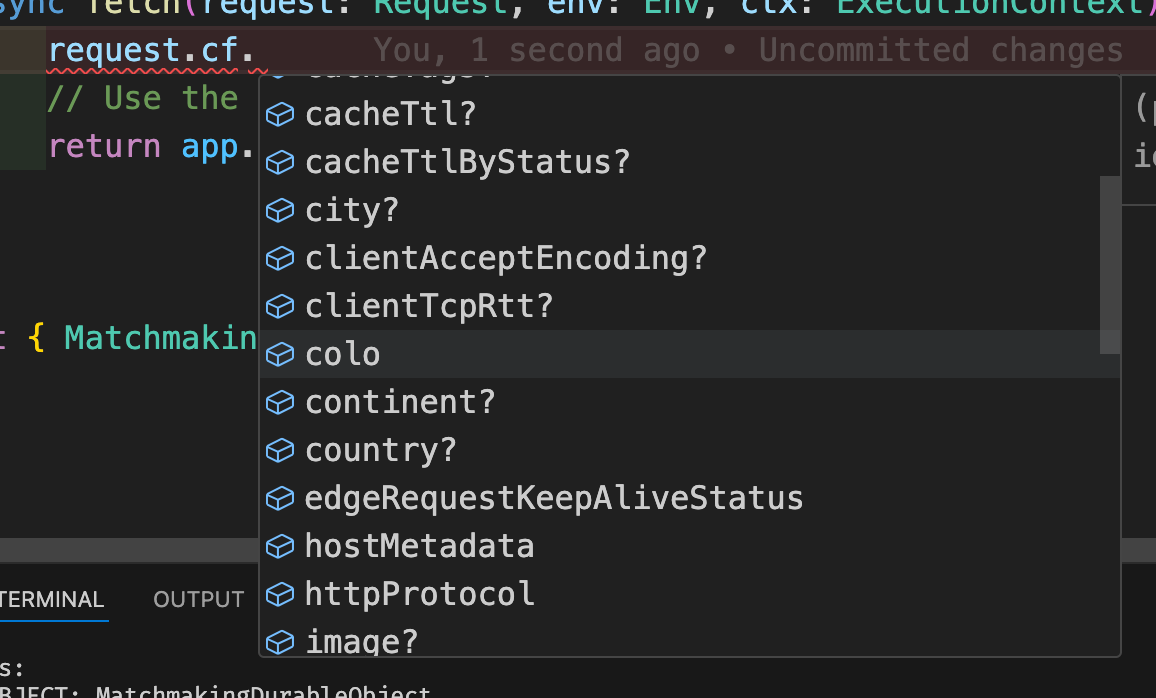
sounds good. another question, the browser session has a cf physical location right? so if the session was created on the edge in cf-sfo, then when try to use the same session on a worker in dublin, then, the speed will be slow, because the sfo session is trying to access resources in dublin.
Bug description Steps to reproduce the problem: Create worker following the guide here. Try to make a request to the worker. Puppeteer version 0.0.10 Node.js version 20.13.1 npm version 10.5.2 What...
To configure automatic protection against DDoS attacks on Cloudflare using firewall rules and rate limiting. This involves detecting suspicious traffic spikes and automatically triggering challenges or blocks to protect the website without manual intervention.
Is there any way to control where the worker is deployed? We'd like to have the browser visit a website which has geo specific content, so we'd like to be able to control where the worker is run?
Not sure where I would apply the blocking you're talking about? You mean I should apply it to the firewall rules of the worker route? Or in some other way make the worker aware that its been run from the wrong region. But then I would need to still try and trigger the worker from an IP which routes to that edge right, (Like going through a vpn)?
Hello!, i'm trying to use browser-rendering with puppeteer and cloudflare workers but its giving me this error in dev/deploy, its mandatory to applo for the whitelist of the beta? or do i have to pay the 5 dollars workers subscription in order to use this feature?, im a little bit confused, thanks!
{ text: 'A request to the Cloudflare API (/accounts/account_id/workers/scripts/browser-test/edge-preview) failed.', notes: [ { text: 'workers.api.error.no_access_to_browser_worker [code: 10088]' } ], location: undefined, kind: 'error', code: 10088 }