
The former two should only be true if you don't read our read me
The former two should only be true if you don't read our read me
 G
G GG
GGujust setup-virtualization T
T HHGGGT
 M
M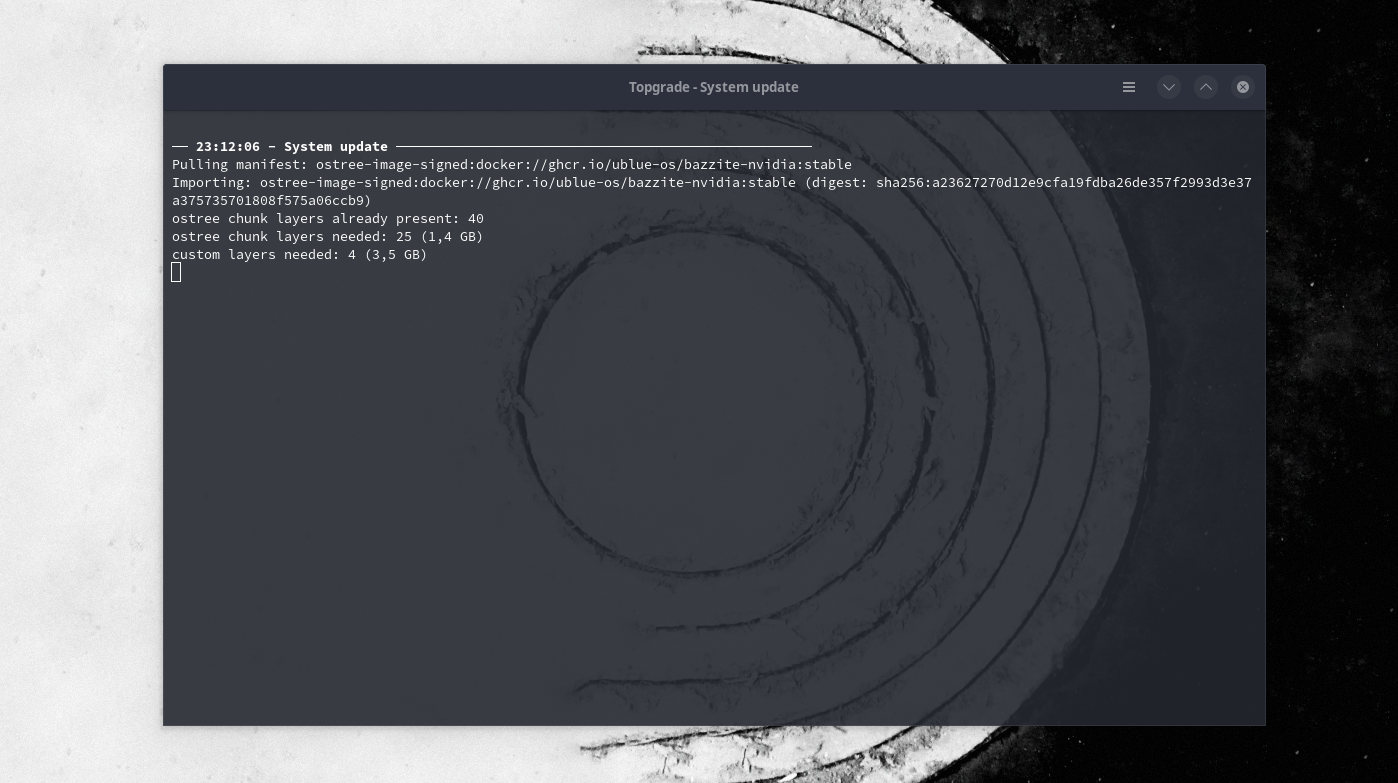 GTGMMGG
 KKMKGM
 A
A



 D
D P
P Bazzite’s README
  FAQ
FAQ  Installation Guide
  Gaming Guide
  Contributing to Bazzite Steam Gaming Mode (Handheld/HTPC Images)
  Steam Gaming Mode Overview
  Handheld Wiki
  Bazzite and SteamOS Comparison on Steam Deck
  Change Physical Keyboard Layout for Gaming Mode Software
  Installing and Managin...
 BBKKBKKBBBBKKKBGG
 TTBBT
TTBBT T
T
ujust setup-virtualization


