
downgrade your Wrangler version to 3.61.0 or less and use wrangler dev (or wrangler commands)
downgrade your Wrangler version to 3.61.0 or less
and use wrangler dev (or wrangler commands)
and use wrangler dev (or wrangler commands)
 B
B K
Kwrangler devwrangler dev J
Jwranglerpackage.jsonnpxnpx wrangler@3.63.1 devJnpm create cloudflare@latest: https://developers.cloudflare.com/workers/get-started/guide/ JJ
JJnpm create cloudflare@latest. That'll ensure you get all the right dependencies and thingsJJminiflarewrangler devnodenpm create cloudflare@latest, it'll give you a basic foundation script and a dev script you can run via npm run devMiniflare like that via wrangler devwranglernodewranglernode
 A
A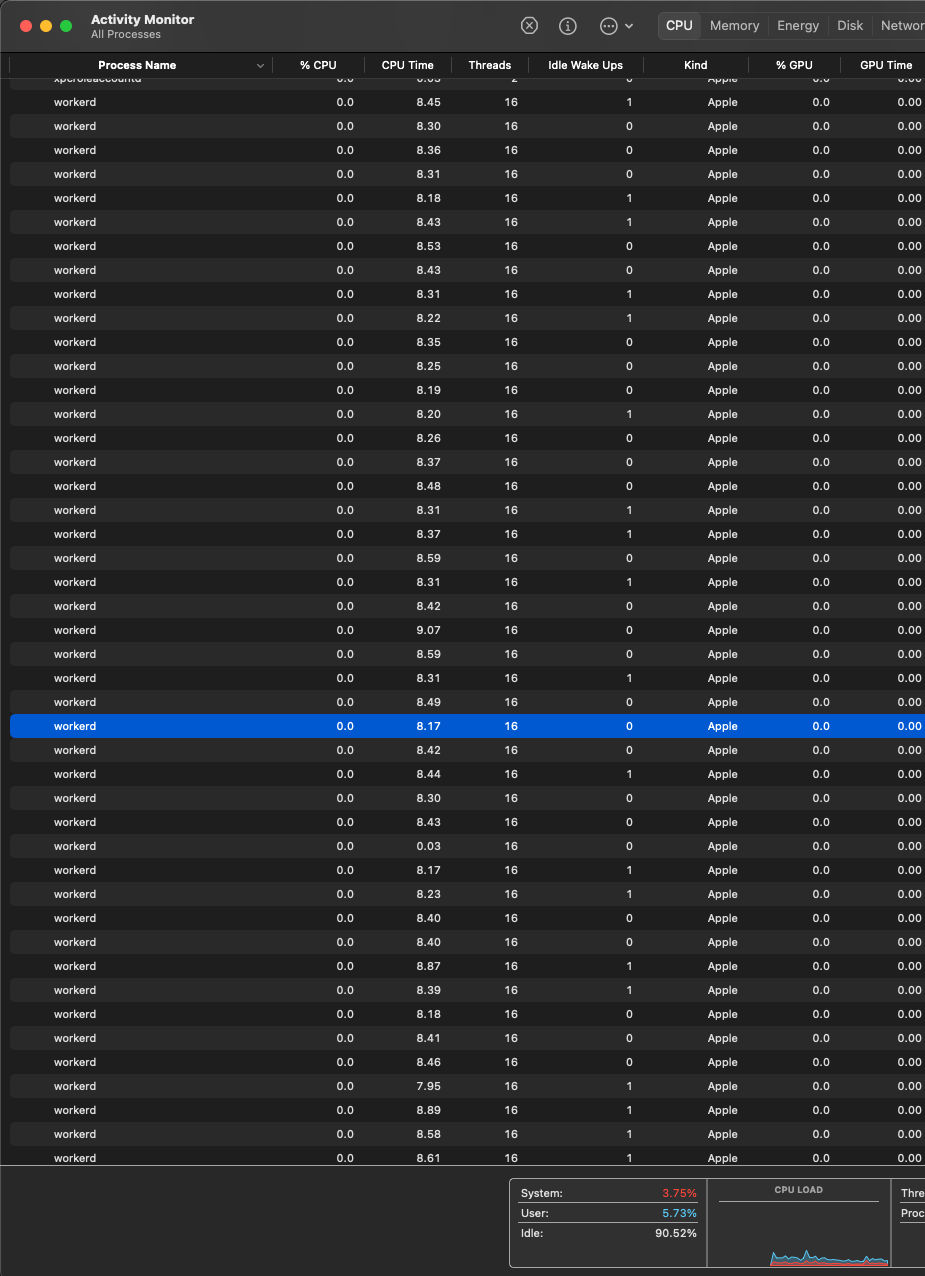 A
A"dev": "NODE_ENV=development wrangler dev -e dev src/index.ts", S
Swrangler 3.62localhostwrangler: 3.00no-cors A
A
 S
S A
A M
Mnpm run dev npm startnpm run deploy  J
JgetPlatformProxygetPlatformProxy D
DgetPlatformProxy

 Home to Wrangler, the CLI for Cloudflare Workers® - cloudflare/workers-sdk
 JJ
JJ DD
DD
 node_modules\wrangler\wrangler-dist\cli.js:29765
            throw a;
            ^

Error: write EOF
    at WriteWrap.onWriteComplete [as oncomplete] (node:internal/stream_base_commons:94:16)
    at WriteWrap.callbackTrampoline (node:internal/async_hooks:130:17) {
  errno: -4095,
  code: 'EOF',
  syscall: 'write'
}

Node.js v18.18.2DevalueError: Cannot stringify POJOs with symbolic keys
at flatten (~/project/node_modules/.pnpm/miniflare@3.20240701.0/node_modules/.pnpm/devalue@4.3.2/node_modules/devalue/src/stringify.js:145:13)
... 3 lines matching cause stack trace ...
at async ProxyServer.fetch (~/project/node_modules/.pnpm/miniflare@3.20240701.0/node_modules/miniflare/src/workers/core/proxy.worker.ts:157:11) {
cause: Error [DevalueError]: Cannot stringify POJOs with symbolic keys
at flatten (~/project/node_modules/.pnpm/miniflare@3.20240701.0/node_modules/.pnpm/devalue@4.3.2/node_modules/devalue/src/stringify.js:145:13)
at stringify (~/project/node_modules/.pnpm/miniflare@3.20240701.0/node_modules/.pnpm/devalue@4.3.2/node_modules/devalue/src/stringify.js:178:16)
at stringifyWithStreams (~/project/node_modules/.pnpm/miniflare@3.20240701.0/node_modules/miniflare/src/workers/core/devalue.ts:242:27)
at #fetch (~/project/node_modules/.pnpm/miniflare@3.20240701.0/node_modules/miniflare/src/workers/core/proxy.worker.ts:342:30)
at async ProxyServer.fetch (~/project/node_modules/.pnpm/miniflare@3.20240701.0/node_modules/miniflare/src/workers/core/proxy.worker.ts:157:11)const { getPlatformProxy } = await import("wrangler")
const platform = await getPlatformProxy()
console.log(await platform.env.MY_SERVICE.testRPCFunction())npx wrangler@3.63.1 devnpm create cloudflare@latestnpm create cloudflare@latestnpm create cloudflare@latestMiniflare"dev": "NODE_ENV=development wrangler dev -e dev src/index.ts",


