i don't know if anyone elses does as well but application casting through vesktop is broken in gaming mode, at least to myself, i know is quite niche, and can be anything, like gamescope, or vesktop itself, but it use to work a few updates ago
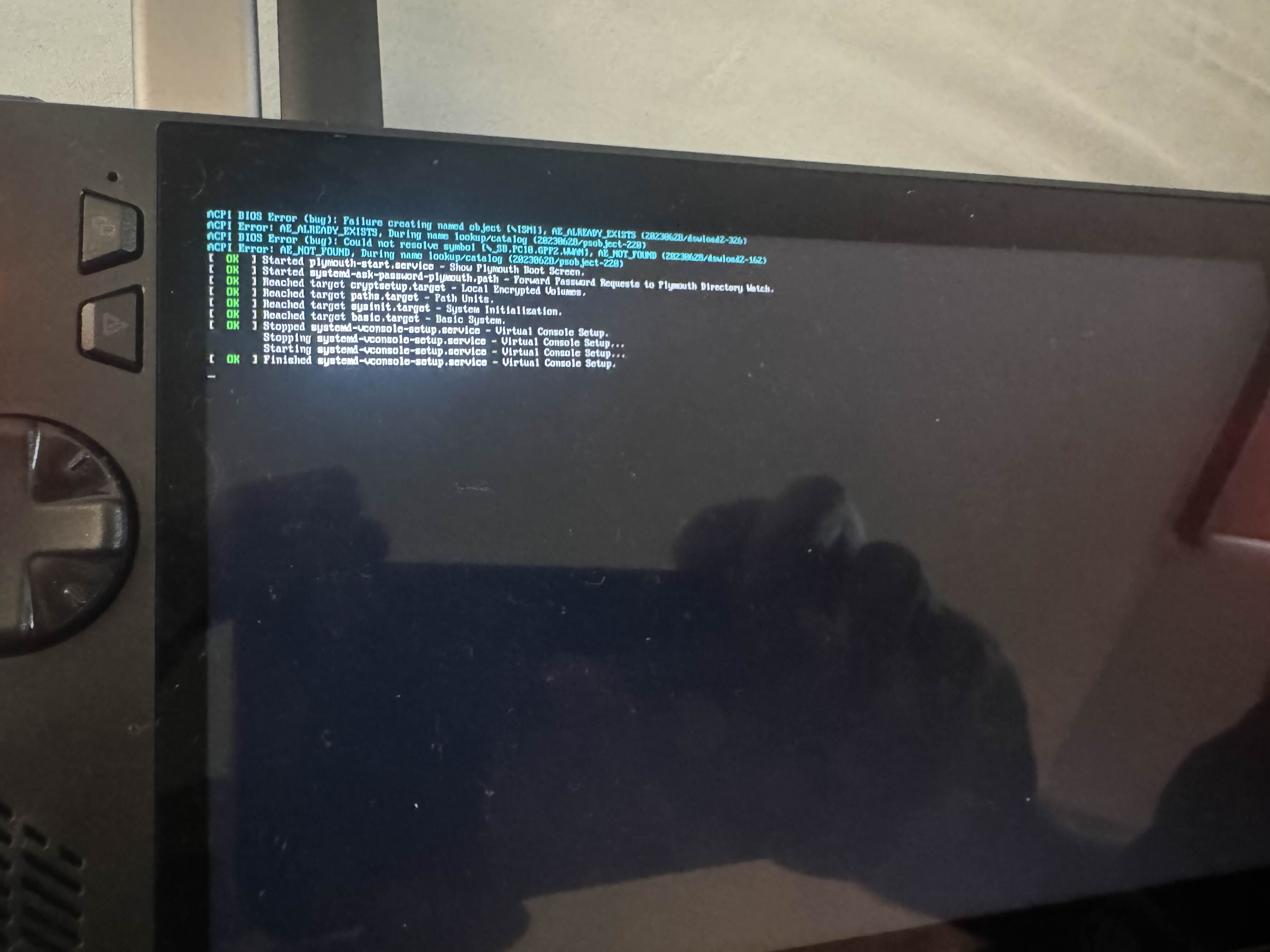
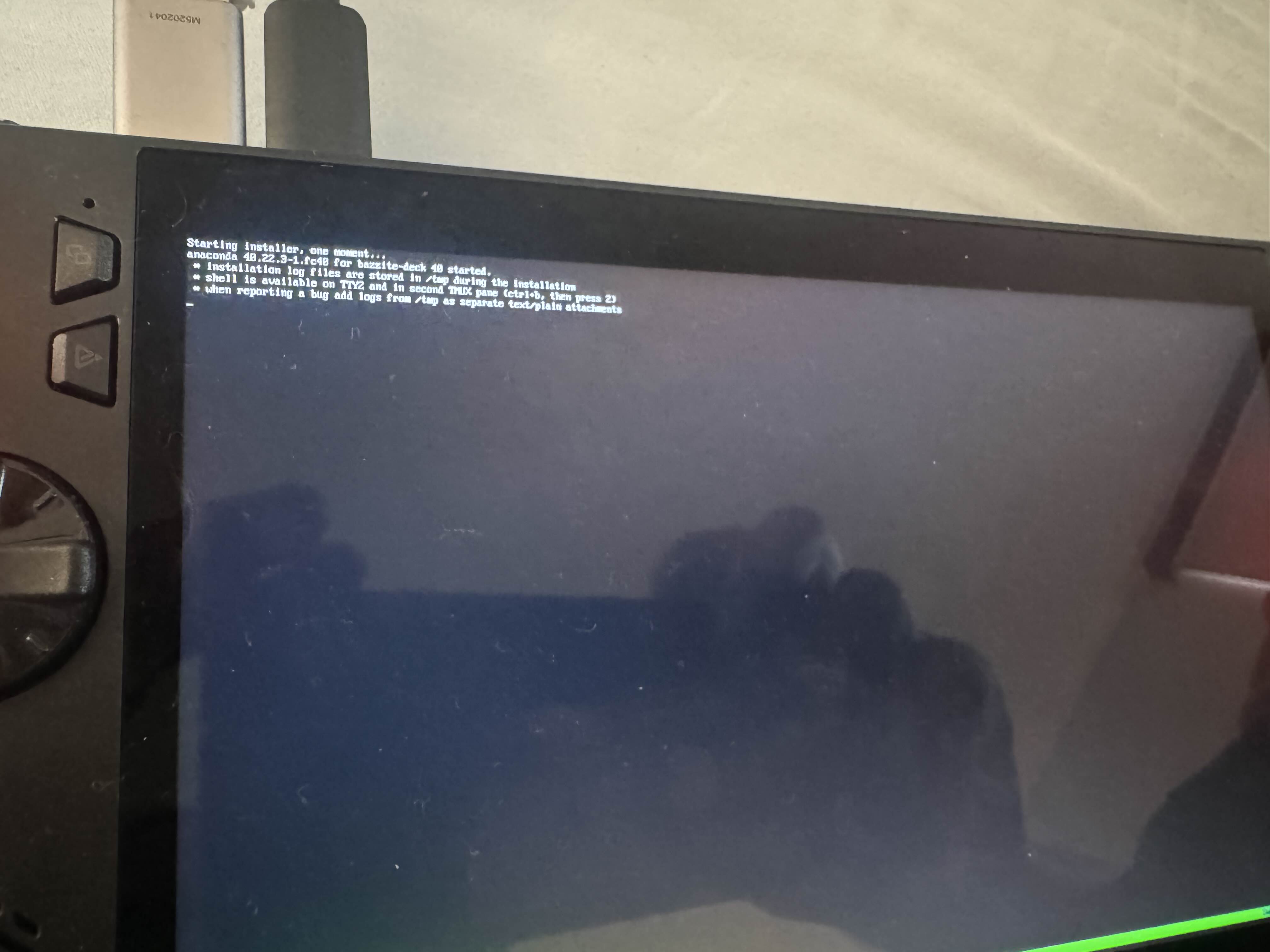
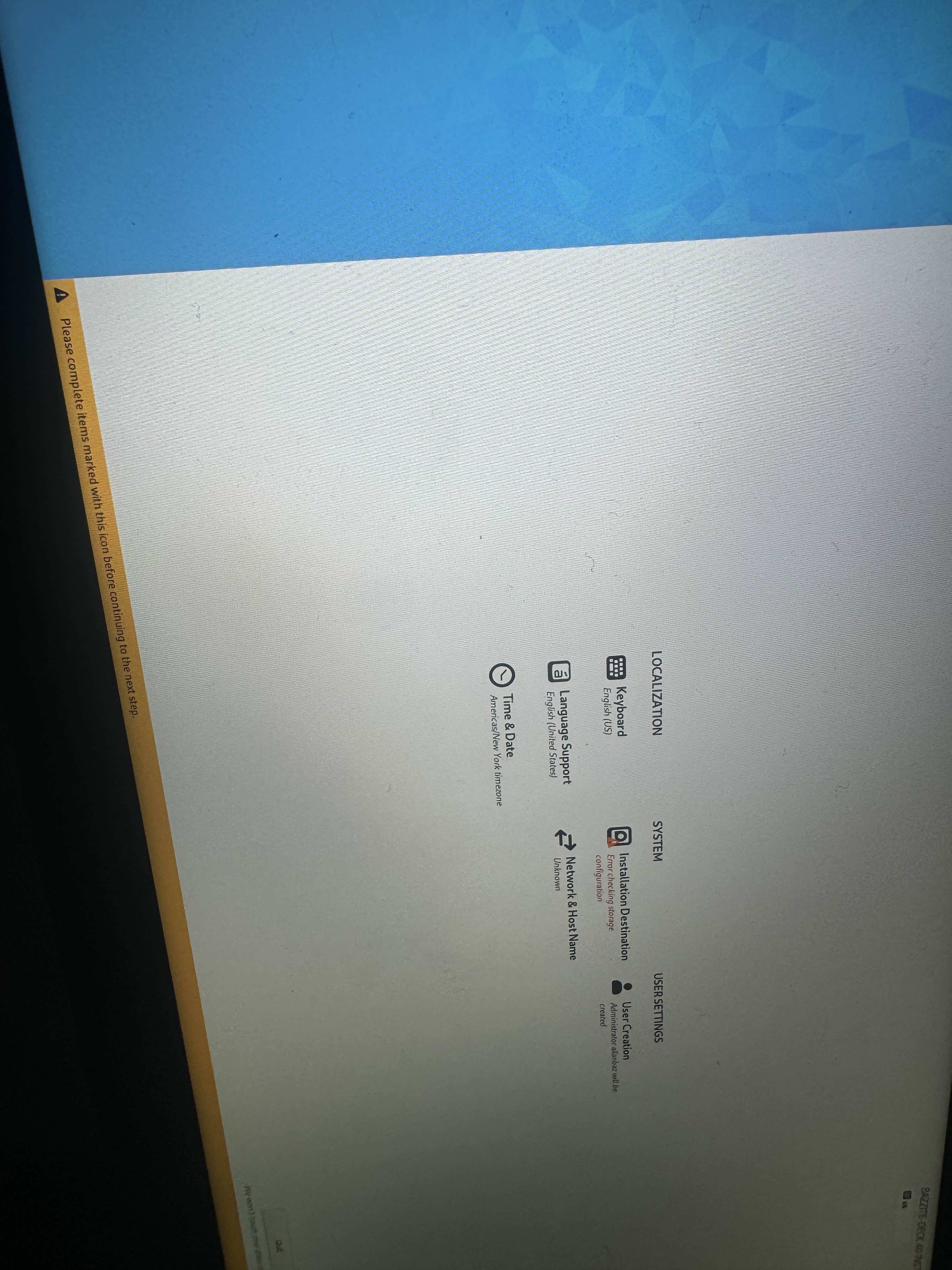
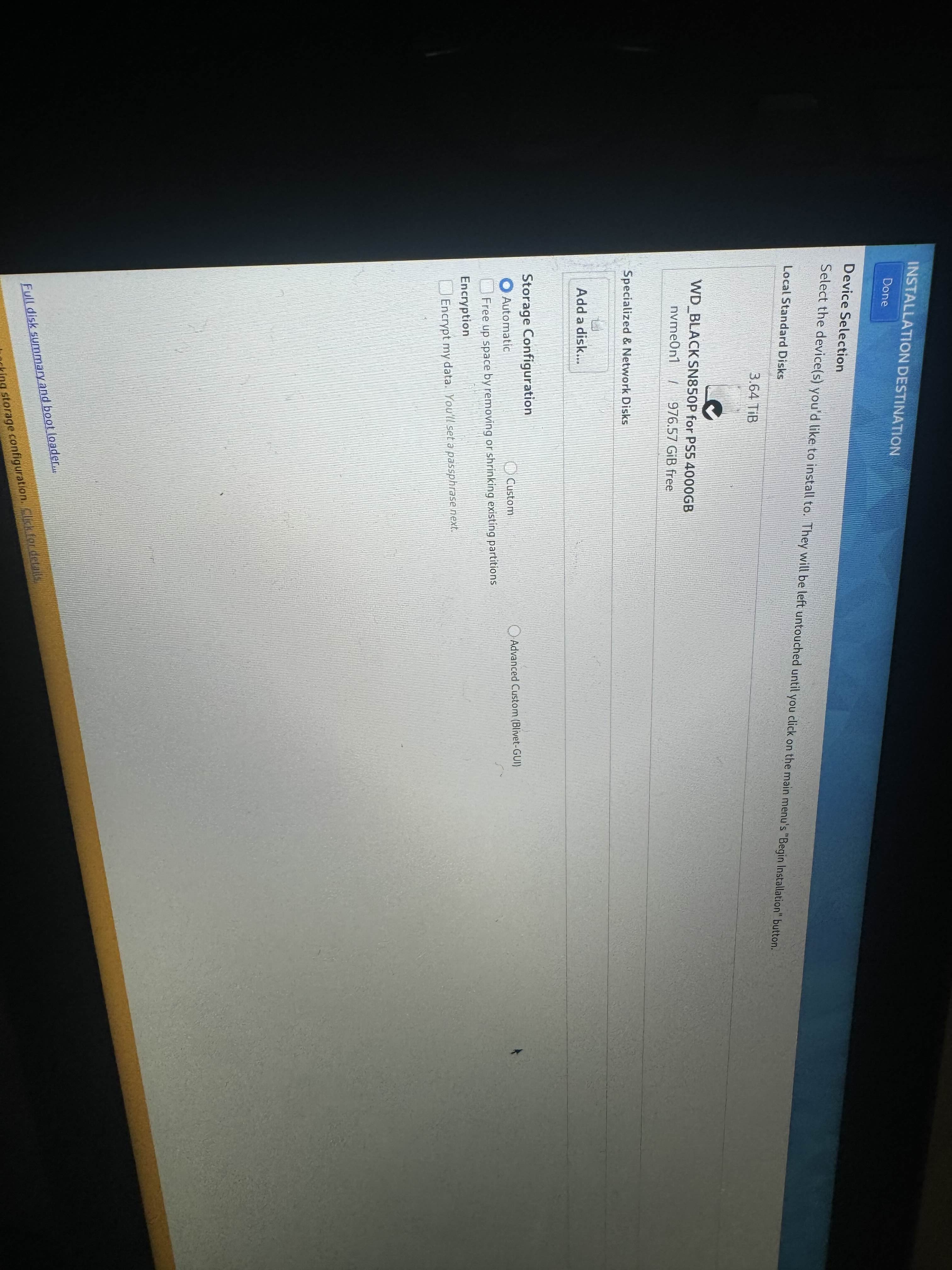
Sorry to bother but can someone help , I been trying to install this for 2 days already , I was told here earlier to disable fast boot from Windows’s which I already did , and I’m getting configure errors , here’s my pic of my issues
Vesktop works well with my NVIDIA GPU at least (apart from the black tearing in gnome that affects GoofCord too, but that's probably on Electron and NVIDIA shit)
Did you remove everything from that storage? Anaconda should ask you to recover free space after selecting storage and clicking done in installation destination menu
Two Methods: Method A or Method B A) Installing Bazzite on a separate drive (Recommended) B) Manual partitioning on the same drive A) Separate Drive Method Note: This method is ideal for desktops and HTPCs, and would be inconvenient for handhelds unless planned to keep stationary. Install Bazzite on a separate internal or external drive. ...
This guide will show you how to install and dual-boot Bazzite on your Windows-based handheld so that you get the best of both worlds -- all the comforts the Steam Deck console experience, but the ability to also play Windows games that don't work on SteamOS. For this guide we'll focus on the ASUS ROG Ally X, but you can use just about any handh...
ok so i thought i had figured out that installing lunarvim would be actually pretty basic: brew install neovimbrew install neovim and whatever other dependencies, then install using the lunarvim install script but there's been multiple problems