For folks using Hyperdrive: Do you create a connection globally (outside the bounds of a request) so it's reused for the worker lifetime, or are you creating a connection per-request? Any performance implications for doing one or the other?
Normally I would do the former, but all the docs suggest the latter, so not sure if there is something Hyperdrive specific to keep in mind
Globally storing anything in Workers can cause issues when dealing with multiple requests happening at the same time, so if there's no real specific reason to (which there isn't with Hyperdrive) it's best just to reconnect.
This actually has been working fine for us for local development, though we rarely have actual concurrent writes locally but it works fine for KV / R2 / D1 and stuff.
one thing though that was not practical is the hash of the sqlite file in local state i had to dig deep in a github issue to understand i had to decode it
/* Our index route, a simple hello world. / router.get("/", () => { return new Response("Hello, world! This is the root page of your Worker template.") })
router.all("", () => new Response("404, not found!", { status: 404 }));
export default router;
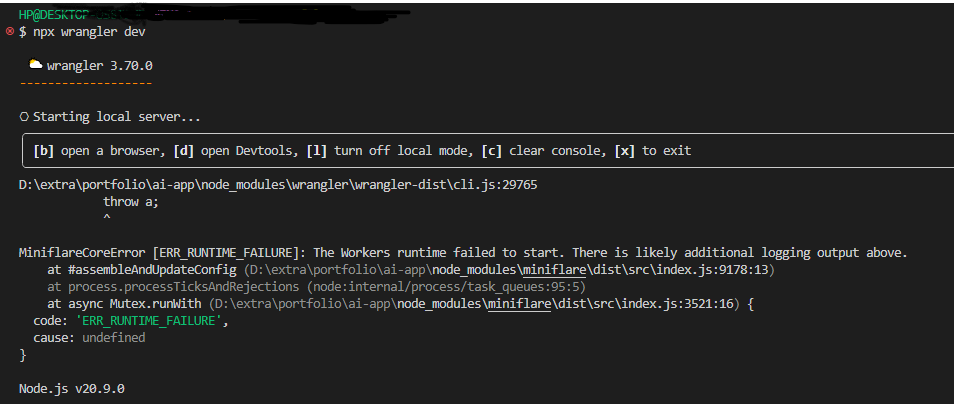
everytime I execute dev i get [wrangler:inf] GET / 500 Internal Server Error (48ms) [wrangler:inf] GET /favicon.ico 500 Internal Server Error (2ms) A hanging Promise was canceled. This happens when the worker runtime is waiting for a Promise from JavaScript to resolve, but has detected that the Promise cannot possibly ever resolve because all code and events related to the Promise's I/O context have already finished. X [ERROR] Uncaught (in response) Error: The script will never generate a response.
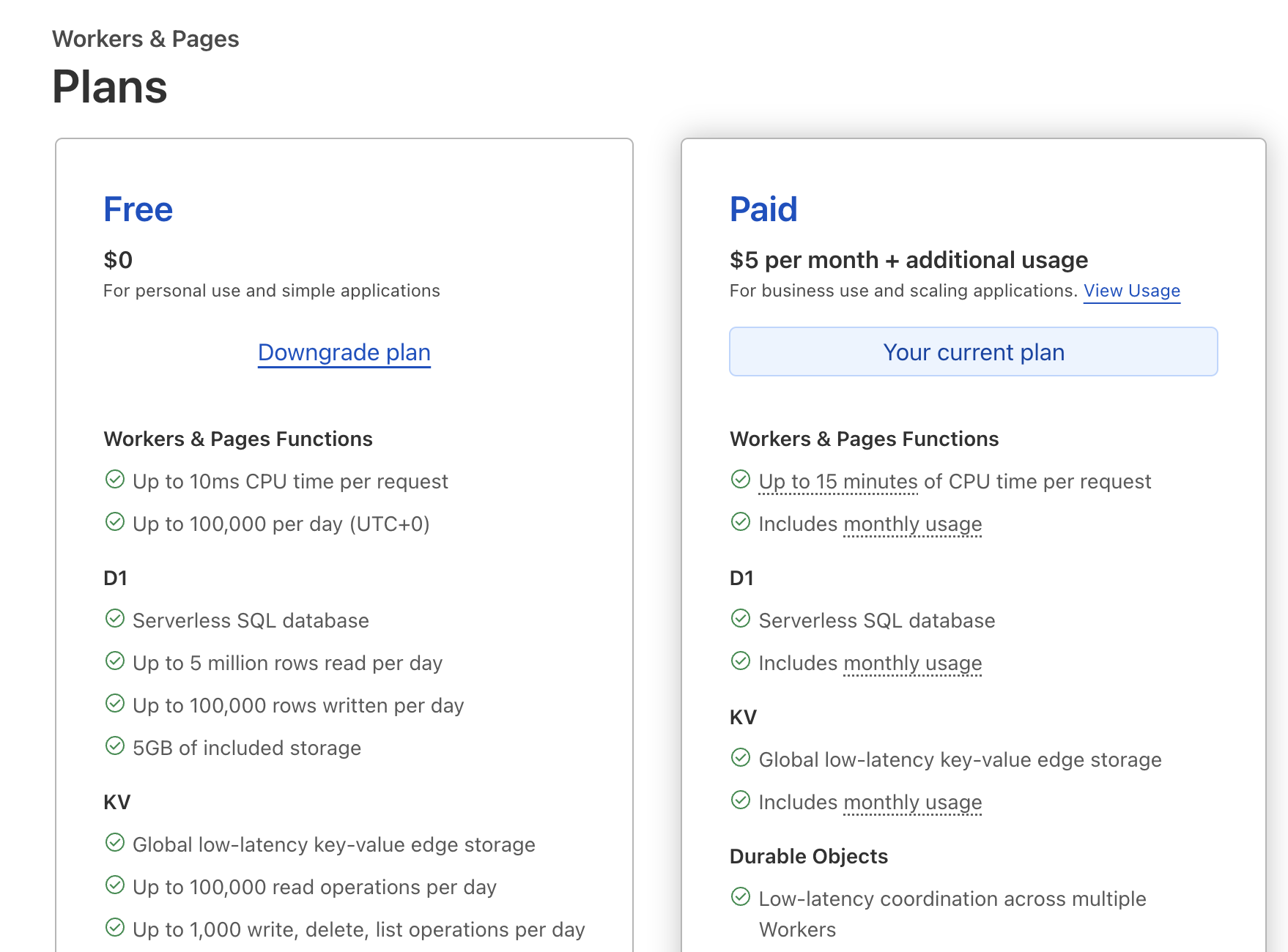
Hey... I have an issue adding a new website to my free plan. It says I have unpaid invoices, which I don't. The issue has been ongoing for over a month waiting for support to respond. Ticket number #01007138.
The error happens when selecting the free plan and it says "You cannot add or modify subscriptions or services until all invoices are paid. Download each "Unpaid" invoice on your Billing page and click the "Pay online" link within each invoice to fix your account (Code: 1323)". However on the Billing Page it lists all invoices as having been paid.
To contact Cloudflare Support about an issue, please visit the Support Portal and fill in the form on the portal. After submission, you will receive confirmation over email.
Some issues, such as Account or Billing related issues, cannot be solved by the community. Any plan level (including Free plans) can open tickets for Account, Billing or Registrar ticket categories. Make sure to select the correct category to ensure it goes to the right place. For more information on the methods by which you can contact Support for your plan level, see Contacting Cloudflare Support - Cloudflare Docs