
If you have over 100 deployments, you'll need to work on deleting them
If you have over 100 deployments, you'll need to work on deleting them

 PPP
PPP L
L B
Bnpx wrangler pages download config pages-demo . When I make changes to it, and push back to my repo. I see it detected it in the build, but it doesnt update under the settings in the pages dashboard. Any idea why? I
I X
X E
E S
S III
III SIISSI
branch-name.customdomain.com will go to the branch on the Pages project.SI*.customdomain.comSS S
SConnection timed out Error code 522 but it should work SIISS
SIISS WW
WW N
N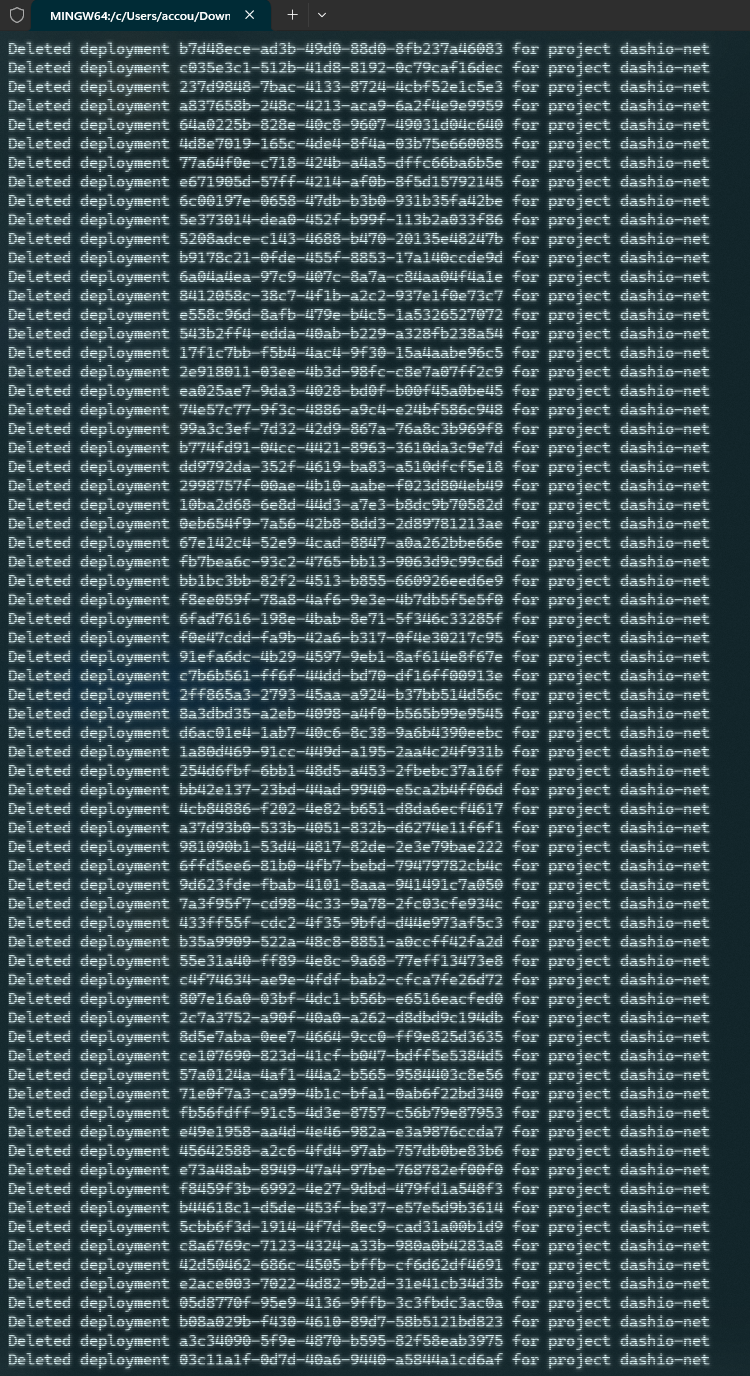
 S
SError: Failed to publish your Function. Got error: Uncaught Error: Disallowed operation called within global scope. Asynchronous I/O (ex: fetch() or connect()), setting a timeout, and generating random values are not allowed within global scope. To fix this error, perform this operation within a handler. H
H S
S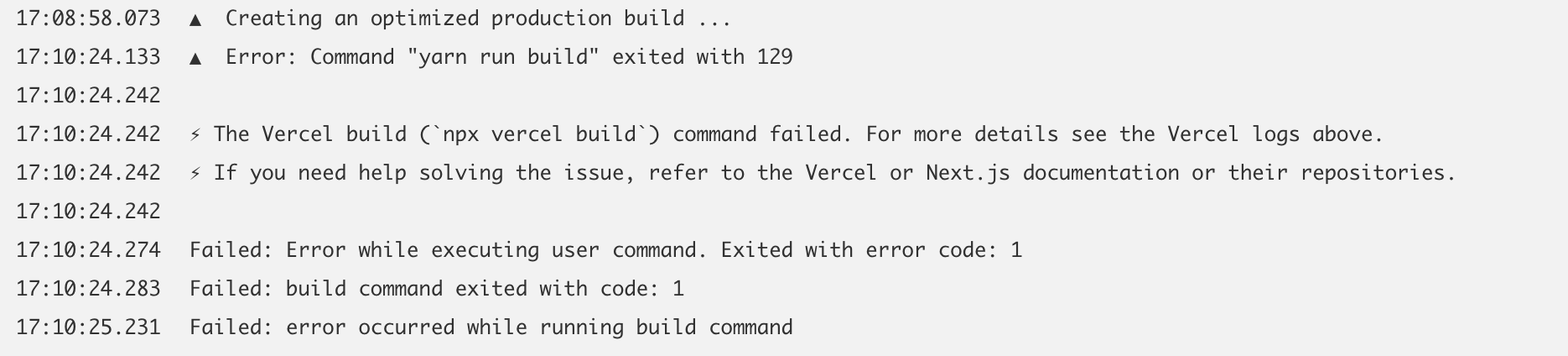
 J
J CCJC
CCJC LWLA
LWLA S
Stail_consumers = [{service = "<TAIL_WORKER_NAME>"}]Configuration file for Pages projects does not support "tail_consumers" DHH
DHHpages.dev domain?Dnpx wrangler pages download config pages-demobranch-name.customdomain.com*.customdomain.comConnection timed out Error code 522 Error: Failed to publish your Function. Got error: Uncaught Error: Disallowed operation called within global scope. Asynchronous I/O (ex: fetch() or connect()), setting a timeout, and generating random values are not allowed within global scope. To fix this error, perform this operation within a handler.pages.devC:\Users\mayan>ping pages.dev
Pinging pages.dev [2606:4700:9a63:4e94:1bca:0:8d61:1552] with 32 bytes of data:
Reply from 2606:4700:9a63:4e94:1bca:0:8d61:1552: time=33ms
Reply from 2606:4700:9a63:4e94:1bca:0:8d61:1552: time=35ms
Reply from 2606:4700:9a63:4e94:1bca:0:8d61:1552: time=33ms
Reply from 2606:4700:9a63:4e94:1bca:0:8d61:1552: time=33ms
Ping statistics for 2606:4700:9a63:4e94:1bca:0:8d61:1552:
Packets: Sent = 4, Received = 4, Lost = 0 (0% loss),
Approximate round trip times in milli-seconds:
Minimum = 33ms, Maximum = 35ms, Average = 33ms
C:\Users\mayan>ping -4 pages.dev
Pinging pages.dev [104.18.20.135] with 32 bytes of data:
Reply from 104.18.20.135: bytes=32 time=34ms TTL=58
Reply from 104.18.20.135: bytes=32 time=34ms TTL=58
Reply from 104.18.20.135: bytes=32 time=34ms TTL=58
Reply from 104.18.20.135: bytes=32 time=34ms TTL=58
Ping statistics for 104.18.20.135:
Packets: Sent = 4, Received = 4, Lost = 0 (0% loss),
Approximate round trip times in milli-seconds:
Minimum = 34ms, Maximum = 34ms, Average = 34ms


