✅ WebApi template doesn't run on https from the terminal but runs from VS Code's debug and run
I'm following the tutorial at MSLearn https://learn.microsoft.com/en-us/training/modules/build-web-api-aspnet-core/3-exercise-create-web-api .
One of the steps is to call dotnet new ... and then dotnet run from the terminal. The expected output is a "Now Listening" message indicating the https port and another for http. When I run it from the terminal, only the http message is displayed.
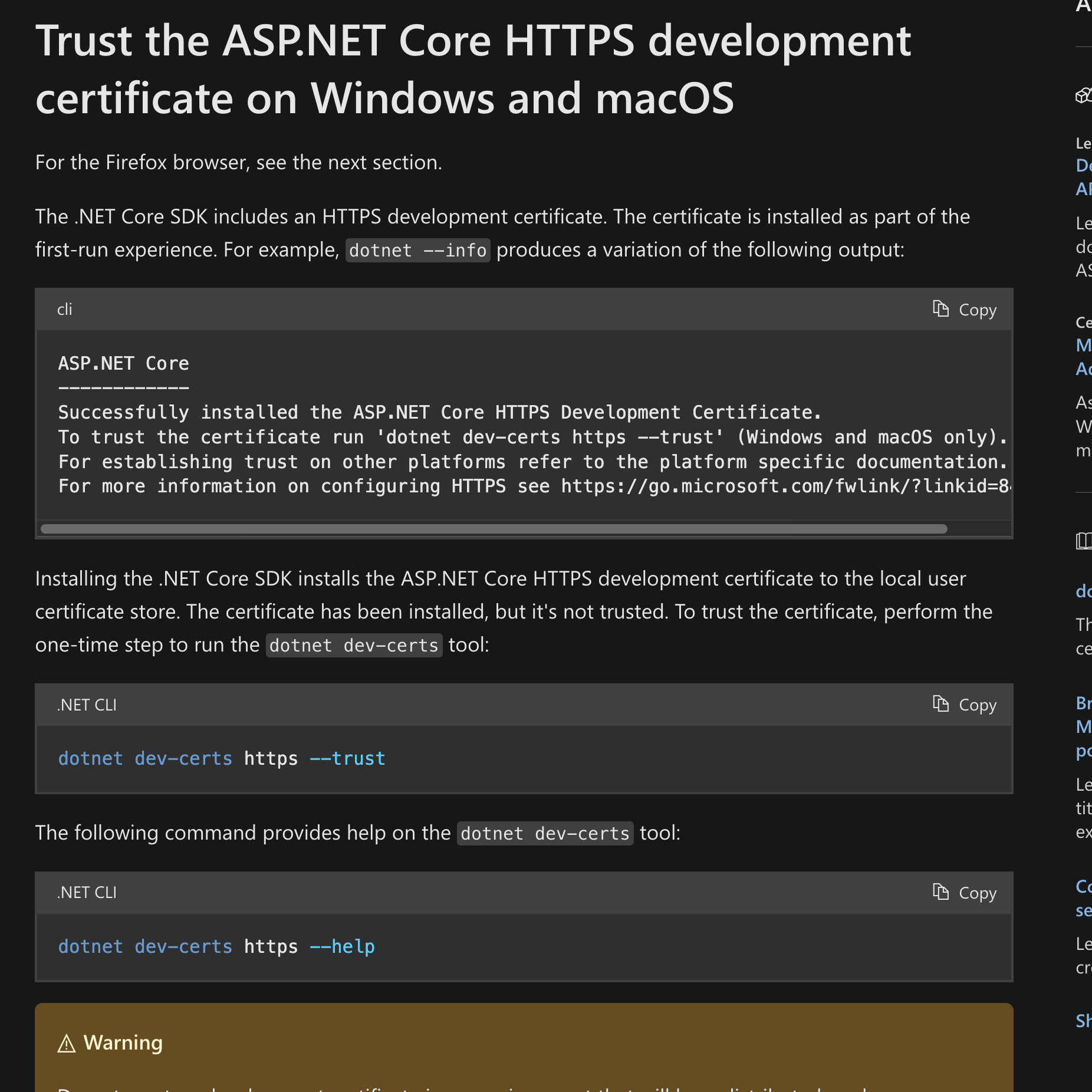
I followed the instructions on https://learn.microsoft.com/en-us/aspnet/core/security/enforcing-ssl#trust-the-aspnet-core-https-development-certificate-on-windows-and-macos and the commands worked on my PopOS but the terminal output is still the same.
I executed a >.NET: Generate assets for build and debug in VSCode and both https and http work, but it still doesn't work on the terminal. What could be the issue?
One of the steps is to call dotnet new ... and then dotnet run from the terminal. The expected output is a "Now Listening" message indicating the https port and another for http. When I run it from the terminal, only the http message is displayed.
I followed the instructions on https://learn.microsoft.com/en-us/aspnet/core/security/enforcing-ssl#trust-the-aspnet-core-https-development-certificate-on-windows-and-macos and the commands worked on my PopOS but the terminal output is still the same.
I executed a >.NET: Generate assets for build and debug in VSCode and both https and http work, but it still doesn't work on the terminal. What could be the issue?
Learn how to create a web API project with ASP.NET Core.