✅ How to access specific fields from an [ObservableProperty] ObservableCollection<Object>?
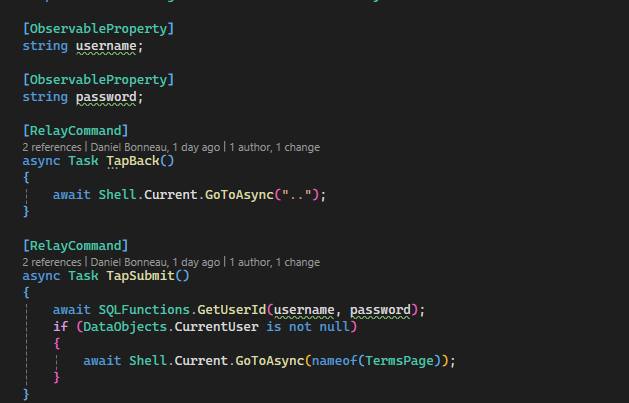
Hoping to pick someone's brain on MVVM and MAUI. So I have a ViewModel that looks like:
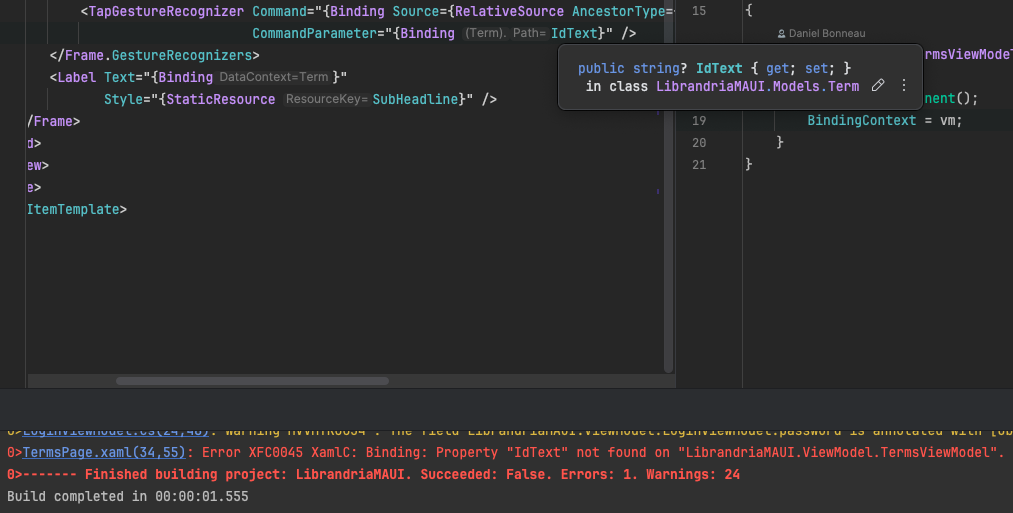
and I want to have the xaml create each of the objects in the ObservableCollection... But the items are of type Term, so how do I tell the xaml to access the
I'm not sure how best to handle a "complex" object vs. just an
I essentially want the
and I want to have the xaml create each of the objects in the ObservableCollection... But the items are of type Term, so how do I tell the xaml to access the
IdText of the Term object and print that?I'm not sure how best to handle a "complex" object vs. just an
ObservableCollection<string>.I essentially want the
term.Name to be displayed for each Term object in the Collection, but when the term.Name is tapped in my app, I want it to reference pass the term.Id to an eventual call to open a CoursePage(term.Id)