this is merely due to the 2 browser limit
this is merely due to the 2 browser limit
 J
JI need to perform an arbitrary number of browser rendering requests at once.Maybe you can use a queue? Your queue producer will send the rendering requests and the consumer will make these requests as time permits (2 sessions per minute)...
 MMMM
MMMM MMM
MMM CCCC
CCCC I
I F
F PCCI
PCCI@person).I S
S ...M
...M A
A
Error during Puppeteer rendering: TypeError: Cannot read properties of undefined (reading 'fetch')
    at PuppeteerWorkers.launch (index.js:11855:32)
    at Browser2.fetch (index.js:13414:59) {
  stack: TypeError: Cannot read properties of undefined (re…855:32)
    at Browser2.fetch (index.js:13414:59),
  message: Cannot read properties of undefined (reading 'fetch')
}
AA JA
JA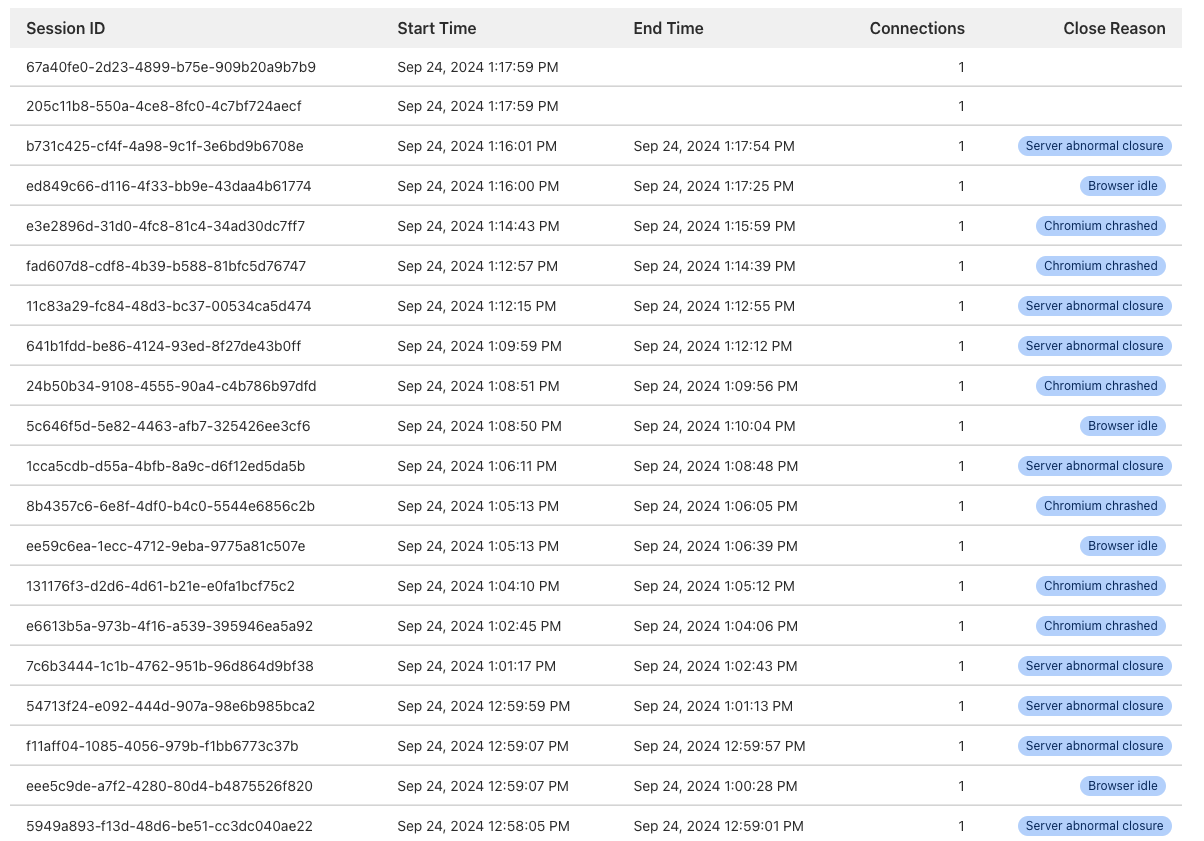
 P
P B
B
 CAC
CAC A
Awrangler.toml VA
VA@person
Error during Puppeteer rendering: TypeError: Cannot read properties of undefined (reading 'fetch')
    at PuppeteerWorkers.launch (index.js:11855:32)
    at Browser2.fetch (index.js:13414:59) {
  stack: TypeError: Cannot read properties of undefined (re…855:32)
    at Browser2.fetch (index.js:13414:59),
  message: Cannot read properties of undefined (reading 'fetch')
}
browser = { binding = "MY_BROWSER" }[browser]
binding = "MY_BROWSER"import * as chromeLauncher from "chrome-launcher";
let chrome = await chromeLauncher.launch({
port: await allocatePort(),
chromeFlags: ["--headless", "--disable-gpu"],
logLevel: "info",
});
let chromeInfo = (await fetch(`http://localhost:${chrome.port}/json/version`).then(
(res) => res.json(),
)) as { webSocketDebuggerUrl: string };
let browserWsEndpoint = chromeInfo.webSocketDebuggerUrl;
// then either write out .dev.vars or pass direct to wrangler
exec(`wrangler dev --var BROWSER_WS_ENDPOINT:${browserWsEndpoint}`)import puppeteer from "@cloudflare/puppeteer";
let browserWSEndpoint = env.BROWSER_WS_ENDPOINT;
return await puppeteer.connect(browserWSEndpoint ? { browserWSEndpoint } : env.BROWSER);