cacheTtl is a parameter that defines the length of time in seconds that a KV result is cached in the global network location it is accessed from.
That cache is per location, so if you have someone hit your worker from NYC it will then cache for 5 minutes but just in NYC (well, the server closest to NYC let's say), and then if someone hits from London 1 min later, there will be no cache (as it wouldn't hit the NYC cache, excluding some outrageously insane scenario where the entire of Europe is down or something) but then there would be cache in the London DC etc.
At least, that's my understanding and would explain what you are seeing
It depends really, is 1k reads a day a problem? You get 100k reads for free on the free plan, so is it more a performance thing vs a $$$ thing? As KV will be a little slow and incur high(er) latency if you have to read from a central data store for example (usually a few hundred ms in my experience)
And for now at least, D1 data is held centrally with no read replicas (it's coming). Personally I'd use D1 as it seems more fitting for this kind of use case, where you presumably want to block people indefinitely vs I use KV for caching in high-read situations
Is there a way to impose a hard limit of 1 actively running request per user id (or any identifier) per location. I'm currently using a simple KV with a bool, but it's not quite fast enough if you make two requests at the same time. Would a queue be a good fit for this or is there a simpler solution?
For only one account we have in cloudflare and all domians are working fine yesterday, today after enable the 2FA dashboard not showing domains . after that revoking 2FA but still same issue help ASAP...
is it needed/worth adding queues to my worker when jobs are triggerd from page functions? or if i have a Service binding to the worker from my page projects will it always work.. ?
Service Bindings are a zero-cost abstraction, so while “always work” is probably never going to the case for anything in software engineering, imo it is reliable enough where you can assume it’s going to work - typically the call in the secondary worker happens in the same thread on the same Cloudflare server as the calling worker, so there’s no networking etc. - up to you to decide for your use case, and more info at https://developers.cloudflare.com/workers/runtime-apis/bindings/service-bindings/
I haven’t looked at the repo, but is this as part of an API call, or a user interaction on a website? If it’s the former, is there a reason to use the queue rather than just process it in the worker directly? If it’s a website where the user enters the URL, you can have the first backend call put the URL in the queue, and then have the frontend poll a separate endpoint to see if the result is in KV, as an option. You can also do the same approach if it’s an API to be honest: have a POST request to create jobs, then a separate GET request to see if the job has completed (or offer a webhook that sends the response when it’s ready). Really depends on your use case.
Can booth the dev and production worker have the same name and live undertneath one service in cloudflare, but use different routes that is defined underneath the worker
Wrangler appends the environment name to the top-level name to deploy a Worker. For example, a Worker project named my-worker with an environment [env.dev] would deploy a Worker named my-worker-dev.
So no, they cannot have the same name - you can map multiple routes to a single environment, but you can't have dev/production with the same name but different bindings etc.
By following this guide, you will create a Worker that uses the Browser Rendering API along with Durable Objects to take screenshots from web pages and store them in R2.
Cloudflare Aegis provides dedicated egress IPs (from Cloudflare to your origin) for your layer 7 WAF and CDN services. The egress IPs are reserved exclusively for your account so that you can increase your origin security by only allowing traffic from a small list of IP addresses.
Hi guys I’m new here, I’m a total noob so excuse any wrong terms I may use. I made a chrome extension that uses AI (Anthropic API) to generate replies to reviews. So in order to protect my api key from client side code I wanted to use workers as a “middle man”. My front end would call the worker then the worker would call Anthropic and then send back the response to my front end. However I have two security issues:
Can anyone not just get the worker url from my code (chrome extension code can be downloaded) and make their own requests to the worker?
Is there a way to limit requests to the worker? Again, can someone not access the url and maliciously make like a million calls to the end point?
It’s based on usage so I’m afraid of racking up a high bill. I currently used netlify functions but after reading stories on them I want to move away. I thought AI Gateway was the savior but turns out it just for analytical purposes? As you have to add your API key
FWIW this would also be a problem if you used any other means to expose your backend (e.g. a VPS). You can try to limit the potential abuse further by requiring users to login via Google or something - and then only allowing authenticated users to hit the endpoint (validate they have a JWT or w/e you want to do). Of course people can sign in and then send millions of requests if they want to, but it makes it a bit more difficult/effort and that's generally what a lot of security is about.
I'd also recommending setting a spending limit in your Anthropic account, not sure what controls they give you, but most offer spending caps - so at least if you do get hit, it will be limited, and you can start out with a low spend if you're expecting slow and gradual uptake.
Thanks yea that’s what I was recommended, setting up proper auth. The issue isn’t with over spending on Anthropic but the worker/function. Anthropic is prepaid so if I put $10 it only uses that much and no more unless I have auto recharge on which I won’t. I’m not concerned about users abusing it but someone who can download the source code files and see the url in the code that I use to generate replies. It just seem to be a bigger problem than just putting the api key in code. Someone can use my api key but I have a limit on it.
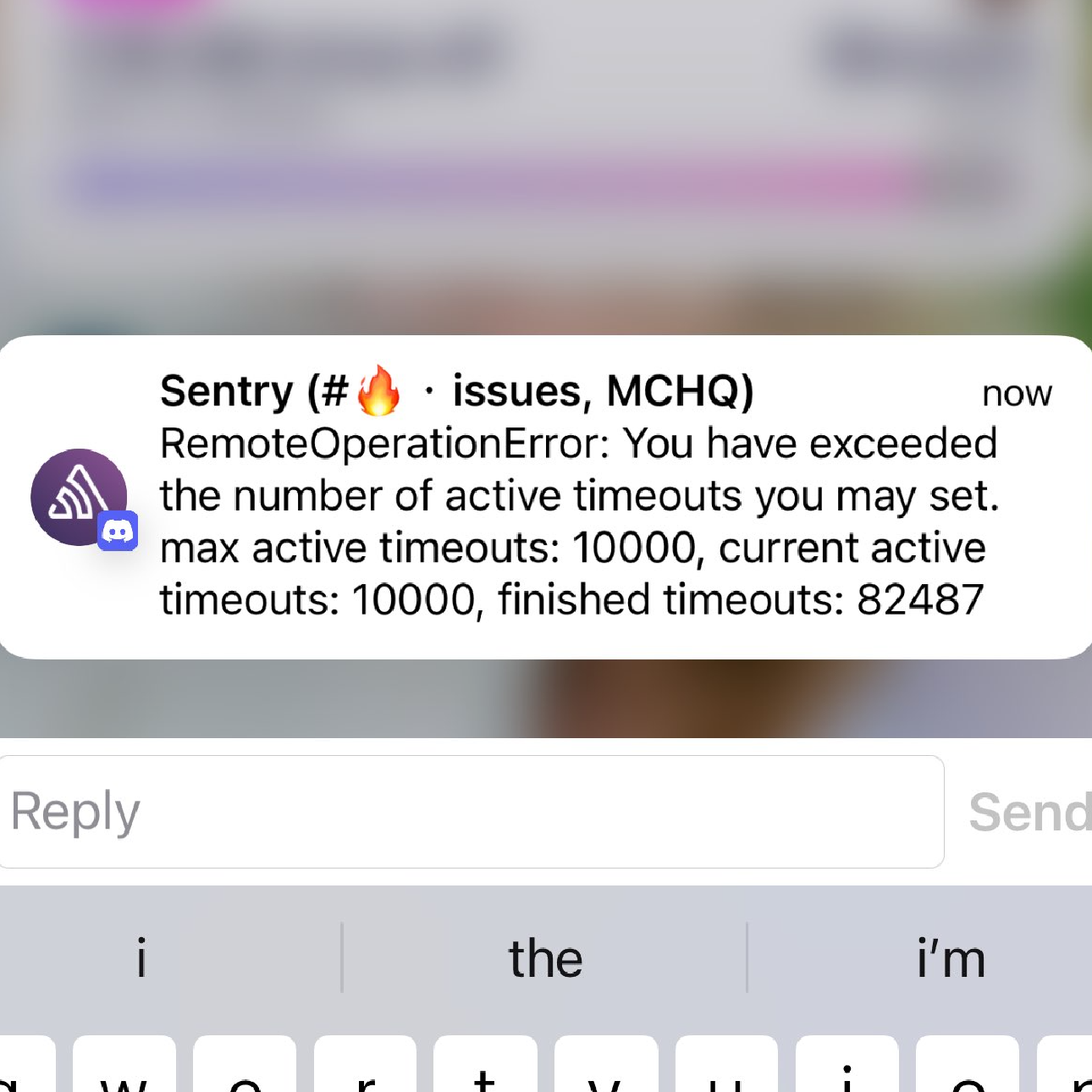
we probably shouldn’t be generating too many… 10K simultaneous sounds like a bug of some kind for sure. we probably only spin up several hundred DOs in a 10 minute period