
I tried it, but I couldn't observe any difference
I tried it, but I couldn't observe any difference

 YY
YY LY
LY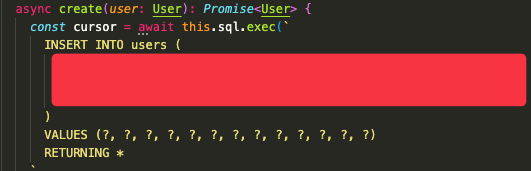 Y
Y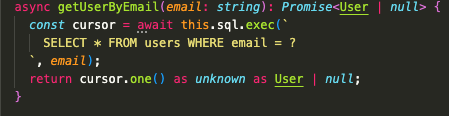 Y
Y N
N H
Hwrangler deploy CNNYL
CNNYLone()rowsRead thank you for the info!
 I
I
 1
1 S
S L
LIf you invoke put() (or delete()) multiple times without performing any await in the meantime, the operations will automatically be combined and submitted atomically. In case of a machine failure, either all of the writes will have been stored to disk or none of the writes will have been stored to disk.
HLIL.batch([query_1, query_2])storage.transactionstorage.transactionget()put()fetch HL
HL.exec().sql.exec()If you invoke put() (or delete()) multiple times without performing any await in the meantime, the operations will automatically be combined and submitted atomically. In case of a machine failure, either all of the writes will have been stored to disk or none of the writes will have been stored to disk.
 XLX
XLX XLXX
XLXX X
X D
D
 K
Ksql.exec().X[[durable_objects.bindings]]
name = "DURABLE_TRAINER"
class_name = "Trainer"
[[migrations]]
tag = "v1"
new_classes = ["Trainer"] Cannot create binding for class 'Trainer' because it is not currently configured to implement
durable objects. Did you forget to apply a --new-class migration to it? [code: 10061]sql.exec()


