
I wonder if CF has any plan for Document Database (no-sql) ?
I wonder if CF has any plan for Document Database (no-sql) ?

 L
L ��
�� DL
DL.wrangler If things break, you can clean up and reset by deleting those files.D
 D
D199187a5c9948d6a9eaef3ee19490fb5eec30c2012c4b4101aaeb362f07f1d3e.sqlite C
Cwrangler d1 execute —local <query> DDDD
DDDD MMMM
MMMM B
B ZMM
ZMM D
D K
K
 L
Lsql.exec() AA
AA
 D
Dwrangler pages deploy --branch $BITBUCKET_BRANCHwrangler d1 migrations apply --remote --env previewrm -rf ./.wrangler/state/v3/d1main A
A P
P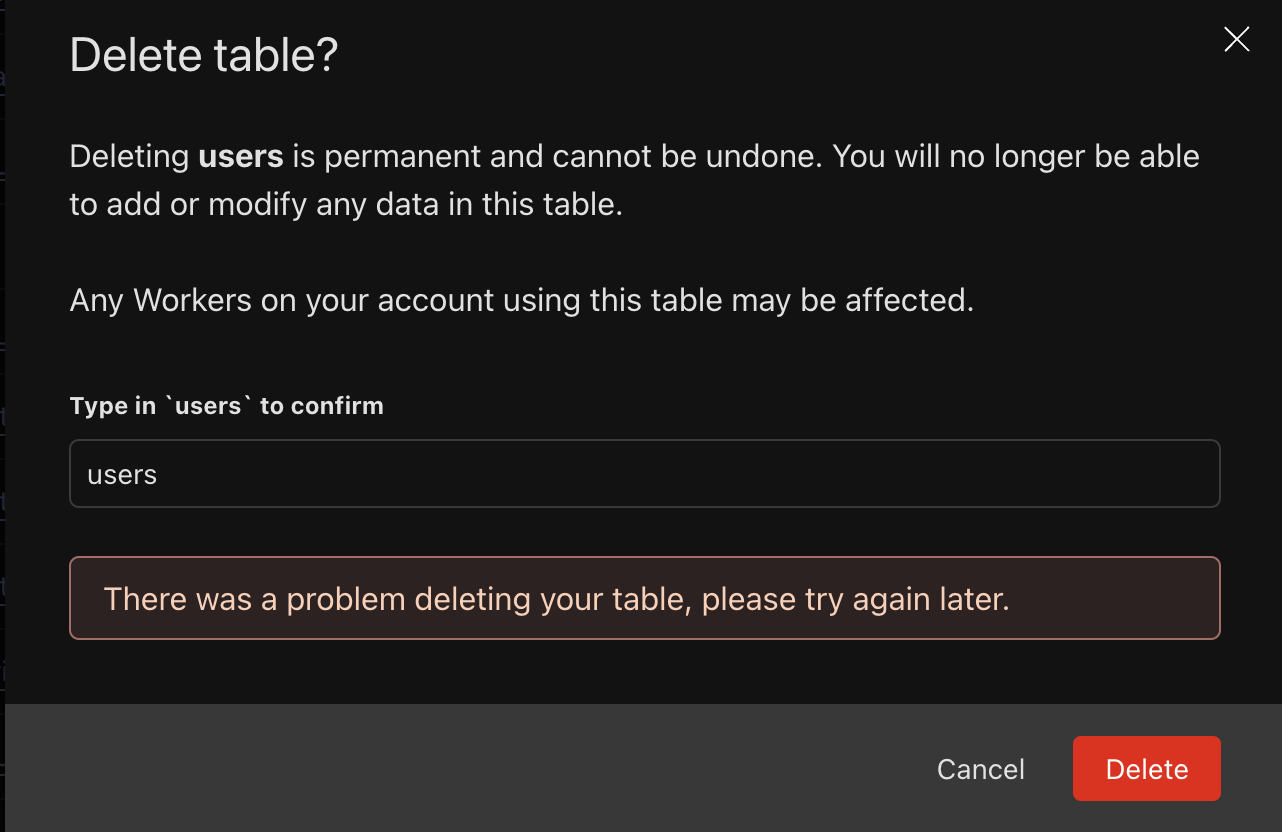 P
P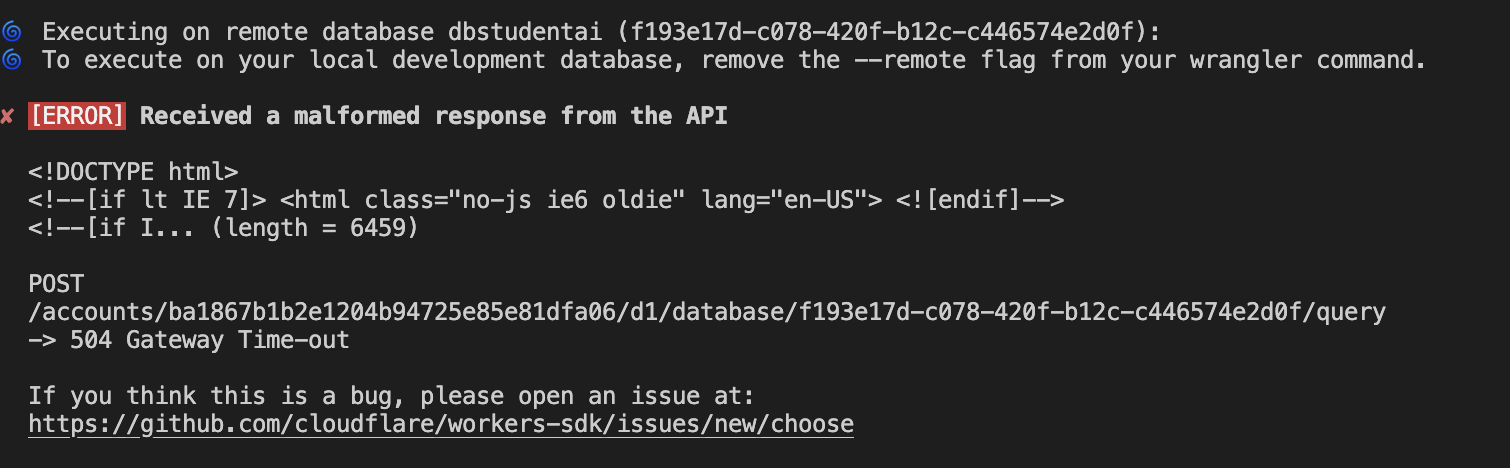 PPPD
PPPD JAD
JAD DJDD
DJDD M
M KDAA
KDAAconst { execSync } = require('child_process');
const { spawnSync } = require('child_process');
const fs = require('fs');
const path = require('path');
// Get current git branch
const branch = execSync('git rev-parse --abbrev-ref HEAD').toString().trim();
// Sanitize branch name to be used as a folder name
const sanitizedBranch = branch.replace(/[^a-zA-Z0-9-_]/g, '_');
// Define the persist folder path
const persistFolder = path.resolve(`../whateverFolder/.wrangler/state/${sanitizedBranch}/`);
// Ensure the persist folder exists
if (!fs.existsSync(persistFolder)) {
fs.mkdirSync(persistFolder, { recursive: true });
console.log(`Created persist folder: ${persistFolder}`);
} else {
console.log(`Persist folder already exists: ${persistFolder}`);
}
console.log(`Persisting data to: ${persistFolder}`);
// Run wrangler dev with the dynamic persist folder
const result = spawnSync('wrangler', [
'dev',
`--persist-to=${persistFolder}`
], { stdio: 'inherit' });
if (result.error) {
console.error('Error running wrangler:', result.error);
process.exit(1);
}npx wrangler d1 insights DB --env="preview" --timePeriod="7d" --sort-by="reads" --json{
"query": "select \"entry\".\"uuid\", \"entry\".\"type\", \"entry\".\"description\", \"entry\".\"userId\", \"entry\".\"createdOn\", \"entry\".\"updatedOn\", \"engineeringEntry\".\"planType\", \"engineeringEntry\".\"location\", \"engineeringEntry\".\"suburb\", \"engineeringEntry\".\"planStatus\", \"engineeringEntry\".\"designer\", \"engineeringEntry\".\"date\", \"engineeringEntry\".\"subdNumber\", \"engineeringEntry\".\"planRegister\" from \"entry\" left join \"engineeringEntry\" on \"entry\".\"uuid\" = \"engineeringEntry\".\"entryUuid\" where \"entry\".\"type\" = ?",
"avgRowsRead": 37357286,
"totalRowsRead": 2316151764,
"avgRowsWritten": 0,
"totalRowsWritten": 0,
"avgDurationMs": 4197.161798387097,
"totalDurationMs": 260224.0315,
"numberOfTimesRun": 62,
"queryEfficiency": 0.00016227088873640338
}npx wrangler d1 execute DB --command="select count(*) from entry" --env="preview"
┌──────────┐
│ count(*) │
├──────────┤
│ 6266 │
└──────────┘npx wrangler d1 execute DB --command="select count(*) from engineeringEntry" --env="preview"
┌──────────┐
│ count(*) │
├──────────┤
│ 6265 │
└──────────┘import { $ } from 'bun';
// This is the name of the D1 database in Cloudflare and in `wrangler.toml`
const DB_NAME = 'YOUR_DB_NAME';
// Get the migration name from command line arguments
const migrationName = process.argv.slice(2).join('_');
if (!migrationName) {
throw new Error('Error: Migration name is required.');
}
// Create a new D1 migration
await $`bunx wrangler d1 migrations create ${DB_NAME} ${migrationName}`;
// Find the newly created migration file
const d1MigrationFiles = [...new Bun.Glob(`migrations/*_${migrationName}.sql`).scanSync('.')];
if (d1MigrationFiles.length !== 1) {
throw new Error(
`Expected 1 D1 migration file for ${migrationName}, but found ${d1MigrationFiles.length}`
);
}
const d1MigrationFile = d1MigrationFiles[0];
// Run prisma migrate diff and output to the D1 migration file
await $`bunx prisma migrate diff \
--from-local-d1 \
--to-schema-datamodel ./prisma/schema.prisma \
--script \
--output ${d1MigrationFile}`;
// Apply the migration to the local D1 database
await $`bunx wrangler d1 migrations apply ${DB_NAME} --local`;


