Hey @Marco So sorry, I forgot about this, thanks for reminding me! It was as I thought, it came without textures, as we wanted to show in the tutorial that one can customize the materials easily with Material Edit, if one use Megascans or Poly Haven materials through Dash
I'm suddenly having issues opening the content library. When I click on "content" the engine freezes. I see some minor disk activity in task manager (15mb/s), but it's been stuck like this for over 15min. Tried restarting the PC
No way to draw a circle no, but in the Create Menu -> Curve Primitives -> Create Circle, this will create a rounded spline for you! Then I think you can select it, go into draw curve mode and change the number of points etc if needed
The first thing you need to do is Bake the Scatter Instance with our Bake tool, then you can select all the individual meshes and start Dash Physics on them here is a clip showing that: https://youtu.be/6U2jbJmqs4k. If you mean the part where we shoot on the tires and they fly around and not the Dash physics, after they have been baked, you need to select them all, go to the UE details panel and select "Simulate Physics"
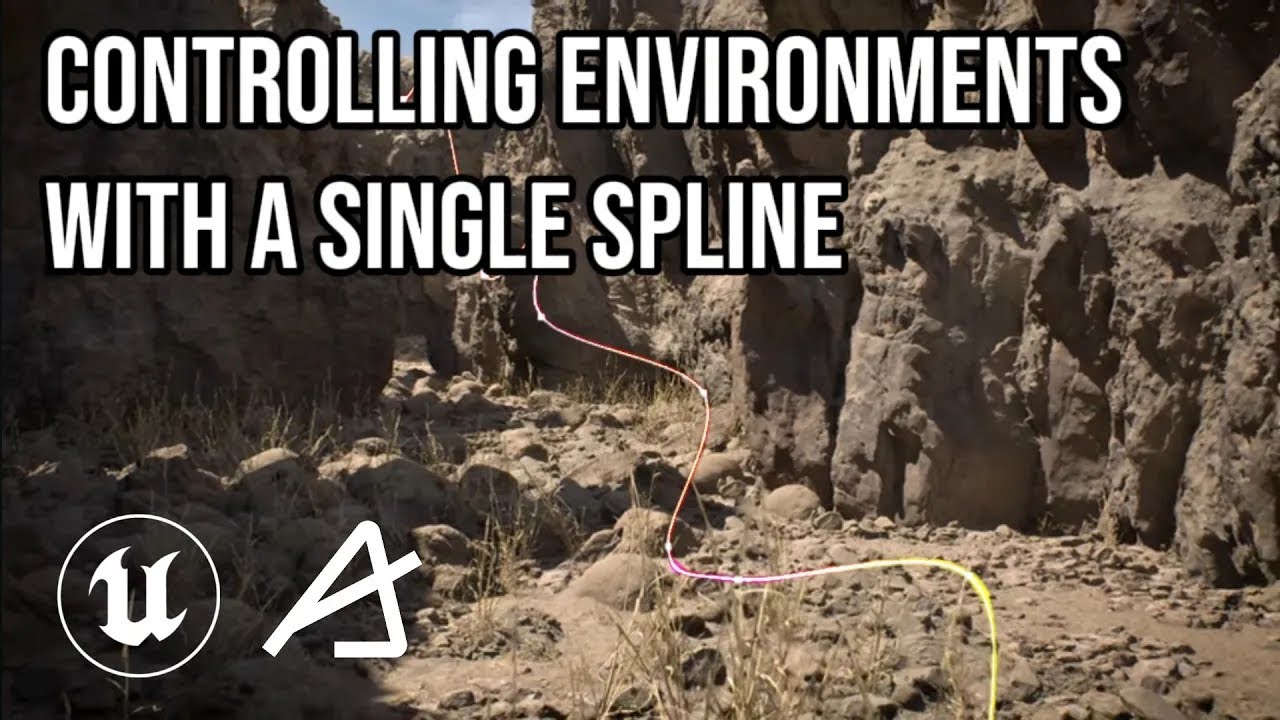
In this tutorial, Galen goes over how one can easily create procedural cliffs and a full canyon with the help of Dash in Unreal Engine 5. To achieve this fully editable realistic result he used Path Scatter and Surface Scatter together with a spline and masking features in Dash.
Combining the tools in Dash like this makes sure the results are ...
Hey @Sitta I think what you are looking for is Setting the Fit Mode to Random, instead of Pattern. Could you give that a test? For the pattern, yes it is only 1-9 based on the logic of the feature right now, but if Random Fit Mode works as suggested above, do you still think numbers above 10 would be useful for the Pattern?
In this tutorial, Tamas showcases how Dash improves the workflows when making realistic archviz interiors in Unreal Engine. This includes procedural vegetation, light strings and staircases, and of course, placing AI-tagged assets with our Physics Painter.
As most of the tools in Dash are non-destructive and offer real-time modification it is ...
Hey people! So, noticed most things still are working how I remembered with only little adjustments. I'm just curious though as the content library seems to be completely broken? I assumed it was fab related, but I have no assets there at all. Is it just me?
Hi would it be possible we have a measuring tool in dash, probably like a point and drag, release spline like ruler we just point on the 3d scene. Or perhaps between vert points of the 3d object, example end to end corner of a wall mesh, with adjustable units and increments using scroll or other ui buttons
Nanite is something done on the unreal side to make polygon counts not matter so much. Once your mobile game was published they would still be nanite models as long as they were contained in an unreal game.
Hey! Welcome here! Ye we have been meaning to fix a Refresh button for that library as well, but haven't gotten around to it yet. I think, for now, the easiest fix would be to re-install Dash. That will hopefully bring them back
You're correct! There are some values where we still use some relative/offsetting, but we've been gradually changing everything into UE5 units, and the road tool's Width follows that specification.
Hi. I would like to migrate my tagged assets to another project and discard the original project. Is this possible without having to re-add and tag the assets?
Hey! the idea is that you are able to continue to edit any of the tools through our Tools Panel, that can be opened through the Edit button up in Dash. Then once opened, you only need to select the scatter and it should auto-populate. Otherwise you can click the button in the top left of the Tools Panel to see all active tools in the level. But if your engine crashed, maybe it did not save properly so if your scatters is not in that Active tools list, I am afraid you would have to start over
Yee I think we had Maya visible in the installer up to Dash 1.6, but not sure which version of Dash stopped working in Maya. So yee, GraphN is gone gone and was replaced with Dash. But feel free to grab older versions of Dash and see if it works alongside any old messages here in Discord Unfortunately, we won't be able to give you any assistance regarding it as it was so long ago, I don't think any of us remember any details https://drive.google.com/drive/folders/16lalDi__Bur5XXk0NLrLIXBLFRC8DkX-?usp=sharing
I am confused about what kind of surface materials supports the Displacement option in Edit Materials. I have tried to import a lot of different materials through the Content browser in Dash but i never seem to get any diplacement options. Nanite, DX12 and Tesselation is enabled so i can get it to work with other materials.
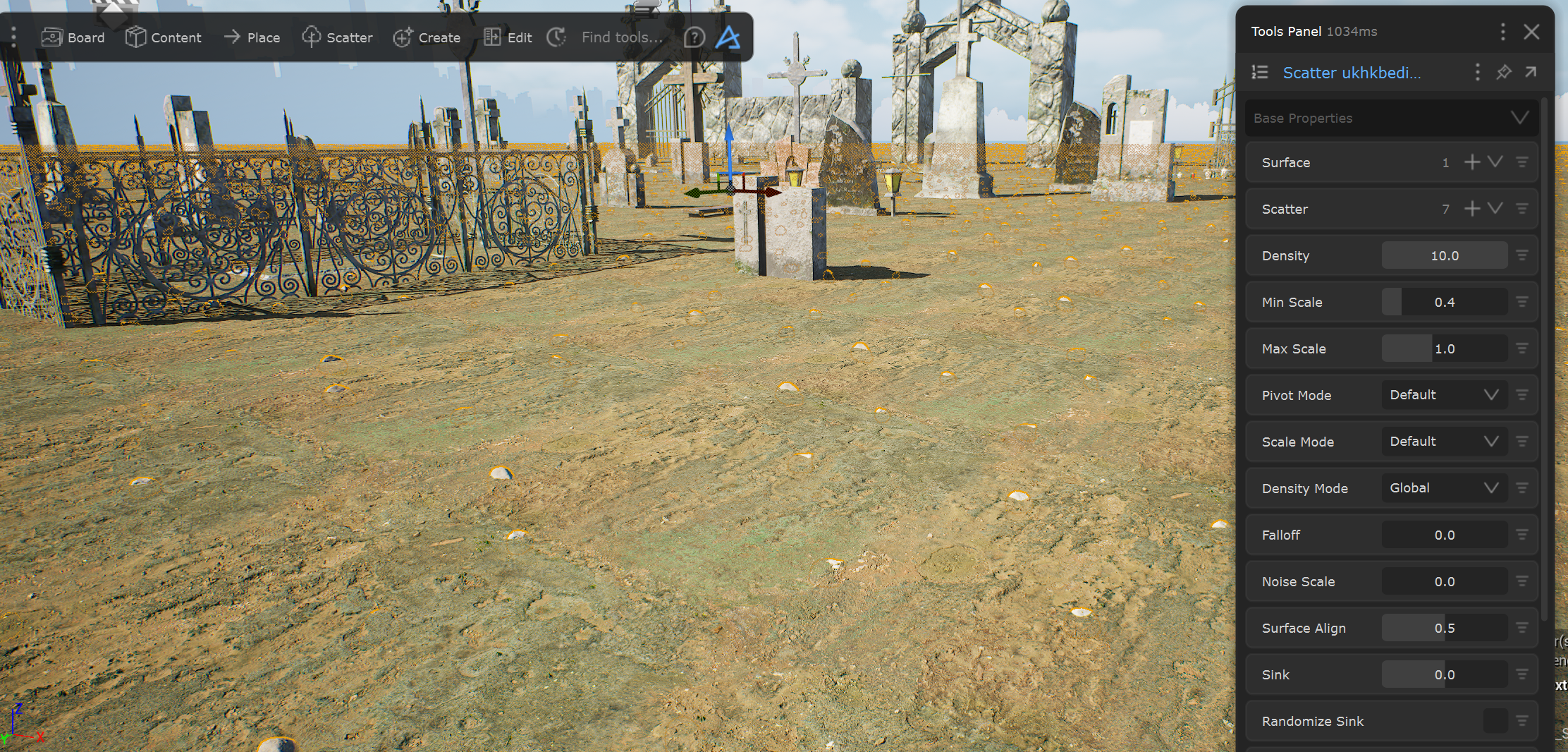
Another thing i have problems with is the scattering density. In the screenshot you can see i am trying to scatter rocks on a surface. The density is at max which seems to be 10. It is a larger surface at approx 170x170 meters but when i look at how densely you can scatter grass on large areas i am wondering why i have nearly 2 meter distance between the rocks on average.
Our Material Edit and Blend Material tools only supports Megascans and Poly Haven assets from their respective menus within the Dash Content Browser I am afraid We hope to give support for other assets/materials in the future!