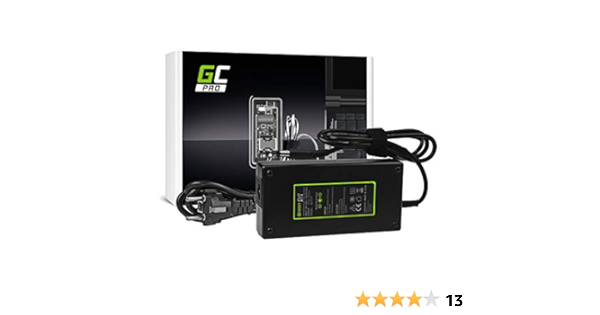
If you have a multimeter you could check voltage at the board to make sure you are getting 19.5V to the input terminals. Careful poking around with the probes not to short anything.
having issues since latest update virpil alpha grip constellation. button 18 is now pressed when buttons 19 and 20 are pressed. i didnt have this yesterday before lstest update. @walmis
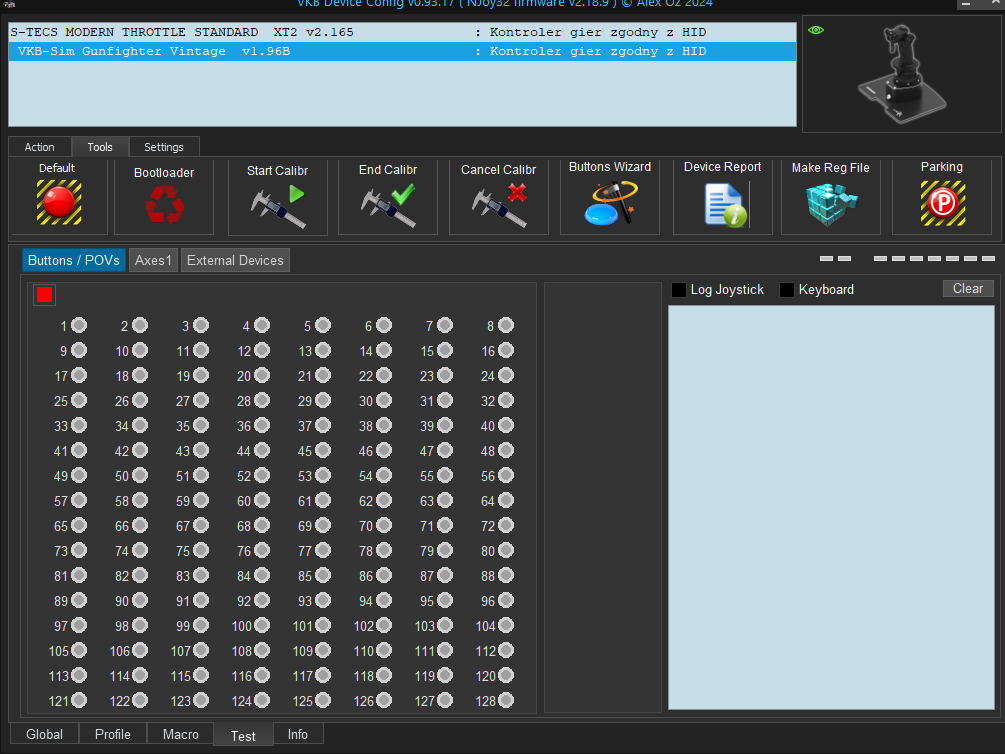
Hi. I am connecting F-14 VKB grip to the blackbox through adapter. VKB device config says it needs to calibrate controler, but nothing happens afterwards. Any ideas what am I doing wrong? Also, it shows grip as "VKB sim gunfighter vintage"
Need to click default to reset the grip type. Calibrate by clicking and moving all the buttons then end the calibration. Should be good to go. I switch between the mgcu, f-14 and KG12 grips.
Okay, so I had to flash new firmware for the grip, altough besides owning Mk.1 blackbox, I had to use Mk.2 setup. Weird, but now it found it right away. Thanks for help!
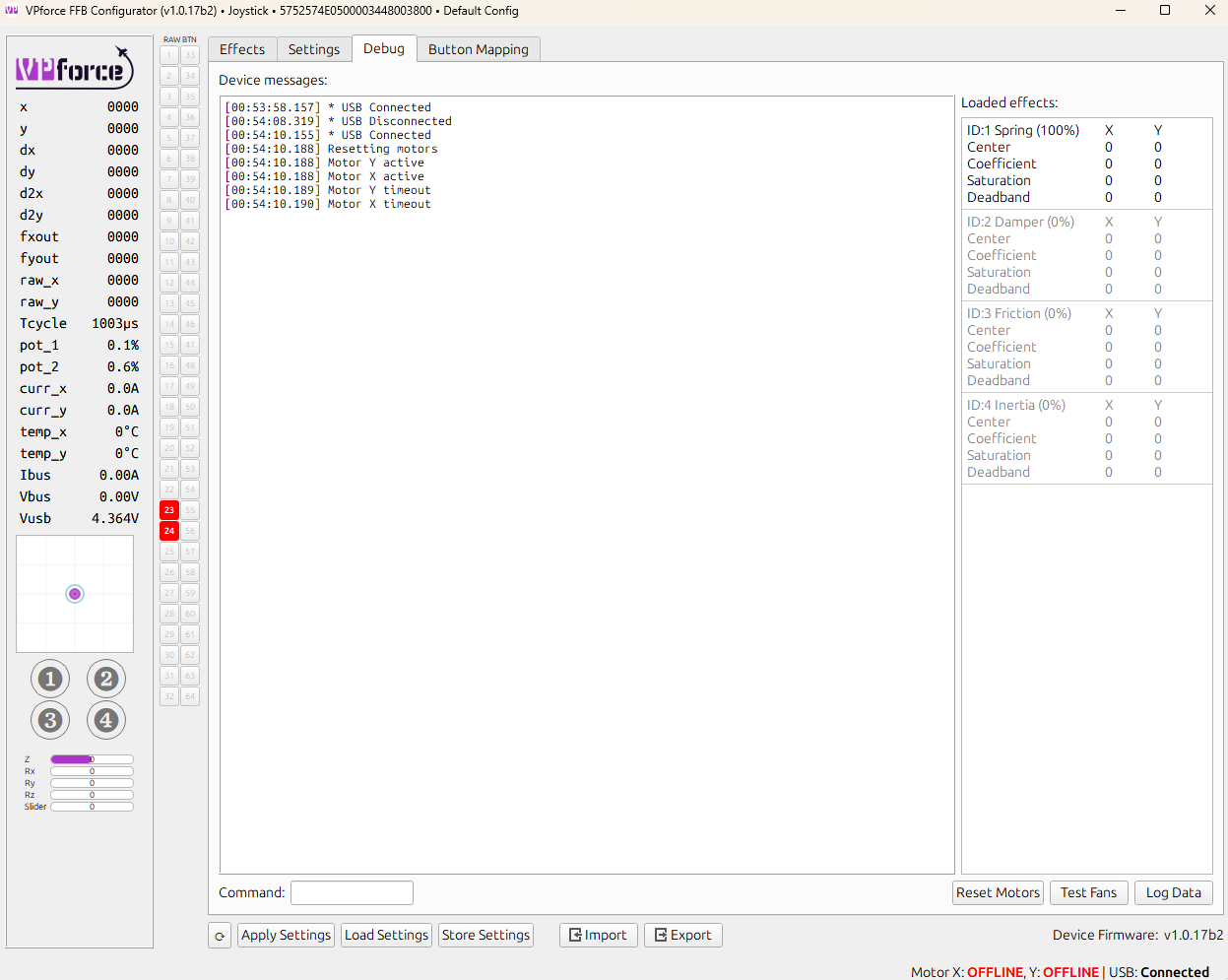
Hi all, i have received my unit today, and ran into an issue. I connected the base via USB and via the power brick that came with the unit. My computer can see the device and I was able to update the firmware via the website, but when I turn the red knob, the motors stay offline. Also, stick movements are not detected. I tried reconnecting (red knob down, disconnect power, disconnect in windows, remove USB and then reconnect), but that didn't help. It however seems to put the motors on active, and then directly puts them into timeout (see screenshot). I also tested the voltage of the power brick and it seems to work - however, I don't have another unit here test if it might be the brick or not. Anybody an idea what I can do?
Do you hear a beep when you press or turn the emergency knob? The only way I was able to recreate your issue is by plugging my rhino to the USB port with the emergency stop button pressed down or with the power supply disconnected. If you tested the power supply with a multimeter and you get the right voltage my guess is that the emergency stop button isn't working correctly.
Your Vbus is at 0v so the board isn't getting any power from the power supply. There you should be seeing the same voltage you get from the power supply with the multimeter.
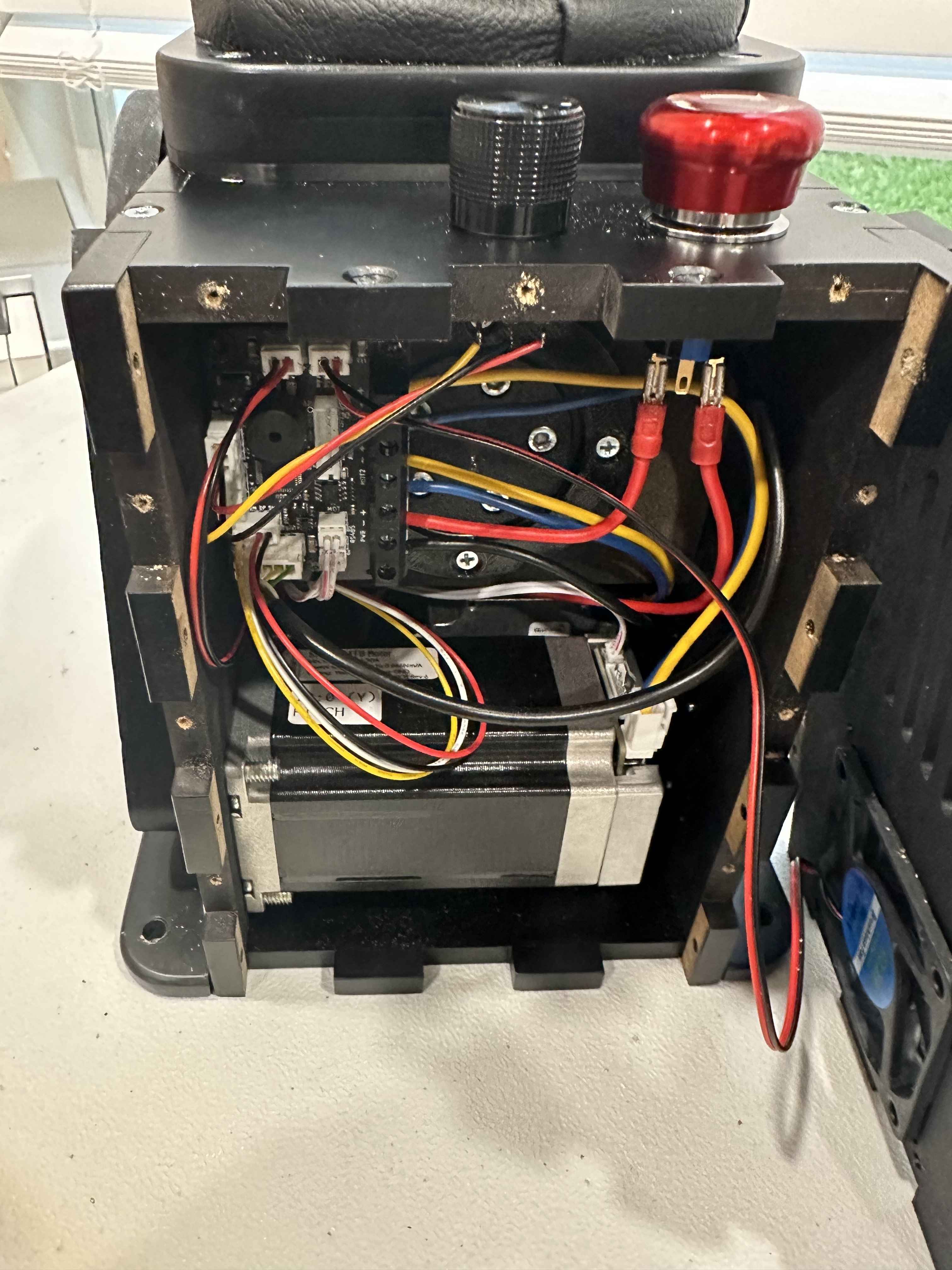
If you feel comfortable with taking the bottom and the wall in front of the e stop to check the wiring you could do that and see if the black cable going to the board and the red cable going to the e stop and from the e stop to the board are connected. You can also use a multi tester to carefully check the voltage before and after the e stop.
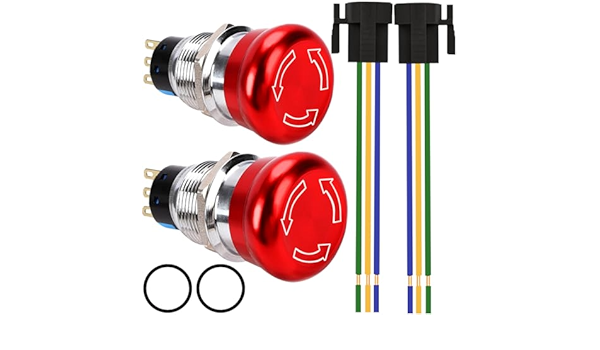
This is exactly what happens with mine (Protomaker) after I press the E-stop. It just wont come back online afterwards, and it need to wait like 5 Minutes. Capacitors anywhere ? Directly connected to the Board it works, but i dont want the E-stop removed. This is the one i have: https://www.amazon.de/dp/B0DFQ4TL8K?ref=ppx_yo2ov_dt_b_fed_asin_title&th=1
Thank you for the reply. I have solved the issue(e.g., the unit works now), and it is weirder than I thought. Here the full solution (in the hopes that it will one day help somebody with a similar issue) - tldr at the bottom: There was nothing wrong with the unit! Stuff I tried before calling it a day and went to sleep (was already 1 am when I posted here on discord): *I connected the unit directly to a USB Port of my computer (instead of connecting it to a powered USB Hub) *Dug up a barrel jack adapter kit and connected the PSU of my old gaming laptop to the unit None of these things helped. This morning, when I turned on the ceiling lights in my office (where my rig is) it triggered the main residual-current circuit breaker e.g., power in my house was out. The culprit was an LED ceiling lamp that kicked the bucket somewhen yesterday (when I took the plastic cover off the lamp, the smell of dead electronics greeted me). So now I had a suspicion: The previous owner probably ran the outlet I connected the Unit to through the ceiling lamp that kicked the bucket. I connected the PSU of the unit to a different outlet that was confirmed not connected through the ceiling lamp and it worked. So some key observations: *When I checked the voltage of the PSU with a multi-meter, I did that in the workshop (next to the office) because that is where the multi-meter was. *I had my phone charger connected to said outlet before I connected the Rhino to it, and it did charge my phone. So before the ceiling lamp died, there was still a tiny bit of voltage coming through. However, I was already wondering the past few days why my phone charges so slowly (blamed the old battery for it and didn’t bother to investigate further). So, and now I am off to buy a new ceiling lamp. TLDR: It wasn’t the Rhino that wasn’t working, it was a faulty outlet
If it works directly connected to the board but not the e-stop, it sounds like the e-stop is the problem. If you got a two pack try the other one, or try a different brand.
I will most likely deal with the whole wiring this weekend since it's quite the mess. Whoever did the wiring here loved black wires. Ground? Black. Neutral? Black. Live? You guessed it, Black.
I changed rubber bump stop for joystick and re-calibrated it and stored settings for each config files. I might have done something wrong and now the dcs generated force are not being reflected, and while I was trying few config files from back up folder and calibration again, the virtual center of Y axis went way forward(3283) and doesn't get fixed by re-calibration despite the center value says 2546. I tried to load firmware default on configurator. This time the vjoy related error was not seen on dcs.log. Any help will be appreciated.
The physical calibration and virtual center point (blue circle) are two different things. If the sim sets the center point forward then it will be off center regardless. Or am I misunderstanding something?
I have the Rhino and to and two 04’s, one for Smitty’s pedals mod and another for the Virpil collective mod. I updated the firmware and the latest softwares. I had them all running perfectly, but I switched helicopters and lost all effects on the pedals. Restarted the program, restarted the computer, but I get no effects. Went back to the first helicopter that worked a few minutes prior, no effects. Any ideas?
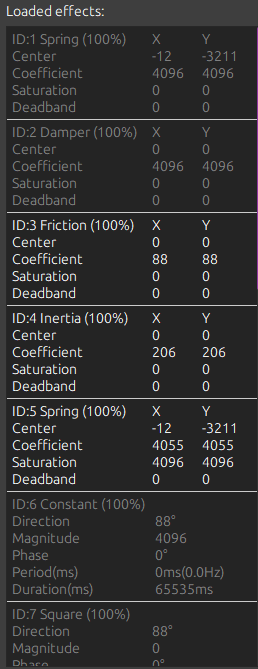
Ah, I get it, calibration wouldn't do anything, I'm not sure where but something might be on dcs side. I'll try again and see what dcs logs I get. I guess something is failing to initialize upon the launch of the dcs. On the other hand, I have configurator opened while the dcs is not yet launched, after restarting the computer/cycle power for the FFB boards. I tried resetting all effect within the TelemFFB (even I feel this is just for TelemFFB instance). The virtual center somehow stays near full forward. It may get reset upon receiving correct command from the dcs. So far the debug tab tells 'Reset' and 'FFB_RemoveAllEffects' upon launching the dcs.
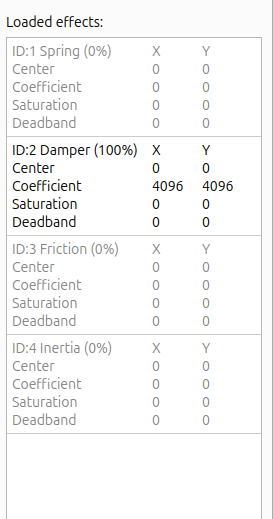
Refer to the loaded effects in the Debug to shed light of what's going on. DCS creates it's own spring effect and adjusts the the center point, spring stiffness (coefficient) etc