Yes, the color grading presets are all locally available; select the camera and you'll be able to locate them. From there, you can use them on your character's post processing component.
In one of the tutorial videos you show how to add dirt into a terrain. The UI and UX has changed enough that I can't figure out how to make that happen. Is there a short tutorial to walk you through that?
The easiest way to have dirt and other layers is through our Blend Material workflow. You can check this quick video on how to get it up and running: https://streamable.com/5bw2g5
We're also working on an extensive documentation page dedicated to materials, blending, displacement, etc... and it will be released alongside next week's update
I am trying this - dragging a bunch of materials from the content browser (polyhaven) onto the terrain but it does not give me the option to create a compound material. ALso I only ghet the option to edit the material (not the compund material) which has controls for dirt and snow, but not what I see in this video.
Hey, just subscribed for the month! I saw further up you’re adding support for megascans on FAB. Do you have a timeline for this and is there a workaround in the mean time?
Was literally going to ask this as I was trying to follow a tutorial and it's changed. Man they don't make it easy at Unreal with these frequent updates and big changes.
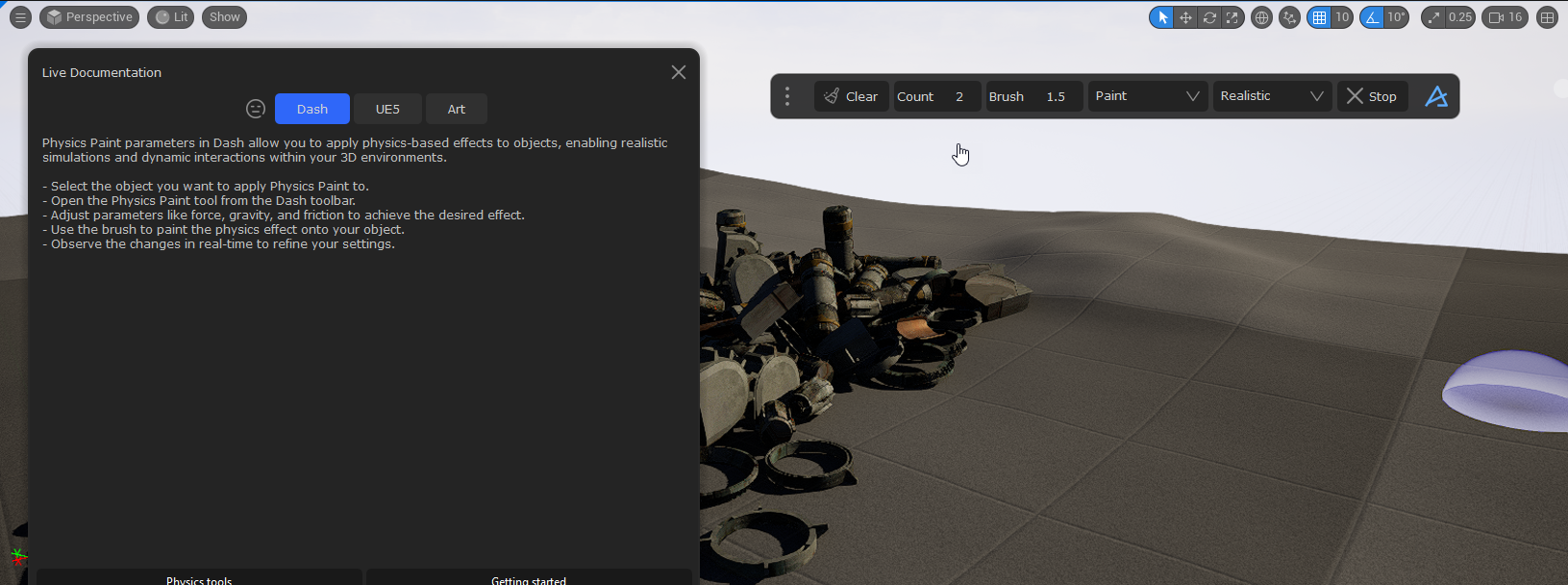
FYI - I wanted to learn what all the parameters in Physics paint do, so I asked. It gave me instructions on how to use it that are not correct.
It says select the object you want to paint but that is not correct. It wants you to select the objects to paint onto a surface when you activate it. If you don't have those objects selected it tells you you need to select those objects before activating the tool. Also, if you look at the tool options they do not match the tool description.
I feel like there are 2 tools that use the name Physics paint. One that drops objects intoa scene and maybe somewhere else a tool for adding physics to objects?
Hey! @Paul Griswold We have student/teacher pricing on our website If you don't mind, can we chat some in DM? Would be fun to hear more about your work/school.
I think this is due to us overriding the focus settings so not sure if there exists a good of solving it right now actually @Adnan - Founder/CEO would be the one that knows and he can get back to you when he is awake
its slow as a dog with my project and i have increased thumbnail cache to its max but its still loading some and when its doing that it grinds to a halt
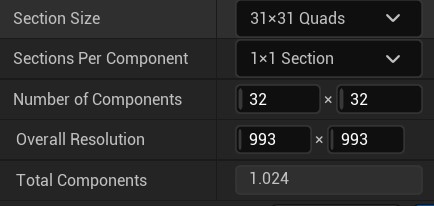
What is the max custom landscape size (created not with Dash)? It seems that anything above those settings makes surface scatter tool not working (instead physic paint works)
Our Blend Material is based on the RGB Vertex colors, so you could paint vertex colors and have that affect the Blend Material layers! And I guess perhaps there exists some way to add in a vertex color map or something to the surface Right now my Dash version had a bug so I could not record a video of the painting vertex color workflow, but maybe you know how it works? Use the Mesh Paint Mode in UE on your surface
But, our Blend Material and Material Edit tools do not support Landscapes right now, so yee getting a way to do Landscape Material would be dope! And it is on our todo list!
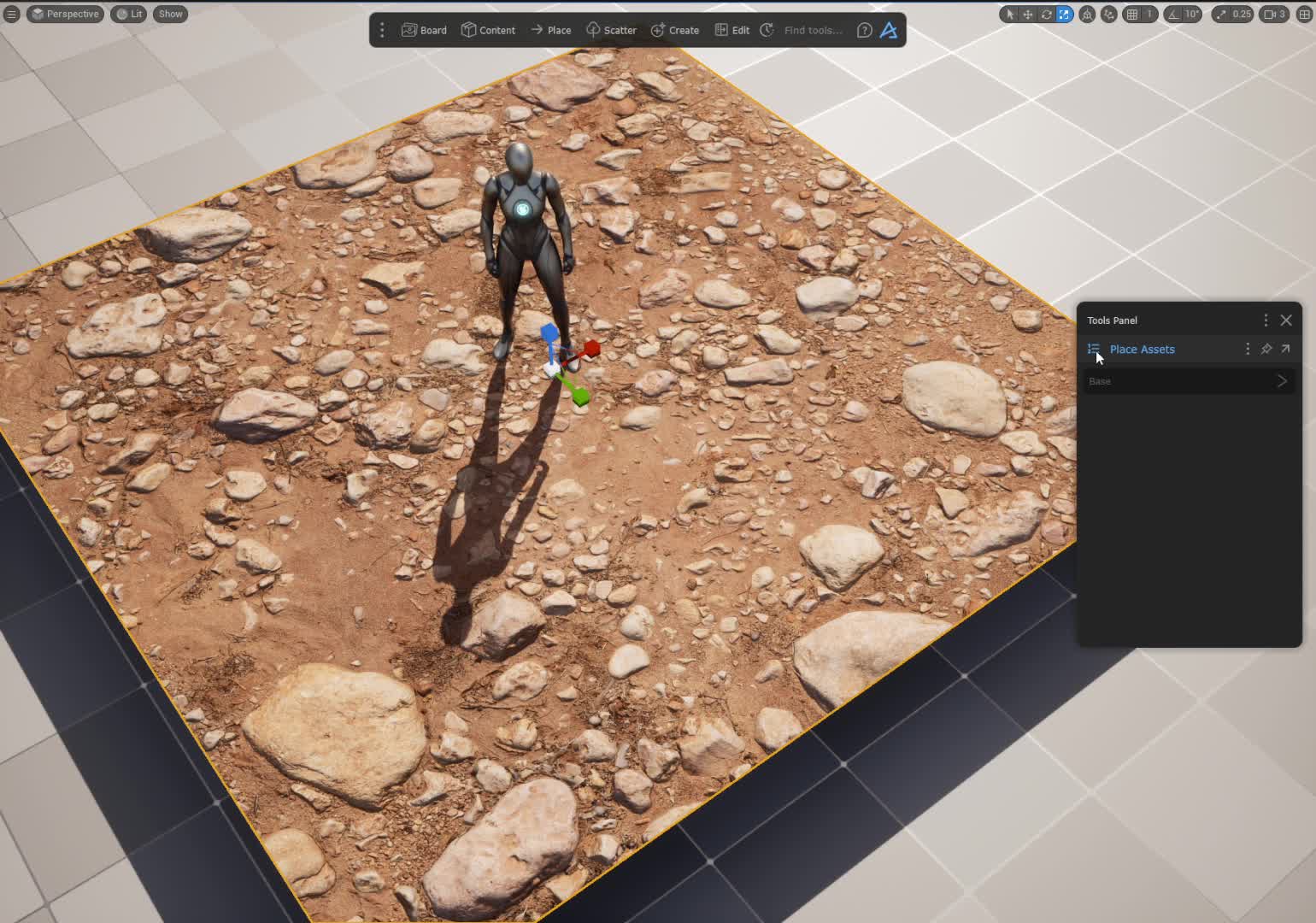
Hey @Seyfettin Dincturk If you select the terrain that you have applied the material to, and in the tools panel, click the top left button, do you not see Material Edit?
Important to know, Material Edit and Blend Material only works for materials coming from the Megascan view and the Poly Haven view in the Dash Content Browser right now And they don't work on UE Landscapes either right now.
I tried this myself and yee it did not work great, so we will check it. But in case you don't know, switching the Density Mode to Global is usually needed when working on bigger landscapes/surfaces. With that you can increase the density over 1