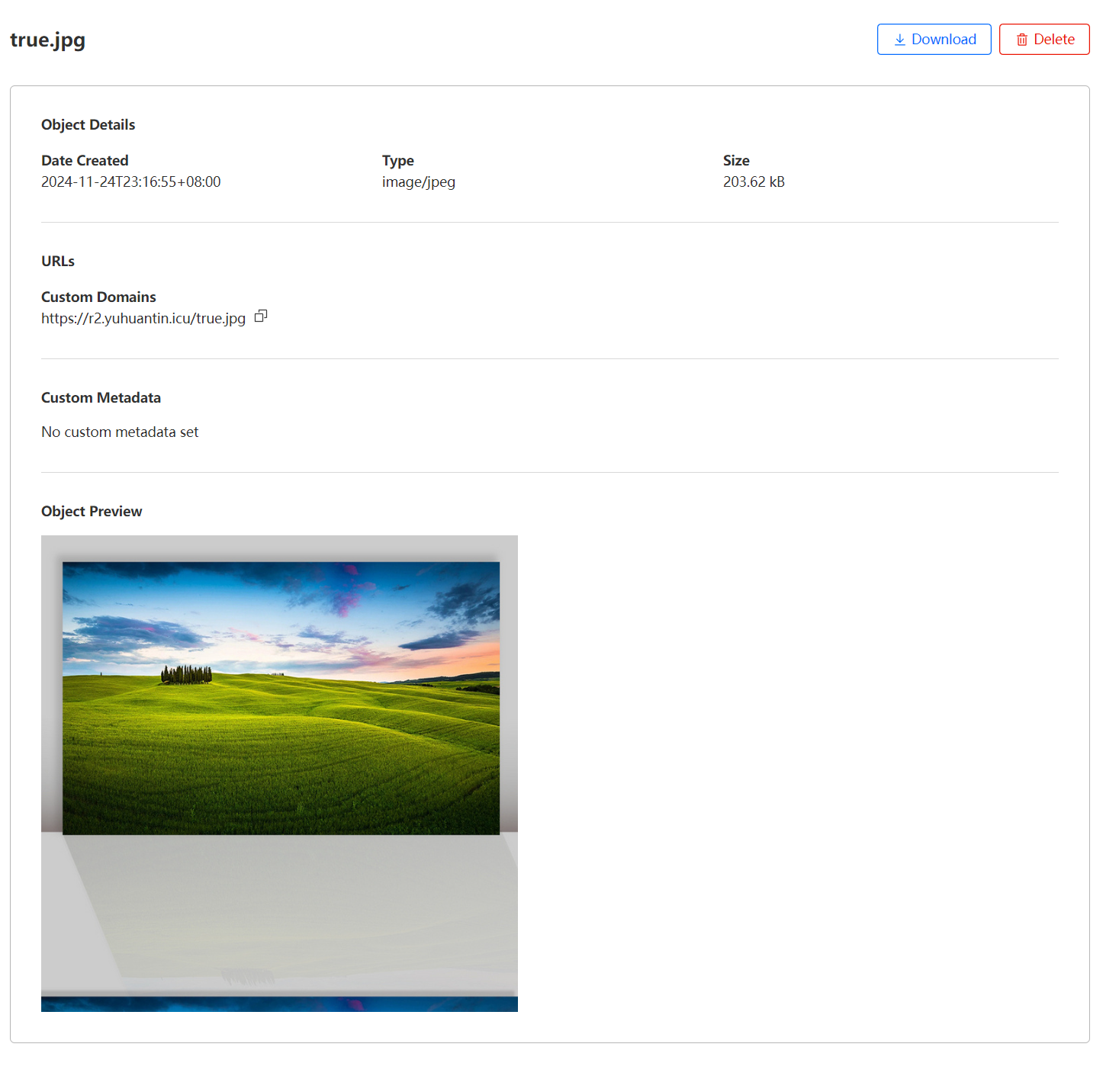
2. Click on an object in the dashboard. In the info pane, there should be a label for “Class” 3. The
- Click on an object in the dashboard. In the info pane, there should be a label for “Class”
- There are three possibilities:
a. The user has a “default IA” bucket
b. The user has a lifecycle rule that converted some of their objects to IA.
c. The user uploaded the object as an IA object manually