Ok got a fun one - could we use dash to turn a regular vehicle (city sample vehicle etc) it a apocalyptic one using dash tools, mesh paint, material blend, decals - this challenge i give to @DanielFreden (Dash for UE5) since he showed off his skills with ice
for something like that, you better off, using third party terrain software, exporting to stamps/LandMass or Patches , or a brush. Making it more non destructive, then use Dash to handle the environment world building/level design. Just an FYI.
But not hard to do, for modeler artist/3d modelers ( just time consuming) compared to normal vehicle modeling..... I used Dash, to handle most of my level design spawning, and with my current project its all Post Apoc. Theme. with make shift vehicles. But Dash is alot of fun, to build levels with.
Not really as I can do non destructive editing on a landscape and set layer height, et cetera, and also use PCG on the land on the edit layer so I’m not doing destructive editing, also I can use the landscape brush to have the same effect without having to mess with the third-party software
Hey hey! I think perhaps that this could be due to some volumes/regions that you have in the scene that is making the curve tool not "see" the surface/object you are trying to paint over. Do you have some volumes/regions you can try hiding and seeing if the draw curve works better?
Could you share a pic of your outlier? On your first pic I guess that the red things in the background could be something like that. Could be pcg volume, world partition volume etc etc
Could you record a video? Not entirely sure what you mean by manually placing the point idea is that you choose free or line mode and then just draw on top of your sidewalk. If there is nothing in the way it should see the surface under your cursor and align it.
If needed you could open the curve tool instead of the draw curve action and adjust more settings as well
And worth noting is that we have a Project curve action that you can use to project an existing curve. And path Scatter has a projection/surface setting so you can have the meshes align to the surface even if the curve is not perfect aligned to the surface
It ain't something we cover in Dash no, but as we are creating HISMs with our scatter tools, you could proceed afterwards and add that in somehow I would assume. No experience with this though so can't give you much help unfortunately
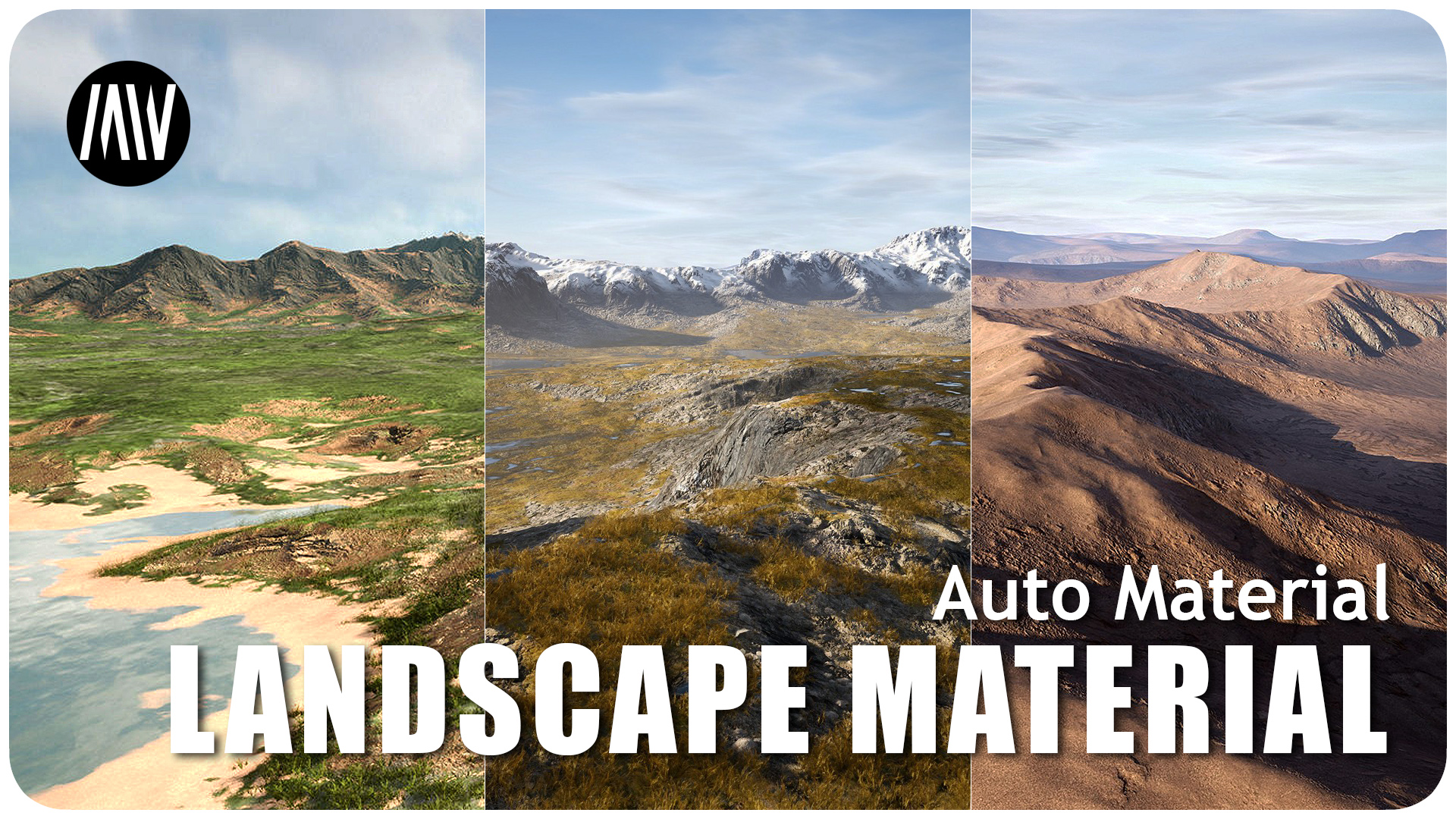
MAWI United - MW - Landscape Auto MaterialA smart landscape auto material with five procedural layers to setup all types of landscape materials even islands. Use your own textures and foliage to create custom environments. Made for quick prototyping and high performance. Bake procedural layers to splat maps and use them with other regular landsc...
Ayo peeps! This might be a bit of an odd one, I remember (I think) @Adnan Chaumettedid a quick showcase of the new tools and he basically scattered a bunch of birds into a square. Whats the process called again and it is possible with Atlases?