TelemFFB is a separate program from the configurator that adds more forces than are native to the sim using telemetry exported from the sim. Download and install from here.
The documentation on how to use and install it is in the Rhino manual. Assuming you are flying DCS, there may be one additional step for the installation to get it going which will be in the manual.
Having issues getting the brake axis and twist axis to be recognized for the constellation Alpha. Raw Values don't change when either axis is turned. Thumbstick axes work fine. Any tips on how to debug? Latest firmware installed v1.0.17b12 @walmis @Red Magic
Red, did you do anything to fix this? Found some comments from you above.
I'll check. Not sure if it matters but if I start TelemFFB after I'm already in the plane it works great. My DCS is a clean load too, just reloaded my computer yesterday.
Im having some trouble with the vpforce winwing adapter. The vpforce app detects the adapter when I select it, but all buttons on the winwing grip are constantly pressed and dont work. Suggestions?
Hi, OK, tried this again, and having similar issues I use a virpil Z extension on both my Rhinos, and when I have the stick at centre or forward of centre, I can adjust the negative balance spring value (approx 11%) to make it stay in a placed position. But if go backwards past the centre, then the stick wont stay where you put it - even at 100% negative..of course at this setting, once I place the stick anywhere past centre in the forwards direction, it snaps fully forwards.
Another thing I notcied on calibration ( but not in normal use) is that when you rotate the stick around the circle at full deflection, there are places where I am feeling a cogging ( forwards) and other places ( around 4 oclock and 8 oclock) where I can feel a notching....any ideas whats going on there?
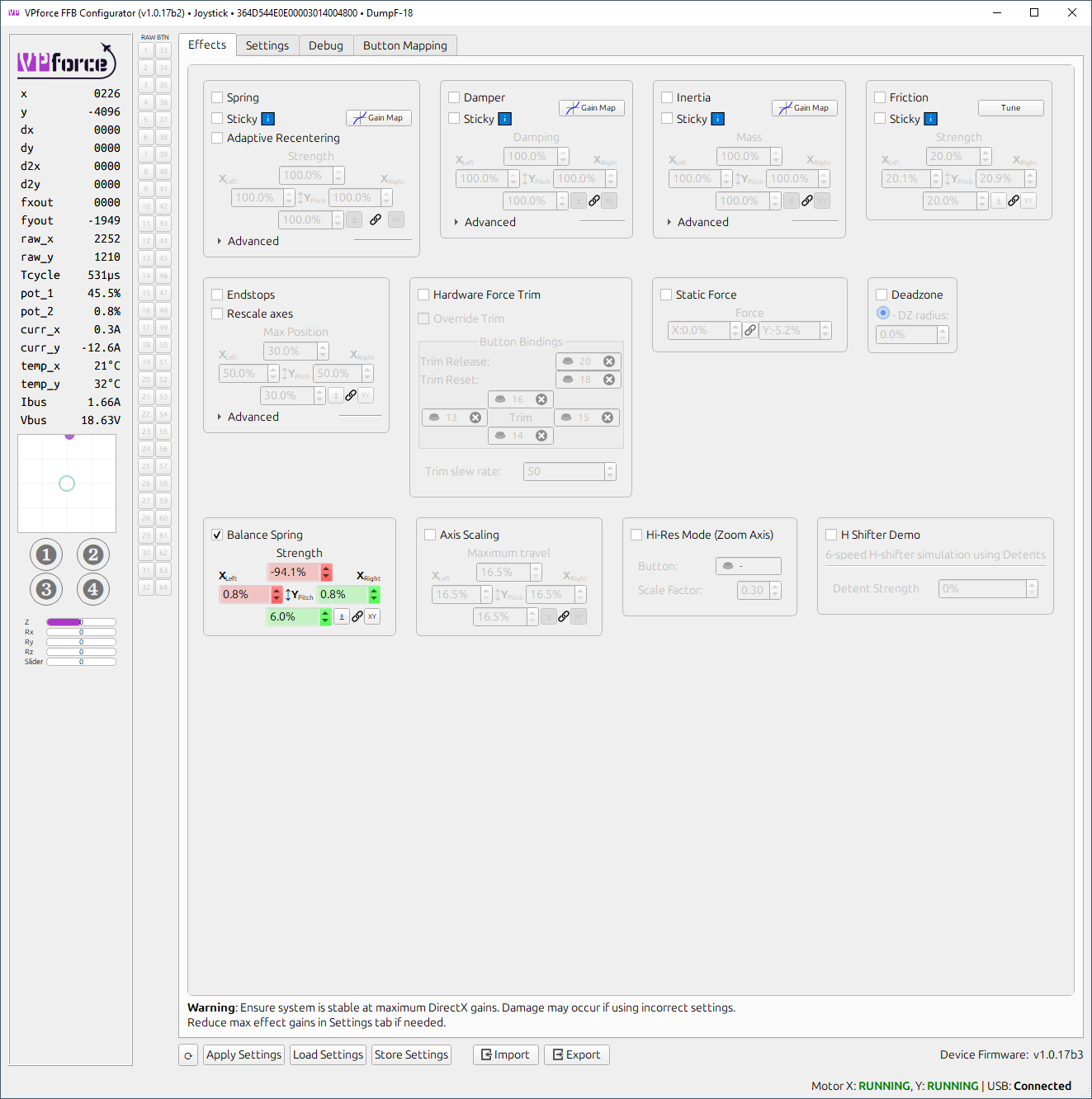
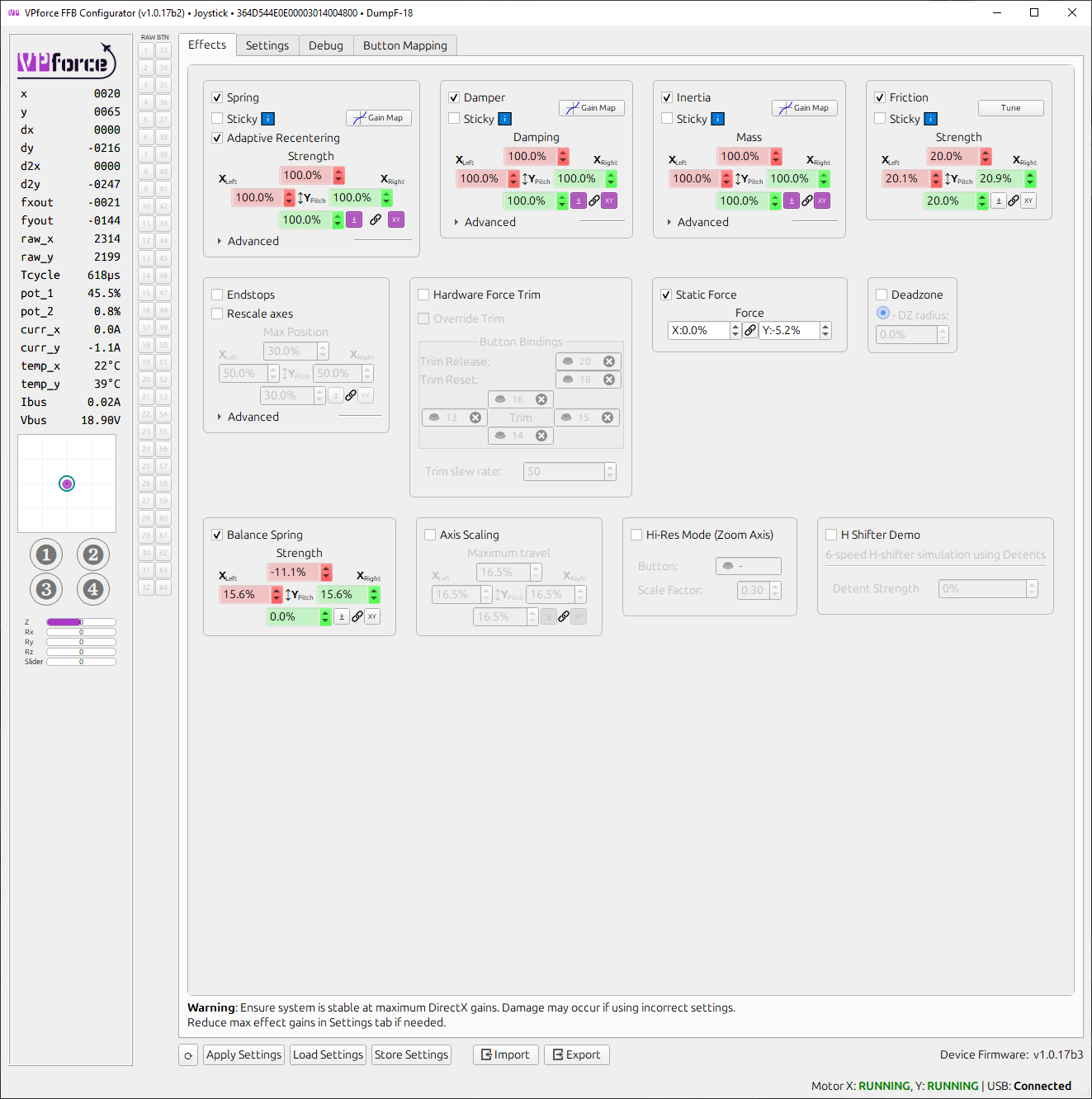
The first screen shot you show the balance spring at -94% in the forward postion 6% in the positive but your 2nd screen shot your balance spring shows -11.1% and 0%..Your left and right is also changed. On my forward position I'm using 18% (positive number) and rear 5%, 12% on my left and 10% on my right. As for cogging this usually means the calibration ones done properly to full deflection or there is a mechanical issue.
Sadly, I could not find my original openscad project, but I re-measured the original adapeter plate, and the inside diameter was 10mm, so I used 3D builder to fill the oversized hole, then put a 10mm hole with a slight chamfer as per the original plate. this should be much closer.
Some of my planes in IL2 Great Battles the center is forward or the trim is acting very weird if I trim nose down the stick moves forward alot in order to keep plane level. I need to apply constant force down when doing so. But some of my planes do not act like this I'm using the same config profile for all right now. any thoughts? I notice this on the duck the spit and the p39 so far I know it happens on other but those are the ones I've flown recently.
not sure I fully understand your problem description, but if the trim movement seems to be backwards, in general I would recommend to make sure the dot in the axis view in the configurator app moves in sync with your joystick. If one or both axes are backwards, use the invert setting for that axis in configurator.
If your axis is backwards and you invert it in the game, this will usually lead to inverted forces since there is typically no sync between "ffb direction" and "axis direction".
I have turned my stick base around but I checked the invert on my pitch axis when I turned my base around. Is there another area I need to invert for trim to work correctly.
I guess I misunderstood then? Thats how the trim effect works. If you trim down, the stick will move forward, same for other directions.. the center point of the spring effect will move in the direction you are trimming.
If nose down trim is required to maintain level flight, the stick will be forward of center.
yes maybe these planes are just weird to me and the FFB is weird to me as well never used it before but some planes act different most planes i can trim out and stick stays in middle level flight few planes stick must be well forward in level flight while trim is 100
I can't really help with what to expect from various aircraft in IL2, but that is how FFB trimming works in general. Various aircraft my implement it differently or not at all.
Some planes simply dont have a pitch trim, like the IL2 itself and i-16 (presumably they didnt have one IRL). If you want, you can "cheat" and use vpforce configurator to implement hardware force trim (using trim controls defined there). Some planes in Il2 require excessive nose down trimming with flaps down.
Hi, the last screenshot with the other effects checked is what I have now, the first shot was when I was trying extremes of the slider to see what happens.
I wish I could help further. I tried multiple tests and grip lengths and didn't have an issue setting up based on my own video and what F14 Billy recommended as in the process. Maybe you have an issue with your unit. How did you build your unit, is it pre-built etc? May have to reach out to the devs and tag them
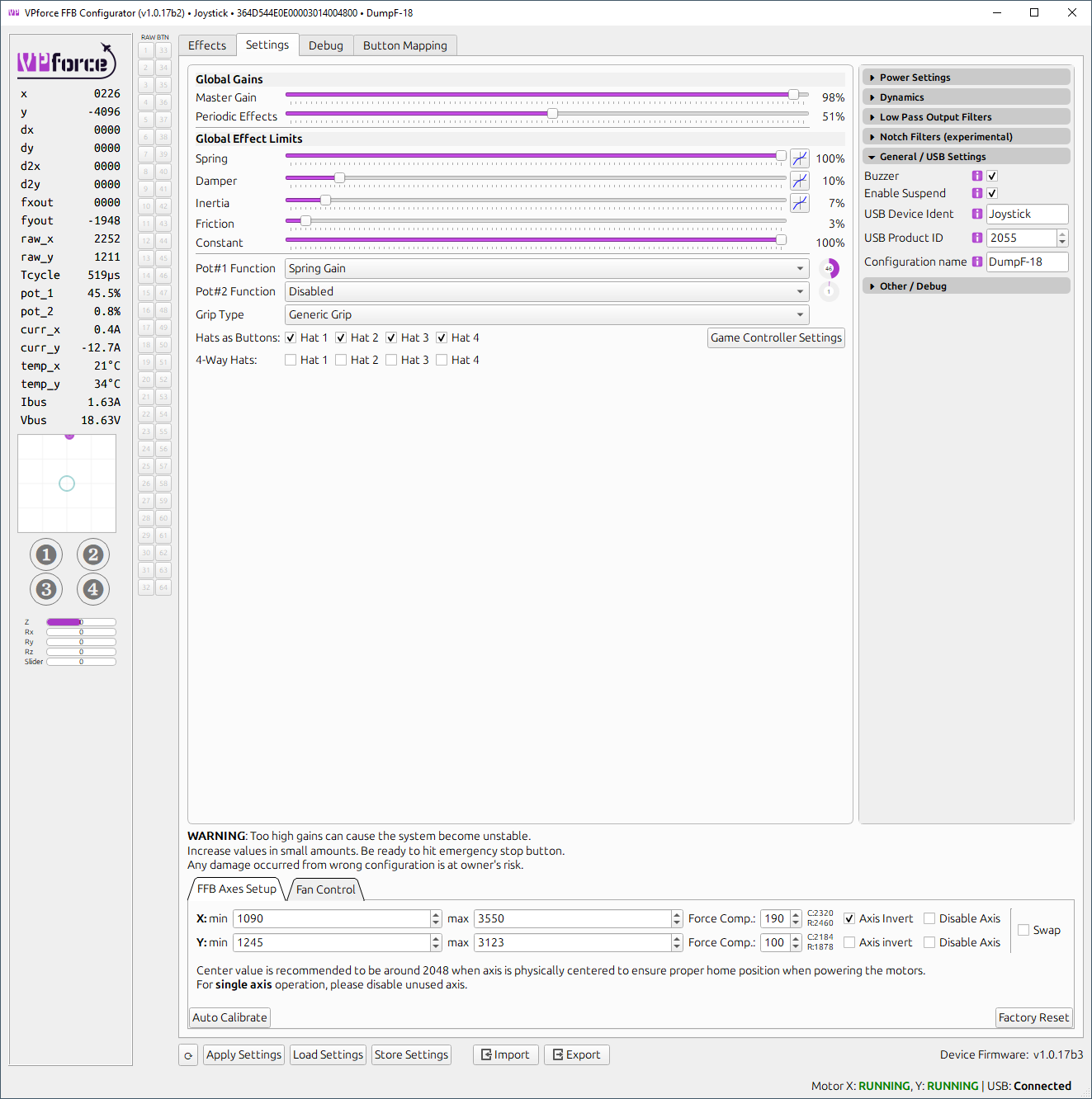
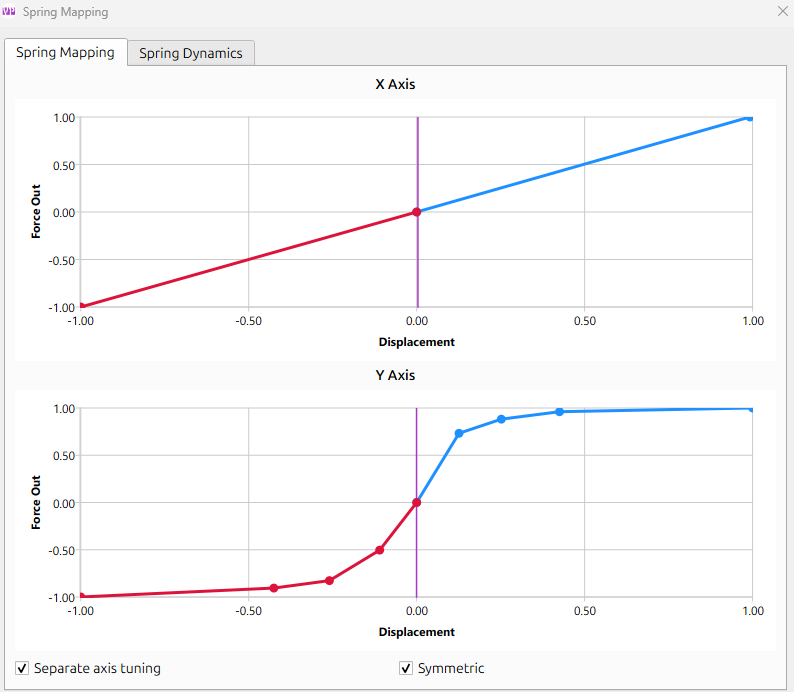
You have a decently steep spring gain map applied. I've loaded your config and tuned the filters a bit, works reasonably well at high pot gain (the attached .vpconf file will only patch the filter values so you can apply it on top of your current profiles)
@mark turner what is the reason you have such a steep spring gain? I’ve tried steep spring gains to make the centering stronger for holding the long extension but I get reverberations still.
It appears my ingame Trim control for dcs is no longer working. Not sure when it happened as I’ve been using hardware trim for helicopters and haven’t been in a fixed wing for a while so I haven’t noticed the issue until now. Has anyone ran into this or have any ideas as to what the issue could be?
make sure you uncheck both "sticky" spring and "override trim" in configurator. Beyond that, its just simply binding the trim controls in DCS (and the normal stuff like making sure FFB is enabled globally)
02 19:21:39.194 INFO INPUT (Main): created [vJoy Device] with full id [vJoy Device {6BE6F3E0-7745-11ed-8002-444553540000}], ForceFeedBack: yes, guidFFDriver: {EEC6993A-B3FD-11d2-A916-00C04FB98638}