Hey guys. I have a early rhino and im starting to get a bit of play only in the pitch axis. Its about 1/8inch only in one axis about the neutral position. Is there any way i can tighten this back up?
It looks like your printed mount for the aluminum is broken. There is a split which opens when you press the stick forward. Look closely to the corner nearest to the camera and you will see it.
Try grabbing the printed part and see if the play is in the metal shaft. If so try tightening the 4 screws that keep it in place and see if that helps. Also the screws that keep the big pulley in place may be loose.
Hello ! I am new on the project and i am doing my research to make a rhino on my own, but i can't really find anyone talking about making the base with 86BLF04 motors instead of the 57BLF03. Is there any reason why ?
The 86 motors would require a stronger gimbal and bigger housing. They have more torque and handle overheating better but the build will be significantly more expensive.
Okay ! I've seen some things like monster rhino and stuff, but do you know if anyone shared some files to make a base with the 86 ? or i'll have to modify it
Yes the files are available for the housing and a couple of gimbal options. Hope someone can link them to you. I just had my parts made by @SR-FWinger[73]_David since I didn't want to go through the hassle of it .
Also if tightening the screws that connect the pulley to the ball bearings doesn't fix it you will have to take the bottom wall out and maybe even remove the motors to see if you can tighten the screws that put the gimbal together.
It you decide to do it yourself make sure the front 80mm fan is 5v and not 12V or it won't be able to cool those big motors well. Big difference in cooling them.
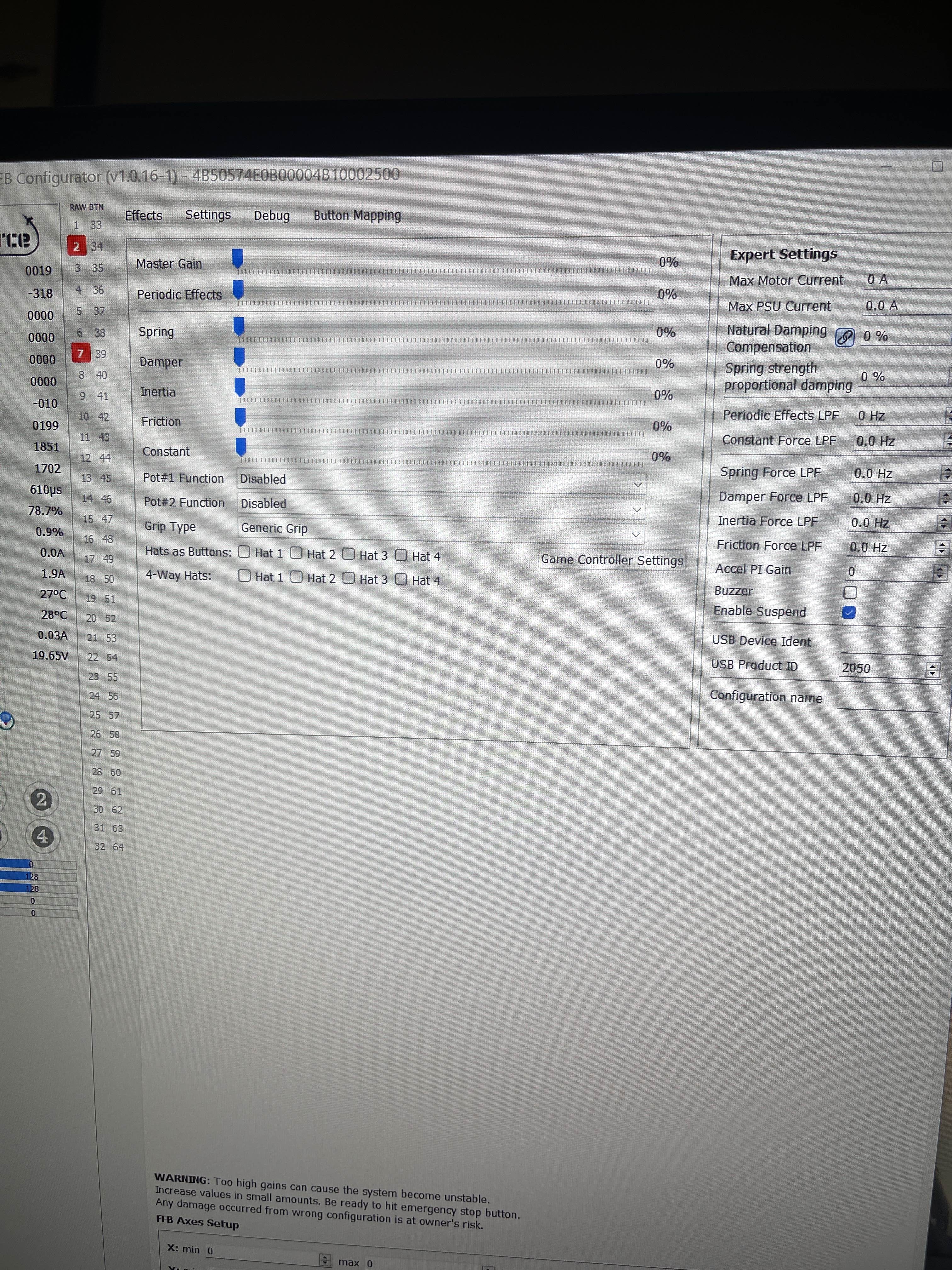
Hey, the Rhino only supplies 5V to the grip connector other wires are pass-through. A few things to check: 1. Is your Grip set to Disabled or Loopback? 2. Is the USB voltage more than ~4.8V?
IIRC last time there was the issue with a bad USB voltage
Yes, this was awhile ago and it was an issue with an unpowered USB hub. Nothing has changed in terms of the connectivity chain, so it's still hooked up with a powered USB hub that previously worked. The grip is set to disabled, which iirc was the only option that worked with the passthrough you put in.
for the terminals on the GX connector, this is the correct order - 1. Ground 2. Data 3. Clock 4. Latch? I did make a new cable, I could have gotten something mixed up there, but the connections are all solid. I wasn't sure if it was at the point I should start testing through the device via multimeter like you had me do previouly or if there was another type of test I could do that is more helpful.
Guys, apologies for the NOOB question. I am finally setting up my Rhino FFB for first tries with IL2. Whilst configuring the keys I noticed that my axis are being recognised as buttons. Do you know of which way to fix this/what setting this may be?
thanks - both - please take into account I'm a complete NOOB as to the Rhino, ie have connected it via USB, updated firwmare, opened the configuration software to calibrate axis but literally nothing else so I'm probably missing some basic step (for which apologies)
I suppose I could just test it through the device, but where I have it mounted now it's not super easy to get into the back of it without undoing a lot of fasteners lol. I hope it's just a switched wire.
(may be something IL2 related - don't spend too much time on this, will just restart / mess around a bit and then come back here if I don't solve this - thought this may be an obvious setting/issue so wanted to ask)
You'll need to provide a little bit more context, as it's hard to understand what's actually wrong here. X and Y axis have no axis-to-button functionality, so it may be something not done correctly in IL2 ( I don't have much IL2 experience myself, someone might be more helpful)