
 S
SCan you verify that terminal numbers I posted above is correct from the Rhino side (1. Ground 2. Data 3. Clock 4. Latch)?

 L
Lthanks - both - please take into account I'm a complete NOOB as to the Rhino, ie have connected it via USB, updated firwmare, opened the configuration software to calibrate axis but literally nothing else so I'm probably missing some basic step (for which apologies)
SI suppose I could just test it through the device, but where I have it mounted now it's not super easy to get into the back of it without undoing a lot of fasteners lol. I hope it's just a switched wire.
 L
L(may be something IL2 related - don't spend too much time on this, will just restart / mess around a bit and then come back here if I don't solve this - thought this may be an obvious setting/issue so wanted to ask)
 W
WYou'll need to provide a little bit more context, as it's hard to understand what's actually wrong here. X and Y axis have no axis-to-button functionality, so it may be something not done correctly in IL2 ( I don't have much IL2 experience myself, someone might be more helpful)
Lno worries, will check it out. thanks!
 G
GI have had a recurring issue (3 times) over the last three days that one of my motors stopped working in flight. I reset it and it seemed to fix it, until it happened twice more. I have had the Rhino for almost a year and it has never occurred prior. Any ideas on what may be going on?
 W
WCan you post your exported .vpconf settings ?
GI can but it will be later today. Thanks!
WGreat, I'll take a look. Probably filter settings need a few adjustments.

 E
EThanks man ! That's very nice of you !
 O
OHello, what ist the Different between 86BLF03 and 86BLF04 motors? Cheers

 T
TLength and Torque. Specs are in the # faq
faq
https://discord.com/channels/965234441511383080/986474224241741884/986485131906809866
faq https://discord.com/channels/965234441511383080/986474224241741884/986485131906809866
 I
IGood morning everyone!! Have any of you had the same problem as me, that the DCS F4 once in the flight tends to violently To go up high, and your Rhino apparently responds consistently?
TA slightly forward trim is pretty normal for F4 in level flight. I do find that depending on the mission with an air start the trim isn’t perfect on load and the commanded position at the “Fly” screen is different than when it comes off of pause.
TI tend to hold the stick when it loads in, then active pause and click fly. Trim to where I think it should be and then unpause. Seems to help. It does do a jolt no matter what once the briefing page loads.
 H
HHi all, im having trouble doing a firmware update to the unit I just purchased of my mate, he said it would need one.
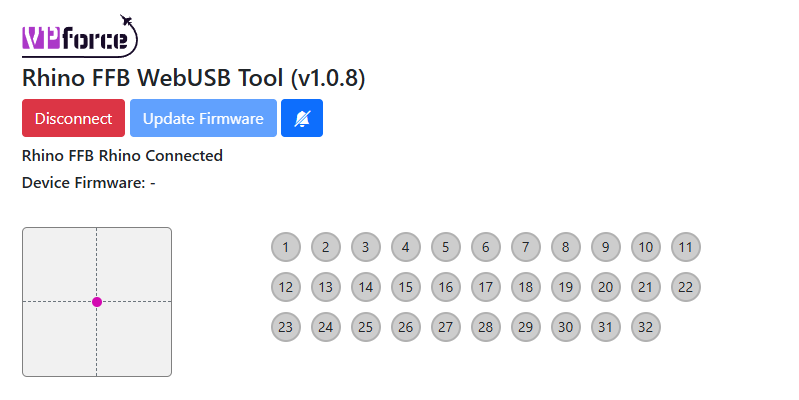
When I connect it to my PC the PC detects it and it show's under game controllers, when I go to the following web https://vpforcecontrols.com/usb/rhino/site and click connect it comes up with a msg saying No compatible devices found, so I cant update the firmware
How do I get the web page to detect it ??
When I connect it to my PC the PC detects it and it show's under game controllers, when I go to the following web https://vpforcecontrols.com/usb/rhino/site and click connect it comes up with a msg saying No compatible devices found, so I cant update the firmware
How do I get the web page to detect it ??
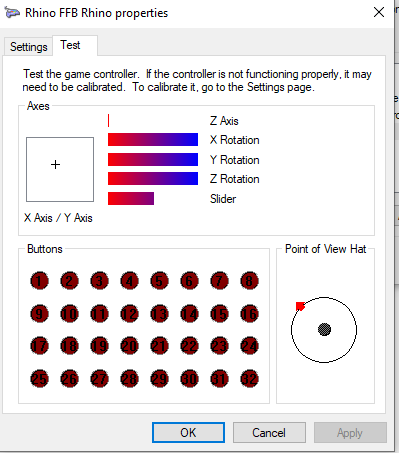
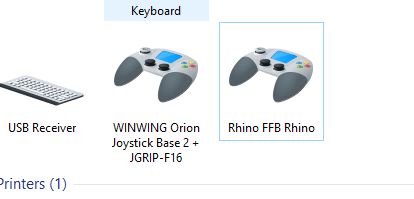 H
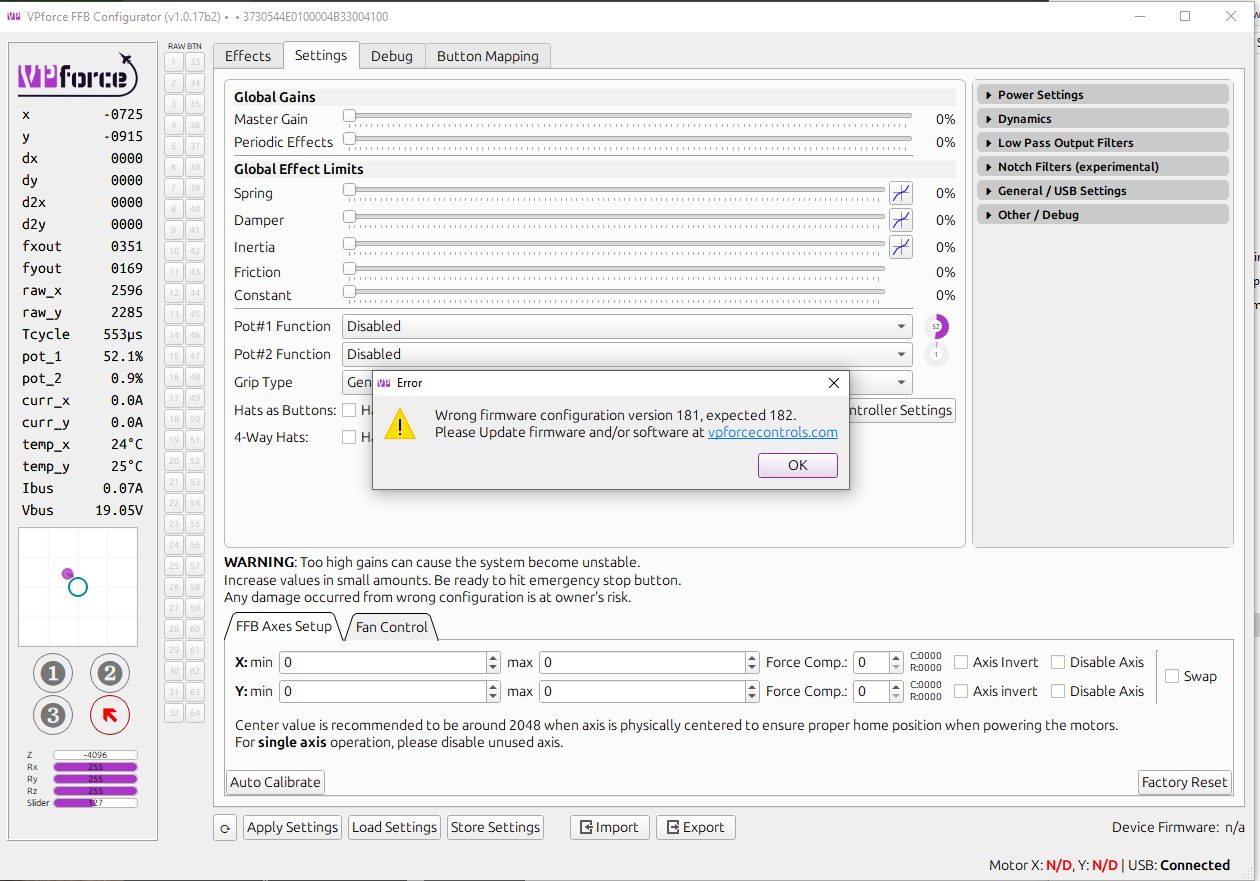
HThis is the msg in VPForce FFB Configurator

 F
FDo you have another PC or laptop you can try?
FOr maybe another browser just in case.
HI have another PC will try it on that
HI have tried it on another PC and im still getting that no compatible devices are detected whn trying to do a firmwear update
FCan you try that and see if that helps?
 H
HHi, is there a way to upload a configuration file through command line?

 N
NVPforce_FFB_Configurator.exe -config <path\to\config.vpconf> -serial <serial> serial is optional unless you have multiple VPForce devices connectedHHi im getting some where now, I have connected a Thrustmaster stick to the base, I have it connected via the https://vpforcecontrols.com/usb/rhino/
But it doesn't show what firmware it has and wont let me update it.
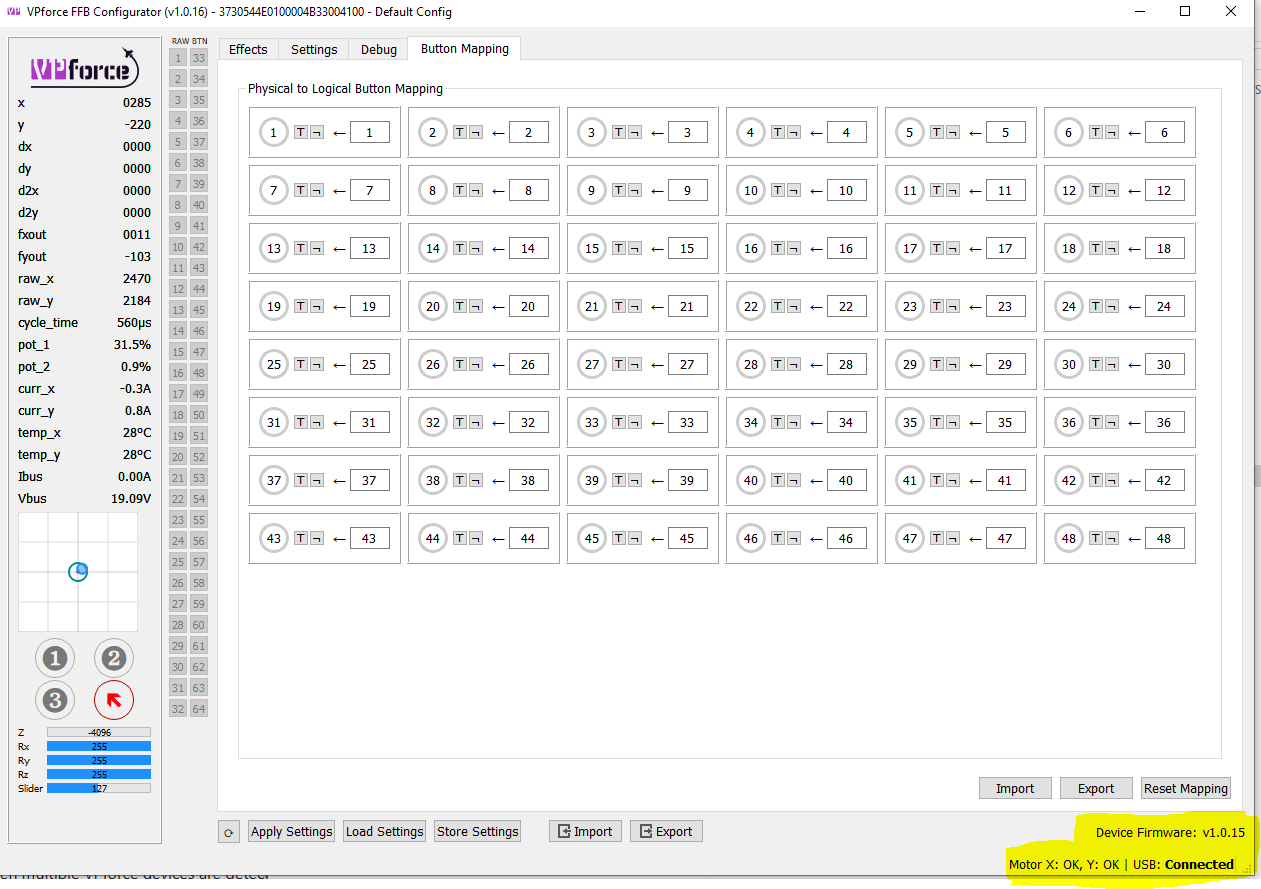
The VPForce v1.0.16 connects and shows Firmware 1.0.15
Do I need to update the firmware ??
Any help really appriciated
But it doesn't show what firmware it has and wont let me update it.
The VPForce v1.0.16 connects and shows Firmware 1.0.15
Do I need to update the firmware ??
Any help really appriciated
 F
FDid you try the command prompt link I sent a couple of messages above?
HThank you that worked, firmware updated
H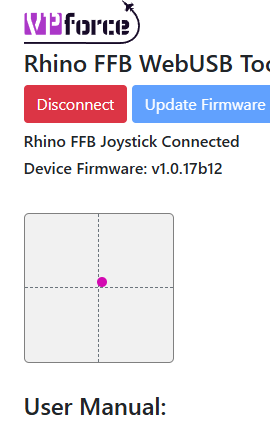 H
Hnext issue my F18 Thrustmaster stick doesnt seem to be connected, no buttons are working
FCan you show your configurator page? To see what grip you have selected in the options
Hgot it sorted thanks
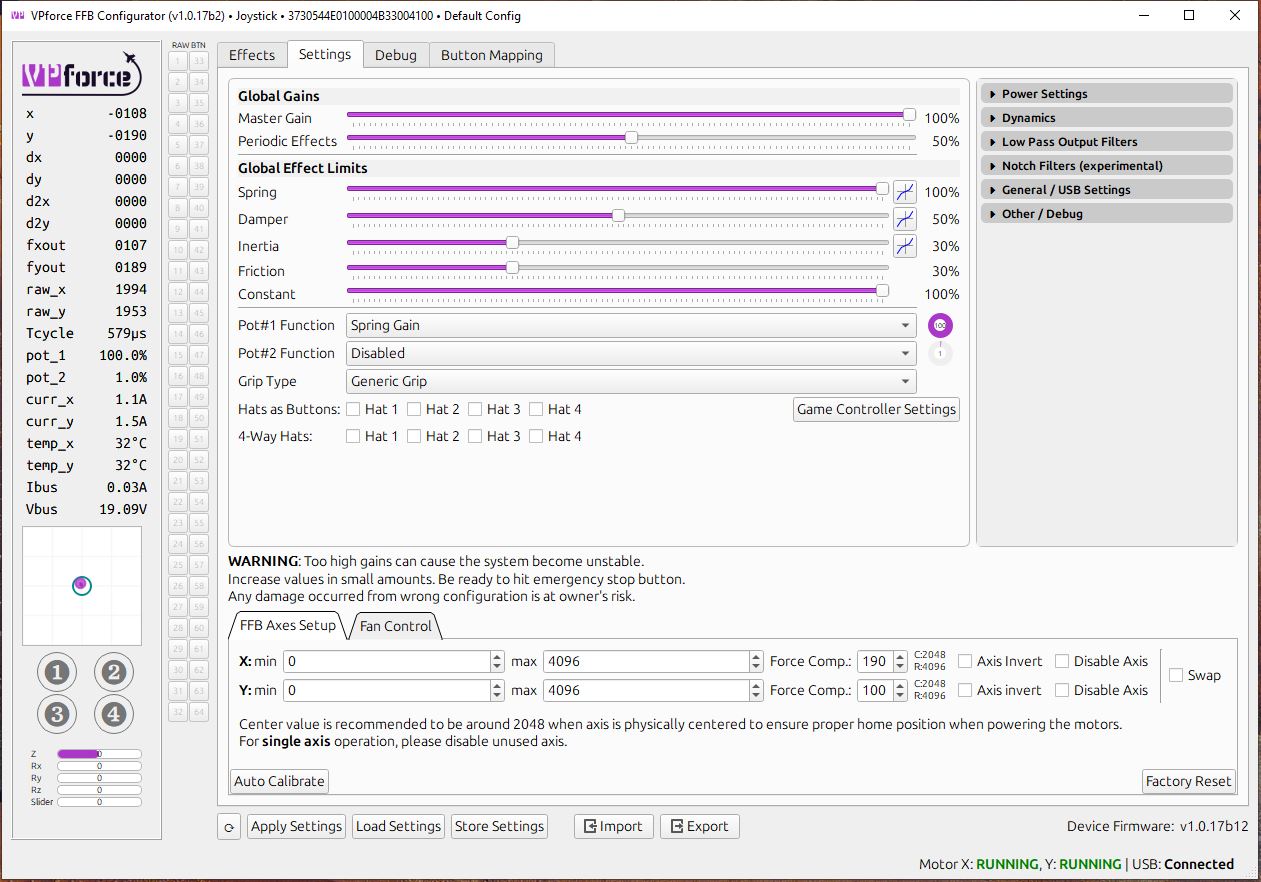
H@f14billyThanks for your help, firmware updated it seems to be working now in the VPForce FFB v1.0.17b2 and I have the joystick hooked up and working.
I have done an Auto Calibrate applied the factory defaults and applied them and stored them.
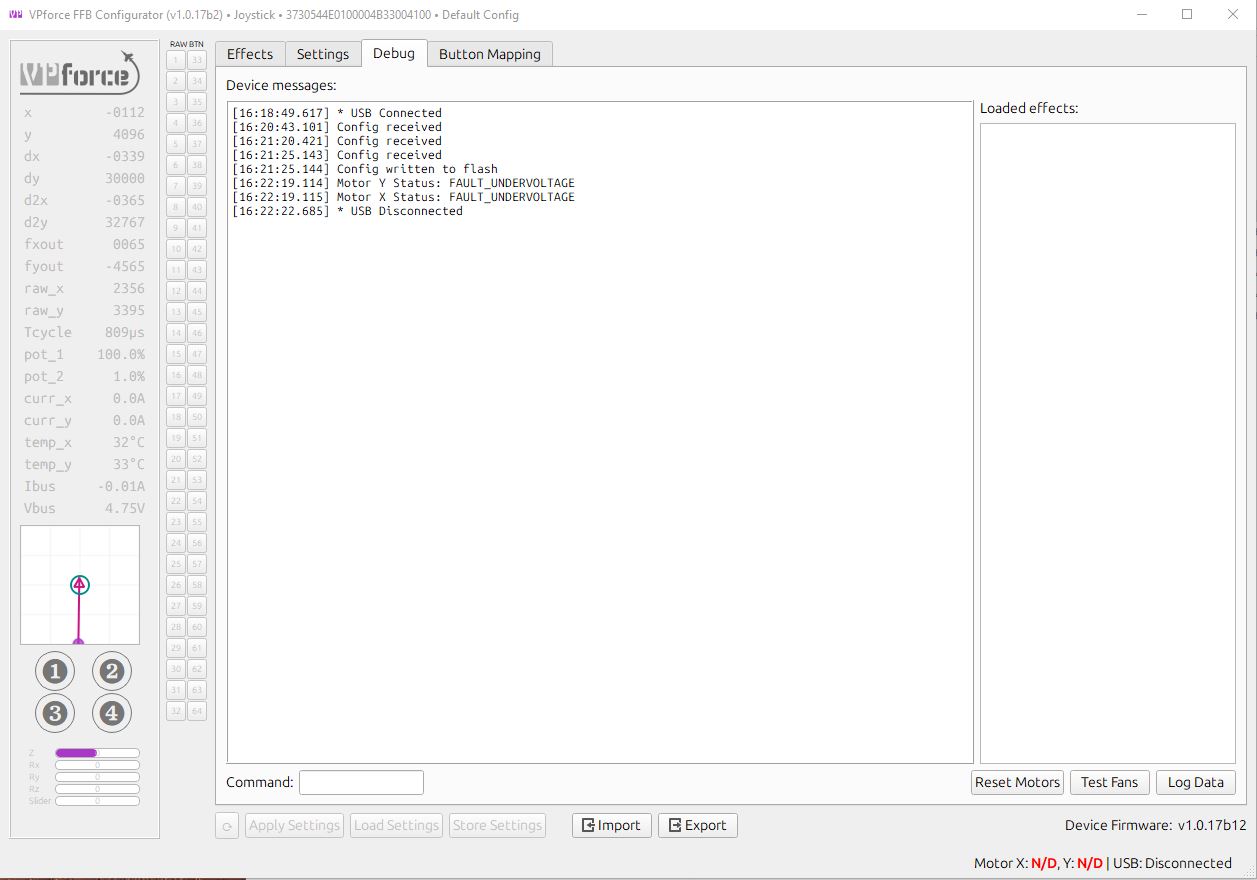
Only issue now it seems that the motors can produce an under voltage fault seen on the debug page, but if I switch the unit off and on it seems to fix it.
I have done an Auto Calibrate applied the factory defaults and applied them and stored them.
Only issue now it seems that the motors can produce an under voltage fault seen on the debug page, but if I switch the unit off and on it seems to fix it.
 F
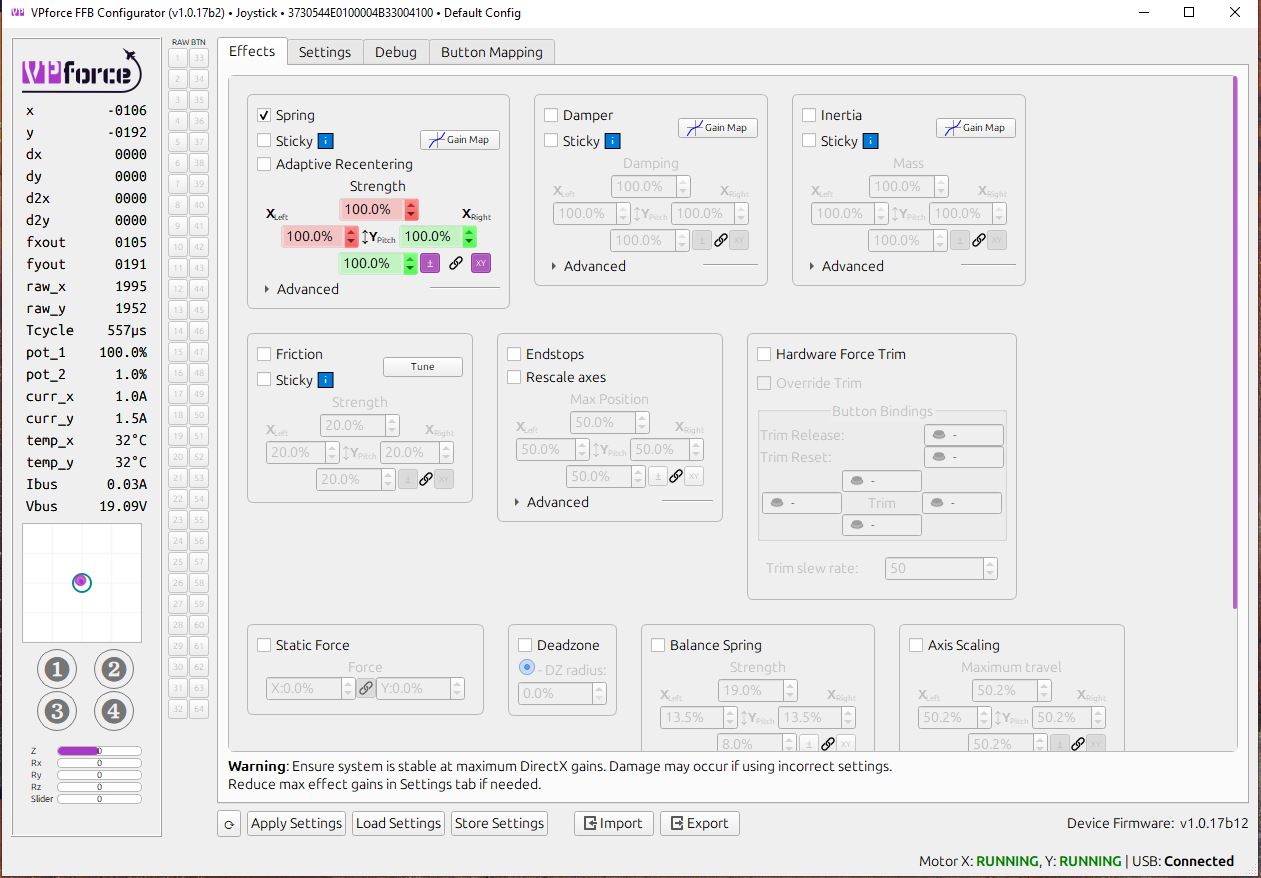
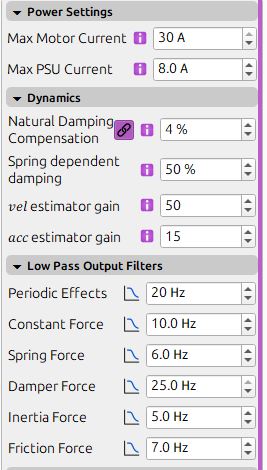
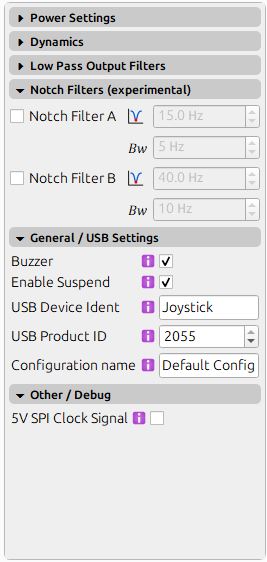
FYou may want to post your configurator settings tab with the right side having all of the options expanded. From what I remember that issue was usually either a faulty power connection (loose), faulty power supply or maybe if you are using a USB hub try connecting it directly. If you have another power supply to test it would be great.
H@f14billyOk thanks ill have a look soon and re post
FIf you shake the base a little and it gives you the error then you know it's a loose power connection somewhere.
HAre these the settings you mean
 F
FYeah I figured if someone saw something weird in those they could help you. Although they seem ok to me. Maybe it's a power issue. Either a loose connection inside or the power supply connector or even the power supply itself.
HIt connects ok and seems to stay connected only happens every now and then with the motor issue.
His there any way to test how the FFB works ??, in DCS I just had resitance no effects
FYou would need to download and install telemffb and you can see all the effects it has on DCS
Hdo you have a link at all
Hfound it
FAlso in your previous screenshot. The one that shows the errors. On the left side the Vbus shows 4.75v where it should be 19v. If you see that voltage drop when you get the error then it's definitely a power supply or power connection issue.
HOk maybe some got knocked when it came from NZ to AU with me last week as it was in my suitcase but packed really well
FIf you feel comfortable opening it up you may want to check all cables are firmly connected to the board.
FThe power cables.
HThanks ill do that I think, I have already had the boot off, the holder for the joystick cable was not holding it in place as it was pushing down and not connecting as I tried to connect the joystick
FDefinitely check all connections then.