Yeah, i switched from a mk.3 gunfighter to the Rhino. You just need the VKB adapter from Walmis, put the stick on it and connect it to the PC with a VKB Blackbox
Okay, thanks for the info, by any chance. Do you know someone who would be selling his blackbox ? I can’t find any in europe and that’s kind of embarrassing because i already bought the stick lol
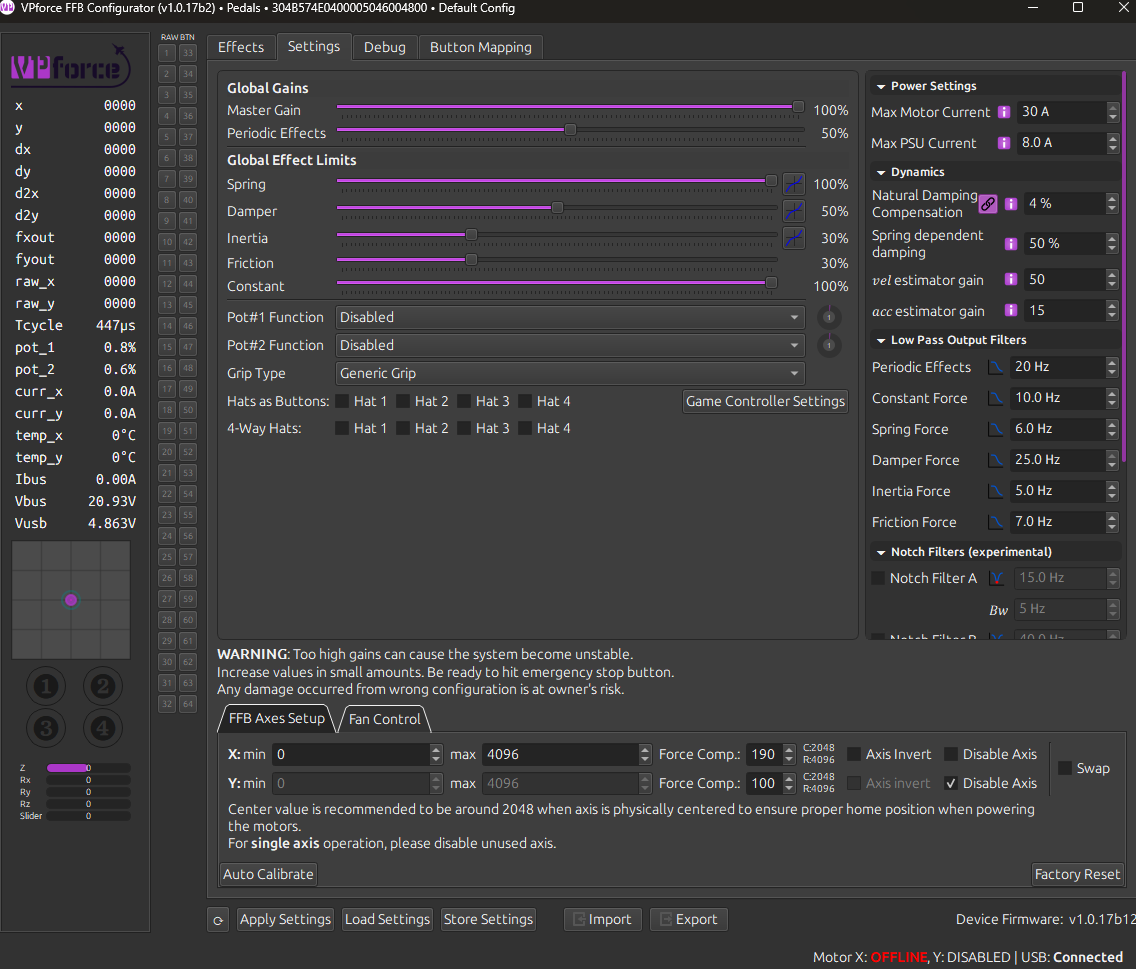
When I start up my PC, the Rhino powers on and goes to the full forward position. If I turn off the Rhino and turn it on again, it properly centers itself. I've tried running the auto calibration in the VPForce Configurator, but continue to have this issue. Here's what my axes setup currently shows:
your Y calibration is over 4096, so when you power on if the stick is in a position where it (when previously powered on) is in the 4097 to 4220 range, it immediately thinks its in 0 to 123 range, and tries to get to the center at 2554. Best solution is to loosen the motor and move the belt over some number of teeth so that it calibrates between 0-4096
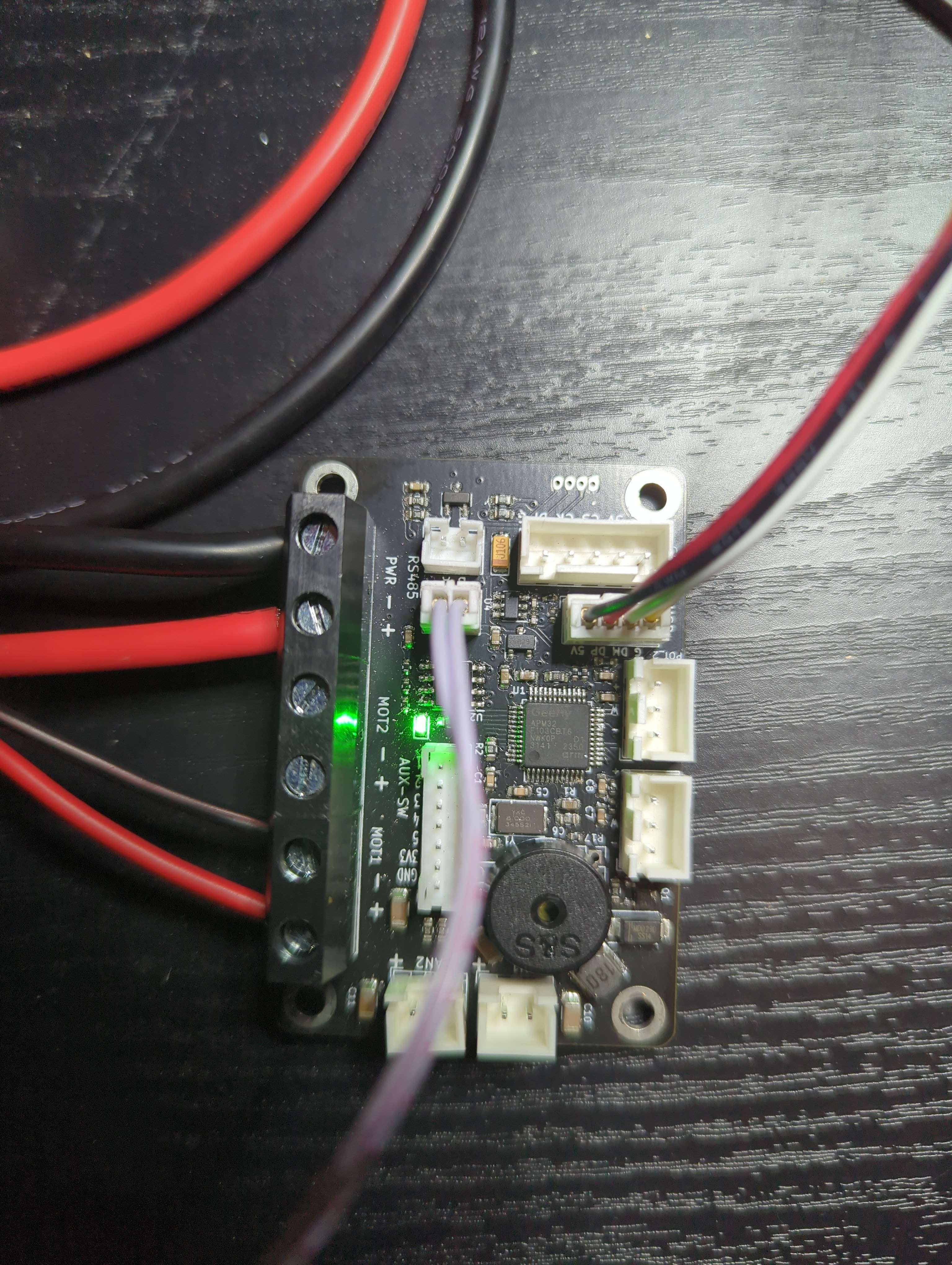
Think the issue might be the ID in the firmware? searching through old threads it's mentioned it should blink once for X and twice for Y, mine blinks many times
DYI FFB Rhino kit. Windows 11 Family 24H2 26100.2894.
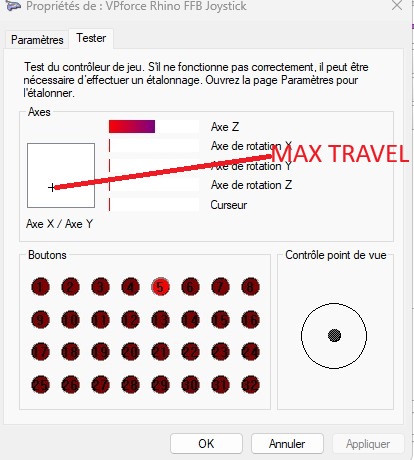
Rhino X/Y axes are working in Windows game controller. Rhino auto calibration has been done without throw limiter (installed after calibration), as documented in assembly Ref manual
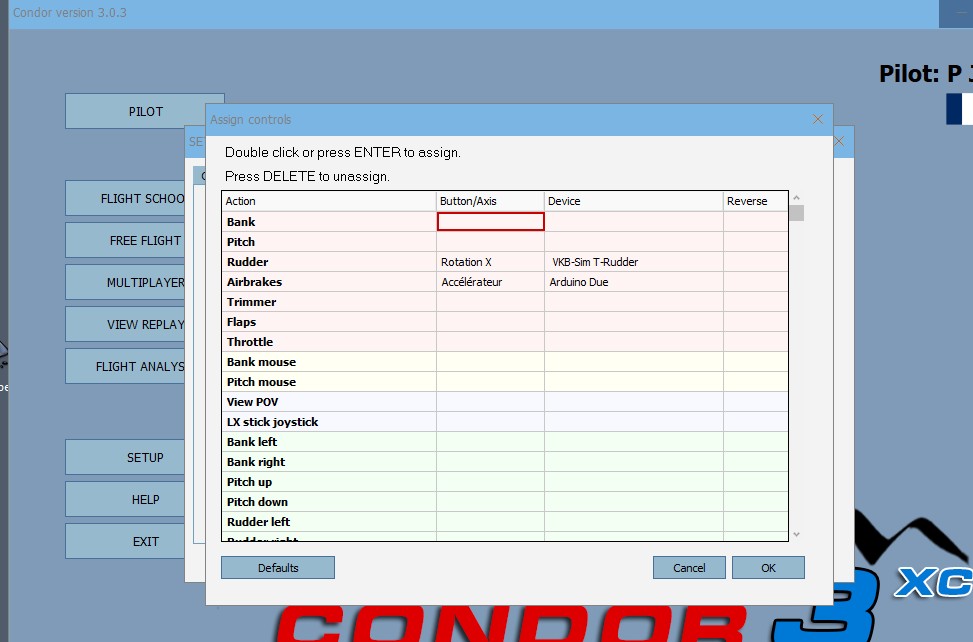
Rhino X and Y axis cannot be selected in Condor3 simulator.
After Windows game controller calibration (X/Y now able to reach Windows game controller corners), Rhino X and Y axis can be selected in Condor3.
Manual 2.2.3 throw limiter adapters : "Recalibrate the controller for the new throw ranges."
Does it mean Rhino auto calibration followed by Windows game controller calibration or just Windows game controller calibration ?
Per Walmis from another thread: “VP configurator currently deletes any calibration of the axes it finds in the registry, to avoid undefined behaviour with FFB…”
So the windows calibration shouldn’t matter. The reason it isn’t reaching the corners is because you are calibrating in VP software before you install the limiter. I know the manual says to calibrate prior to limiter install but try doing the calibration in the VP software with the limiter installed and then try condor again.
With limiter installed and calibration done in VP software the windows controller should see the full corners. But the windows controller shouldn’t need any calibration.
Hey guys, I noticed the covers for the cogs aren't sticking too well to the base - we had a lot of cold weather here recently and I suspect that cauesd the glue to weaken. Any ideas on how I can secure them better?
Hey stupid question: trying to mark the motor's center of rotation by setting endpoints to 0 and 4096 and turning on the spring... but it's displaying an X value of 0048 with the spring on...shouldn't it be 2048?
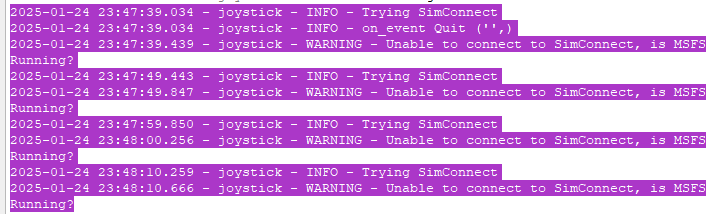
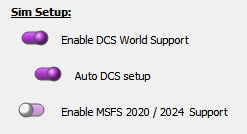
Walmis, I'm onto something for the motor disconnect/timeout failure that occurs so often to some users incl. myself while flying DCS: Most likely its TelemFFB looking for Microsoft Flightsimulator and trying to connect to SimConnect!!