
 F
FHi, is this also the channel for calls?
FI am trying to find out if I am missing information.
I am building a realtime app for video interactivity.
I need to scale webrtc video and data channels
It appears both calls and streams can do one to many whip in whep out.
I am missing information if i can add a rtc datachannel containing important metadata as rtc messages.
It seems with calls it is possible but not in streams.
What am I missing?
I am building a realtime app for video interactivity.
I need to scale webrtc video and data channels
It appears both calls and streams can do one to many whip in whep out.
I am missing information if i can add a rtc datachannel containing important metadata as rtc messages.
It seems with calls it is possible but not in streams.
What am I missing?
Fdo I see it right that streams is more of a transcoding + delivery service for traditional web streaming while calls is exclusively for low latency chat applications (like mine) and does not include server side transcoding is the main difference?

 I
ICorrect. Calls is just transport between clients (who handle encoding/decoding themselves). It relays normal WebRTC connections that are often used by calling platforms. Stream is more of an upload + transcode + playback-on-demand service.
FOk thank you
 J
JHey, we are using Streams mostly for WebRTC streaming for several months now, and since last Friday notifications are no longer working for live_input.connected, live_input.disconnected and live_input.errored. Neither webhooks, nor email notifications. The stream itself is working, correctly shown as online and can be viewed. But no notification. Anybody has an idea what's going on?
 R
RHello everyone! We're building ecommerce app for our clients and we need to integrate webrtc for the live stream. We have integrated Cloudflare live stream feature but the delay is more than 50 seconds. Could you please let me get the BETA account?
 A
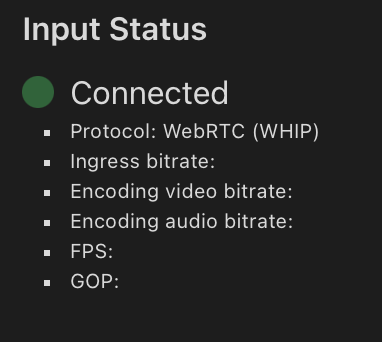
AHi, I am using webrtc for video streaming, via iOS and gstreamer on RPI, for a year everything worked without any problems, but after the update on March 13 I am facing that when I start the broadcast it shows me the status connected but without any metrics and the broadcast can be viewed in 1 out of 20 cases, in the documentation I didn't notice any changes, I don't understand what the problem is, the implementation on the two devices is different and worked without any problems.
Aalso when i stop stream i am still connected, before status was changing immediately
 F
F@Isaac McFadyen is this the right place to ask calls related questions?
 1
1There's a #calls channel
1?pings
 S
SPlease do not ping community members for non-moderation reasons. Doing so will not solve your issue faster and will make people less likely to want to help you.
FI must be blind thank you!
1Are there any plans to allow deeper, more fine tuned control and access to the OTFE platform in the future, especially from within Workers directly?
 A
Ai need to create two videos from one based on the people in the video. I know cloudinary has things like this https://cloudinary.com/documentation/video_resizing_and_cropping#auto_cropping_videos_to_focus_on_a_specified_object
Is there a way through an api to do this in cloudinary stream?
Is there a way through an api to do this in cloudinary stream?
Learn how to use different resize and crop modes together with various gravity options to transform videos dynamically.
 1
1You can crop videos from a source video here: https://developers.cloudflare.com/stream/transform-videos/
Its not an auto-crop, but you could combine with Workers AI maybe to build the functionality you're looking for
Its not an auto-crop, but you could combine with Workers AI maybe to build the functionality you're looking for
 A
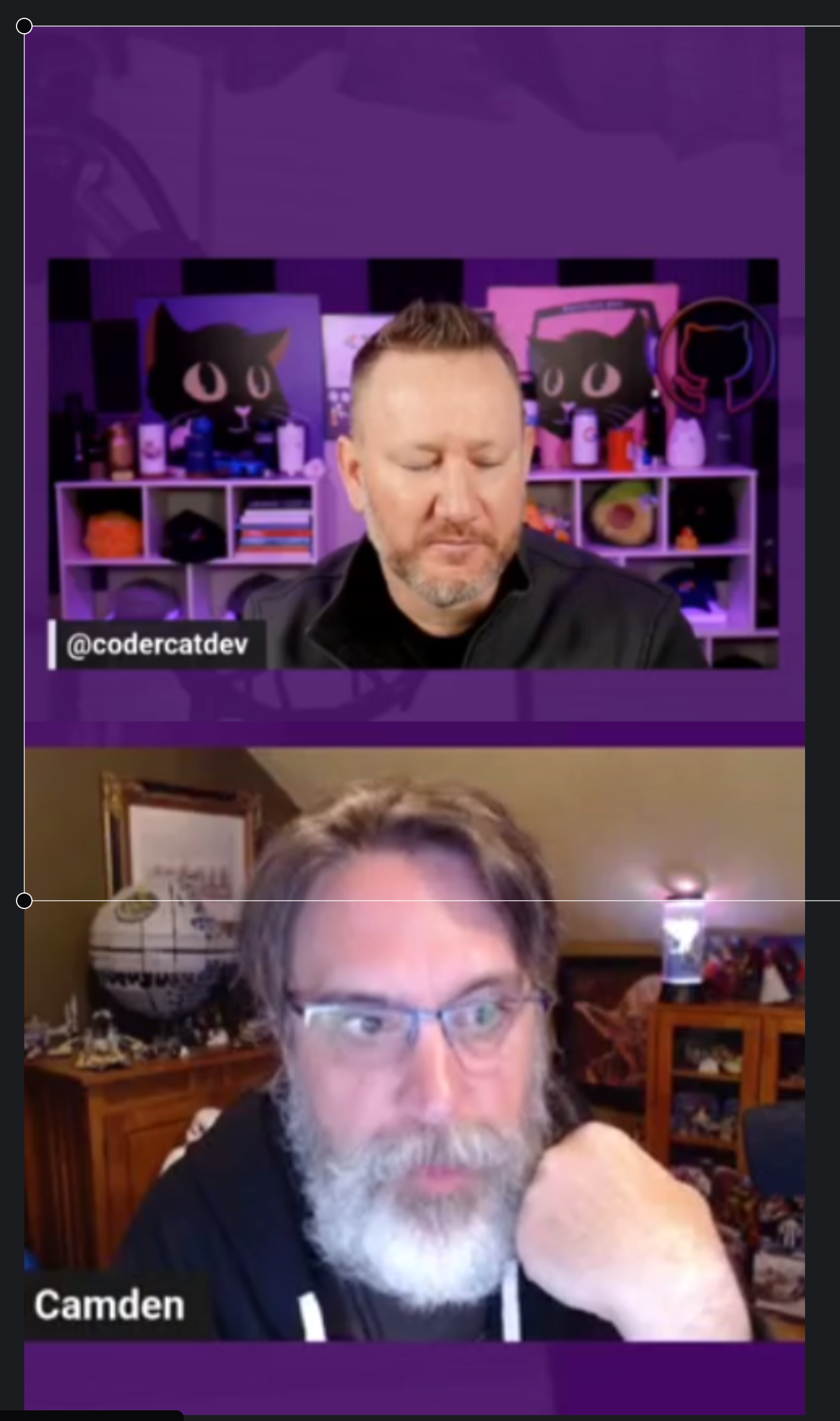
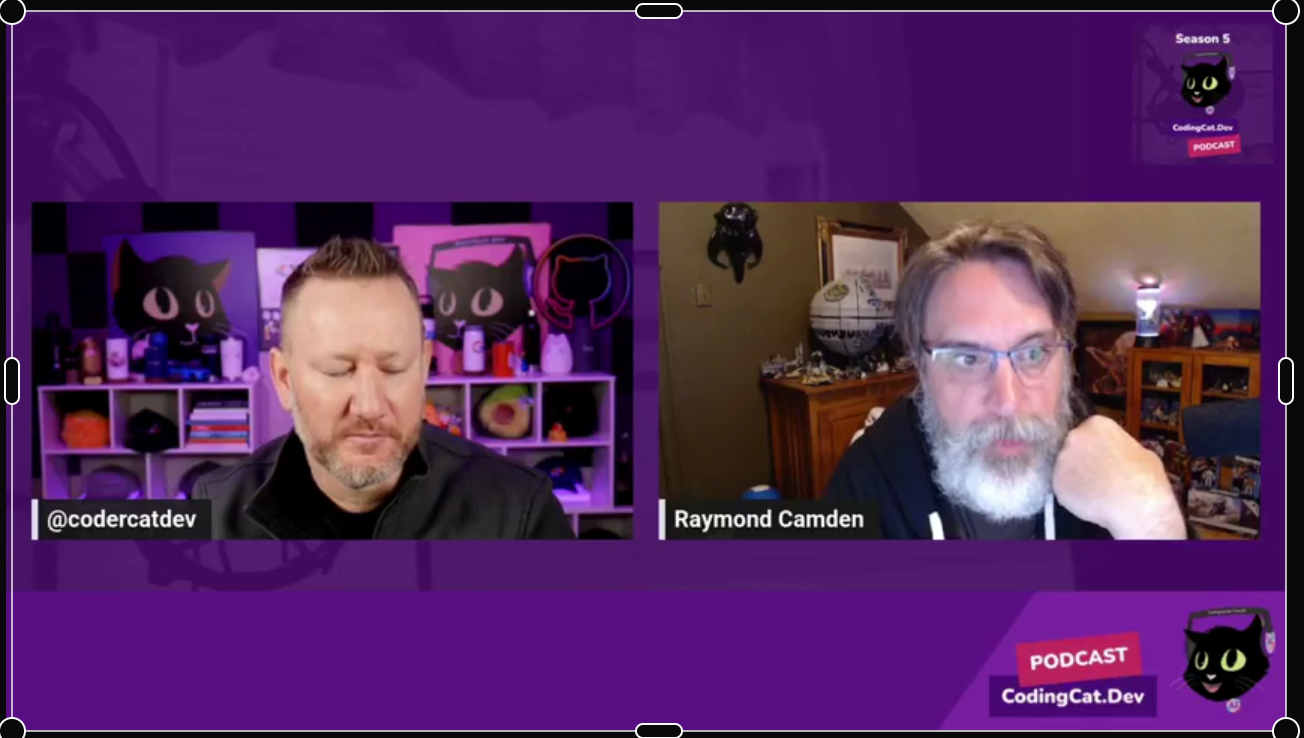
AI believe this is for modifying an external video sitting in a R2 bucket or other available URL. I am really looking to manipulate the video already loaded to Stream so that I can split a two talking heads video to a have layers like in Opus Pro.
Maybe I could run through cloudinary or at least take a frame and send it to an image service to find the relevant faces then use Stream to crop?
It would be even more ideal to be able to do this via crop and not just allow for times
https://developers.cloudflare.com/api/resources/stream/subresources/clip/methods/create/
Anyone know where to submit feature requests?
Maybe I could run through cloudinary or at least take a frame and send it to an image service to find the relevant faces then use Stream to crop?
It would be even more ideal to be able to do this via crop and not just allow for times
https://developers.cloudflare.com/api/resources/stream/subresources/clip/methods/create/
Anyone know where to submit feature requests?
Interact with Cloudflare's products and services via the Cloudflare API
1There's #workers-and-pages-feature-suggestions , but keep in mind the Media Transformations feature is new and being worked on actively. A proper crop mode is something that I hope would be available at some point. I also like your point of being able to transform videos diectly on Stream, adding the Media Transform options to the Stream clipping feature would be great
 H
HHello,
I would like to know about stream pricing. I have an app and want to store 100+ videos on Cloudflare, each with an average duration of 30 seconds. I also want to play these videos within my app.
Can I get HLS (m3u8) links, and what would be the price for 3,000 daily active users?
I would like to know about stream pricing. I have an app and want to store 100+ videos on Cloudflare, each with an average duration of 30 seconds. I also want to play these videos within my app.
Can I get HLS (m3u8) links, and what would be the price for 3,000 daily active users?
1I have answered the first one previously. Yes.
Pricing will depend on how much each user watches. Its $1 per 1000 mins watched. Storage is $5 per 1000 mins stored
Pricing will depend on how much each user watches. Its $1 per 1000 mins watched. Storage is $5 per 1000 mins stored
HThanks for your answer. I need to be cleared in another service. For my website I want to store 30k images and want to just get these images to show in my website.
What will be the pricing? I'm not sure what is transformation mean.
What will be the pricing? I'm not sure what is transformation mean.
1WIll you just be storing and serving the images as is? Or will you use the transform options to modify the image before it is served? Transformation is only relevant for images that are transformed in some way before being served
1HI'll just store and serve
 D
D
 V
VI found this 404 also. If you search google for WHIP / WHEP, you'll find some repos with the same example code in it from some other repos. Pretty standard ICE / peer connection stuff.
VCloudflare has to update their docs. Certainly a couple stale resources in there
1I'd love a post-paid storage option for Stream, we post 50+ 3 hour videos a week and it can be annoying having to watch the minutes
 M
MI'm having an issue where I've uploaded an additional audio track to a video and this completes fine and the audio track is visible and selectable in the player, however when selecting the alternate audio track the video will only play for about 32 seconds before pausing and showing the loading spinner. Attempting to skip later into the video also has the never-ending spinner on the video.
Switching back to the original audio track makes the video immediately resume playing with no issues.
The additional track is just to correct a sync issue that occurred in the live stream input so the MP3 (and MP4 audio, as I've tried both formats) is just trimmed by approximately a second at the start so the audio/video line up properly.
Playing the audio only track locally (both MP3 and MP4 audio) work fine with no glitches.
Switching back to the original audio track makes the video immediately resume playing with no issues.
The additional track is just to correct a sync issue that occurred in the live stream input so the MP3 (and MP4 audio, as I've tried both formats) is just trimmed by approximately a second at the start so the audio/video line up properly.
Playing the audio only track locally (both MP3 and MP4 audio) work fine with no glitches.
1Is the new audio the same length as the original, just padded at the start/end with nothing?
MThe new audio track is deliberately 1-second (actually about 900ms) shorter than the original (about 27-minutes in total) based on the Stream documentation that says it will add silence to the end to pad the shorter track…this is so the audio syncs up right (this was due to a problem with the original live input…not due to stream).
I haven’t tried to pad the audio myself with silence at the end so it’s exactly the same length.
I haven’t tried to pad the audio myself with silence at the end so it’s exactly the same length.
1Maybe try that and see what happens just out of curiosity. Weird case though
MYeah I might give that a go
1I would also love a 'Replace source file' option which would help you in this case too
1hint hint Stream PM
MYep. I can easily shift the audio locally and create a new video…
In this case it’s not a huge deal if I was to do this and upload the edited video via tus…but I was just hoping to avoid that
In this case it’s not a huge deal if I was to do this and upload the edited video via tus…but I was just hoping to avoid that
1That was more a general suggestion for CF honestly
MJust a FYI that padding the audio track with silence so it’s the exact same length as the original didn’t help unfortunately.
Just wondering if there is some specific codec requirements for uploading an alternate audio track.
I’m going to retry by uploading the audio track to an R2 bucket and providing the URL in case that changes the behaviour, as so far I’ve been POST-ing the mp3 via curl
Just wondering if there is some specific codec requirements for uploading an alternate audio track.
I’m going to retry by uploading the audio track to an R2 bucket and providing the URL in case that changes the behaviour, as so far I’ve been POST-ing the mp3 via curl
RNoob here. I am very confused with the Cloudflare Calls API. If my interpretation is correct, this is really just an enhanced SFU which simplifies the webrtc relay by only requiring clients to have 1 PC with the SFU. But a custom signaling server implementation is still required, acting as the intermediary, to manage and close tracks/sessions/renegotiations/etc... However, I am likely overlooking something here but the real value with this is for easy integration particularly for high-tenancy media sessions/streams? But given a hypothetical scenario where we are building a native webrtc application, would it not otherwise be cheaper to solution multi-tenancy using only STUN/Signaling (including multiple PC overlayed for each "participant") and then failover to Cloudflare TURN ($0.05/GB, same as Call API) if connection cannot be established? To me, the traditional approach + Cloudflare TURN for NAT/Firewall traversal is the cheapest design?
AWith the limitations I am running into with Stream outside of basic capabilities of serving videos does anyone have any recommendations outside of Cloudinary?
Basic Needs
Basic Needs
- Overlay layers
- Custom Captions
- AI reframe on faces
- Video Resizing from 16:9 to 9:16
- Clipping Original Videos
- Animation Layers
IThe main consideration there is that there are a large number of networks where NAT holepunching doesn't work or that disable UDP.
Apps like FaceTime actually use the fallback approach you described except the other way around. They generally start with relaying and then try direct P2P, and if that fails there's no interruption to the stream, it just remains relayed. Calls also has a (free) TURN server you can use to attempt P2P.
But also yeah, P2P doesn't work too well at scale, both because it's a lot of bandwidth and also varying network conditions. Past like... 4 people on a call it starts to be tricky.
Apps like FaceTime actually use the fallback approach you described except the other way around. They generally start with relaying and then try direct P2P, and if that fails there's no interruption to the stream, it just remains relayed. Calls also has a (free) TURN server you can use to attempt P2P.
But also yeah, P2P doesn't work too well at scale, both because it's a lot of bandwidth and also varying network conditions. Past like... 4 people on a call it starts to be tricky.
IIf you want to discuss further there's a dedicated Calls channel at #calls
 S
SA few questions I've had while trialing out the product...
Is it possible to use a custom domain for VOD playback with Stream? I can see there's an option for the ingest URL, but I don't seeing anything for assigning a domain for playback.
Is the maximum ingest bitrate a soft limit? I'm getting an error for videos with >200Mbps bitrates.
Also, how is the VOD file stored following ingest? Is there any information on the regional location where the original file will be stored after upload?
Is it possible to use a custom domain for VOD playback with Stream? I can see there's an option for the ingest URL, but I don't seeing anything for assigning a domain for playback.
Is the maximum ingest bitrate a soft limit? I'm getting an error for videos with >200Mbps bitrates.
Also, how is the VOD file stored following ingest? Is there any information on the regional location where the original file will be stored after upload?
1AWS Medialive will do some of these
 C
CHas anyone sent cloudflare stream requests through a separate domain from the official cloudflare one? I think we're having some corporate firewall issues blocking the cloudflare stream domain and whitelisting a domain is like a 6-month effort.
Edit - after further investigation, it's a corporate firewall blocking Cloudflare Stream since watching videos is not allowed at work, lol.
Edit - after further investigation, it's a corporate firewall blocking Cloudflare Stream since watching videos is not allowed at work, lol.
 K
KHey Guys im having an issue with my streaming side of cloudflare after 11hours 12min it stopped not sure why the encoder says its been going for longer but the stream link changed which is annoying any ideas ? i need to be able to stream for 3 day nonstop
 1
1Was stream recording/live DVR turned on? I think a single HLS manifest is limited to 7200 segments so maybe you reached that after 11 hours or so?
 M
Mhey, I cant find a page where I could manage by subscription level for Cloudflare Stream, increase my storage capacity, why is it so hidden? Anyone knows where to change it?