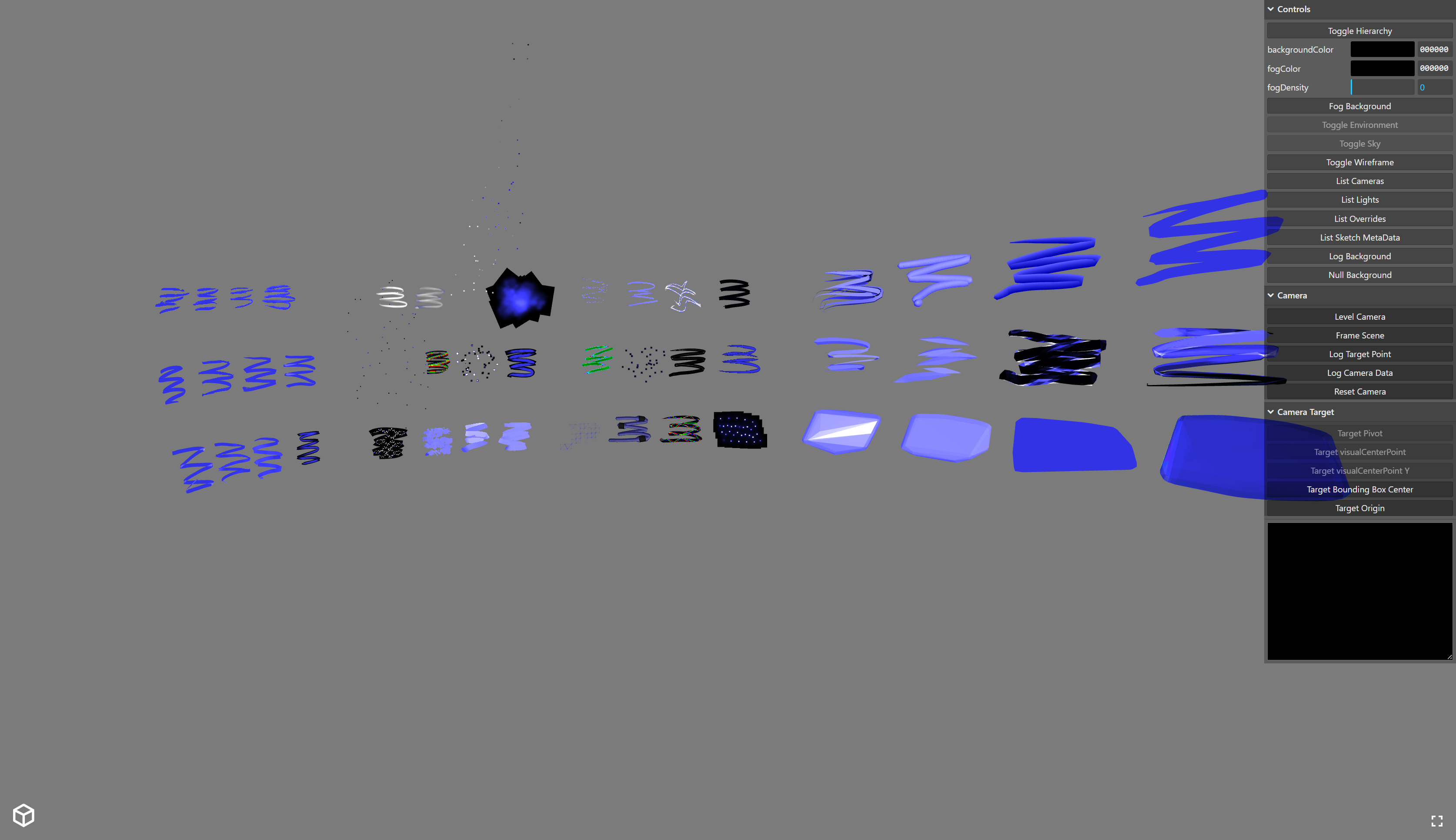
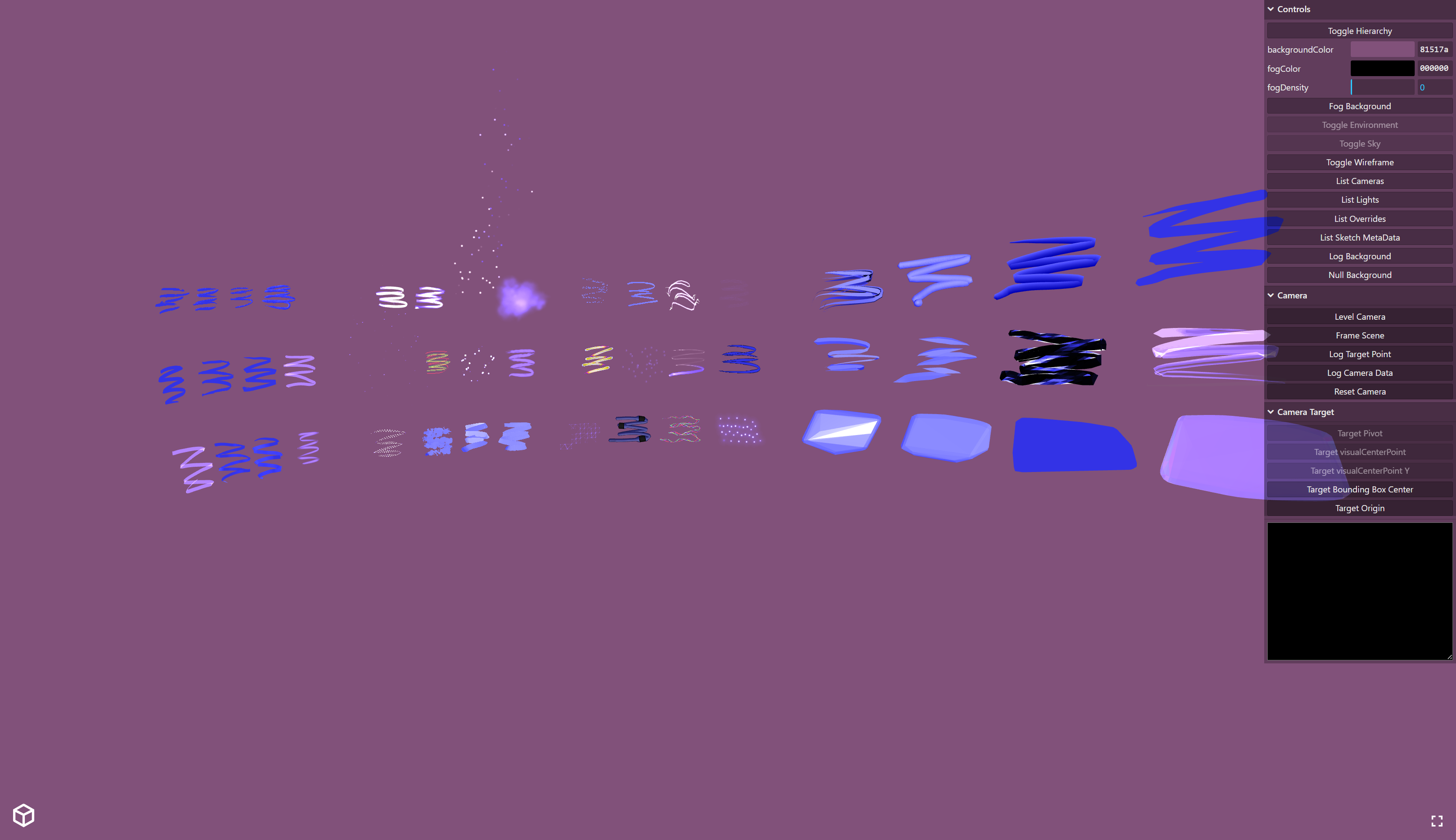
@andybak I did manage to work it out. However I did find that when trying to use a transparent background some of the shaders don't seem to like it. I tried tweaking my configuration maybe I was doing something wrong but idk. Maybe it's an issue with the shaders or a limitation of THREE.js ?
Yep - you were right. When I try the viewer with Open Brush stuff in AR mode I get the same. Our shaders don't work properly with AR passthrough.
@Hyper - they seem to work fine with other elements in the scene. It's just AR passthrough that doesn't work. Can you explain what you mean by " transparent background"? Transparent in relation to what? Are you overlaying a three.js on top of other elements in the page? Or are you overlaying various parts of a three.js scene?
Yes overlaying the three.js on top of other elements in the page, specifically a video feed from a camera. Setting the background to null in the scene initialization. Half the shaders don’t seem to handle the transparency properly in that situation.
I hadn't spotted this because usually Open Brush scenes have a skybox that hides passthrough. We'll take a look but it might be a couple of weeks away.
That’s alright. I worked around it by having my friend change some of her models. Then it turned out the deadline has been extended a month so I thought I’d ask in the off chance the issue might be resolved and we could use her initial designs.
It's something I want to fix pretty soon because it affects viewing in AR. But i'm away next week so I won't be able to take a look until the week after.
I have a project where I needed to create a model in VR. But instead of doing it in VR, is there anyway I could create 3D models on my desktop and import into open blocks vr.
We should probably move this discussion to #open-blocks-chat . Can you DM me an example model so I can try something? And are you using blocks via PCVR or standalone?