Hello friends. I can not seem to auth with the browser rendering api, I am trying to CURL on my local system. I've checked the token's permissions, Browser Rendering - Edit is set. I checked the token itself. But I keep getting a 401 {"result":null,"success":false,"errors":[{"code":10000,"message":"Authentication error"}],"messages":[]}%
Do these api calls only work from workers running on cloudflares internal network? Or is my request malformed? Thanks a ton for any help
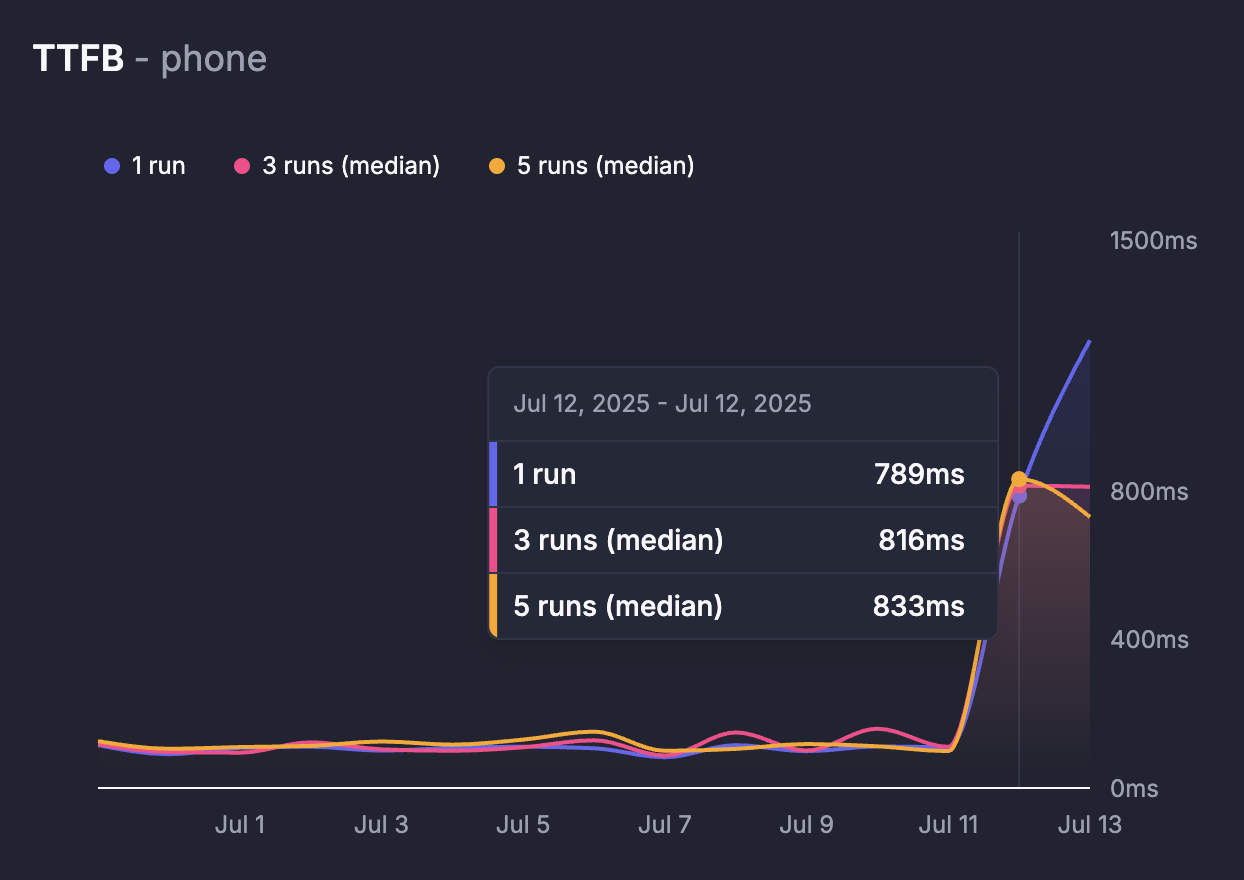
(could be unrelated but) we're also seeing an odd spike in some timings collected by Browser Rendering (Puppeteer) since the 12th of July early morning UTC
Hi, I see there has been talk about WebGL before. It's a bit of a make-or-break point for me, and the fact that it's not supported is probably going to drive me to other browser rendering products. Wondered if there's any plans on this front? It was also frustrating to find this out in practice, since it doesn't appear to be mentioned in any docs.
It turns out we had to add another “wait for idle network” call during the print flow which wasn’t needed before, weirdly enough. Not sure what made this change needed, we hadnt changed anything for over a week when the behaviour change happened.
thanks! that makes sense, I haven't checked my logs but there must have been a change of infrastructure/location/etc that could make certain things take longer/timeout for example
Hey! I'm using the Cloudflare PDF REST API to render a URL to PDF and weirdly enough it seems that for a reason I can't find, the only image on the page does not render in the PDF. When using the native puppeteer client from localhost I have no issues rendering the PDF with the image. I'd assume that either Cloudflare does not load the image for some reason or the remote host (Netlify) does block the request from Cloudflare, although the request for the actual HTML file is just fetch correctly by Cloudflare. Are there any known issues regarding image loading or any related topics? Thanks a lot!

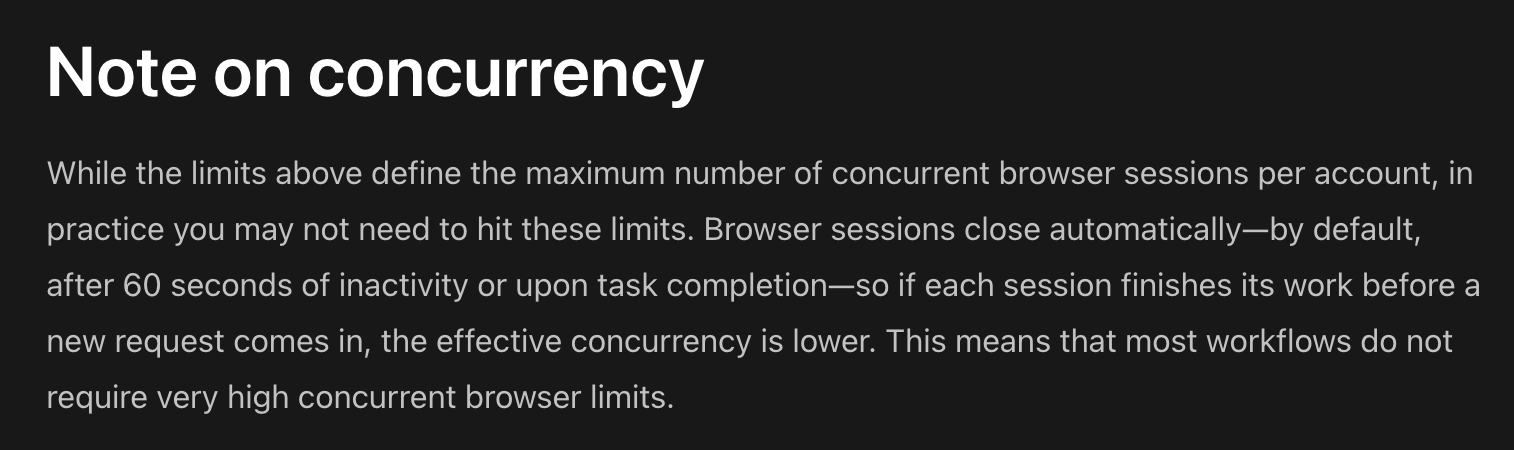
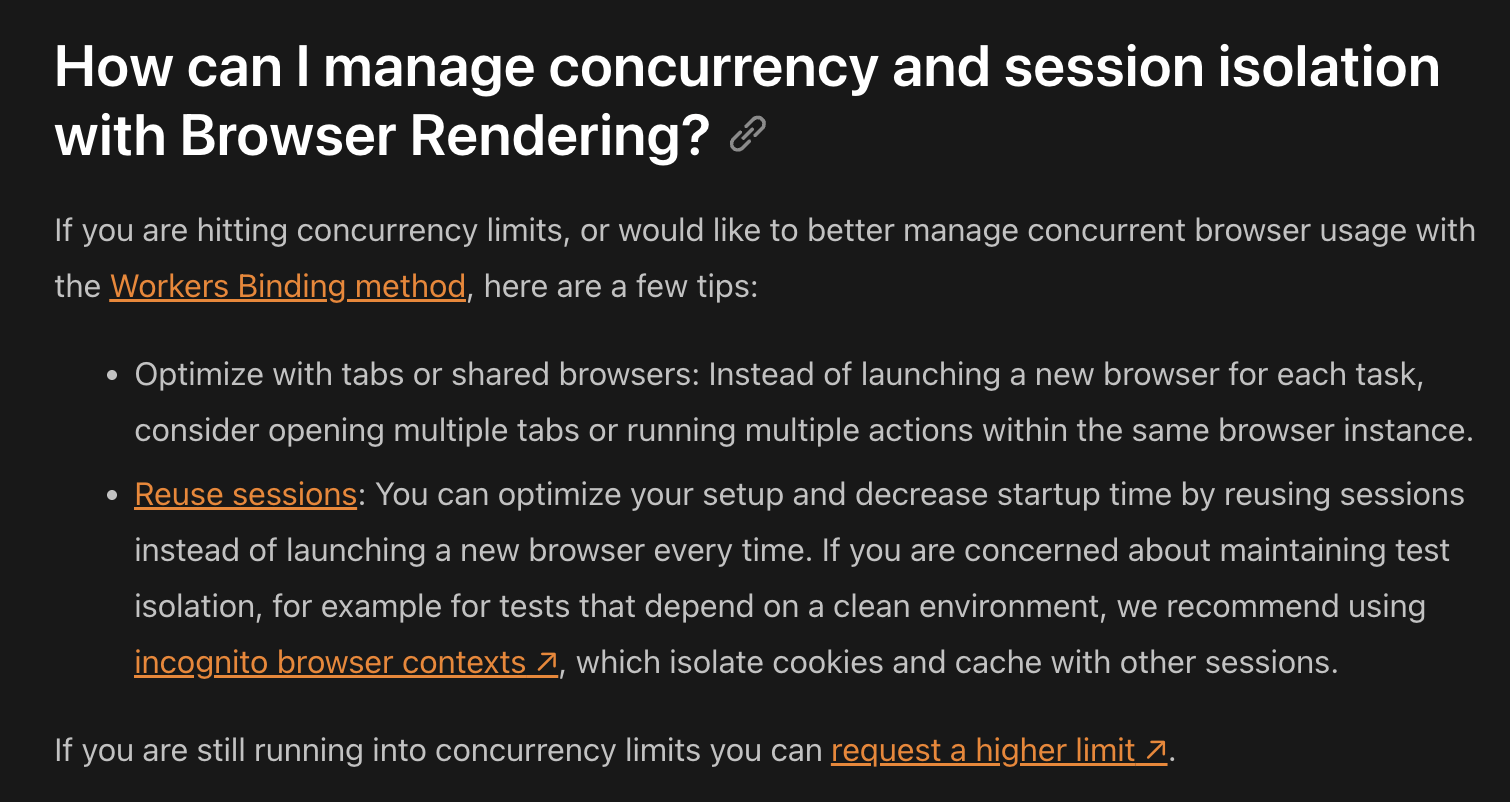
what i wonder more about is if theres a built in way to limit concurrency? like a queue or do i need to keep track of this myself? im not expecting to hit 10+ concurrent ones but still interesting to know
valid concern - let me try to explain. we're not trying to ding you if you go over to 11 for one day. we calculate the average over the month, not the max you ever hit during the month
Hi! I had a quick question. We are looking into using browser rendering for a feature we are currently developing. One worry we have is that 10 concurrent browser sessions wouldn't be enough. I realize that we could fill out the form to increase that limit, but we aren't sure what the adoption of the feature would be like, so we don't currently have a concrete number. I just wanted to make sure we could increase that limit to something like 50-100, which is what I'm expecting our usage to be around.
looking at some data...typically 2-6 seconds for screenshot. We had an issue last few days where loading has been slow which might be impacting you. Can you try again today? there was a another change implemented earlier today
Below you will find answers to our most commonly asked questions. If you cannot find the answer you are looking for, refer to the Discord to explore additional resources.
So with the new pricing announcement, we can go above 10 concurrent sessions but have to pay for each concurrent session above 10? I would need to run 20+ concurrently for 16-20 hours a month so not sure how that averages out with new pricing calcs
I am a Cloudflare user on the free plan, but unfortunately, I am currently unable to access my account due to being locked out by the two-factor authentication (2FA) process. I have lost access to my 2FA device and do not have backup codes available.
Because of this, I am stuck on the 2FA verification screen and cannot log in to request account recovery via the dashboard.
Could you please assist me in recovering access to my account? I am happy to provide any necessary verification details to prove account ownership.
Thank you very much for your help and understanding
To contact Cloudflare Support about an issue, please visit the Support Portal and fill in the form on the portal. After submission, you will receive confirmation over email.
Some issues, such as Account or Billing related issues, cannot be solved by the community. Any plan level (including Free plans) can open tickets for Account, Billing or Registrar ticket categories. Make sure to select the correct category to ensure it goes to the right place. For more information on the methods by which you can contact Support for your plan level, see Contacting Cloudflare Support - Cloudflare Docs
This feels like a CORS issue. Is there something I need to be doing to allow the loading of the map? When I log network requests the tiles.censusdots.com requests 200
I was testing out some pages, and saw some missing elements. Apparently, it's some weird interaction with mix-blend-mode and position sticky. Here is what it should look like vs what browser rendering captures:
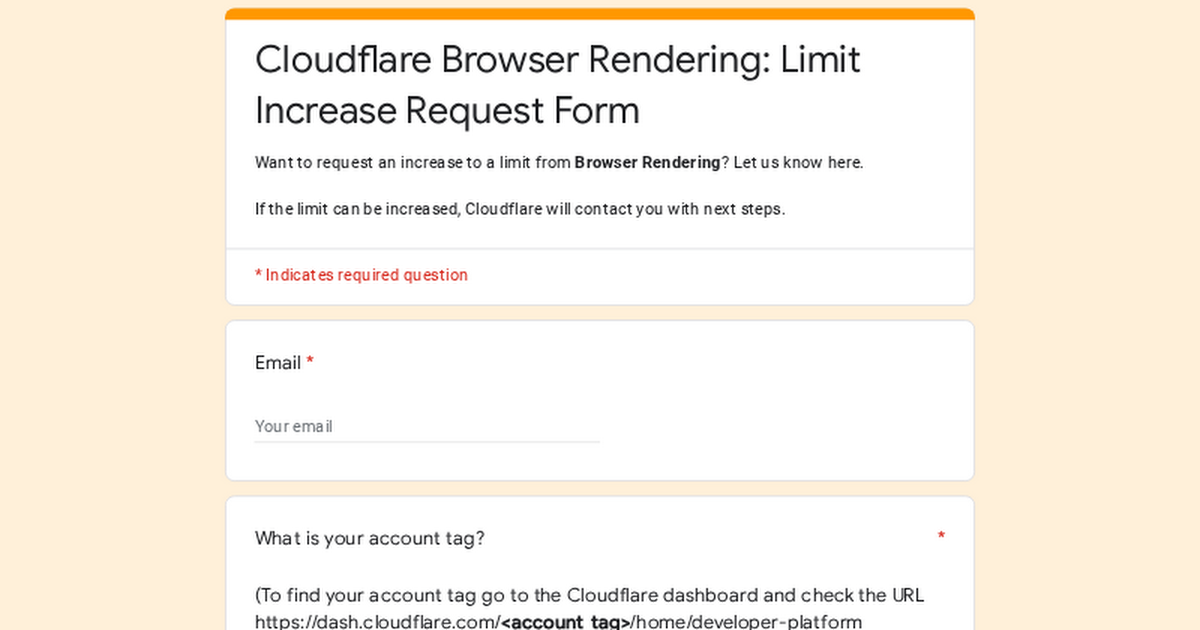
if you're running into limits while on paid plan you can request a limit increase here. https://forms.gle/CdueDKvb26mTaepa9 we'll evaluate on a case by case basis
hi team (@Rui Figueira ?) i notice https://github.com/cloudflare/playwright hasn't been released for a few months now, but lots of stuff has made it in. what's the plan around this?
i'm also seeing playwright-mcp is pointing to 1.53.0-alpha-1745357020000 and not the cloudflare fork.. how does that work?