

The official server for tModLoader, an API to mod Terraria. Collaborate and find the latest TML news!
171,860Members
View on DiscordResources
Similar Threads
Was this page helpful?
 R
R
 AAR
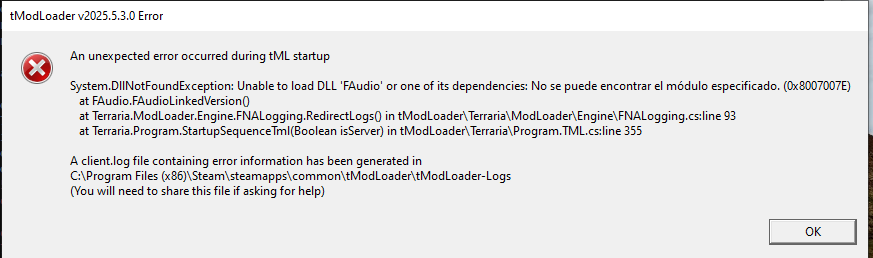
AAROpen up launch.log found in the logs folder. If the word "FAudio" shows up in your log, you might want to try the IAudioClient-workaround.zip
If after applying the workaround, you see "Unable to load DLL 'FAudio' or one of its dependencies: The specified module could not be found. (0x8007007E)", then one possibility is you didn't follow the instructions to replace all of the files with the files from the .zip and only replaced the FAudio.dll file. All the files need to be copied over.
AA
