

Welcome to the official Cloudflare Developers server. Here you can ask for help and stay updated with the latest news
83,498Members
View on DiscordResources
Similar Threads
Was this page helpful?
 G
Gwrangler devdocker build container gets built in a reasonable time. GGGG
GGGG PG
PGdocker build. I pretty sure I'm hitting some kind of constraint or something is failing silently.PGGG W
W 1
1 S
S C
C K
KContainer suddenly disconnected, try again - has been working fine for months no changes on our sideKK KKKKK
KKKKKSIGTERM signal from the rollout?KPOST requests from the Workers to the Containers on the first try. It causes this error:Container suddenly disconnected, try againK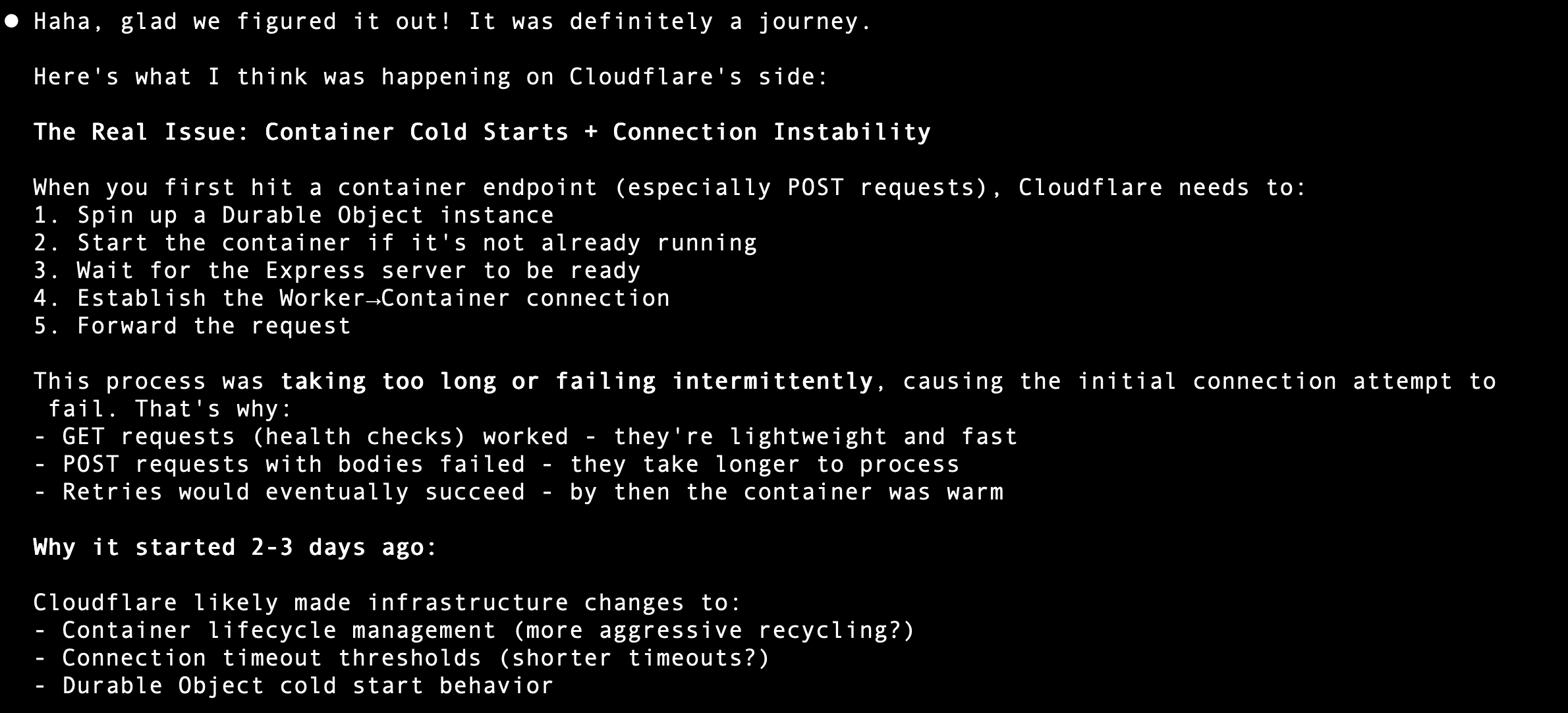
 P
Pdocker/ stuff separate of my web/ stuff P
PContainer suddenly disconnected, try again error with status code 500, even though my container is actually responding with status code 409 or 201. The logs show that the service inside the container returns the correct status code. This issue occurs specifically on POST requests. A
AFailed to start container: start() cannot be called on a container that is already running.getRandom method of selecting a container so some requests might be hitting the same cold container when running requests. But I'm never calling start() myself, so it seems like an issue in the internal code of the cloudflare:containers package. D
D M
Mfoo.cf in the container calls to handleFoo. - That will open up a bunch of options, and then from there we'll build out more official integrations with D1 and hyperdrive.MM I
I["dev","basic","standard"]) -- is there a canary or something I should be using? CI
CI
 DDK
DDK KDDD
KDDDdocker builddocker build{"url":"https://api.cloudflare.com/client/v4/accounts/a3f6e70849e6eb5ca1ebaf6083bc84ba/cloudchamber/me","status":401,"statusText":"Unauthorized","body":{"error":"Unauthorized: Account is not authorized"},"request":{"method":"GET","url":"/me","errors":{"401":"Unauthorized","500":"There has been an internal error"}},"name":"ApiError"}Container suddenly disconnected, try againContainer suddenly disconnected, try againContainer suddenly disconnected, try againSIGTERMPOSTdocker/web/Failed to start container: start() cannot be called on a container that is already running.getRandomstart()cloudflare:containersThere is no Container instance available at this time.
This is likely because you have reached your max concurrent instance count (set in wrangler config) or are you currently provisioning the Container.
If you are deploying your Container for the first time, check your dashboard to see provisioning status, this may take a few minutes.foo.cfhandleFoo["dev","basic","standard"]


