Please do not ping community members for non-moderation reasons. Doing so will not solve your issue faster and will make people less likely to want to help you.
Are containers billed off of the maximum allocated resources of the instance type, or the actual used resources of the container? i.e. if I have a standard-4 instance, will I always be billed for 12 GiB of memory and 20GB of storage, or just the memory and storage the application is using
The allocated resources of the instance type, not dependent on what the application actually uses within the container, the only variability is the egress your application uses.
Has anyone tested the performance of ffmpeg/video encoding on Containers, especially with the newer instance types? Have some use cases I could move off EC2 if this worked well (GPU access would be sick too, but I imagine this isn't on the short-medium term timeline)
Did anyone tried hosting game servers on containers? Would be a good use for my business, If containers can be hosted on all edge networks in cloudflare then i would have to pay significantly less for bandwidth on containers than dealing with hosting resellers. The games i host would have 60gb+ images, Not sure if i can host that large container that can spin up fast and are there charges for hosting that large image?
this is still very much an issue, in fact even more so now - i have no idea what to do with these internal cloudflare errors, does anybody know of any way to shed some light on these?
Is it possible to accurately record the duration of a container lifecycle for containers I'm running on behalf of my users? More specifically these containers are serving long-lived requests & am currently hooking into onStart/onStop as well as a rudimentary "heartbeat"
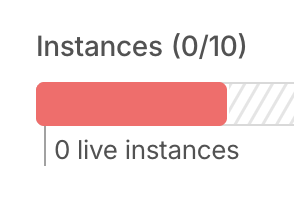
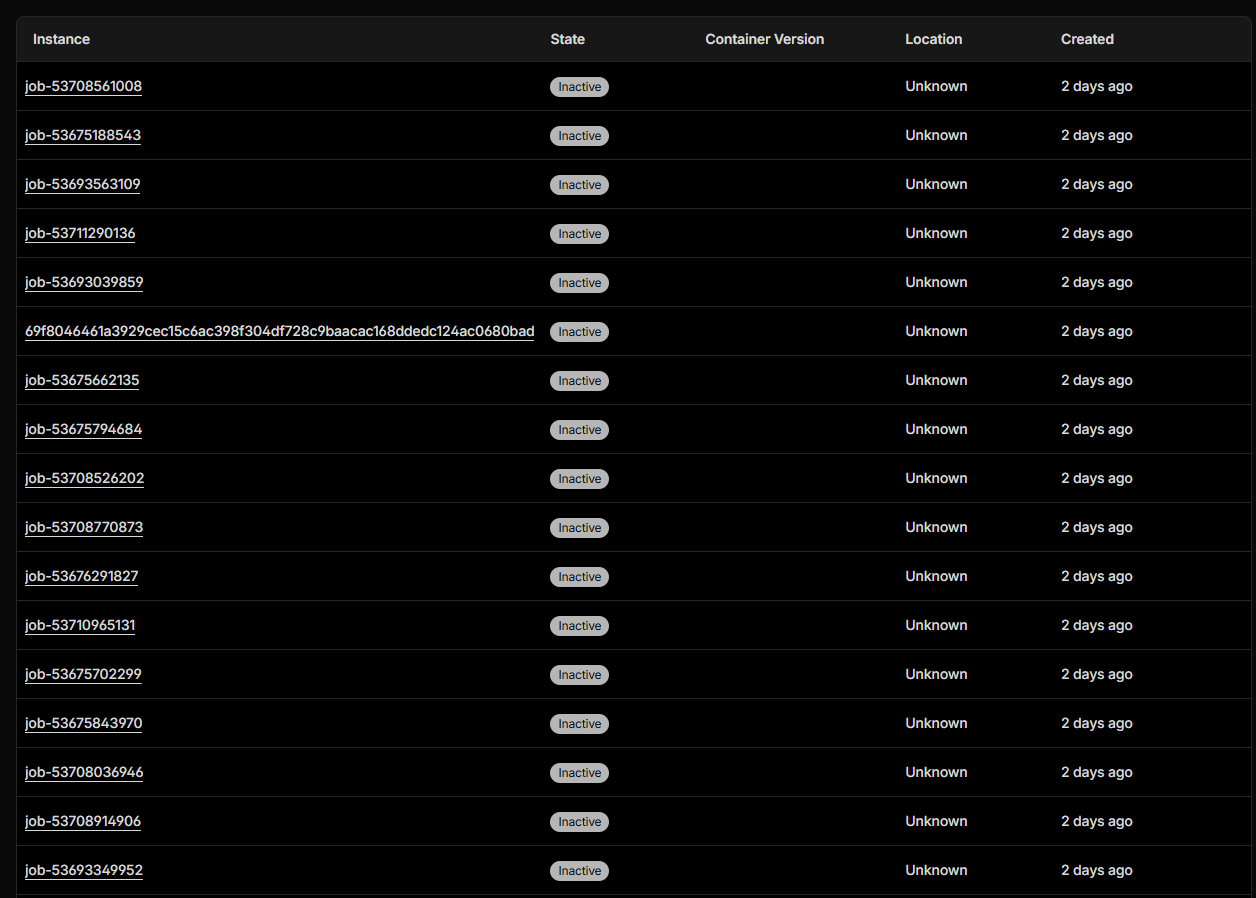
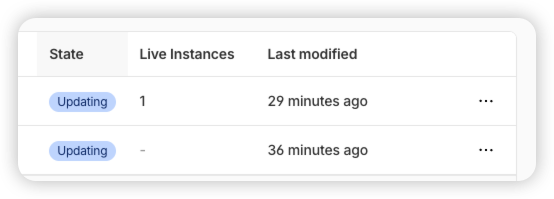
How can I delete or set a TTL to auto delete a container instance? My use case is running batch jobs in containers (one time) then I will never use that instance again, they are just piling up in my dashboard and I can see many of them using ~~wrangler containers images list~~~~wrangler containers images list~~ I just realized this is the WRONG command, that is for 'images' , not 'instances' - I want to delete instances, not images.

Please do not ping community members for non-moderation reasons. Doing so will not solve your issue faster and will make people less likely to want to help you.
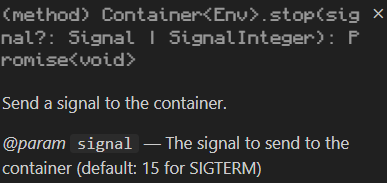
I don't want to sleep, because this is a one time job, it's ephemeral, so I literally want it deleted after use. Currently researching if there is an event I can capture to run a delete workflow - or something like that.
I want to remove/delete the instance, because I've read there is a 50 GB space limit in Beta, so these dead instances are just taking up space. They will literally NEVER be run again, so it's just a waste of space.
hey! we are currently using google cloud run jobs but would like to migrate over to cloudflare containers at some point. at cloud run jobs we have our containers set to 512mb memory and 2gb memory which is enough for the workload. cloudflare containers does not have these memory limits at the moment, we would need to go for 1gb memory and 4gb memory if we migrate over to cloudflare containers, which would be more memory than necessary. are there plans to introduce the memory options 512mb and 2gb?
Maybe I need to delete the durable object instance that is associated with the container instance to delete it? Can someone from Cloudflare please provide guidance here
I was under the impression that when the container says inactive that means its resources are no longer being held onto? In the same way a DO gets evicted